
DOWNLOAD THE APP


Customer Services
Copyright © 2025 Desertcart Holdings Limited
DOWNLOAD THE APP


🚀 Elevate your Raspberry Pi projects with pro-level imaging power!
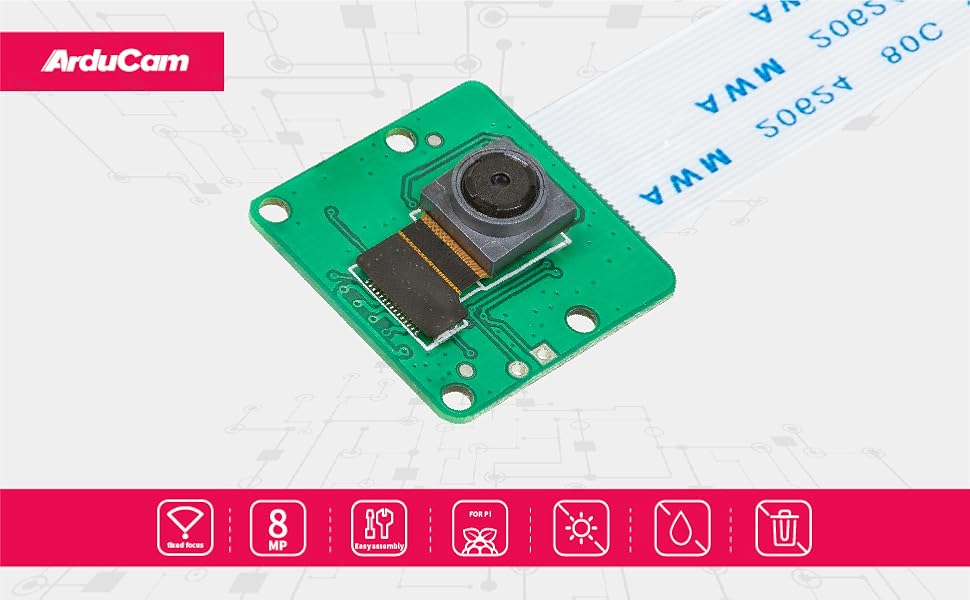
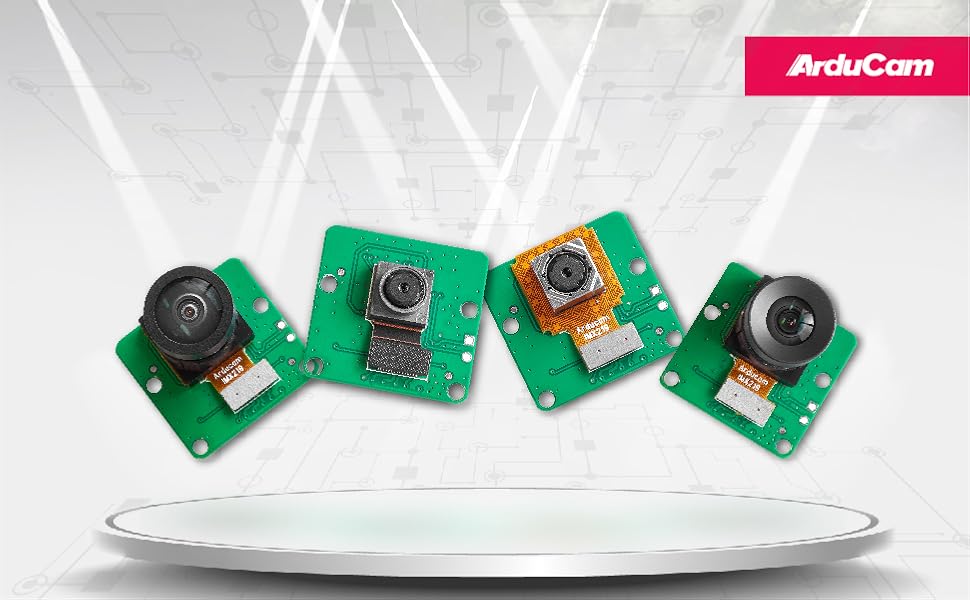
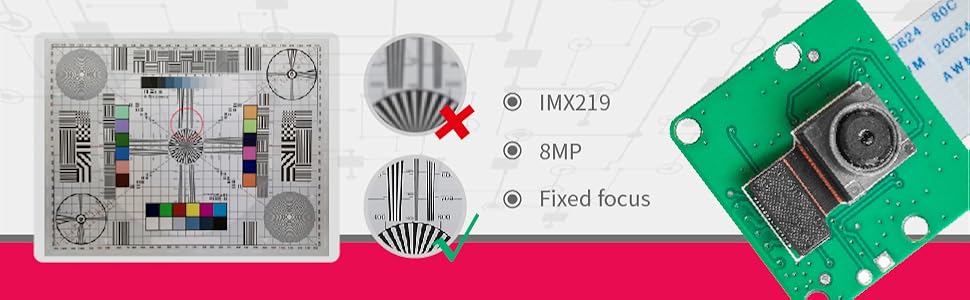
The Arducam Raspberry Pi Camera Module features an 8MP Sony IMX219 sensor delivering high-resolution 3280x2464 still images and 1080p video. Designed for broad compatibility across Raspberry Pi models including Pi 5, 4, 3, and Zero series, it comes with multiple flexible cables for easy installation. Optimized for the latest Raspberry Pi OS Bullseye and libcamera, this camera is ideal for both beginners and advanced users aiming to enhance projects like time-lapse photography, security monitoring, and 3D printer observation.



| ASIN | B09V576TFN |
| Batteries Included | No |
| Batteries Required | No |
| Brand | Arducam |
| Color Name | IMX219 |
| Compatible Devices | printer |
| Connectivity Technology | VGA |
| Customer Reviews | 3.8 3.8 out of 5 stars (44) |
| Date First Available | October 26, 2024 |
| Included Components | IMX219 Raspberry Pi Camera Module, 15cm Original FFC Cable, 15cm FPC Cable for pi zero & w, 15cm 15-22pin FPC Cable for Raspberry Pi 3 and 4; 15cm 22-22pin FPC Cable for Raspberry Pi 5, Zero 2W |
| Item Model Number | B0390 |
| Item model number | B0390 |
| Manufacturer | Arducam |
| Operating System | Raspberry Pi OS |
| Package Dimensions | 5.31 x 4.19 x 1.9 cm; 9 g |
| Size | IMX219 |
| Total Usb Ports | 4 |
| Wireless Comm Standard | Infrared |
A**S
I don't know what this is or what it does. But it was in my brother's wish list and I got it for him for a gift. He's some sort of engineer. Like... 2 engineers or something. Anyways, he loves it. If you are a techy or know a techy, you or they might like this. I asked him what it did and he explained it to me... but I'm an art major And I'm still lost. But he loves it so yeah, it's pretty great.
P**L
These cameras do not work. I've tried every arrangement but they simply won't work. If I transfer the lens over to the PCB of a known working raspberry pi camera it works. PCB faulty.
D**.
Working
J**E
Great little camera, but I had to do a ton of research online. I installed it on a Pi 5, MIPI DSI 0. Not only had to monkey around with the /boot/firmware/config.txt a number of times, but also had to mess with a few different libraries/packages. It comes with two ribbon cables and on a Pi 5, the one you want is the narrow one on both ends. What irks me beyond reproach, is the fact that there is no standard for these camera manufacturers. Installing the ribbon goes one way for one, but the other way on another. And as far as the web goes, when trying to find out which way to insert the ribbon, you'll find it described both ways at a number of sites. It's quite frustrating. After a few tries, and tearing the hell out of the Pi 5 CSI socket, I finally got it to work. For this camera, the ribbon contacts go towards the ethernet port on a Pi 5, and the contacts go towards the back side of the camera.
J**K
Nice camera, pretty good value for the money. The camera takes nice pictures and works pretty seamlessly with the Pi (3B+ in my case). The ribbon cables are notoriously fickle for long distances, so if you plan on using a long cable look into an hdmi extender.
Trustpilot
2 weeks ago
2 weeks ago