
DOWNLOAD THE APP



Desert Online General Trading LLC
Warehouse # 7, 4th Street, Umm Ramool, Dubai, 30183, Dubai
DOWNLOAD THE APP
Desert Online General Trading LLC
Warehouse # 7, 4th Street, Umm Ramool, Dubai, 30183, Dubai


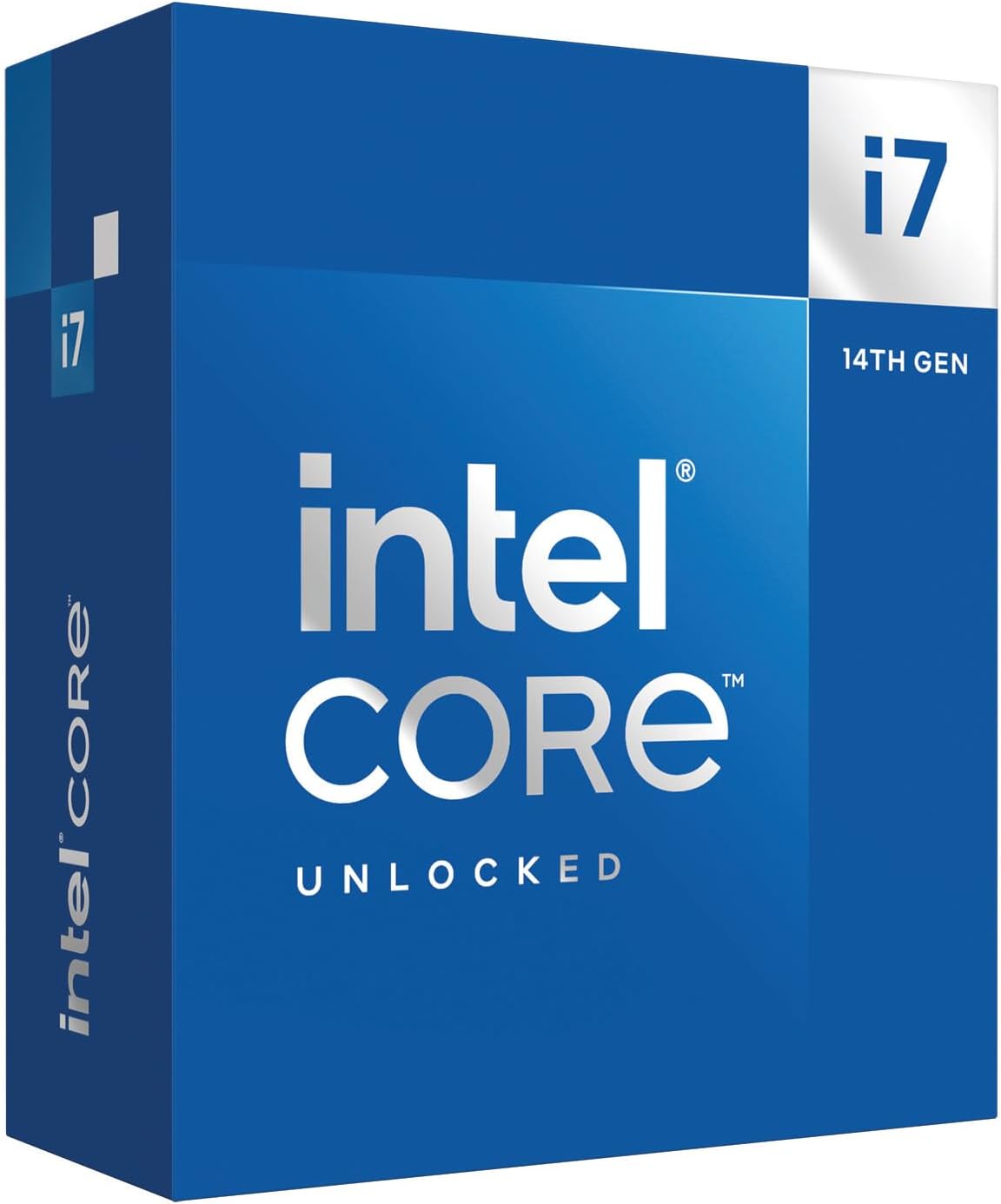


🚀 Power your productivity with the unlocked beast of 14th Gen Intel innovation!
The Intel 14th Gen Core i7-14700K is a high-performance unlocked CPU featuring 20 cores (8 performance + 12 efficiency), 28 threads, and a max turbo frequency of 5.6 GHz. It supports PCIe 5.0 for ultra-fast NVMe SSDs, up to 192GB memory, and includes integrated Intel UHD Graphics 770. Designed for professionals and enthusiasts, it offers AI-driven overclocking and enhanced cache for superior multitasking and gaming.


| Brand | インテル |
| Manufacturer | インテル(Intel) |
| Product Dimensions | 11.6 x 4.4 x 0.25 cm; 80 g |
| Batteries | 1 AAAA batteries required. |
| Item model number | BX8071514700K |
| Color | Silver |
| Item dimensions W x H | 11.6 x 4.4 x 0.3 cm |
| Processor Brand | Intel |
| Processor Type | Core i7 |
| Processor Speed | 3.4 GHz |
| Processor Socket | LGA 1700 |
| Processor Count | 1 |
| Voltage | 28 Volts |
| Wattage | 125 W |
| Are Batteries Included | No |
| Lithium Battery Energy Content | 2.6 Watt Hours |
| Lithium Battery Packaging | Batteries contained in equipment |
| Lithium Battery Weight | 5 Grams |
| Number Of Lithium Ion Cells | 4 |
| Item Weight | 80 g |
H**I
8年前のゲーミングPCから買い替え。 Corei7 6700からなので当然ですが非常に高い性能で満足しています。 CINE BENCH R23では31,000超え。(画像は全てベンチマーク中) ただし、かなり発熱しますね。 360mmラジエーターの簡易水冷でもMAX100℃になることがあり、サーマルスロットリングでクロック数が4.6GHz近くまで落ちます。 マザボの初期設定では電力制限かかっておらず、253Wの最大値に。 ゲーム中で80℃超えるのはさすがに…、ということで200Wに制限。 するとMAX75~80℃まで抑えられ、4.5GHz前後に。 これでも十分なのでしばらくはこれでいこうと思います。
O**T
12900Kと14600Kと悩んだ挙句こちらの14700Kを選択、元は12400f、マザボはgigabyteのz690udddr4rev1.*でグラボはmsiのrtx4070を使用しています。普段はBFとパラドゲーをやるのでシングル性能がそこそこ必要でまぁどうせ金払うならと強気にいきました。biosいじろうかなと思いましたが、買ってすぐは怖いのでまずはbios更新確認してinteldefaultsettingでICCMAXを307、PLを253に設定。何日か動かした感じはゲーム的にはめちゃくちゃ余裕でfpsは144までのモニターなんですが常にmaxで使用率は最高画質設定でグラボがボトルネックになるくらい、cpuは50%くらいなんでもっとfps出ますね。noctureのnhd15とtheamalrightのbcfをつけたので温度的にも室温20度で50度いかない。cpuとnhd15とbcfで7万吹き飛びましたが、PCガチャガチャできて、性能も上がったとなればもう元取ったようなもんですね。いろいろ言われてますが、PCいじるの好きでちゃんと自分で調べられる人にはおすすめできると思います。
永**人
何を思ったのか14700KをPL値を253Wに設定した上で「空冷運用」している者です。 アイネックスのTDP250Wまで対応している空冷クーラーを使用して、 ただでさえアッチアチなCPUを「空冷だと何処までなら使えるのか」を素人なりに検証してみました。 【環境】 M/B:MSI Z790 TOMAHAWK WIFI CPU:Intel Core i7-14700K (MSI GameBoost使用) GPU:PALIT GeForce RTX4070 RAM:16GB x 2 (32GB) ケース:オープンフレーム クーラー:アイネックス SE-226-XT-BLACK グリス:MX-4 ※MSI Game Boost以外に設定項目は触ってません 【Cinebench R23】マルチ単発 TDP125Wの爆熱CPUなので、当然ながらベンチマーク中のCPU温度は90℃以上を指していました。 やはりCPU性能をフルに活用するような用途の場合「空冷運用」はまず無理でしょう。 いくらTDP250W(公称値)の空冷クーラーでも太刀打ちできないようです。 しかしサーマルスロットリング(過熱保護)や過熱による強制シャットダウンは起きなかった為、 極端な高負荷状態が長期的に続かなければ、案外大丈夫なんだなぁと思いました。 定格(MSI GameBoostオフ時)であればもうちょいマシになるのかとも思いますが、爆熱なのには変わり無いので予算があれば簡易水冷を選びましょう。 【FFXV / FFXIV】最高品質 / フルHD / フルスクリーンモード 重量級のベンチマークとも言われるFFベンチを走らせてみた結果、オープンフレームではあるものの、意外にも温度は80℃台で安定していました。 室温やケースなど使用環境にも依りますが、今回使用した空冷クーラーでも発熱によるカク付きやフレームレートの極端な低下等は全く見られなかったので、 温度的には「余裕」と断言できませんがFFベンチは耐えられるようです。 【原神】グラフィック:最高設定 ナタの国でデイリー任務を全て完了するまで実際にプレイして検証。 結論から言えば「余裕」と言えます。そもそも原神自体はそこまで重くないゲームタイトルの為、 原神を遊ぶぐらいであれば「Core i7-14700K」はオーバースペック。i5辺りでも十分だと思われます。 Ver5.0からグラフィック向上による「推奨スペック」の水準が上がったものの、 安定して上限の60FPSを出せており、CPU温度もFFベンチを実行した時より高くなったりしなかったので 長時間プレイしても大丈夫じゃないかなと感じました。 【結論】 素人なりに空冷でも使えるのか検証してみましたが、案外運用出来る事が分かりました。 が、しかし今回はオープンフレームでの検証の為、エアフローの影響等は考慮しなかったので もしケースに組み込んで運用する場合は…やっぱ「簡易水冷」が一番なんじゃないかと。 (そもそもCore i7-14700Kを空冷で使う人はほぼ居ないはず。というか真似するな) どうしても簡易水冷じゃないとダメって訳じゃありませんが、 サーマルスロットリングによる動作クロック低下を防ぎたいとか、 耐久年数を出来る限り伸ばしたいとか、 多少オーバークロックさせて運用させるっていうなら水冷は「確実に必要」です。 配信しながらゲーム・動画編集等をしないのであれば、Core i7ではなく同世代のCore i5で十分。 扱いがちょいと難しいCPUなので、自作er初心者が選ぶべきではないCPUだと(個人的に)思います。 【編集:1/16】
A**ー
i7 12700K+ RX 6900 XTの環境でSILENT HILL 2 Remakeをプレイ。 ちょっときつそうだったので、こちらに換装しました。 結果、だいぶマシになりました。 PL1、PL2共に125Wに設定して色々なゲームをプレイしてますが、特に不具合無く使用出来てます。 RYZENのX3D系への換装も考えましたが、マザーボードやメモリまで買わないとならなく断念。 CPU本体も割高に感じました。
A**ー
13900kがマイクロコードの件で故障したため乗り換えました。ベンチマークはEコアが少ないため若干低くなりましたがシングルは変わらなかったです。 発熱も少し弱くなりました。約10万の13900kと5万代の14700kの性能が大差ないので、比較すればコスパは良いです。 ちなみに次はRyzenにします笑
あ**か
最新BIOSで運用すれば問題ないという楽観的な記事を目にしたのとマザボがZ790で最新のCPUは使えないとのことで購入 5万円の運試しですが今のところ4k144hzの高負荷ゲームをプレイしても最高で80〜90℃程 7700を5年使ったのでこれもそれくらい持つといいな
M**H
今回,PCのグレードアップに伴いマザーボードをATXのintel12~14世代用に変えたので, 本製品(ntel 第14世代 CPU Core i7-14700K)を購入しました。 間違いなく国内正規版で,intelのHPでS/Nを確認すると保証の対象になっていたので,安心して使用しています。 もちろん,i7-14700Kですので,処理速度・処理能力は素晴らしく,Wordなどの通常作業時のCPUの使用割合2~3%で,CPU温度も37~38℃と大変安定しています。
K**ー
予定通り届いたが、箱はCore i7-14700K、中身がCore i5-13600Kであった。 購入をお勧めしない。
A**S
Running good for now i will update after a year.
B**S
The i7-14700K is a beast right out of the box, but it runs hot. In our build, stock settings pushed Cinebench multi-core temps up to 90 °C, and the system was clearly working overtime to keep things cool. The performance was solid around 28,600 points, but it was not power efficient. After undervolting, the difference was night and day. Temps dropped to 71 °C under the same Cinebench load, with barely any loss in score (28,450). We also saw similar results in 3DMarkCPU temps dropped from 87 °C to 70 °C, and the score only dipped slightly. Even single-core performance held steady, but temps still improved from 72 °C down to 64 °C. What stood out most was how much quieter and smoother the system ran. Undervolting didn’t just help with temps, it brought balance. It gave us full power when we needed it, without feeling like the system was under stress. additionally, to support the 14700K properly, we used the Thermalright LGA1700-BCF contact frame in place of the stock bracket. It gave us more even mounting pressure and helped reduce CPU temps by a few degrees while avoiding the common warping issues with LGA1700 sockets. Cooling was handled by the Thermalright Frozen Warframe S360 AIO The 14700K is great, but it’s aggressive on voltage by default. If you care about thermals, fan noise, or just want your system to last longer, **undervolting is a no-brainer**. In our build, it made all the difference — better efficiency, same power, less heat. Wouldn’t run this CPU any other way.
F**N
both worked perfect as intended. recommend
M**O
Qualità prezzo eccellente. Scalda meno dei fratelli superiori...Veloce in gestione editing foto, consigliabile
F**E
I bought this CPU as an incremental upgrade to my i7-12700k , which will go into another more modest build. I really didn't think the i7-14700k would be significantly faster than the i7-12700k, but in some games there's a 10-15 FPS uplift. I don't know if that's the revised P cores doing the work or if it's the extra E-cores. The IMC on the i7-14700k is noticeably better as well. I can run four sticks of DDR5-5600 M/T at 5400 M/T (with tighter timings) which was a pipe dream with the 12700k (which topped at 4800 M/T with the same four sticks of RAM). With that said, it's going to be easier just to buy a two stick kit with the capacity you need instead of dilly-dallying around the BIOS trying to get four sticks of RAM to play nice on LGA 1700. Now is the upgrade worth it if you already have an Alder Lake i7? Probably not, but I was already putting together another mid-range build for someone else and this was an excuse to upgrade. But overall, I'm impressed. This CPU even holds it own again the newer Ultra 7 265k in gaming but will lose out to the higher end AMD X3D CPUs. The downsides here are that this thing has a massive power draw, and needs a beefy cooling solution. I have a 360mm AIO CPU cooler which cools it down nicely (60C-70C in typical gaming loads, topping out in the low 80's when benchmarking) but realistically, you're going to want at least a quality 240mm AIO or a god-tier air cooler. There's also the issue of the 13th and 14th gen CPUs failing prematurely. I have the latest BIOS for my motherboard that in theory should mitigate that problem, and so far I haven't had any issues at all.
Trustpilot
1 month ago
1 month ago