We remain fully operational. Our teams are working around the clock to ensure your deliveries continue safely.

DOWNLOAD THE APP


Customer Services
Copyright © 2025 Desertcart Holdings Limited
DOWNLOAD THE APP

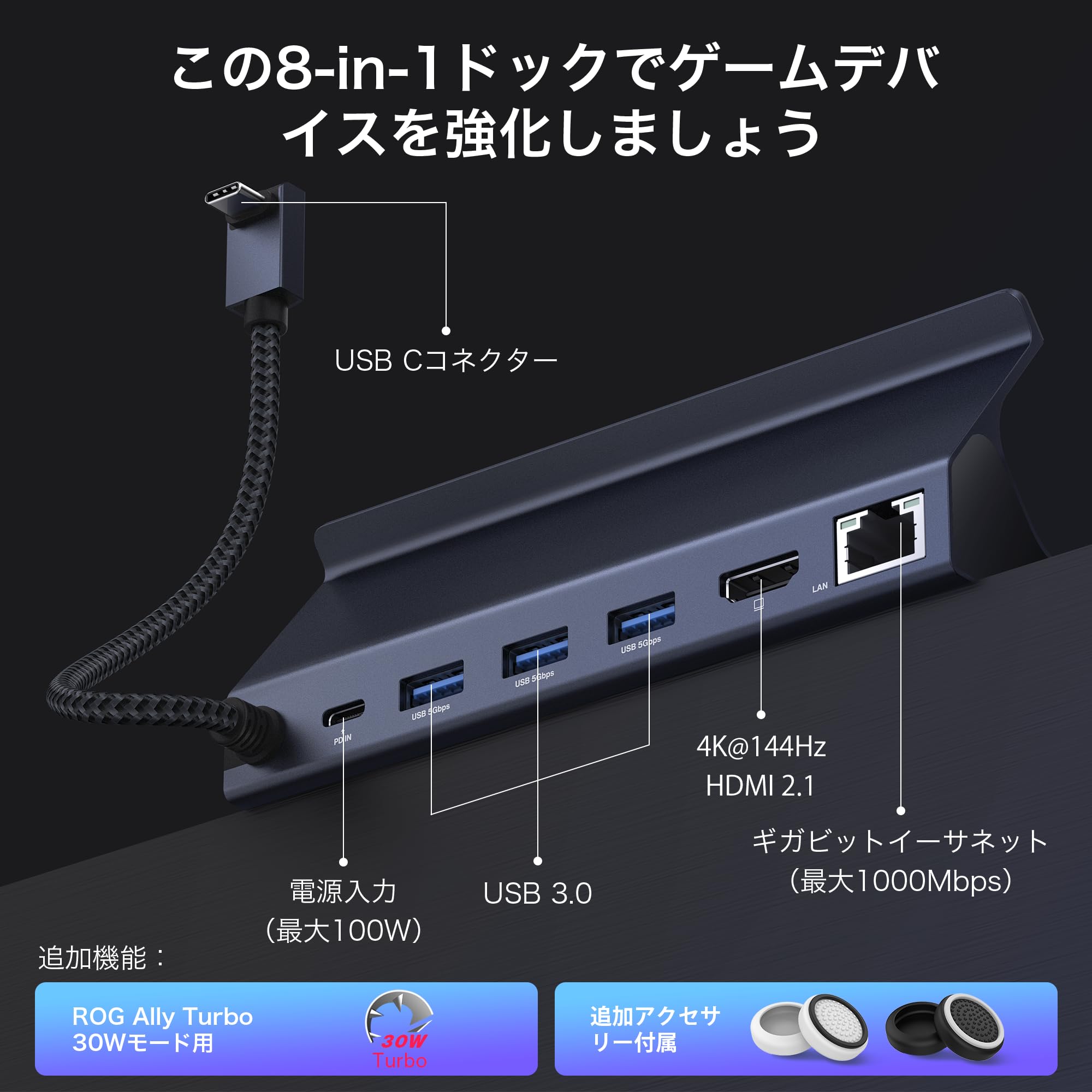
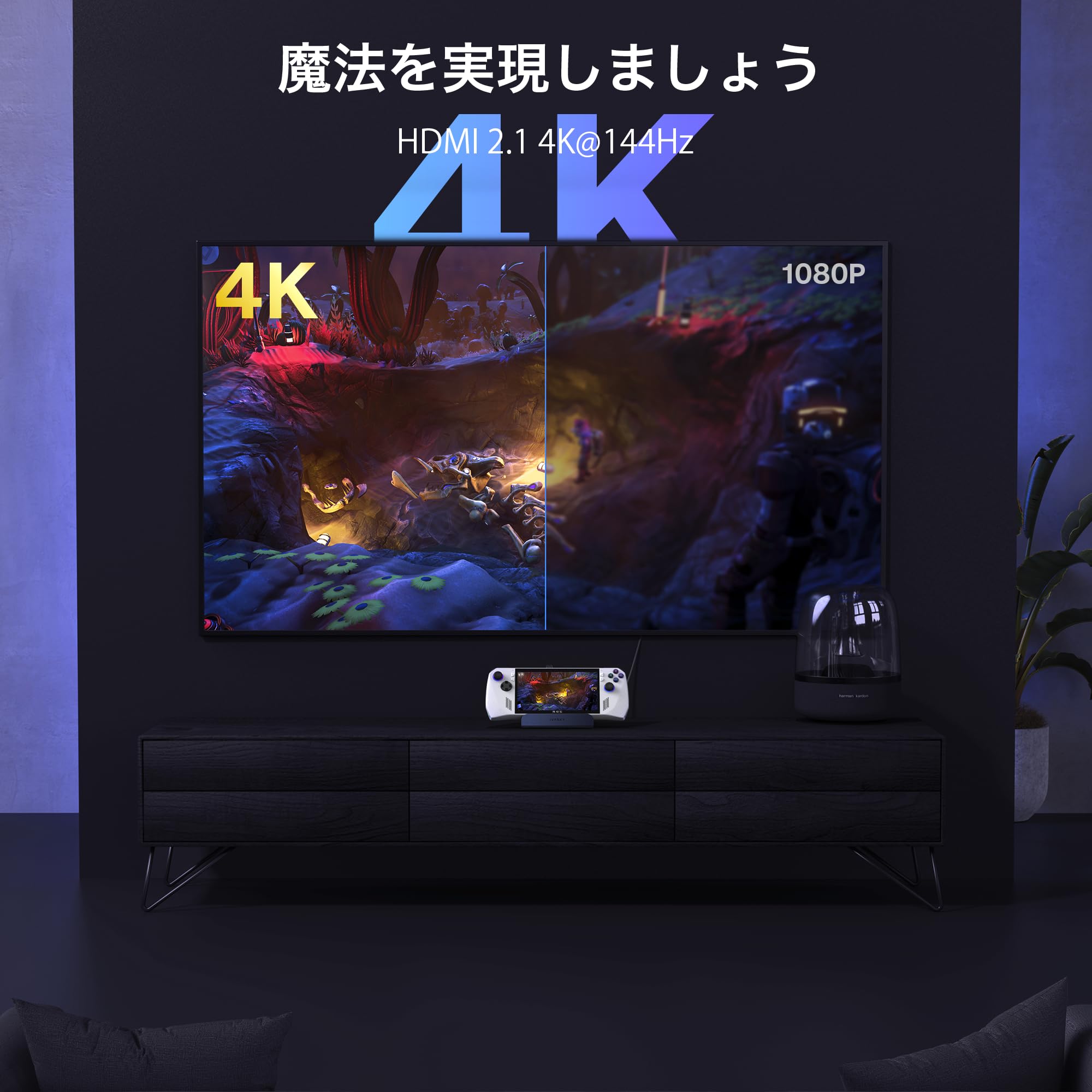
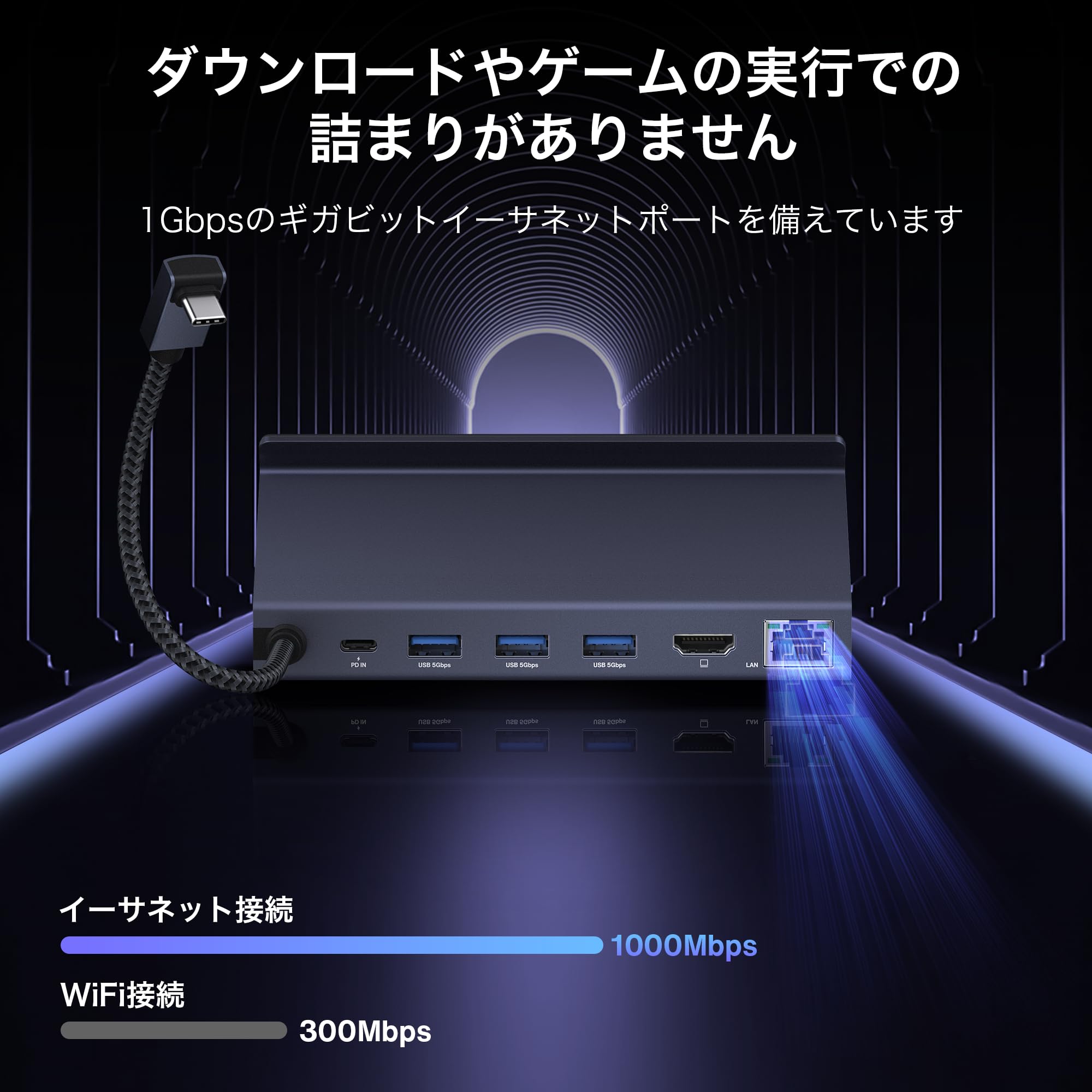
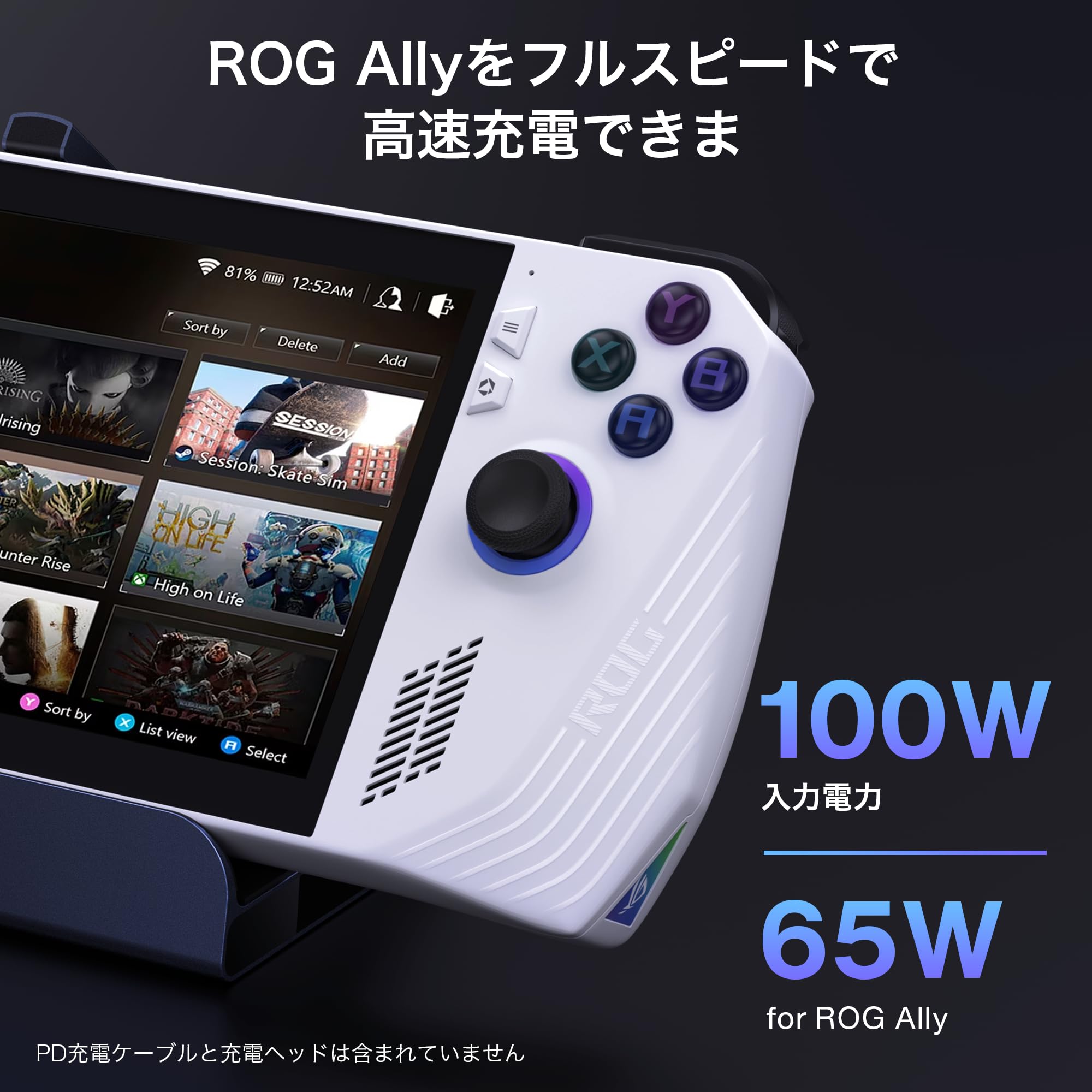

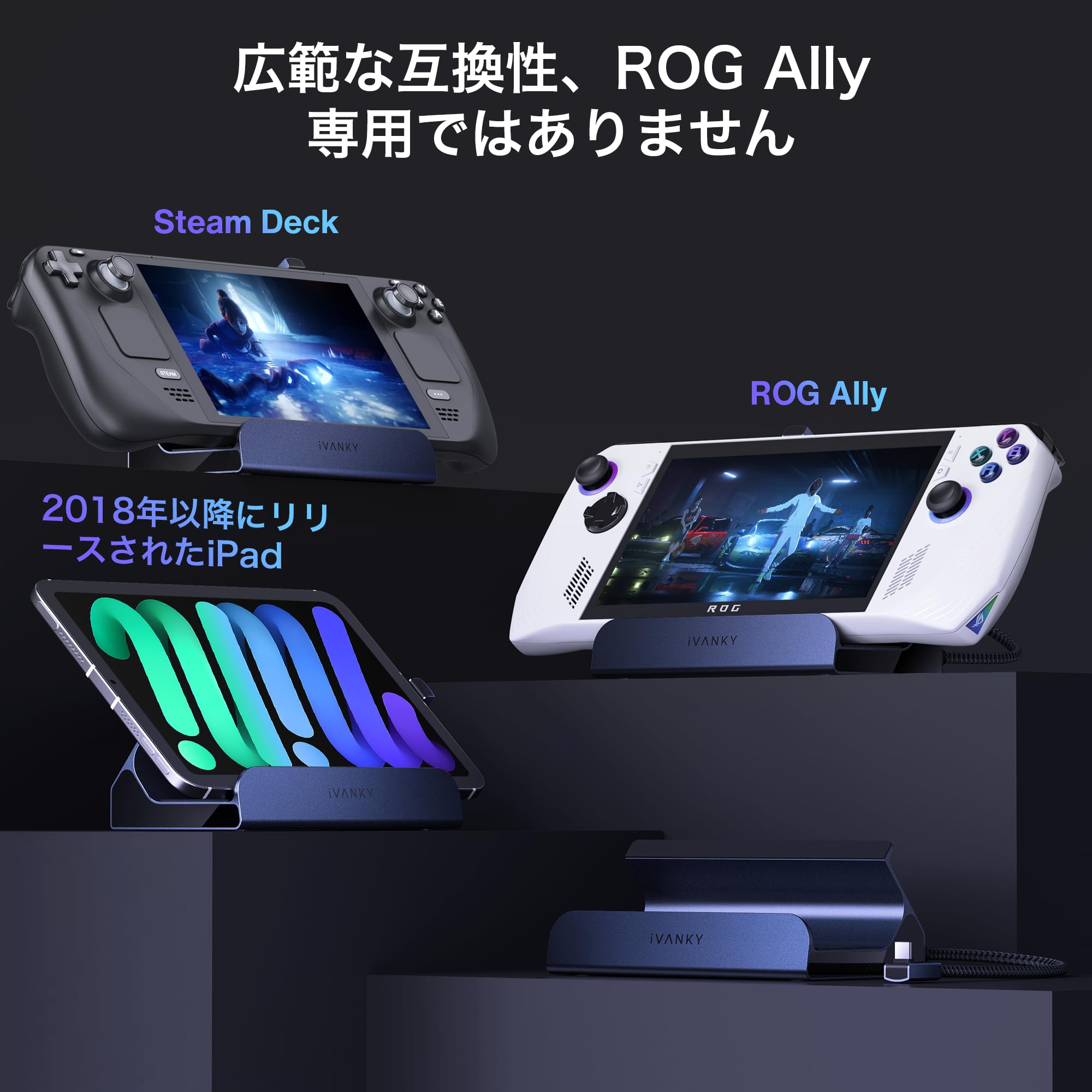
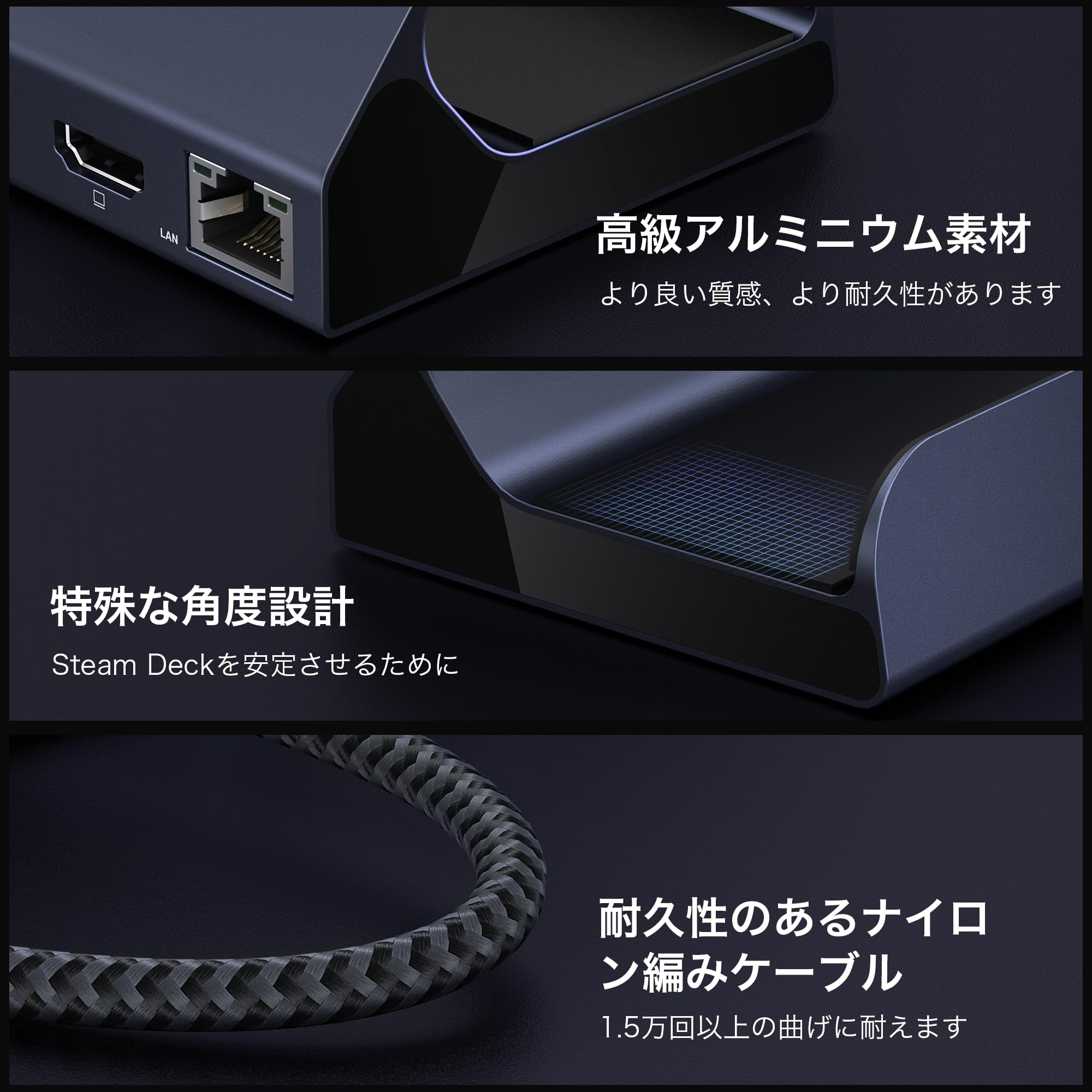
🎮 Power, speed, and connectivity — all docked in one sleek station!
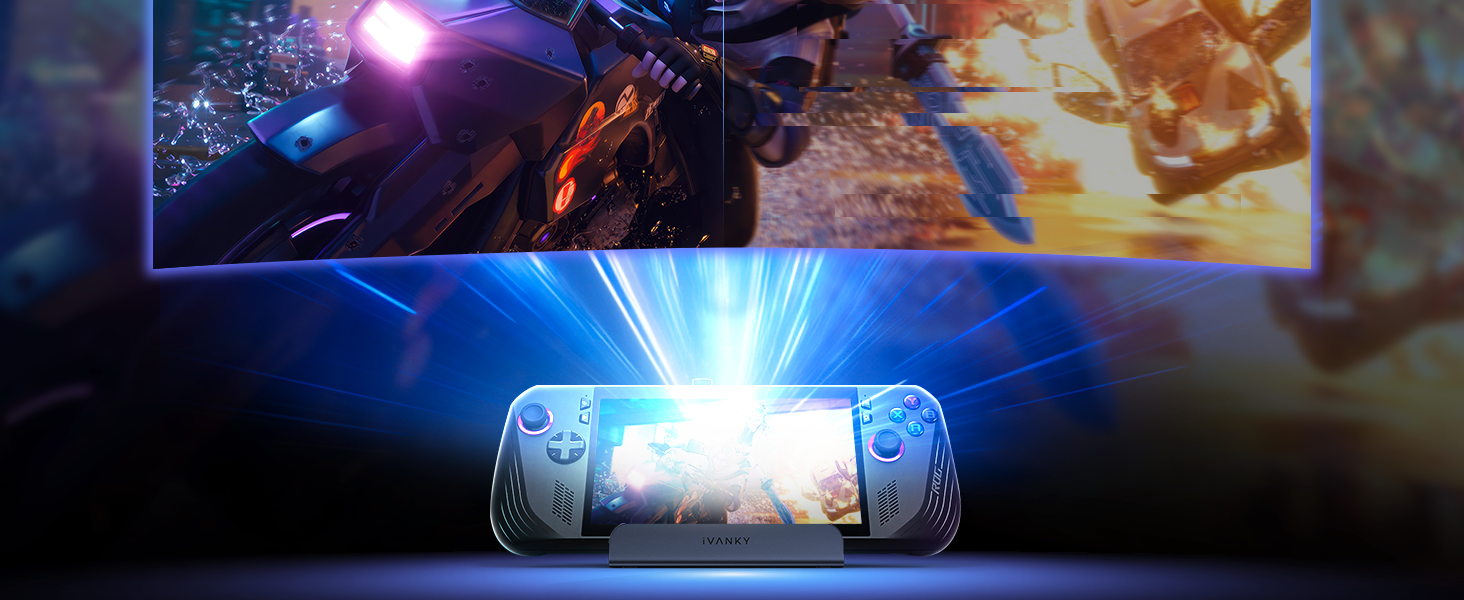
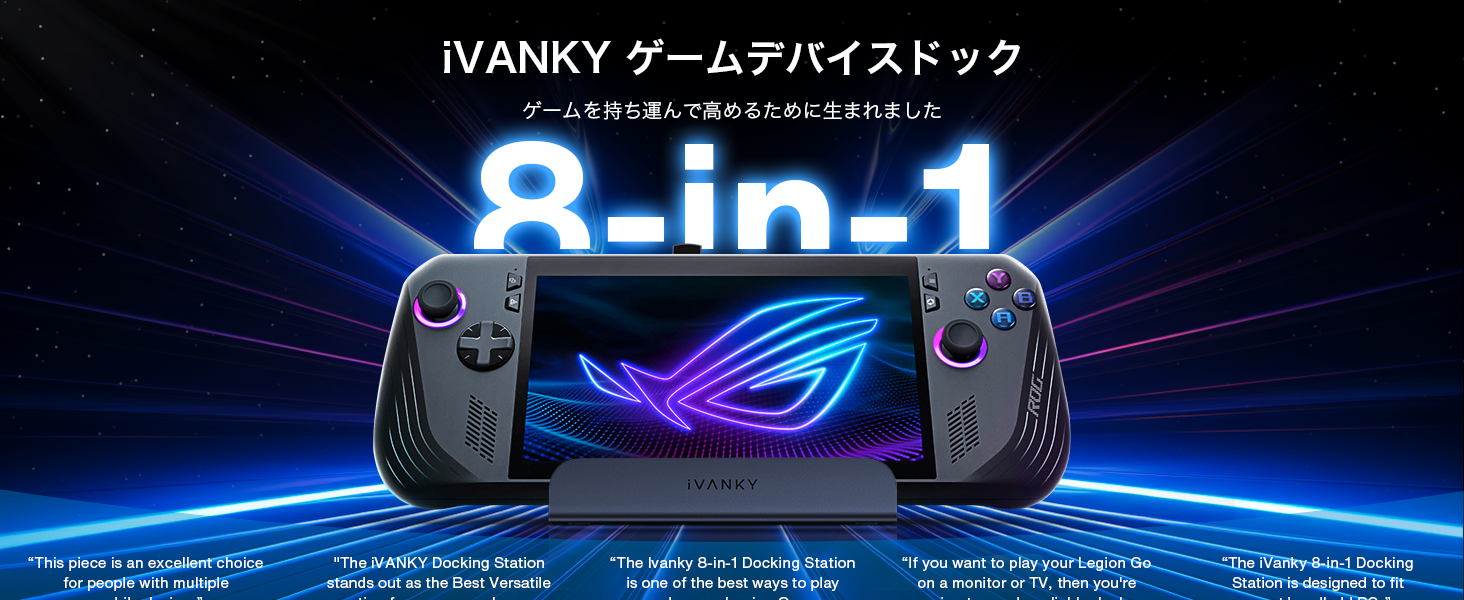
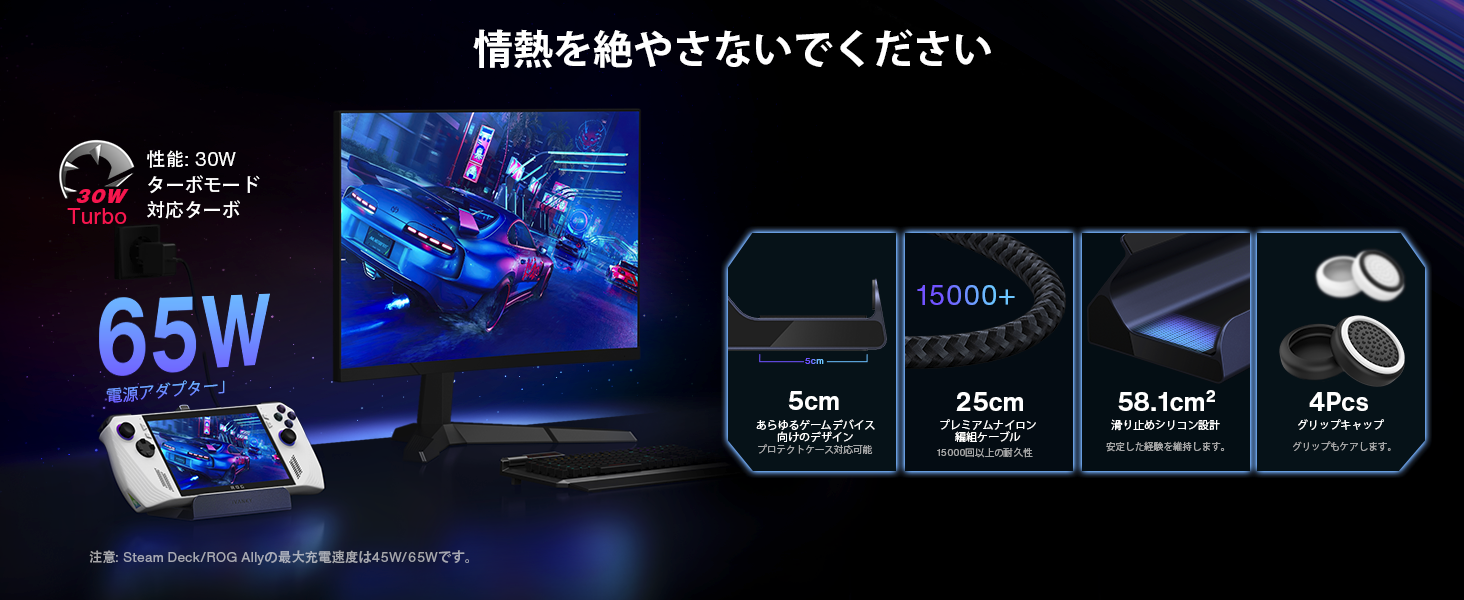
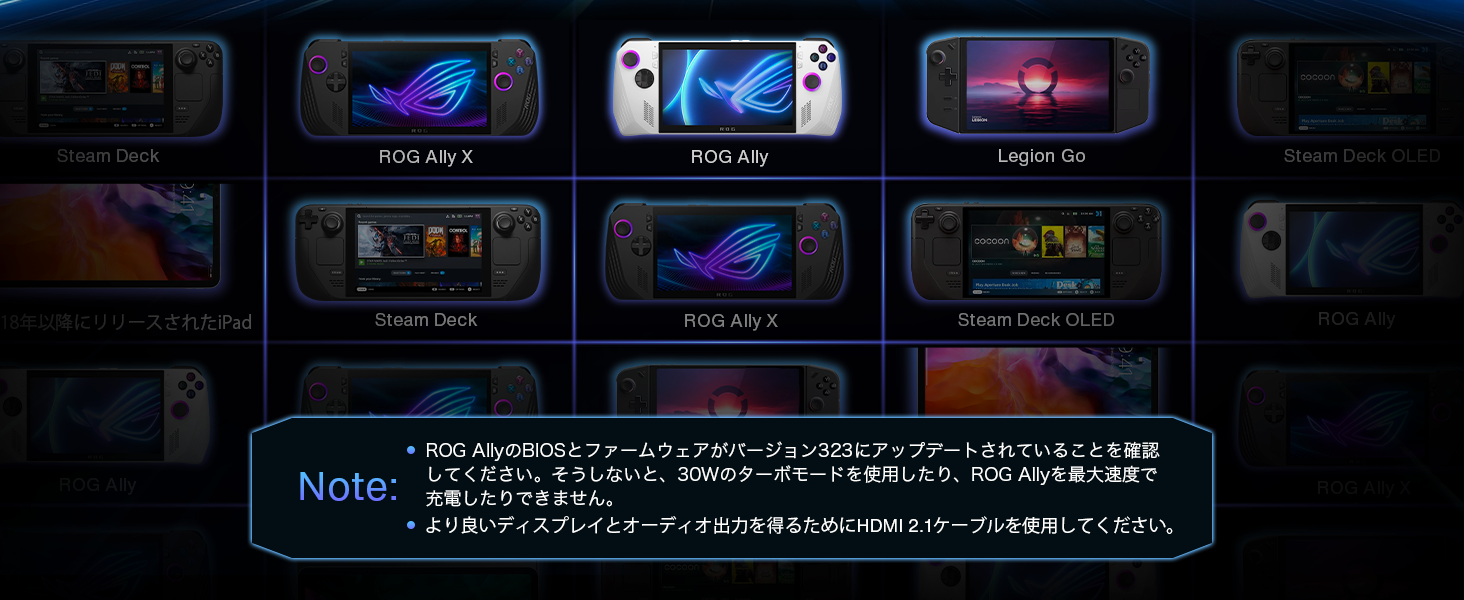
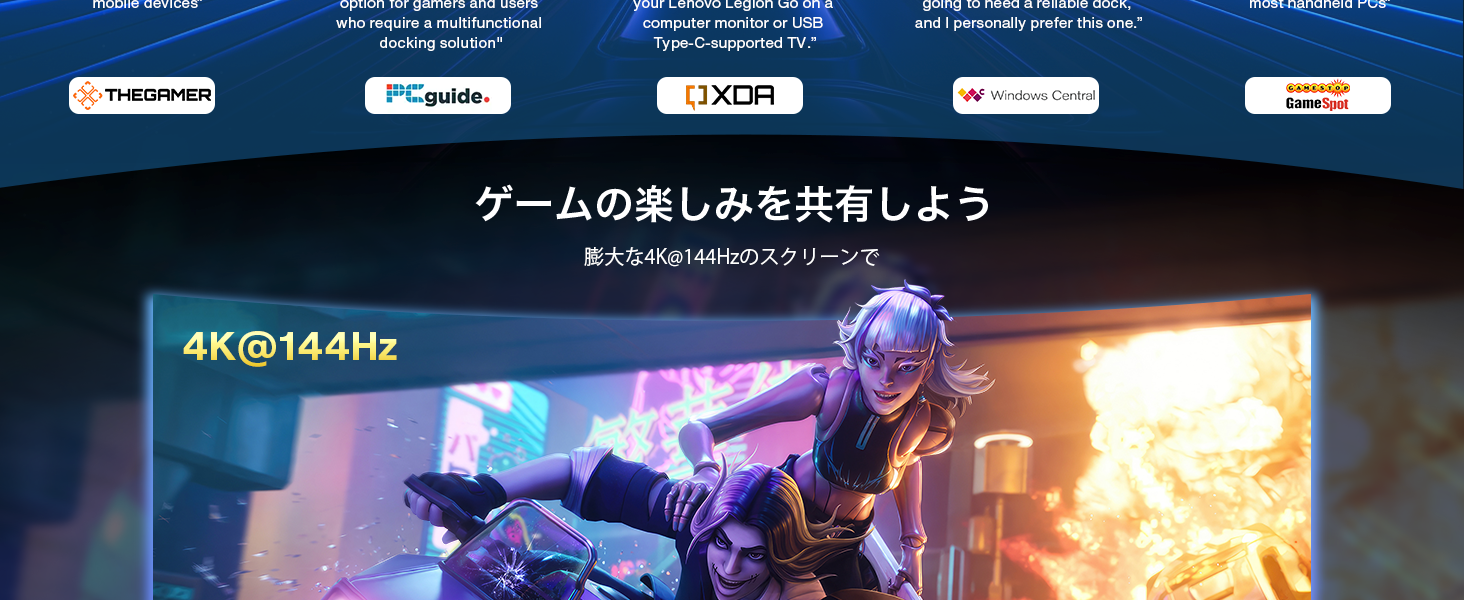
The iVANKY 8-in-1 Docking Station is engineered for next-level gaming with 4K@144Hz HDMI 2.1 output, 100W USB-C fast charging, and Gigabit Ethernet. Designed specifically for devices like the ASUS ROG Ally, Steam Deck OLED, and Legion Go, it supports ASUS Turbo Mode and offers multiple USB 3.0 ports for peripherals. Compact and durable, it enhances your gaming setup with seamless connectivity and extended display capabilities, backed by a 24-month warranty.


| ASIN | B0CCHNHQ7H |
| Amazon Bestseller | #10,533 in Computers ( See Top 100 in Computers ) #60 in Laptop Docking Stations |
| Batteries Required | No |
| Brand | IVANKY |
| Color Name | Tarnish |
| Compatible Devices | No power supply |
| Customer Reviews | 4.2 4.2 out of 5 stars (309) |
| Date First Available | July 21, 2023 |
| Item Weight | 1 Grams |
| Manufacturer | iVANKY |
| Manufacturer reference | iVANKY-VCA21 |
| Package Dimensions | 16.2 x 13.1 x 6.4 cm; 1 g |
| Total Usb Ports | 3 |
G**N
Fantastic 8-in-1 Docking Station for Steam Deck, Switch, and More!
I recently picked up the iVANKY 8-in-1 Hub Docking Station for my Steam Deck, and I’m really impressed by its performance! It works seamlessly not only with the Steam Deck but also with my Nintendo Switch, which is a huge bonus. The dock offers a solid array of ports that cover all my needs, from HDMI 4K output to Gigabit Ethernet for a stable wired connection. One of the standout features is the 100W USB-C charging port. It provides enough power for fast charging, even while I'm using the dock, which is great for keeping the device powered during long gaming sessions. The USB 3.0 ports are fast enough for peripherals like a mouse or keyboard, and the build quality is sturdy yet compact, making it easy to carry around without sacrificing performance. For the price, this docking station offers incredible value. It’s a great solution for anyone looking to maximize their gaming experience with their Steam Deck, Switch, or other devices. Highly recommend it for tech enthusiasts looking for an affordable, multi-functional dock!
お**す
ROG XBOX Ally X用に購入しました 他社で問題になっていた付属のケーブルが届かないなどの問題も無くLANもHDMIも利用できています ただ、いろんなこの手のデバイスに対応するためスタンドの受け側が広く安定しません。自分は100均のゴム足を内側に貼ることでとりあえず倒れないようにはしました。 電源は純正の65Wでは電流不足の注意が出ますがPD100Wにつなぐと問題ありません HDMIは4K120Hzのモニタに4K120Hz10bitで表示ができました。LANも問題ありません ☆を減らしているのはファームウェアのアップデートを行うように案内されているのですが、このアップデーターがこのドックを全く認識しません Allyからもですし別のノートPCなどいろいろ試し何度も案内動画を見直しましたがどうやってもアップデートができませんでした。 アップデーター起動時にWindowsの警告が出るので(もちろん無視して実行しましたが)Win10や7からじゃないと駄目なのかもしれません。 手持ちのハードは問題ないのでそのまま使いますがアップデートはしっかりして欲しいと思います。
ス**ギ
Good
Works well with my steamdeck, i am able to use my mouse and keyboard with it.
S**Y
ROGAllyに使用していますがかなり使いやすいです。
ば**イ
元々ゲームPCとしてではなく 「操作デバイス着脱可のタブレット」 として購入したレギオンGOなので、スタンドは端子拡張と併せて考えました。 大抵のハンドゲームPCはコントローラーの分デカくて他の用途に使おうと思えませんでしたが。 また他機種はUSB-C端子が上だけついてますが、レギオンGOは上下実装も有り難い。 ただこの手のスタンドはマシン右寄りに端子があるのが前提で、レギオンGOの下部端子は左寄りとちょっと厳しい。 取り敢えず伸ばしてみて接続コード長はなんとかありまして普通に繋げられ、上部端子もフリーで使えます。 拡張性だけ見ればコレよりいいスタンドも多かったんですが、端子性能がHDMI伝達までフルスペックなのはこの値段なかなか無くてこれに。 んで、40インチREALに繋げたところ4Kコンテンツでもちゃんと映してくれます。 ただ、このテレビは単体でもYouTubeに繋がるので、レギオンGOを介して高彩度動画を再生すると流石に伝達ロスというか動きが細かく落ちます(ただ良く見ないとわからないレベル)。 ゲームはしないのでなんとも言えないですがここゲーマーには満足できるレベルでしょうか? とにかくスタンドとしては充分なスペックです。 取り敢えずHDMIと電源、USBひとつにハブ繋げて4TB-HDDとテンキーマウス、ポータブルDVDドライブ着けてます。
D**R
Good quality Rog Ally hub
I use this hub with my Asus Rog Ally and it works very well and has enough usb sockets for my use. It works well when attaching a mouse, keyboard and external HDD or SSD and I’m very satisfied. It’s sturdy and well built. I would highly recommend using this product.
な**ん
ケーブルが短いので微妙な使い勝手です
A**ー
これを使用するとクソほど不安定になる。 外部モニカはプツプツ切れ、USBも再接続を繰り返したり繋がらなかったり。 電源側を変えても同じ、ストレスが勝るので捨てました。
M**T
Sehr gut einfacher gut Hamburg
M**A
This dock has the following issues when connected to my game console: -The included 65W charger registers as 25W when passing through the dock to the handheld PC gaming console (Tried both Steam Deck and Asus ROG Ally) so you cannot run in full TDP mode of 30W or more despite the charger being able to deliver enough electricity when connected straight to the console. -There is constant intermittent sound cutting out from the HDMI port. I have tried multiple HDMI cables connected to multiple TVs, and multiple sound sources across my Steam Deck and Asus ROG Ally, and none of them escape the SUPER annoying audio cutting out every 3 seconds. These two issues essentially render the dock useless, as the point of docking is to connect to a TV and play your games or watch media on your TV or monitor from the device, and it doesn't do either acceptably. I have reached out to iVANKY for support, and I will update this review if they send me another dock and it ends up working. Manufacturing defects sometimes happen, but I'm fairly certain this is just too low quality of a dock to handle what it claims to be designed for.
D**N
Works well for my rog ally (gen 1 black 1tb) no RGB which for me is a plus. Most other docks will recommend a 100watt charger and not come with it (base system came with a 66watt charger) and a 100watt charger from Asus is almost $80 and does not come with extra USB ports. For $80 I got this HDMI compatible dock WITH ETHERNET PLUG IN, EXTRA USB PORTS (this is a must for me since I use a mouse, keyboard, and controller when playing on my monitor or TV in living room), and finnaly A 100WATT CHARGER INCLUDED. I think for your money this is a well worth buy if your like me and want more utility over fancy RGB lighting
N**R
¡¡Hola Amazónic@s!! Estaba buscando un deck para mi futura Steamdeck con , mínimo salida de HDMI, Ethernet y un par de puertos USB tipo A 3.1 ó 3.2, y entrada para cargar por USB C la consola. Y, casualidades de la vida, en Vine me encontré con esta preciosidad de una marca que no conocía, pero que parece que han venido para hacerse un hueco en el mercado por su buen hacer con el producto (siento hacer spoiler, pero al César lo que es del César). He tardado en hacer la review porque quería probarlo bien y, porque, además, la Steamdeck me ha tardado bastante en llegar. Al final, la consola se la he regalado a mi sobrino, que le va a sacar más partido que yo; pero el deck me lo he quedado yo porque es un accesorio imprescindible para mi Mipad 6 y mi Thinkpad Yoga. CONTEXTO DE USO Es un deck que lo he usado y sigo usando con mi Poco F3, Mipad 6 y El Thinkpad Yoga. Con la Steamdeck apenas lo probé, por lo que os he comentado más arriba. Por lo tanto, la experiencia de uso va relacionada con estos dispositivos. He de comentar, antes de seguir con la revisión, que funciona de 10 en la Steam pero el cable le queda justo, apenas tiene margen para moverla, pero creo que le da una estabilidad perfecta a la consola. Probado con: Internet de 1GB de velocidad, usbs 3.1, 3.2, NVME en caja de 10 Gbps con cable USB C a USB C. Cargador hasta 65W de power delivery, teclado, ratón por usb A. PROS: 🟢 Construcción sólida, buena calidad de ajustes y materiales. 🟢 Puerto Ethernet a 1Gbps. Velocidades de Internet a 950 mbps en subida y bajada con mi conexión a internet en el Mipad 6 y en el Yoga. 🟢 Salida HDMI Máxima a 4K 60hz anunciada: en mi Yoga no he conseguido sacar imagen a través del HDMI, con otros dock sí que puedo. Con el Mipad sin problema a 2K 60Hz, lo máximo que da la Tablet. 🟢 La Steamdeck se mantiene firme y sujeta. 🟢 Velocidad esperada en los USB. Hasta máximo de 5 gbps 🟢 La goma que lleva en donde apoya no se ensucia como en otros modelos del mercado. El tiempo dirá si se conserva a sí o empieza a desmoronarse como en otros acabados gomosos, aunque no tiene pinta de que pase. 🟢 Los cuatro pads de goma que lleva en su base, hace que no se deslice en un uso normal (si lo fuerzas, es obvio que sí). 🟢 PWD de 65W máximo que es lo que me da mi cargador: genial. 🟢 No se calienta prácticamente nada. 🟢 4Pads de repuesto para los sticks de la consola. Gran detalle. 🟢 Instrucciones claras, aunque en inglés. 🟢 Cable de conexión Trenzado con cabezal en aleación metálica. CONTRAS: 🔴 No he logrado sacar Imagen a través del HDMI desde Mi Thinkpad Yoga. En resumen, este Ivanky dock para la Steam y consolas parecidas como la ROG Ally y para Pcs o tablets con USB C es un gran accesorio para ampliar las opciones de conexión de tus equipos. Juega en tu TV, añade un mando compatible, un ratón y un teclado y la experiencia aumenta. No se calienta apenas, la construcción es buena y sólida, las conexiones van a las velocidades anunciadas, la construcción del cable trenado es muy buena y agradable al tacto, las gomas de apoyo son de calidad… Un producto de 5 estrellas para mí. Súper contento con el producto. Ivanky ha llegado para quedarse. Espero que os haya sido útil esta revisión. Un abrazo musical!!
Y**N
The docking station for the Steam Deck arrived in a compact nicely branded box. It protected it perfectly during shipping. The box contained the docking station, paper manual, FAQ paper sheet. The first thing that I noticed when I got it out of the box was that the housing was plastic. But it didn’t have that flimsy cheap plastic feel, it felt sturdy and well built. Also had a decent amount of weight. I like that it is plastic because it means that it won’t scratch your device (the Steam Deck), at least I feel that it is safer this way. After testing it I did not encounter any issues with it. It worked like a charm. All of the USB ports felt nice and nights, no loose connections. The ethernet port is Gigabit and the PD port for charging is rated at 100W. Honestly, I have nothing to complain of. I like the design and the build quality. I think it deserves a 5-star review.
Trustpilot
2 days ago
3 weeks ago