



🎙️ Own the Stream, Wherever You Are
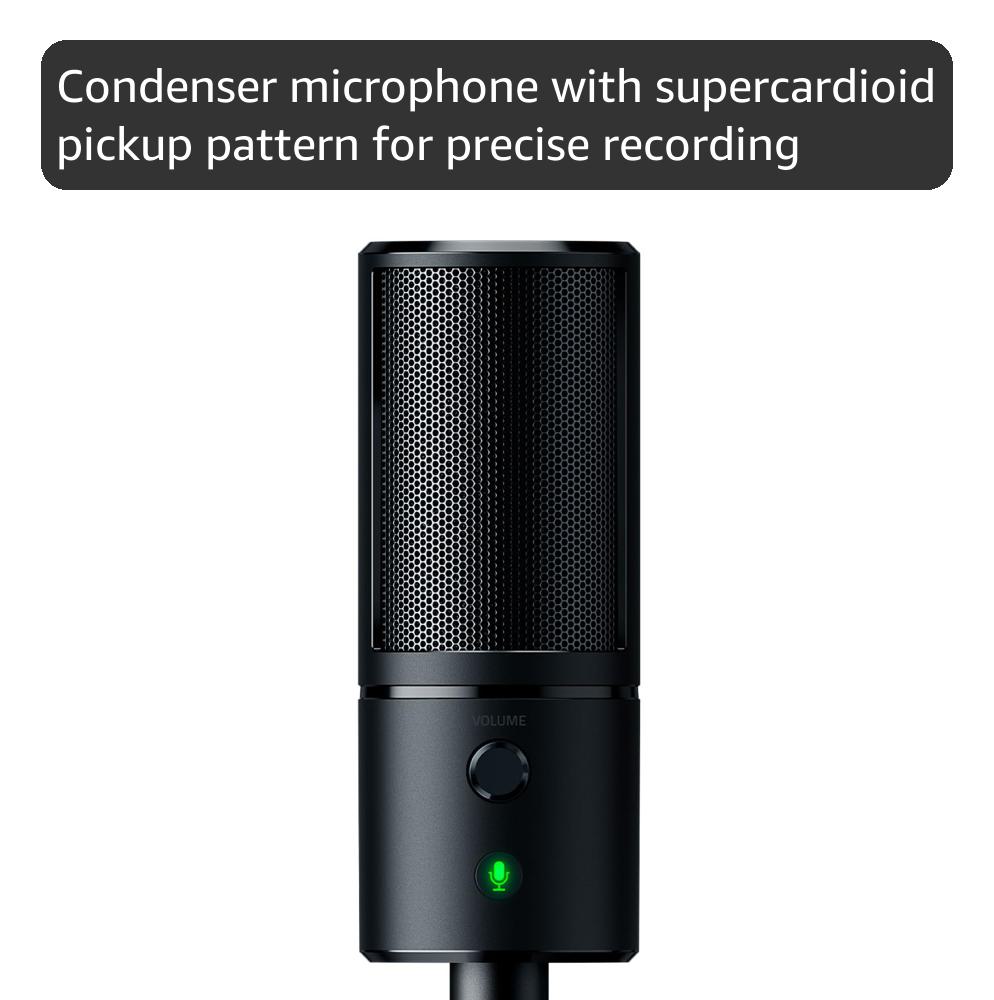
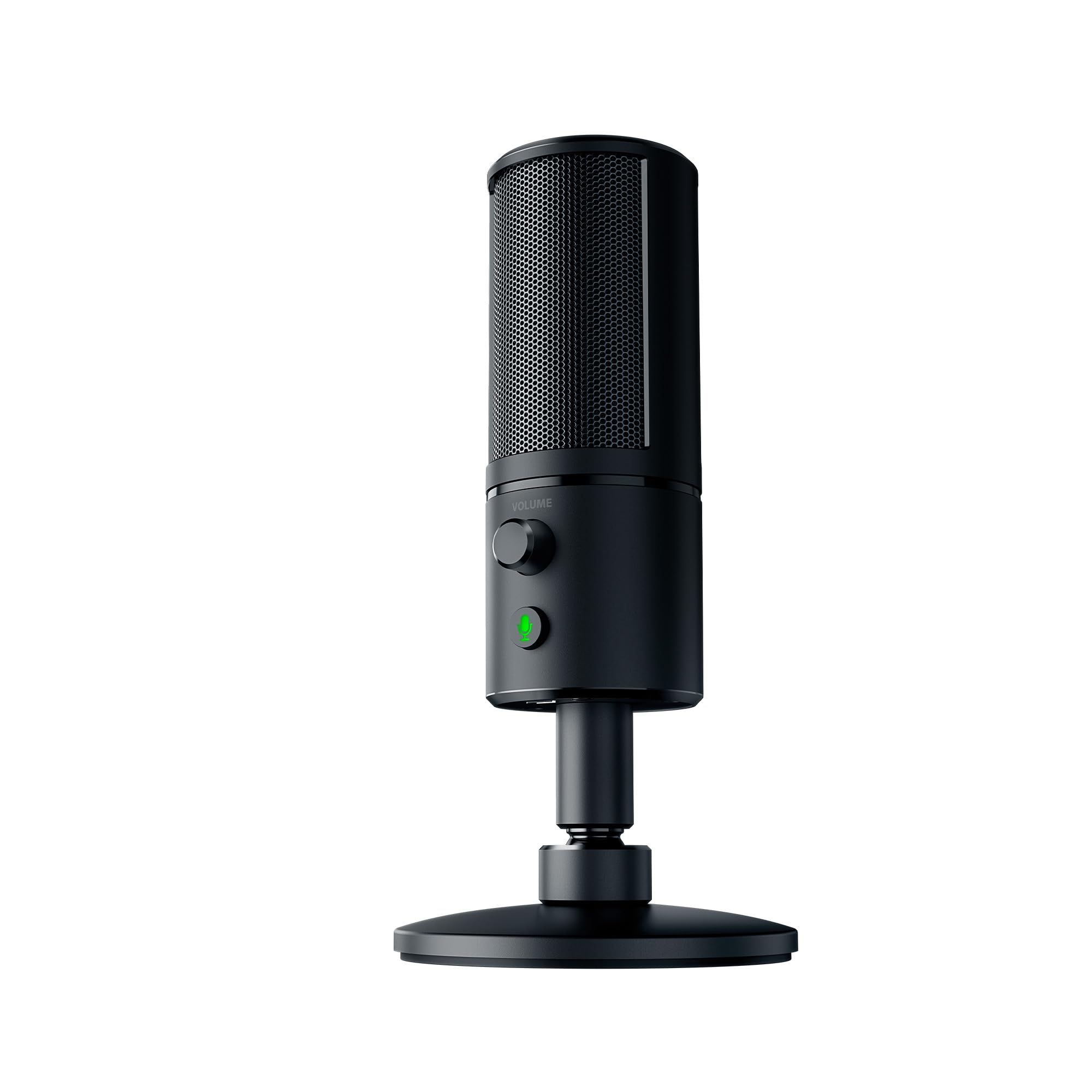
The Razer Seiren X is a compact USB condenser microphone engineered for professional-grade streaming and gaming. Featuring a supercardioid pickup pattern, it delivers focused voice capture with minimal background noise. Its built-in shock mount ensures vibration-free audio even during high-energy moments. With zero latency headphone monitoring and a sleek, portable design, it’s the perfect tool for millennial pros who demand clear, reliable sound on the go.


| ASIN | B076TQ7KKJ |
| Antenna Location | Gaming, Streaming |
| Audio Sensitivity | 1 Decibels |
| Best Sellers Rank | 6,761 in PC & Video Games ( See Top 100 in PC & Video Games ) 14 in PC Microphones |
| Box Contents | 1 product |
| Brand | Razer |
| Brand Name | Razer |
| Colour | Black |
| Compatible Devices | Amplifier, Headphone |
| Connectivity Technology | USB |
| Connectivity technology | USB |
| Connector Type | USB |
| Connector type | USB |
| Customer Reviews | 4.4 out of 5 stars 7,009 Reviews |
| Enclosure Material | clay |
| Frequency Range | 20 hz 20 khz |
| Frequency Response | 20 KHz |
| Global Trade Identification Number | 08886419377573 |
| Hardware Platform | Gaming Console |
| Item Dimensions | 9 x 9 x 18.5 centimetres |
| Item Weight | 13.51 Ounces |
| Item height | 18.5 centimetres |
| Manufacturer | Razer |
| Microphone Form Factor | Mini |
| Model Name | Seiren X |
| Model Number | RZ19-02290100-R3M1 |
| Model name | Seiren X |
| Number of Channels | 1 |
| Polar Pattern | Super Cardioid |
| Power Source | Corded Electric |
| Product Warranty | Manufacturer Warranty for 24 months after Purchase |
| Recommended uses for product | Gaming, Streaming |
| Signal-to-Noise Ratio | 78 dB |
| Special Feature | Lightweight |
| Special feature | Lightweight |
| UPC | 814855024988 |
| Unit Count | 1.0 count |
L**O
Great Microphone really for the price
I dont know why people hate this microphone really. It's not bad at all. Voice Quality After running tests on voice quality I believe this microphone is pretty good on sound quality. There is better available, but for this kind of affordable microphone it's good. According to my friends, the quality is very clear and they can always hear what I'm saying with clarity. I did a voice range test within my own room and on medium gain it was still picking me up from 6-8 metres (this is a streaming microphone do in reality is going to be about 3-4 feet away from you so it will pick you up perfectly). Overall though, really good quality for this price range. Convenience The mic comes with a long USB cable (high quality), a headphone jack underneath which is absolutely amazing and so convenient for me to plug my headphones into, and a stand that twists into the bottom. Other mounts such as microphone arms are available for this mic aswell. Its worth noting aswell that this microphone is a nice cylinder Shape so it fits nicely into a backpack or laptop bag for transportation. Whilst I am definitely fond of a bit of RGB in my setup, I really love this mic because it's only light is on the mute button. when seeing other mics like the hyper x quad cast that is covered in a red light. That light then reflects into your TV hindering your game. This microphone doesn't do that which is nice because I can have it right next to my TV. Build and box quality. Build quality of the mic is great. It's a mix of metal and a strong plastic, it overall feels very durable. The Box, now I have to admit I have a bit of a crush on razer packaging. All razer products tend to come packaged really nicely with a little enjoy your item card or something like that. It's the cool little luxuries that make razer a nice company to buy from. Yes some of their things are slightly over priced, but majority of the time you will be met with a good product. I think I've provided a good overview of this mic. Yes, there is better for a higher price. But for a casual streamer or just a gamer looking for a good mic, I would say this is good for you.
N**.
A very good mic for streamers and gadget lovers!
So this isn't the cheapest mic out there but also not the expensive. So how does it like up? Well the first elephant in the room is the dot matrix led panel. What is the point? Well if you stream or make content there is quite a lot of uses! But at a cost, and not just money wise. The streamer/creator app is in depth and allows you to create animations that are triggered by a whole multitude of actions and interactions. There is also the plethora of games that have their own chroma profiles, such as Overwatch. This is a very useful feature for anyone streaming, or just anyone with a love of gadgets that they don't need. But the aforementioned price is the resource hogging nature of the app. The more animations set up to be triggered the more of the CPU is used. When streaming it means you are already using more of the CPU than someone just gaming. Luckily if you are you using a Ryzen you will experience less of an issue, but those using a quad core intel might feel it and realise the normal Seiren is better. Now for the mic. It has a pass through for audio which is nice, and a volume dial. I wish this were a sensitivity control for the mic, or at least wish it could be remapped. The sound is very good and once dialed in and set it's amazing. The noise cancelling for stopping keyboard and other background noises is very good, and I use tactile linear switches! The stand though isn't the best... Luckily there are various arms and would suggest to anyone that they purchase one as well as a pop filter. What you get in the box. Well everything, to out it bluntly. It comes nicely packaged, as are all Razer products. If you already have the ecosystem this is a no brainer. How does it compare to Hyper X and Blue? Well it stands up. I would say if the led chroma isn't really a thing you badly need or want to go for either the X version of this or a Blue mic as both trade blows but both work slightly different enough to warrant them being considered in their own right.
L**E
Ideal for light YouTube streaming, but quality suffers in echoey rooms
I bought this mic as a replacement for the one built-in to the Macbook Pro, for recording (or attempting to record) professional YouTube videos. The quality of the Mac mic is actually pretty good, but because it's literally right next to the keyboard, it amplifies every keypress and mouse click and interferes with the audio. It was definitely time to invest in a quality external mic. Before trying this, I bought a Blue Snowball Omnidirectional/Cardioid USB Microphone - White , but found the driver support (even on a plug-and-play Mac) to be hit-and-miss. Using SnagIt for screen capture, for example, would sometimes freeze the software after hitting 'stop' -- a particularly annoying trait after recording a 45 minute video, and realising the sound driver had crashed it into oblivion. It was definitely the mic, too... using the internal mic or recording without sound never reproduced the same issue, so I gave up and bought the Razer Seiren. Quality-wise, this is very much in the same league as the Blueball. It's not 'studio' quality, but it produces a fairly even recording that tends to knock out background sound pretty well. The reason I've rated it 4* and not 5, is because it didn't fair so well when used in my relatively echoey home-office. To be perfectly honest, it didn't even sound as good as the internal Macbook mic... my voice sounded quite hollow and distant. This is a shame because I was expecting a pretty decent quality bump vs. the built-in mic... and felt the difference didn't quite warrant the £90+ investment for my own use. I've included a clip of sound, as well as a few pics to show an unboxing. It's a very neat package, and the mic stands nicely on my desk. Overall, I'd recommend this mic for home gaming/office used, especially in well-padded rooms with reduced echo. It's definitely not studio-quality, but should be sufficient for streaming and non-commercial broadcast use. If you found this review helpful, please click 'yes' below - thanks!
T**N
Fantastic for the price, great for newcomers to Capture Cards
I got this capture card as a backup having been incredibly happy with the one I'd already got, as someone who has spent years recording content. I found in the end that not only was this a very competent card, it's also better than the more expensive one I'd had prior. If you can get over the fact that this is a 1080p60 capture card and cannot record therefore in 4k, and the fact that it doesn't come with its own recording software (alternatives such as OBS are available, OBS Studio being free and ideal for anyone looking to livestream or record), this is a fantastic piece of software. For my own needs recording Nintendo content, this is ideal. For a newcomer hobbyist on a budget who just wants to get started streaming on Twitch or uploading small clips to YouTube, this is great for the price. Have had no issues in the few months I've been using it, in terms of size it's small enough and light enough where you don't have to worry (unlike older capture cards) about finding a giant dedicated space for it. Setup is plug and play, it comes with an HDMI cable (albeit not a long one) so no need for an additional one unless your PC is a significant distance away from the recording setup. Overall it's not going to come with tonnes of dedicated software, but for a newcomer you don't need that. It's not going to give you 4k recordings or streams, but again you don't need that especially when streaming as many can't view such high quality live. For a plug and play HD Capture Card, you get exactly what you need without the complicated extras. Footage attached is Mario Kart 8 Deluxe (Nintendo Switch), recording software is OBS Studio on default "Optimise just for recording" auto-setup. No other colour corrections or changes post-production. File size: 387MB.
D**N
Great sound quality and volume, easy to put together and use on a daily basis
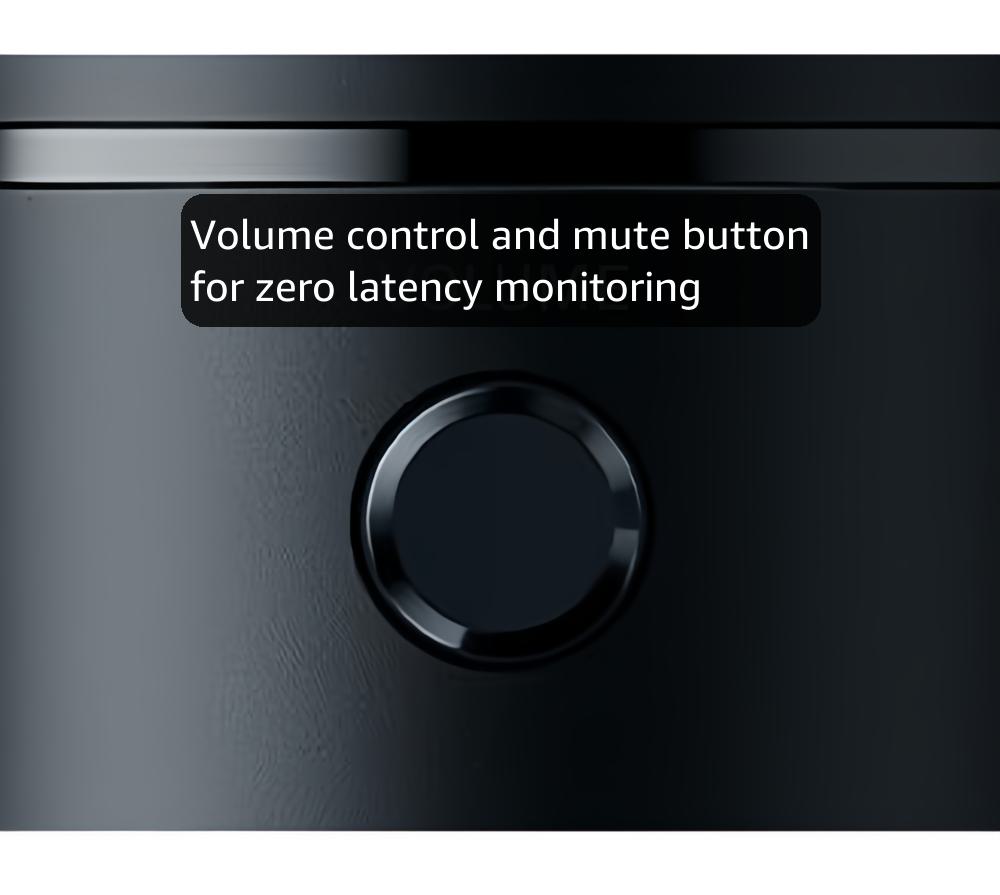
Going from a headset microphone, using the Razer Seiren was night and day. I had much higher and clearer volume as well as better microphone quality. It took around five minutes to put together and has secure cables. In addition to this, I find the headphone volume knob easy to use and find that the mute button is reliable. I'm not sure how I feel about the microphone itself being at a slanted angle, but I have gotten used to it after a couple of weeks of use. Overall a great USB microphone for someone on a budget and someone who streams/plays games on a regular basis.
M**R
Awful
I purchased this capture card and it’s a complete nightmare to run, you’re configurations could be 100% correct and the card still doesn’t like it, either no audio or suddenly no video, just a black screen even though the video is displaying on a second monitor just fine but above all the most frustrating is it will randomly stop recording about the 10 minute mark, it will record sound but the video will be frozen this is all via a usb 3.1 port so there is no excuse for transfer speed, it is also utterly useless at capturing retro consoles, only displaying a quarter of the screen, it’s not that the image is to large to fit in the preview window, it’s that 3 quarters of the video simply doesn’t get capture! I returned mine and spend the extra on an Elgato HD60s, works perfectly fine and I’ve had no issues so far, much easier to set up and honestly it just works unlike the razer ripsaw hd.
J**J
great quality.
fantastic mic for the price.
O**N
Works perfectly - if it gets the power it needs from USB 3.0
After completing all setup, the device works perfectly for capturing my Nintendo Switch gameplay, with a very high quality video and audio input. However, you will need an adequately powered USB 3.0 port to run it! More on that later. The device is relatively plug-and-play - I plugged the Switch into HDMI in, my monitor into HDMI out, the cable to my USB 3.0, and off I went. The device is detected as a camera within Windows 10, so getting it onto the Camera app, streaming directly as a webcam or putting it into OBS is trivial. My difficulty came with getting audio. There are plenty of other guides out there, but the simple solution is: you have to add "Razer Ripsaw HD HDMI" as audio to your stream. This is detected as a microphone within Windows. The problem I had was this didn't give me audio at all! No sound came through to my stream, but plugging headphones directly into the Ripsaw showed audio was definitely playing. The overall solution: I bought a powered PCI-e USB 3.0 hub for my desktop, so it would have a dedicated power source enabling it. Once that was put in place and the Ripsaw plugged into it, it's worked perfectly. I write this to save anyone else the frustration - if you aren't getting the proper audio or video in, ensure you're giving enough power over USB! This was frustrating - if there was an option to power the device with a mains plug, I would have taken it - but once set up, the device works without a hitch.
Trustpilot
5 days ago
3 weeks ago



