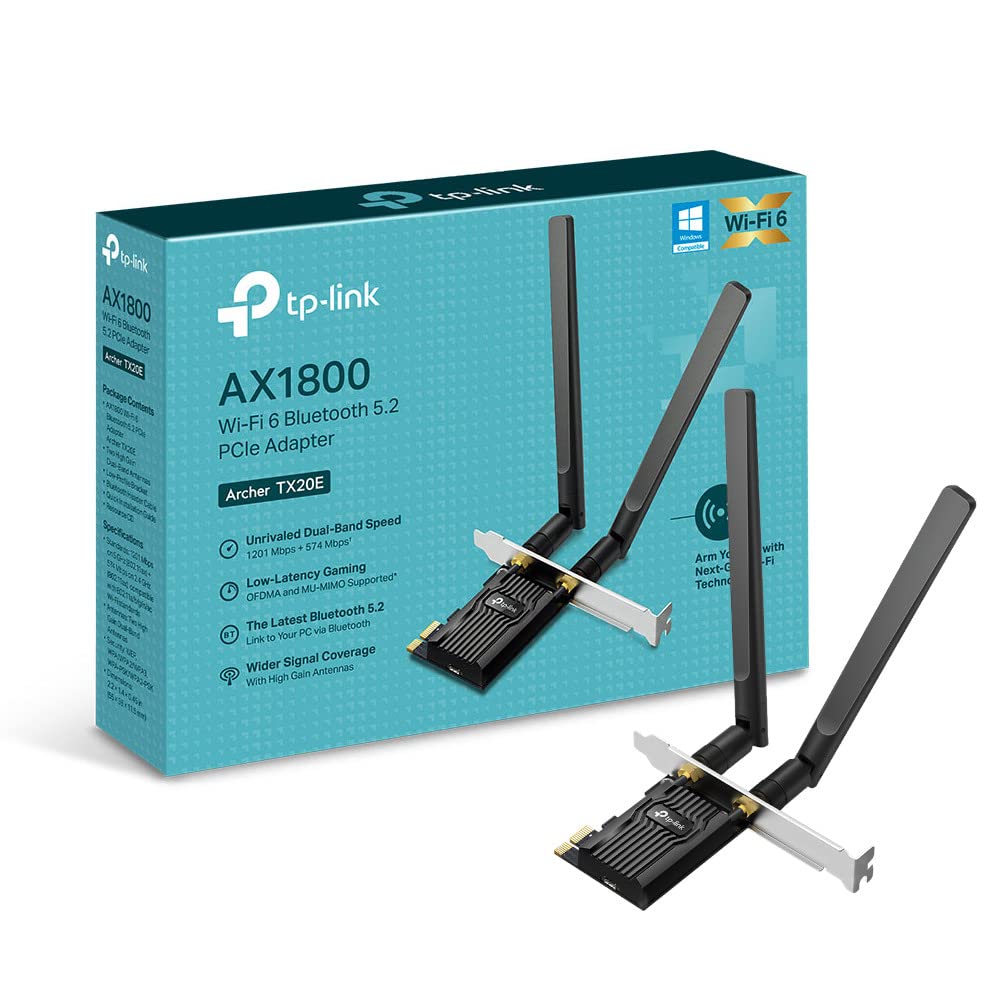
🚀 Upgrade your PC’s Wi-Fi game — speed, security, and style in one sleek adapter!
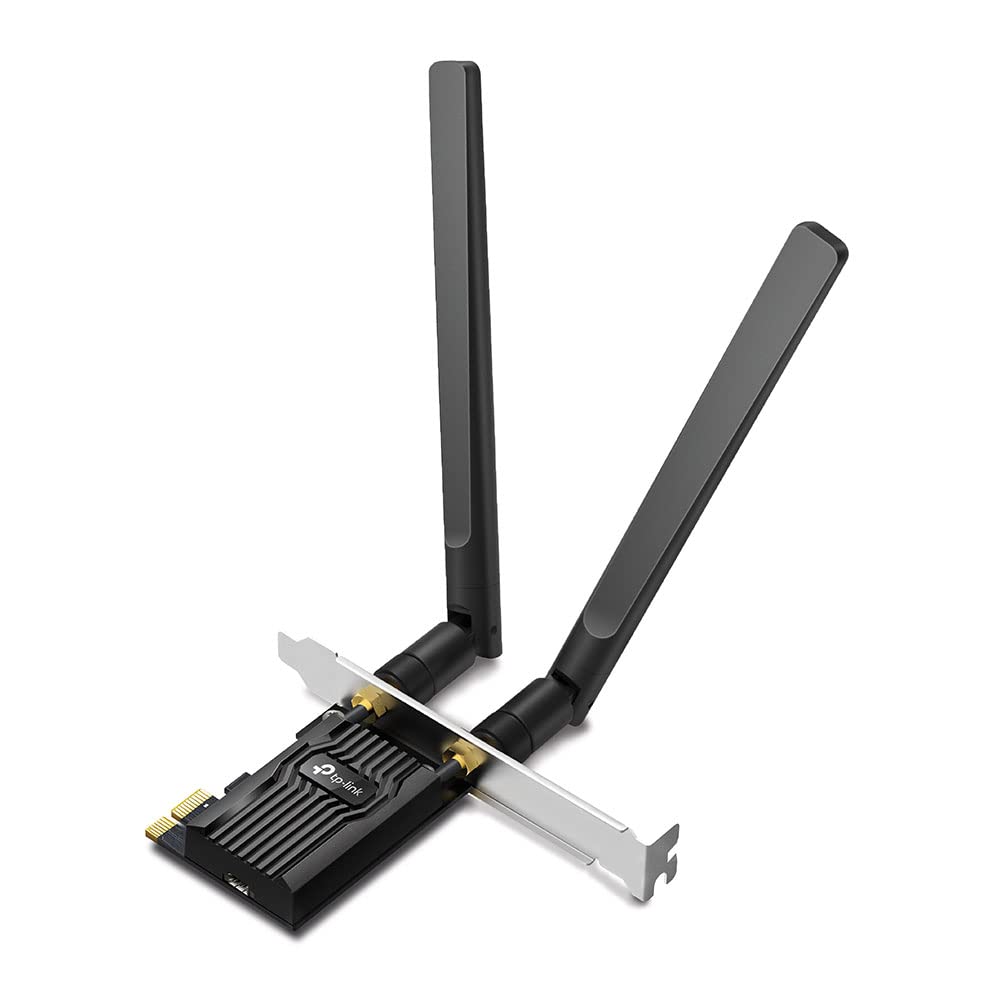
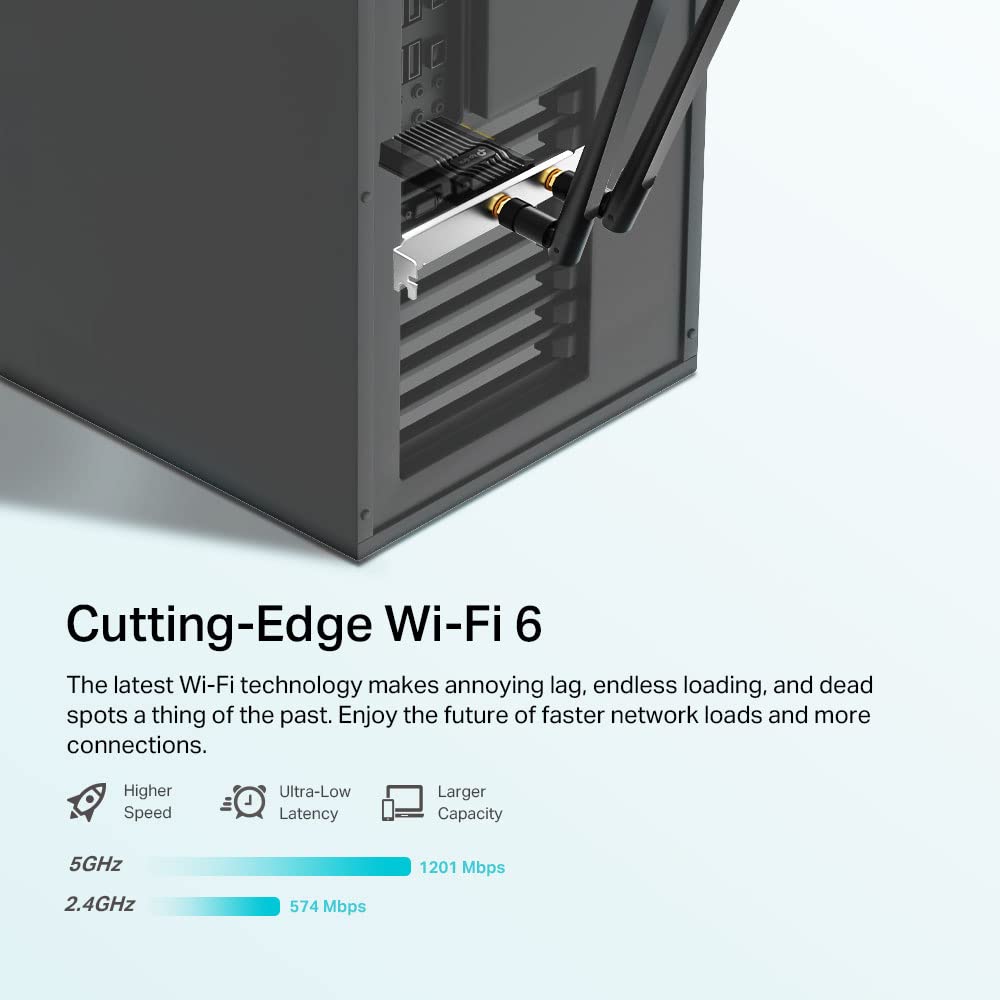
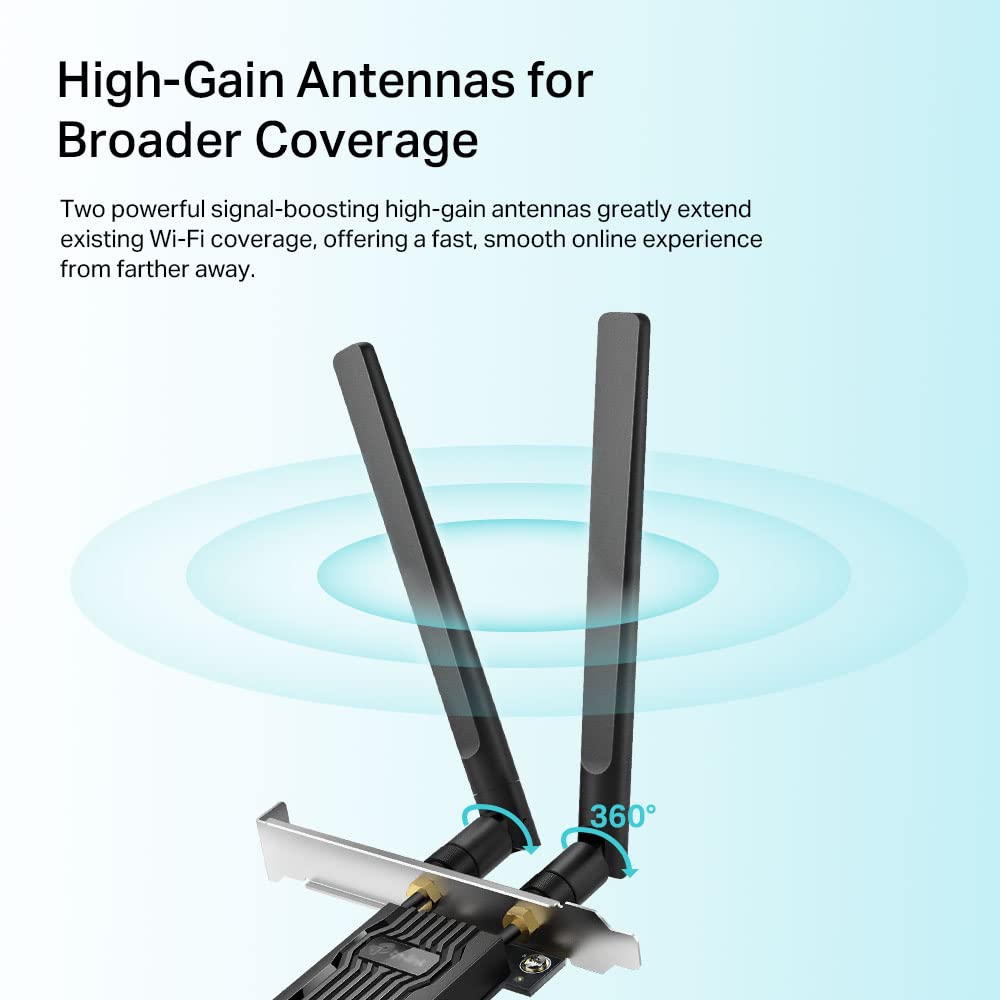
The TP-Link Archer TX20E is a high-performance WiFi 6 PCIe adapter delivering up to 1800 Mbps dual-band speeds with ultra-low latency thanks to OFDMA and MU-MIMO technology. It features advanced WPA3 security, superior signal reception with 1024-QAM, and comes with both standard and low-profile brackets for flexible PC installation. Compatible with Windows 10/11, it’s designed for gamers and professionals seeking fast, reliable, and secure wireless connectivity.


| ASIN | B0BTT1JN5N |
| Are Batteries Included | No |
| Best Sellers Rank | 5,284 in Computers & Accessories ( See Top 100 in Computers & Accessories ) 11 in Network Cards |
| Brand | TP-Link |
| Colour | Multicolour |
| Customer Reviews | 4.4 4.4 out of 5 stars (4,477) |
| Date First Available | 3 Feb. 2023 |
| Guaranteed software updates until | unknown |
| Item Weight | 230 g |
| Item model number | Archer TX20E |
| Manufacturer | TP-Link |
| Operating System | Windows 10 |
| Product Dimensions | 12.7 x 12 x 10.8 cm; 230 g |
| Series | Archer TX20E |
B**H
Don't forget to disable your antivirus and firewall FIRST, otherwise the driver will not load!
I am very pleased with the performance of this AC1300 (Archer T6E). It thrashed the speed of my previous wifi card. There are two vital points to bear in mind before you start: 1. Go to TP-Link’s website and download the appropriate driver file. In my case for W10, the driver file was: Archer T6E_V2_200508_Win10.zip. You will need to download this file on another computer if the current one has no internet access. Then copy this file to a USB drive and copy it to the current computer. I recommend creating a folder called “TPL” on the Desktop and putting the file in there. Then right click on the file and click on “Extract All”. 2. The second point to bear in mind is that BOTH your antivirus and firewall must be temporarily disconnected otherwise the driver installation will fail! If you use Kaspersky or similar, you need to disable it first and then go to Windows Defender and also disable that. This is because as soon as you disable Kasperky (or Norton or McAfee etc), Windows Defender will automatically replace the main security system. I recommend searching for “TP-Link How to Manually Install Adapters on Windows 10” and follow the instructions. Also search for “Turn off Defender antivirus protection in Windows Security”. I installed the AC1300 and screwed on the 2 antennae and switched on the PC. As per the above instructions, I browsed to: “Archer T6E(EU)_V1&V2_200508_Win10” and clicked on “Update driver software”. I rebooted the PC and then reactivated Kaspersky’s antivirus and firewall. Finally, I entered the wifi code for my network and my internet was restored. *****You may find that, contrary to the generally accepted wisdom of using the 2.4MHz frequency when you have thick walls and floors, that you actually achieve a higher speed using the 5MHz band. Accepted wisdom: “2.4 GHz networks cover a substantially larger range than 5 GHz wireless networks. 5 GHz networks do not penetrate solid objects such as walls and floors nearly as well as do 2.4 GHz signals”. I switched from 2.4MHz to 5MHz and my second (wifi) PC, which is 2 floors below, went from 11Mbps to 46 Mbps, matching the speed of my first PC which is connected via ethernet cable! It’s worth a try. .................................................................................................................................................................................................. EDIT No 5GHz signal on Linux? Then change a router setting. I recently bought this dual-channel TP-Link AC1300 Wireless Dual Band PCI Express Wi-Fi Adapter for a desktop PC that sits two floors below my router. The PC was originally using Windows 10 and the 5GHz signal was much stronger then the 2.4MHz one. I then decided to replace W10 with Linux Mint 21.1 MATE. The Broadcom BCM4360 was recognised by Mint and the appropriate driver installed. So far, so good. I then found that only the much weaker 2.4MHz signal was available. I used the excellent Wifi Analyzer (open-source) app on my mobile phone and this registered nothing for the 5GHz band. In contrast the 2.4GHz showed a strong signal. I tried connecting to a “Hidden network” and creating a new network, all to no avail. Finally after much research, I discovered that the Broadcom BCM4360 802.11ac Wireless Network Adapter [14e4:43a0] (rev 03) does not see 5GHz networks with a high channel number. See confirmed bug #1574196 at Launchpad. To rectify this, it is necessary to login to the router and change the channel for the 5GHz to a lower one. In my ASUS router I went to Advanced Settings > Wireless > Wireless General > select 5GHz band. Then clicked on Control Channel and reduced the figure from 140 maximum to say 36. Clicked on Apply and logged out. The Wifi Analyzer immediately picked up a very strong signal from the 5GHz. All is now well using Linux.
F**G
Highly recommended if you're confident about installing a card in your desktop
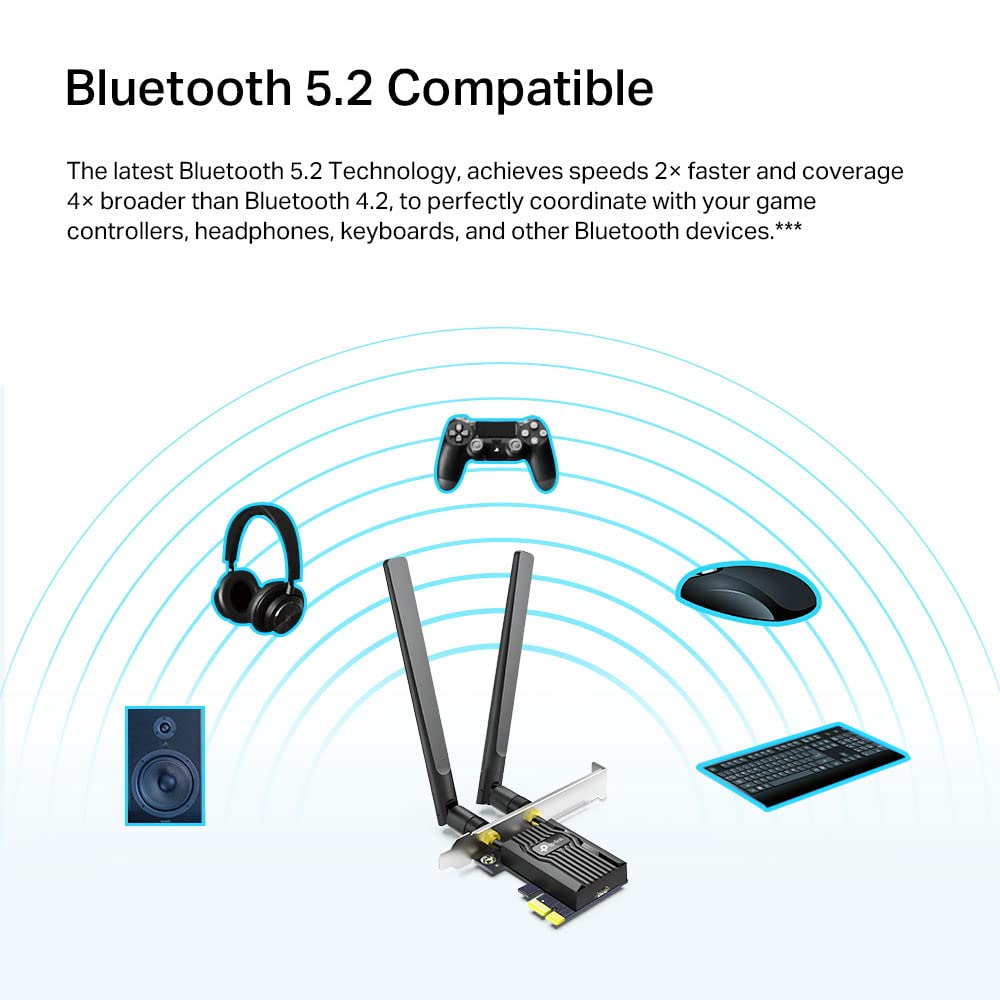
This TP-Link AX1800 Wi-Fi 6 Dual Antennas High Gain Bluetooth 5.2 PCIe Adapter was easy to install and worked first time using drivers on supplied mini-CD. I'd been successfully using the USB 3 dongle version (Archer T4U) in my 2011 vintage PC, plugged into a USB 2 socket, for over 6 years. However, when I upgraded to full fibre I was losing potential speed using USB 2, so I plugged it into the USB 3 expansion card I had installed. This worked fine and gave the extra speed but with one issue. Every time the computer was woken up, the wifi dropped out for up to 30 seconds. I believe this was due to the USB 3 sockets being on an adapter card and not part of the motherboard provision. Installing this internal wireless card solved the problem - it's active as soon as the computer is woken up and the speed is available too. In addition, this has also added bluetooth to my system. Activating this requires connecting the supplied lead from the card to an internal USB header on the motherboard - which I was surprised to find existed on my PC. Highly recommended.
M**W
Great purchase
Great Wifi + Bluetooth Card, really easy to install. it might have been my pc, but the card would be recognised in the device manager, but it couldn't be used to connect to wifi until I downloaded TP-Link drivers. Since then, Card has provided a great connection, even with my pc tucked away far from the access point.
H**M
Good pcie wifi/bt card
Works great, better than some other ones ive used. Hasnt dropped connection yet, which has been a problem ived had with other ones ive used.
M**8
speed and installation
Works great and as it should. Fast internet overall. It depends how much maximum speed you have so it captures almost 100% of what it should within 5-10meters distance from the router. Installation is fairly easy. Just follow the steps on the sheet and the disk provided.
K**.
Gets the job done
I only needed it for when an ethernet cable wasnt available and it does its job well, my one criticism is that it doesnt sit very firmly when attatched to my case but that could be more so an issue with my case rather than the peice itself. Signal seems to be pretty good, only a little bit slower than when connected to ethernet cable. Overall extremely good product for it's price
R**Y
Made a huge difference in speed
My desktop PC is upstairs in office room, about as far away as you can get from broadband router. I had an old wireless card installed which was very inconsistent with speed, fluctuating between 10-60mbps. Took a chance on this card and it has made a huge difference. Now get consistent connection quality and get 140mbps. Anyone interested in this card, make sure you visit the website and download the driver. I had latest Windows 11 installed and it did not recognise the card. Fortunately I have a laptop that I used to download, so didn't have to swap the cards over again.
X**Z
Very good WiFi Card, however i have one issue ...
For some reason this WiFi Card does not allow me to connect to 2.4G Internet, but i can connect to the 5G one. I need help if anybody can? Anyways, ive been stuck on my 2g Wifi Card for a while, getting around 20 download and 12 Upload. Now with this wifi card, using 5G i get around 60 - 120 download and 20 Upload! Very big difference! Rated 3 Stars because of the 2G issue. If anyone wants to help this is what i did: - Installed the WiFi Card and drivers using the CD given - Updated the WiFi Card because it was outdated. EDIT: knocked it down to 1 star, Poor WiFi card that stops working over and over again, forcing you to disable and enable it, trust me when i say this, anything cheaper than this wifi card is better. dont buy this.
M**O
Tolles Produkt. Die Karte war in 5 Minuten eingebaut. Mein PC hat sie direkt erkannt (Plug & Play), und die Geschwindigkeit ist fantastisch. Der Sprung von 1G auf 2.5G ist deutlich spürbar, besonders bei großen Downloads und im Heimnetzwerk. Funktioniert einwandfrei und stabil. 5 Sterne
A**K
I know Bluetooth and Wifi dongles exist, but there is a freedom and joy in having both of them on the same device and not saturating the ever-living hell out of your USB ports. I was a little sceptical at first, but I love it. Wifi strength is really good, and the Bluetooth functionality is great.
M**S
Perfect. Easy to install. Make sure to download the right drivers from the TP-Link website. The drivers only follow in the box on a cd.
M**Z
Ürünün donanım versiyonunu v1.0 keşke yeni sürümü olan v1.60 olsaydı. Onun haricinde ürün jelatinli kutuda bana ulaştı. Montajını yapıp testleri gerçekleştirdim. Herhangi bir probleme rastlamadım. Driver konusunda sorun yaratmadı. Cat6 ethernet kablomla 2.5 Gb hıza ulaşabiliyor. Zaten istediğim de buydu. Tek aklıma takılan donanım versiyonunun yeni olmaması.
S**H
WOW, Great Product , I am really happy. connectivity , Plug & Play no issue , My truenas scale server Linux. use, Everyone use this product no problem , Heat level significant dose not any permanence use .
Trustpilot
1 month ago
3 days ago



