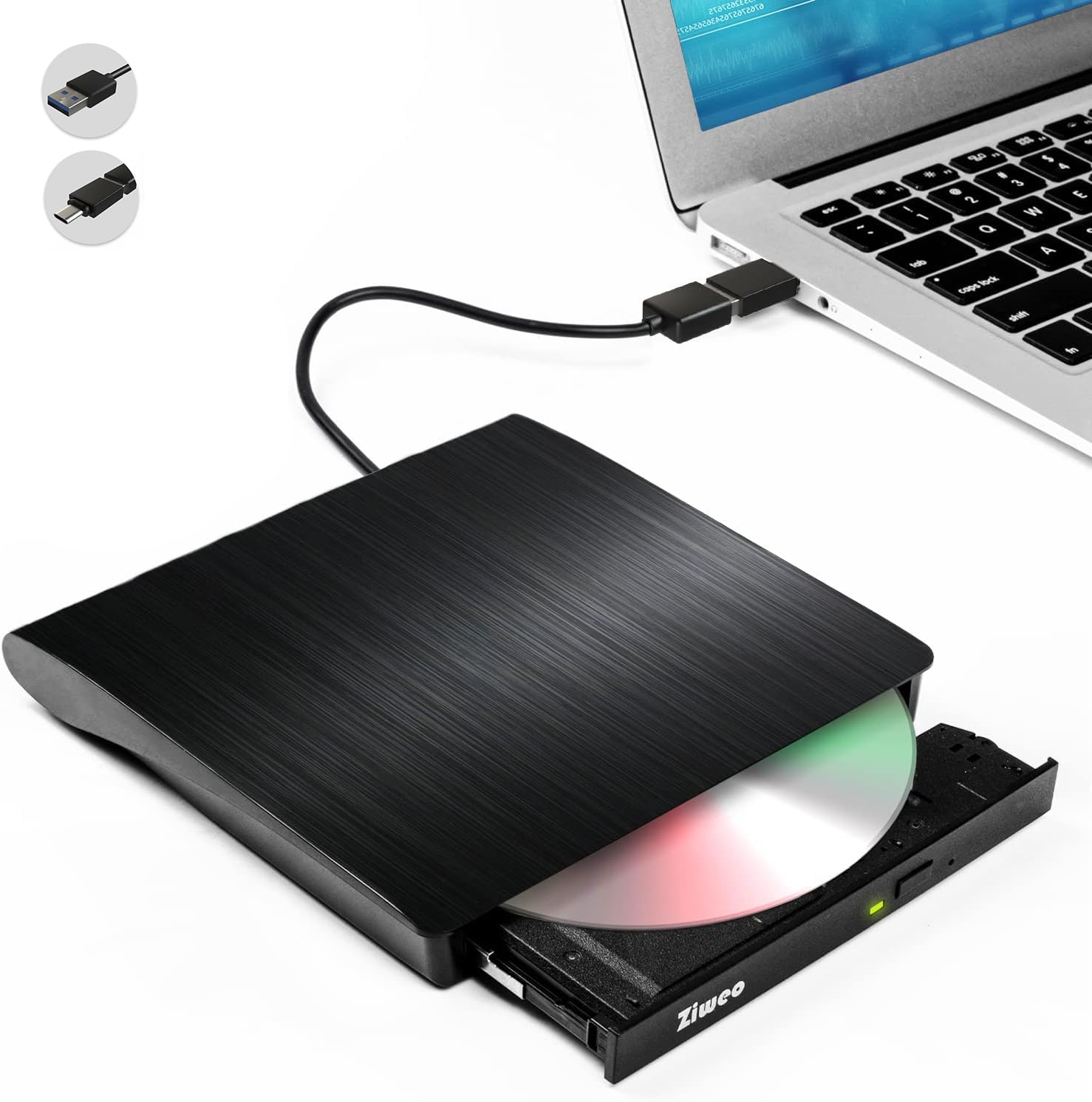
💿 Elevate your media game—burn, play, and back up anywhere, anytime!
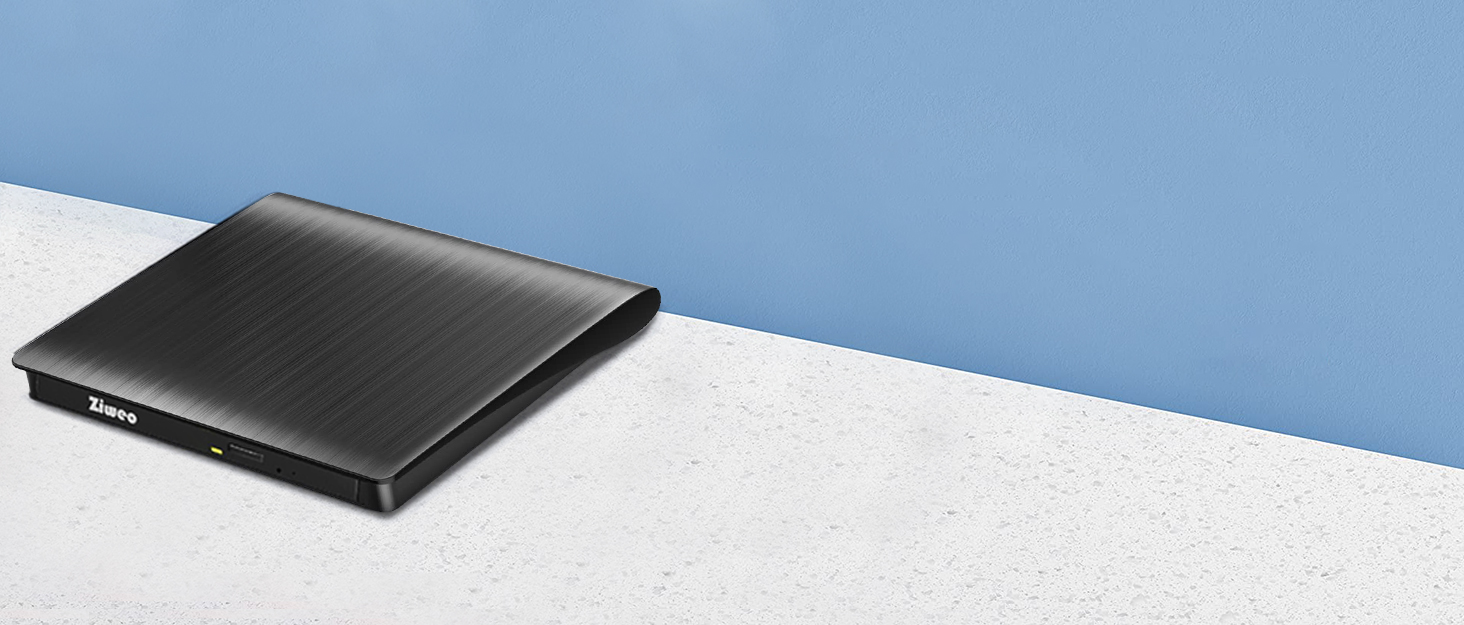
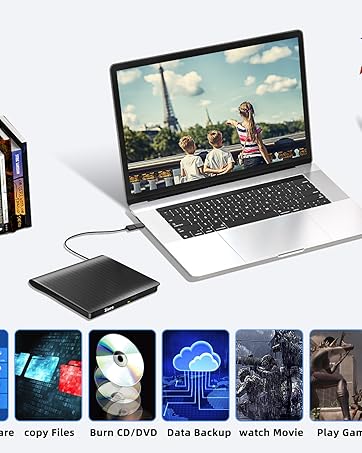
The Ziweo External DVD Drive combines USB 3.0 and Type-C connectivity to deliver up to 8x DVD rewrite and 24x CD read/write speeds. Compatible with Windows, Mac, and Linux, this ultra-slim, plug-and-play optical drive offers reliable, low-noise performance for burning, ripping, and playing discs on laptops and desktops without internal drives.




| ASIN | B096SQK922 |
| Best Sellers Rank | #28 in External CD & DVD Drives |
| Brand | Ziweo |
| Color | Upgrade Black |
| Customer Reviews | 4.1 4.1 out of 5 stars (10,818) |
| Date First Available | June 7, 2021 |
| Hardware Platform | Laptop, PC |
| Item Dimensions LxWxH | 6.4 x 6.4 x 0.8 inches |
| Item Weight | 9.6 ounces |
| Item model number | Ziweo USB 3.0 & Type-C |
| Manufacturer | Ziweo |
| Operating System | Note: Not suitable for cars, TVs, mobile phones, Blu-ray discs., Windows XP/ 2003/ Vista/ 7/ 8/ 10/11, All version Mac OS, Linux |
| Product Dimensions | 6.4 x 6.4 x 0.8 inches |
| Series | Ziweo USB 3.0 & Type-C |
N**R
Good value
I purchased this because I wanted to be able to transfer some music to my laptop as well as watch my DVD copies of movies on my laptop - this has worked beautifully for both items - I did have to download a driver because apparently one of my discs was from a foreign zone, but the system prompted me to which one I needed to get and it's been fine ever since.
A**R
Plug and play--Really!
I bought this to move data from music cds and video dvds onto my computer, a mac Powerbook Pro OS 15point something. I have been using an external player for this purpose for about 3 years. It has become unreliable. When it took an hour to download 4 out of 10 tracks on a music cd. I said enough is enough. I ordered this one The Amazon product description includes several models and I ordered the cheapest, simplest one. it is a black box with a drawer. One button to open the drawer and a small flashing light to tell you it is doing something A cord from that box with a standard USB3 plug on the end, plus an adapter to plug into my apple lap top. It came in a clear plastic pack that was the usual hassle to open. Inside there was a small slip of paper with 'instructions' pretty basic and included the warning that if you planned to use it to burn discs., Unless you had MS 7, you need to buy other stuff. I had no plans to do that so I just plugged in. And Wonderful! the usual stuff showed up on my computer screen, and there was nothing else I needed to do. Since then I have transferred 7 music cds with no problem and it was much quicker than the old one, even when it was new.
B**.
Durable and a great value.
This has now officially gained a place in my laptop bag and is a permanent piece of equipment I take with me everywhere. I made the mistake of thinking that the cloud, streaming, and USB/SSD drives had made the need for a CD ROM a thing of the past... until I needed to use one. I went to two different big box stores and none had any external drives in stock. I ordered this one and it is built great, reads all my CDs and functions just the way I had hoped. Very affordable and the small design makes it easy to use on the road or even at home. A very good value and happy with the product.
E**A
External DVD-R drive.
Hey customers. This item is very good. I recommend to all of you to buy it.
A**T
At least I didn't spend a lot ....
Recently my Desktop Tower PC had died & I had replaced it with a Micro computer NUC that did NOT have an internal CD/DVD drive (There's no room !) I figured I'd just buy an external drive online and there were plenty around with good reviews at about $20. This one looked to fit the bill & it arrived in about a day or two. It did take a small amount of fiddling to get it working as expected, but I got it to where I wanted it. I set it up on my desktop & there it sat ... Fast forward to 2 months later & I needed to rip a large number of CD's for my mom to a thumb drive. The first 2 CD's went fine but then the trouble started. The next CD wouldn't read. Okay, these were old & not well kept, so I tried another. That wouldn't read. So I tried one of my CD's (which were perfectly fine) and those wouldn't read. And now I couldn't get the CD out as it just kept spinning & ignored the eject request. I had to unplug it & stick a pin in the EJECT hole. I tried rebooting the computer to clear the cache & reinstalled the drive itself. No good ! So I left it alone (I did have actual WORK to do) and decided I would try again in the AM. I reconnected it this morning & things LOOKED promising. It read the first CD & started writing. But soon it had errored out & wouldn't read the disc again. And this was MY CD, not my mom's. I tried several CD's afterwards & the media player wouldn't recognize them. I have had enough. I'm just angry that the stupid thing is no longer returnable (the window expired 2 weeks ago.) I have since ordered another drive from a brand I recognize & have just chalked this up as a learning experience. Caveat Emptor ....
A**R
Worked well
Works well. Although I thought it would be faster but gave it 5 stars anyway as I'm not sure if external DVD drives can actually be any faster. I mostly used it to move data off of a bunch of old DVD backup disks. I also used it for fun to play a couple DVD's and it worked flawlessly for that. My only complaint would be the cable end is USB-3 and not USB-C, and so it uses a little dongle to bridge between the two.
A**0
Works Great! I Actually used it to Create DVDs
First what I DISLIKE - I wish that it had a detachable cord. There are times that you need a longer cord and I would rather have a single cord rather than patching. However, the main reason is that you will be constantly flexing and abrading the cord. I also wish that they planned a place to store the USB-A to USB-C adapter. I ultimately had to overlook these negatives because it seemed to have the best usage ratings. Now, for the best - I read dozens of reviews and NOBODY had tried to create DVDs. That is the main thing that I needed. I have a similar unit that works well, but I needed another unit that I can pass along to my grandson and train him how to use it. I had (3) mp4s that needed to be placed onto 1 DVD. Now let me explain about my hardware. I have a Dell laptop with Win 11. I would highly recommend loading Ashampoo. It is a free program and they will try to push on other programs, but I have had it for several years and it is very easy to use. I recognizes the Drive and the disk type without a problem. Once ready, you simply drag/drop the files and then tell it to make the DVD (or CD). IT WORKS! I use both -R and +R DVDs and it doesn't seem to matter. Now, I don't allow Apple Products in my house, so I cannot give you any information on how or whether this drive will work with Apple, but I would believe that it would work.
P**R
I recently purchased the External DVD Drive USB 3.0 Type-C CD Burner Portable CD +/-RW Drive DVD Player for ROM, and I couldn't be more pleased with its performance. From the moment I unboxed it, I was impressed by its sleek and compact design. It’s lightweight and portable, making it incredibly easy to carry around and perfect for on-the-go use. The dual interface (USB 3.0 and Type-C) is a huge plus, as it offers flexibility and compatibility with both older and newer devices. Setting it up was a breeze—just plug it in, and it’s ready to go. No need for additional drivers or software installations, which is a big time-saver. Performance-wise, this DVD drive is top-notch. It reads and writes CDs and DVDs quickly and efficiently, with no hiccups or delays. I’ve used it to play DVDs, burn CDs, and even install software from discs, and it has handled everything flawlessly. The USB 3.0 connection ensures fast data transfer, which is noticeable when copying large files. Overall, this is an excellent external DVD drive that delivers on all fronts—performance, design, and ease of use. If you’re in need of a reliable and versatile external DVD drive, I highly recommend this one. It’s worth every penny and definitely deserves a 5-star rating!
R**E
The packaging is neet and sturdy; it has an elegant design. The external drive arrived two days earlier than promised and in perfect condition, with an adaptor for USB 2.0 (or 3.0?) to mini USB. I plugged the drive into my PC (which as USB 3.0) and inserted a CD in it. The small green light turned on and a small whirling noise started. Within seconds, the Drive appeared on my Windows Explorer. I double-clicked to the Drive and the CD started rght away and kept running smoothly, as if it were a ''real'' drive. :-) It works flawlessly with CD-R, CD-RW, DVD-RW onto which I had stored Word documents, Excel spreadsheet, JPEG and audio files. I did not try engraving because it would be pointless as those supports are getting outdated. In fact, I purchased the drive to transfer data from CD's and DVD's to USB memory stick for convenience. I confess that I unpacked the drive very cautiously as I suspected that it might not work and I would need the packaging to return it. :-) My unfounded fear was regarding its compatibility with Windows 11. I can now confirm that it is compatible and... I will keep the drive. After a few hours of usage, I highly recommend this Ziweo external drive for its ease of use, its performance and for its price. Neat little drive to have around because DVD's and CD's will soon be obsolete.
H**Y
عملى وممتاز جدآ
A**D
السلعه جيده وكما بالوصف والبلئع محترم
K**S
Been using it for a couple of weeks now and it's worked just fine. Only problem i have is that the type c plug doesn't seem to work. The USB A plug worked but still.. . it's got decent speed so so CDs were fine, haven't tried DVDs yet but I expect they work just fine.
Trustpilot
1 day ago
2 weeks ago



