Some deliveries may take a little longer than usual due to regional shipping conditions.

DOWNLOAD THE APP


Customer Services
Copyright © 2025 Desertcart Holdings Limited
DOWNLOAD THE APP
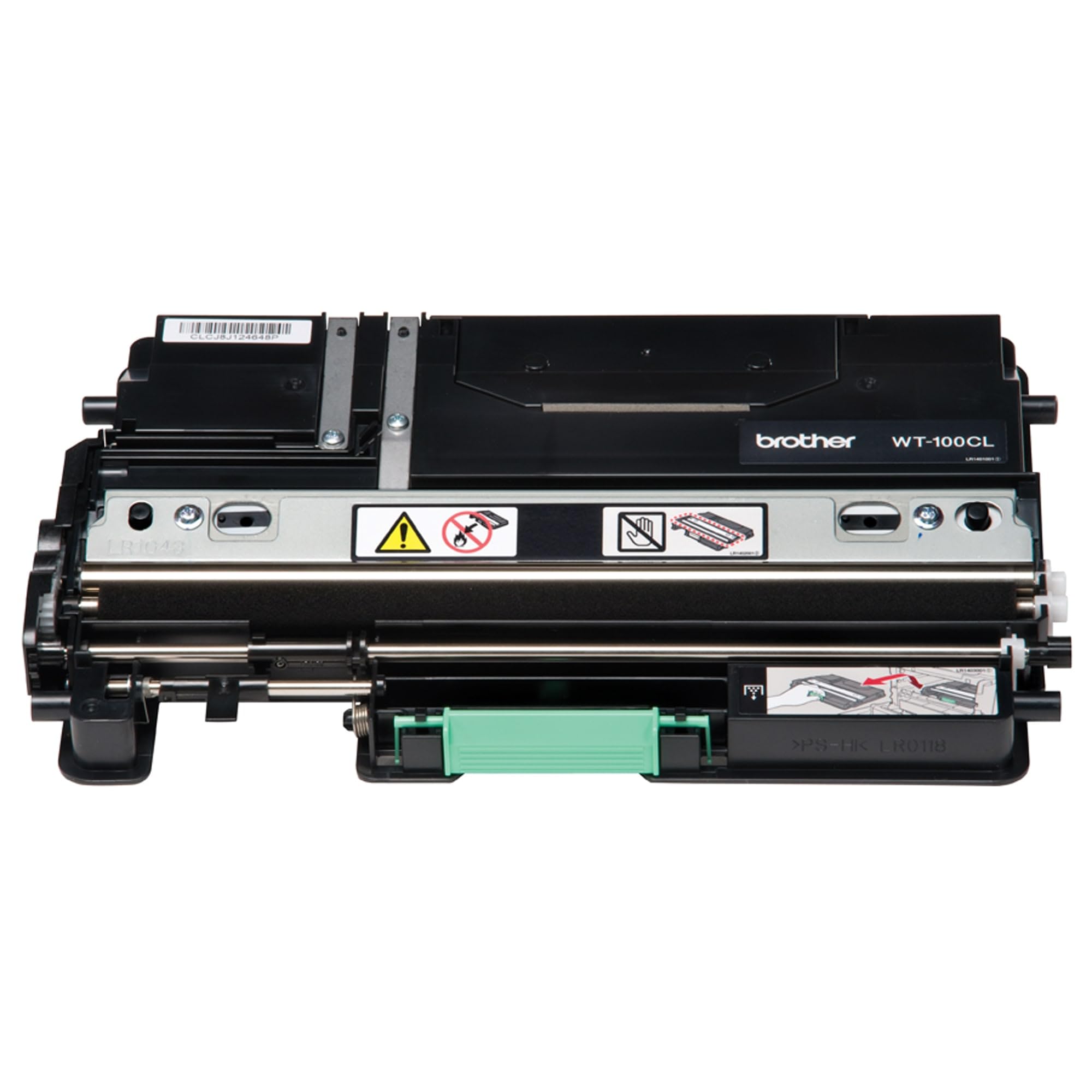
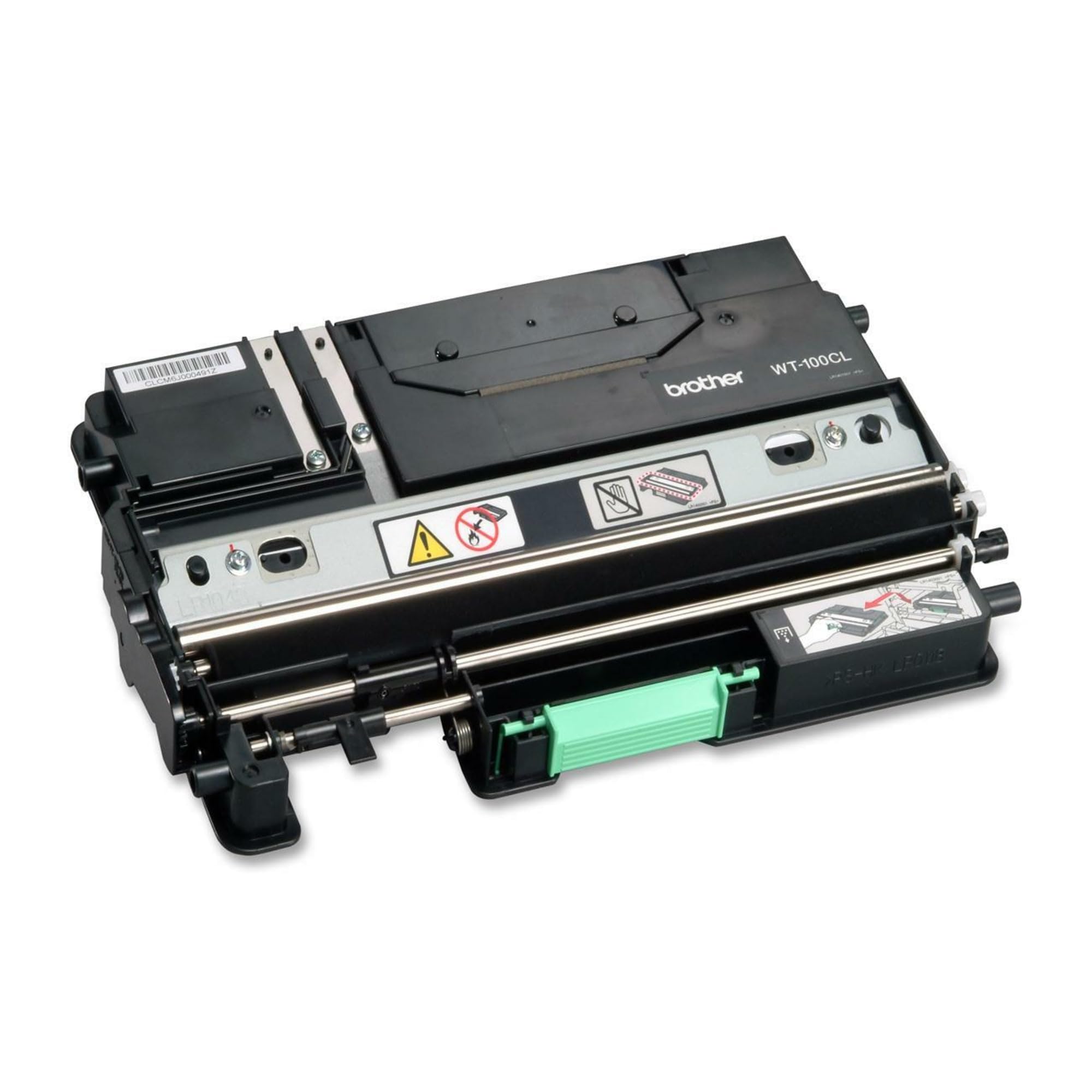
🖤 Keep your prints flawless and your office running like clockwork!
The Brother WT-100CL Waste Toner Pack is a genuine OEM consumable designed for HL-4040CN and HL-4070CDW series laser printers. Delivering up to 20,000 pages at 5% coverage, it prevents toner overflow and maintains print quality with easy installation, making it an essential, cost-effective maintenance part for busy professionals.
| ASIN | B000SE0OYA |
| Batteries | 1 A batteries required. |
| Best Sellers Rank | #204,786 in Office Products ( See Top 100 in Office Products ) #6,147 in Printer Toner Cartridges |
| Brand | Brother |
| Color | BLACK |
| Customer Reviews | 4.4 4.4 out of 5 stars (318) |
| Date First Available | July 7, 2004 |
| Is Discontinued By Manufacturer | Yes |
| Item Weight | 2.33 pounds |
| Item model number | WT100CL |
| Manufacturer | Brother |
| Manufacturer Part Number | WT100CL |
| Material Type | Paper |
| Number of Items | 1 |
| Product Dimensions | 14.96 x 11.22 x 4.72 inches |
S**N
Genuine Brother Replacement Part, Easy Installation, Relatively Inexpensive
Works perfectly. This WT-100CL waste toner pack was for a client's MFC-9330CDW reporting the one in there was full. It is the original Brother part (not a 3rd party knock-off). Installation was simple: 1) open the front door 2) remove the toner/drum assembly 3) remove the belt assembly 4) remove the old waste toner pack 5) put in the new one 6) replace the belt unit 7) replace the drum/toner unit 8) close the front door: all done. That's it - an easy and inexpensive consumable replacement and it's working perfectly. That makes it 5 stars for me.
M**C
Fix my Brother laser printer
This fixed the overflowing toner problem of my Brother laser printer, restoring clean output quality, and hopefully it should last for many thousands more pages.
G**C
It works and inexpensive compared to other alternatives.
Much cheaper from Amazon than other sources. Need to watch the part numbers from the listings to make sure you get the best priced one with this part number. Some that were listed were more money. This works.
I**T
Easy to change, cheap, and eventually worth it
Changing the excess toner box is eventually necessary, and not that expensive relative to the cost of the Brother printer--itself. Changing the excess toner box in the Brother duplexing color laser model HL4040CDN is simple. With the power switched to "Off", open the front of the printer as if changing toner. Slide out the drum unit until it stops. Remove the drum unit and set it on a clean paper on a table top. Lift the old belt unit out. It lifts from this green tab at the front of the belt unit. It weighs only a couple of pounds so it is easy to lift up and out from the printer. The excess toner box is right below where the belt unit was, and it lifts out from the printer easily and it is rather light. Replacing is the reverse of the process. The procedure took 9 minutes in total to change both the excess toner box as well as the belt unit. Since I was in there, changing the belt unit was becoming an eventual need lest I later face a broken belt unit and some toner to clean up inside the machine. The price of the excess toner box was less than $25 on Amazon--delivered. Cheap. We have gone 37,000 pages printed thus far in two years. We are on the original drum. There is no toning, and no dots or streaks appearing on the image. The drum is behaving well thus far. Amazon's ordering process was easy. Order processing was by the next day. And delivery took 3 days--to Hawaii. And we had selected Super Saver Shipping which was free.
P**R
Excellent product but doesn't fix Print Unable 32 error, must fix sticky sensor shutter instead
I bought this WT-100CL waste toner collector because I read that it might fix my Print Unable 32 error. I bought it even though the previous one still had some lifetime remaining. This new WT-100CL works very well in my Brother laser printer but did not fix my actual problem. To fix the Print Unable 32 error I had to prevent the Density Sensor shutter sticking on an old foam bumper pad which had become tacky due to deterioration of the plastic foam material. Covering the sticky foam pad with a small piece of cellophane tape has restored my laser printer to life!
D**N
Fixed error "Print Unable 32"
My printer is MFC-9840CDW. I kept getting error "Print Unable 32", which stopped all printing. I did the YouTube fix that cleaned an optical sensor and fixed a sticky solenoid but that didn't fix the error message. The problem turned out to be a full Waste Toner Box. It was so full that toner was coming out of the space around the rollers and was caked to the rollers. Vacuuming the rollers and cleaning with alcohol helped for a while but the error soon returned. So I replaced the Waste Toner Box with a new one and problem is solved! I called Brother and they do accept the old toner box for recycling. Just go to their web site, print out a Brother pre-paid USPS label and put it back in the original box and drop it off at the post office. Easy and cheap fix!
R**X
Didn't fix the printer problem
This is not so much a review of this waste toner pack as it is a review of the Brother DCP-9040CN color laser printer that the toner pack was purchased for. The printer had to be repaired when it was still under the 1 year warranty, but a service technician came to my house to do the repair. Now, a year or so later, after the warranty had expired, it refuses to print. It's a big heavy machine so I struggled to get it in my car and delivered to an authorized repair shop. They up-graded the software as per instructions from Brother. This fixed the problem for a day or two, but then the same old fault message came up. The next recommended (by Brother) fix was to replace this waste toner pack, which was relatively easy to do. Trouble is, this replacement did not fix the problem. The next repair steps will require more purchases of hardware that can only be installed by an authorized repair shop. By the time I manage to get it fixed (if I can) it will have cost me half the price I paid for the machine in the first place. In contrast, my little HP ink-jet color printer, purchased long ago at a fifth the cost of the Brother, continues to operate without problems. And before that, an HP black and white laser printer gave me good service for decades. Boy, am I ever sorry I changed brands!
N**E
Very pleased
Fits and works great
D**L
Super
J**S
Aunque la impresora no me avisó de que el depósito original había superado su vida útil, en cuanto lo cambié por el nuevo la mejoría fue evidente. Las marcas de colores en las páginas impresas prácticamente desaparecieron.
G**A
I replaced the waste unit, not because I was getting an alert message on the printer, but because of the amount of printing that had been done over the years. Possibly not essential, but was trying to bring the well-used printer up to best operating standard. No noticeable difference from replacing the waste toner unit - but one would not be expected.
E**O
Arrivo come previsto pezzo nuovo con istruzioni di montaggio Funziona senza problemi ... migliorie: indicare come smaltire e rendere ricalcabile il vecchio pezzo
T**3
何時も使っている商品なので、問題も無くとても気に入っています
Trustpilot
3 weeks ago
2 months ago