
下载应用程序






⌨️ Elevate your workflow & game with every keystroke!
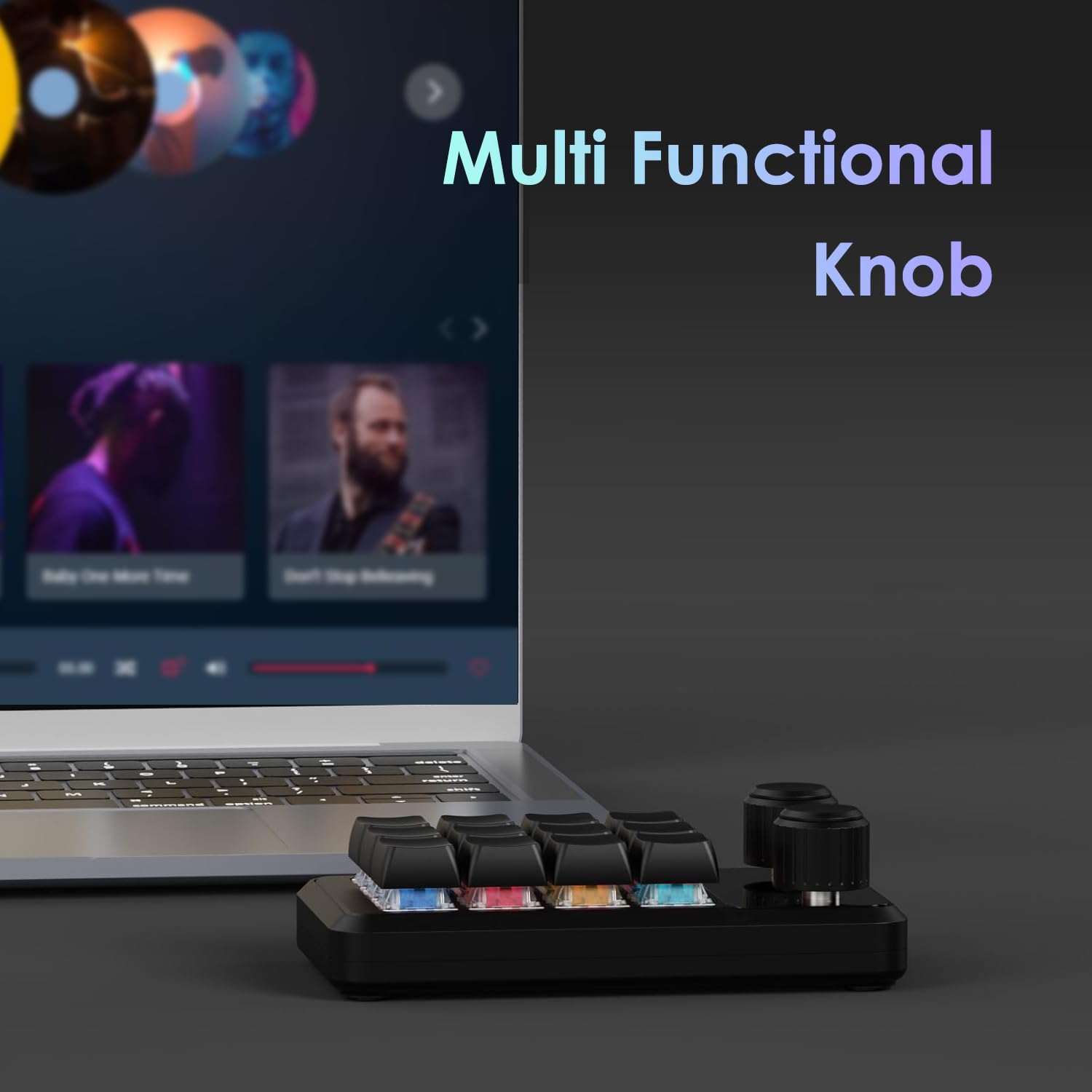
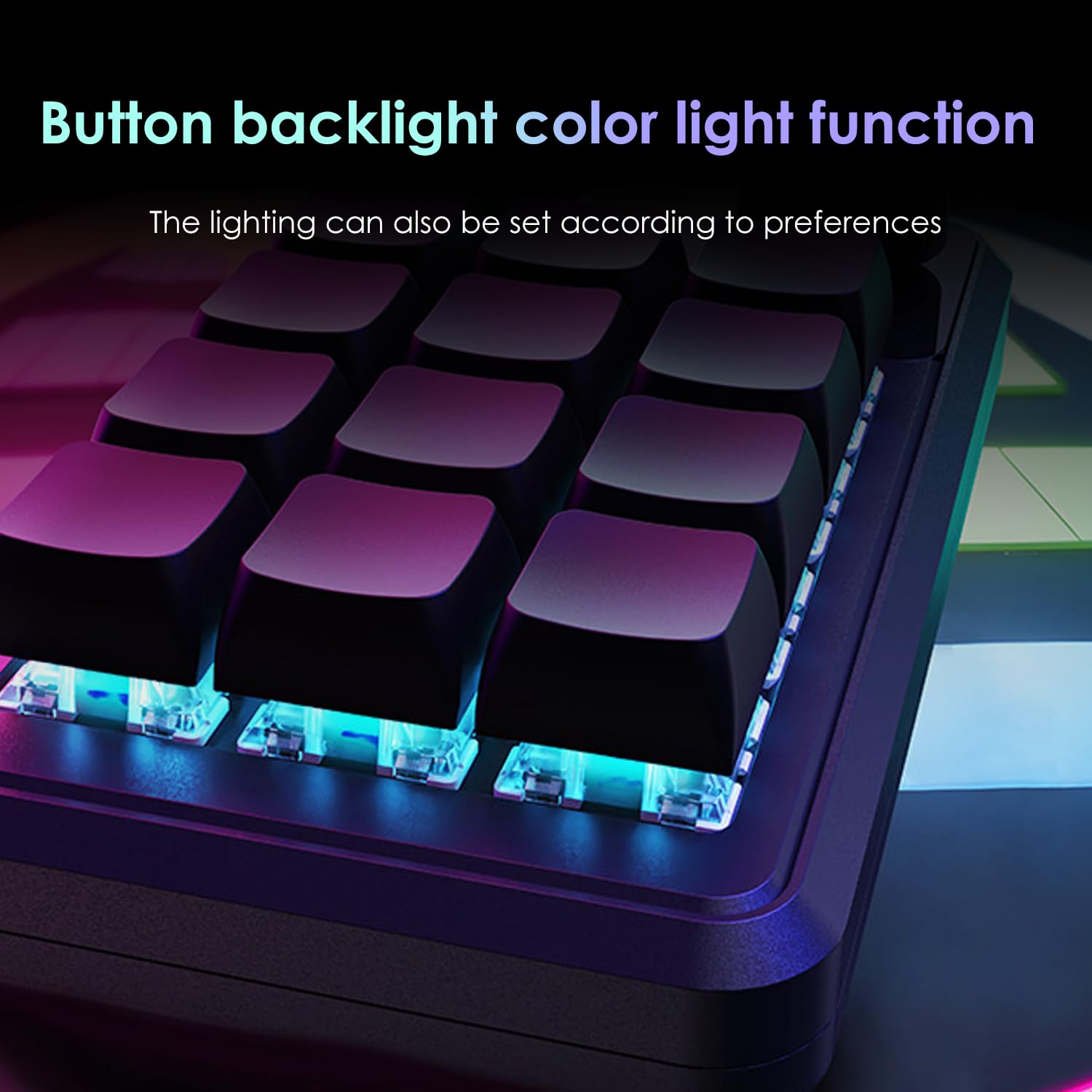
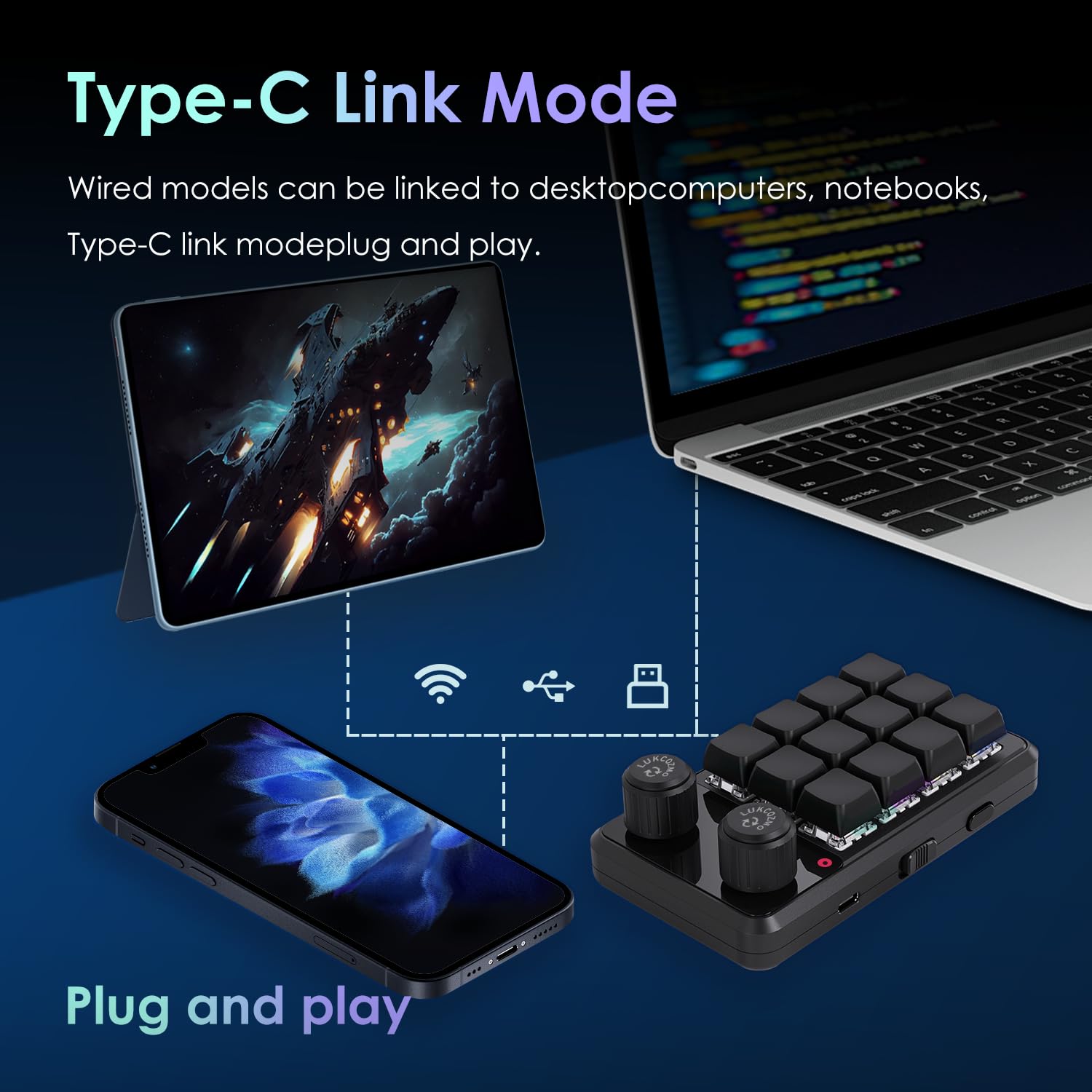
The LUKCOZMO Macro Pad is a sleek, programmable 12-key mechanical keypad featuring anti-ghosting keys, RGB backlighting with 8 color options, and wireless capability powered by a 400mAh Li-Po battery. Compatible across major OS platforms with a driver-free Type-C USB interface, it offers plug-and-play convenience and customizable macros to enhance productivity and gaming performance in a compact, portable design.


| ASIN | B0DCP4CVNL |
| Are Batteries Included | Yes |
| Batteries | 1 Lithium Ion batteries required. (included) |
| Brand | LUKCOZMO |
| Color | Black |
| Customer Reviews | 3.8 3.8 out of 5 stars (92) |
| Date First Available | 14 June 2025 |
| Item Weight | 200 g |
| Item model number | MQ-AX18-K12-VT2-RGB |
| Lithium Battery Energy Content | 1.11 Watt Hours |
| Lithium Battery Packaging | Batteries only |
| Lithium Battery Weight | 7.1 Grams |
| Manufacturer | LUKCOZMO |
| Number Of Lithium Ion Cells | 1 |
| Number of Batteries | 1 |
| Number of Lithium Metal Cells | 1 |
| Operating System | IOS, Linux, Windows |
| Power Source | Corded Electric |
| Product Dimensions | 12.7 x 7.21 x 3.71 cm; 200 g |
| Series | Macro Keyboard |
P**E
Esta muy lindo, sin embargo es solo plástico, si siente bastante débil, siento que si se me llaga a caer se rompería. He tenido otro macropad y estaba hecho de acrílico, siento que la calidad de este en cuanto a materiales es un poco pobre En cuanto a la conectividad y el funcionamiento fue bien, es fácil de configurar y cambiar entre los modos de coneccion
C**R
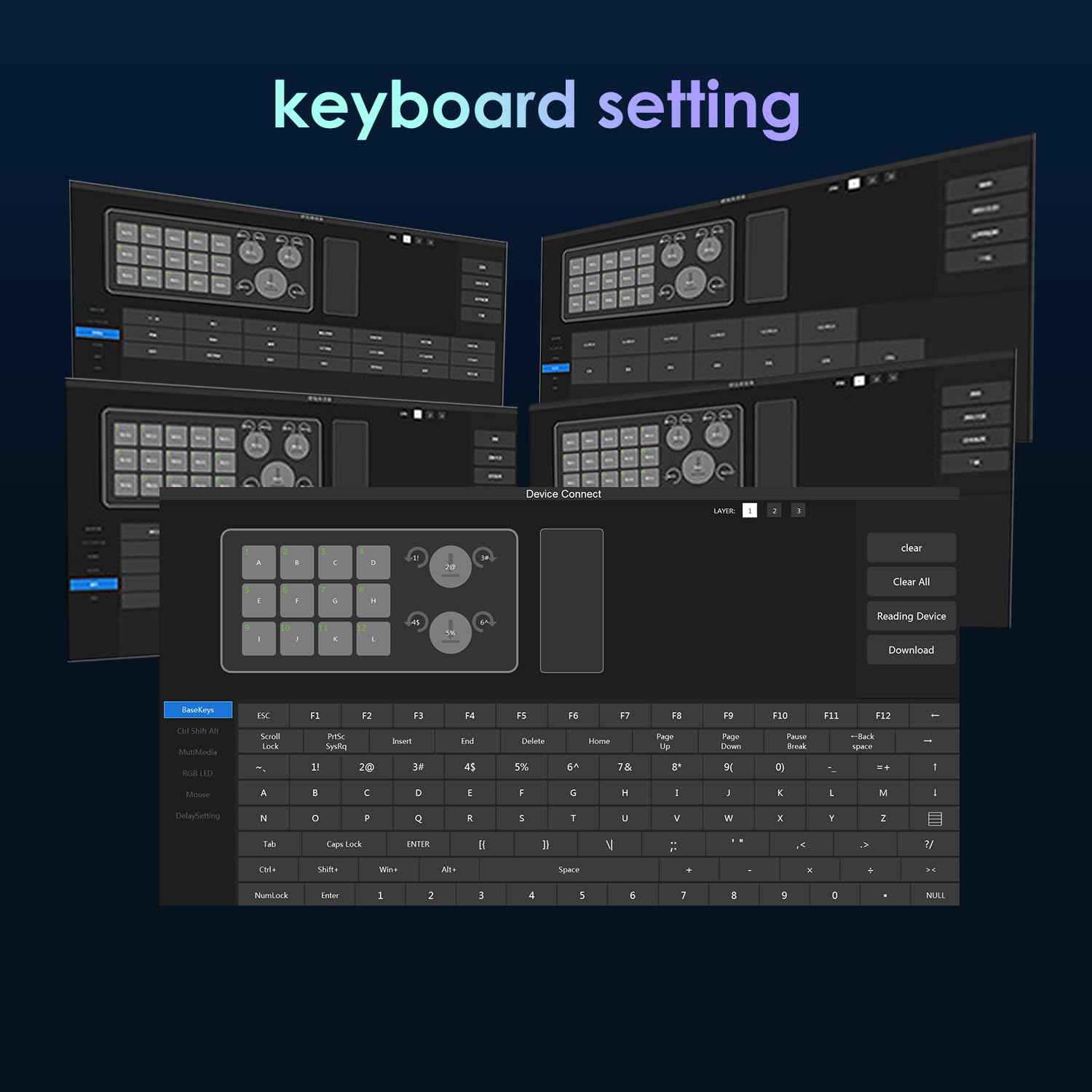
I needed a multi-key ‘macro’ keyboard that could emulate multi keystrokes via a single button, with speed control, and capable of special characters/function keys/etc, and be able to store at least 15 steps. It needed to be essentially driverless, or at least a plug and play USB HID device from the system’s perspective. This product fits the requirements, though without much room to spare (18 keystrokes, whether they are shifted or not). This shows up in ‘windows device manager’ as 2 USB input devices, 2 HID keyboard devices, and one HD compliant mouse, but you don’t have to install any software on the device that will use it. It also keeps the ‘macros’ in the keypad, as you move it from one device or computer to another. Programming: The included USB stick scanned as virus free, still I unpacked the windows software into a directory on an old, isolated laptop just to be extra careful. It is portable, you just run the exe from there, no ‘installation’ of software required. It recognized the keypad correctly once connected. Programming is a little clunky but works. Be sure to clear a key before programming it and use the onscreen keyboard rather than a physical keyboard. This software won’t ‘record a macro’ of key sequences as you perform them on a keyboard (or mouse clicks or other). You program a button from the on-screen possibilities by clicking them in sequence. If you get it wrong, it’s safest to clear the button and start over, as editing is hit or miss. But it DOES read the current programming of the keypad and display it, so you can cut and paste that to notepad as a reference. Keys can be programmed to emulate one or more keyboard keys in a sequence or combined, or to do mouse clicks or multimedia commands, but apparently mixing them together is not possible. I.E. you can’t program a key to do a sequence of “B” plus “control + shift + win + F12 + left-mouse-button” plus “mute audio” plus “1234”. You’d have to break that into at least 4 keys and it might require pressing the mouse button yourself while pressing the 2nd of those. You can do one button passwords with special characters easily (up to 18 chars), and you can do one button mouse sequences, and you can do one button multimedia command sequences, but not combine them in one button. It would be nice to have a single button mute your music, start Zoom, turn on your camera, and dial a contact for a voice meeting, but that’s something you can’t do with this keypad. Keep expectations reasonable. Build quality: The build and feel is quality, but I'll probably mount to a heavy wedge with anti-slip feet to keep it in place and ergonomic. It isn’t super light now and does come with non-slip feet, but it’s not heavy like a quality keyboard, so could be bumped around the desk as is. The mechanical keyswitches are good quality and feel, with no tactile click or click sound, just the normal ‘thunk’ . I immediately replaced the original black keycaps with crystal jellies for mx so I could see the rgb through them, and custom label them. The switches are standard mechanical hot swappable format, so you can modify to your favorites, clicky switches with cat face keycaps if you like. The knobs are basic plastic, with encoders underneath that have 20 detents per rotation, and a push momentary. The encoders are soldered, but the knobs are just standard splined push on type, so also customizable. Lighting: It does mostly what it says in the description, except keys are NOT individually color/mode addressable for led, it's all 12 or none, per layer. So, I have layer 1 always-on (mode 1) in red, layer 2 is yellow in mode 3, and layer 3 green in mode 4, so I can identify layers easily. THERE IS NO BRIGHTNESS control, and color selection is limited to 8 (Red, Orange, Yellow, Green, Cyan, Blue, Purple, and of course ‘off’ or black). Still, that's enough for me so I'm ok, for the price. I may eventually add my own brightness knob. Wireless: I did not need or test Bluetooth or 2.4G wireless functionality, but I can verify there is a Li-Po pouch battery inside (the 12 key with 2 knobs), it’s a 403030 claiming 400mah. So Bluetooth life should be at least a month of constant connection, maybe several, if rgb backlighting is off. Summary: I’m happy with the product. It fits what I needed it for, feels quality, and works, and wasn’t very expensive -no serious complaints. It could be improved, but what couldn’t? The only question now is how long it will last, but with the exception of the battery, there really isn’t much to wear out, so I’m assuming a long career.
B**.
Works great! The key programming is easy and straightforward. I'm not going to lower my review for it, but the LED setting interface is pretty tricky and I couldn't get it to work exactly how I wanted, but the key programming was all I really care about anyway.
W**X
This sucks. The program for it sucks and can’t do anything with it. Wish I would have done more research into it before buying and kicking myself that I didn’t try it out before my 30 days were up.
B**N
Software to program the a little hard to find and get working. However, I use this between my personal computer with the dongle and Bluetooth for my work computer. This has proven to be a time saver as I have the different layers set to each computer. It functions as if I am typing at the keyboard! Only downside i have found is there is no permanent light to indicate which key layer you are on which can sometimes be annoying.