
下载应用程序


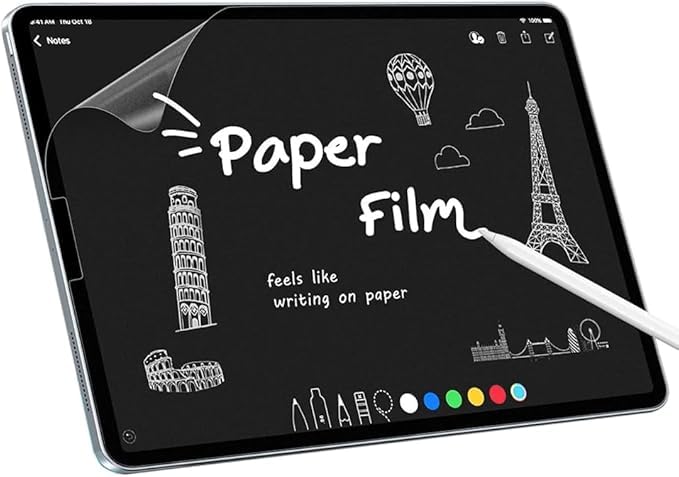
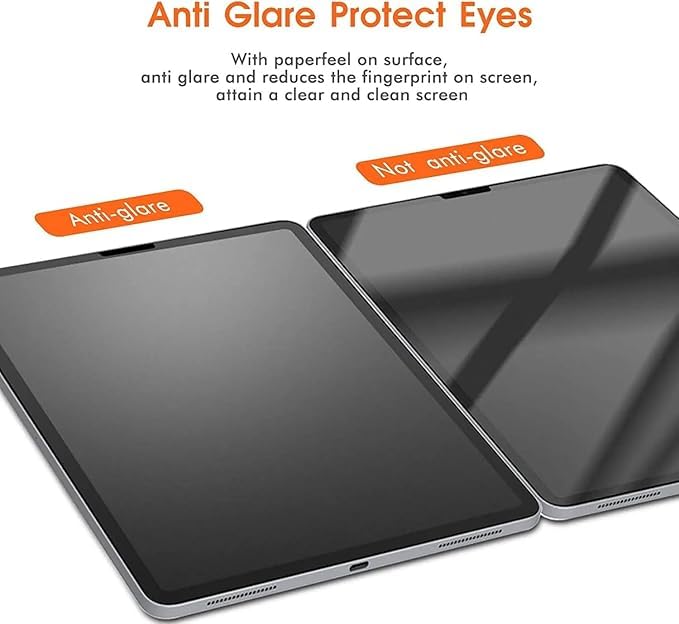
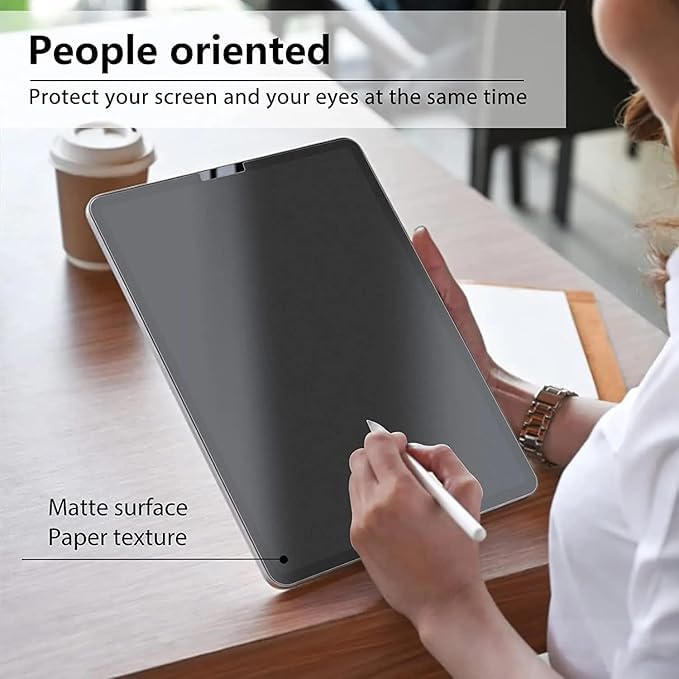
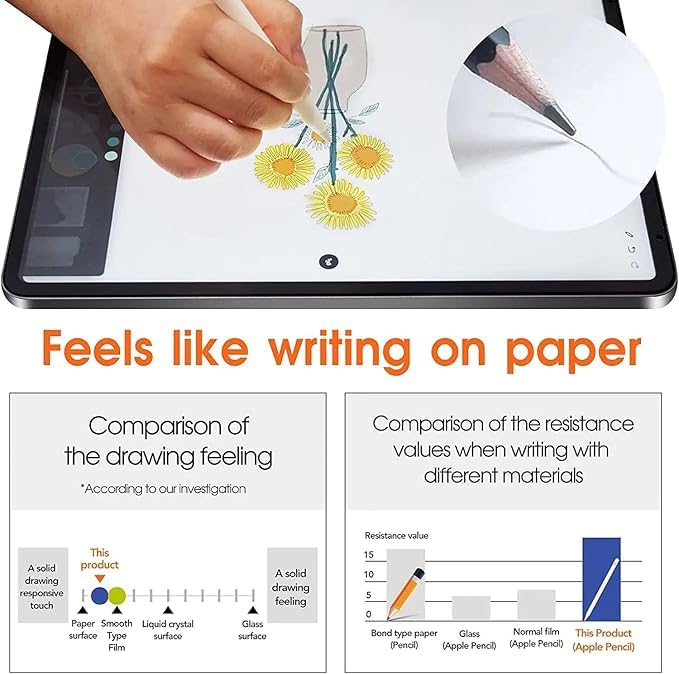
🖋️ Transform your Lenovo Idea Tab into a glare-free digital canvas with paper-like precision!
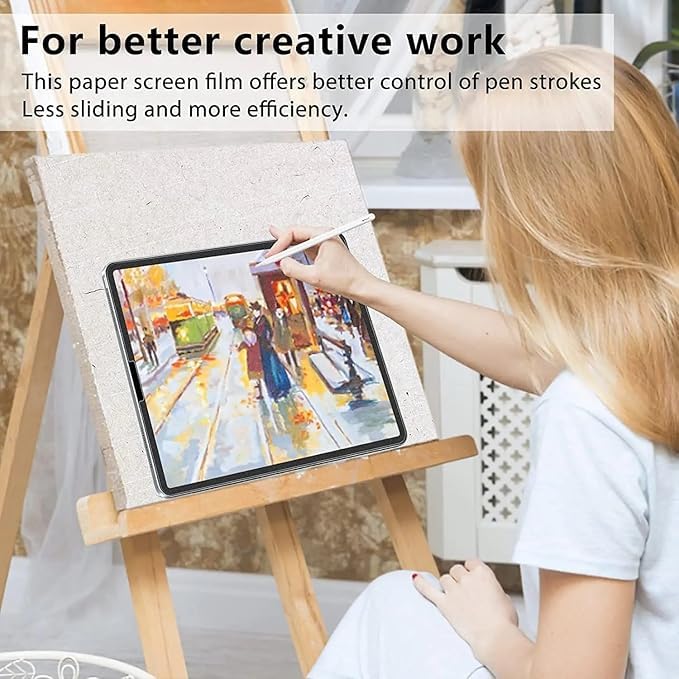
This PET Matte Screen Protector is tailor-made for Lenovo Idea Tab, offering a nano-coated matte finish that reduces glare and enhances color fidelity. Designed for stylus users, it delivers a natural paper-like feel for drawing and writing while protecting your screen from scratches and fingerprints. The package includes two protectors and installation tools, ensuring a perfect, bubble-free fit that maintains full touch sensitivity.
| ASIN | B0G3N8JK7K |
| Best Sellers Rank | #493 in Tablet Screen Protectors |
| Color | Lenovo Idea Tab |
| Customer Reviews | 4.0 4.0 out of 5 stars (115) |
| Date First Available | November 22, 2025 |
| Item Weight | 1.06 ounces |
| Manufacturer | Iiseon |
| Product Dimensions | 11 x 7 x 0.5 inches |
| Special features | Touch Sensitive |
| Whats in the box | Screen protector |
J**R
Best I've found!
I bought this for my Lenovo Duet Gen 9 and the Tab M11 is an exact match. I've tried a bunch of these screen protectors on Amazon and the texture on this one is by far the best. It is a little hard to get all the bubbles out, but that's pretty much how it is with all screen protectors. On my 2nd try I was able to get it applied perfectly without a single bubble. The key for me was to take my time and apply in direct sunlight to make it easier to spot those tiny dust particles that cause most of the bubbles. Now it's like I have a beautiful glare-free screen with paper-like feel straight from the factory ;)
H**G
Fit and Works with Lenovo P12, No Instructions, Not much improvement in drawing
Biggest complaint is no instructions. You have to rely on your experience with putting on protector on phones. It fits perfectly on Lenovo P12. Anti Glare is useable but still wont help in full sunlight. For Writing screen made it less slippery but definitely not paper like. Very Hard to have it bubble free, but small bubbles is still touch/stylus sensitive.
A**R
Nice feel
Feels like paper
T**Y
PET Matte Paperfeel Screen Protector for Lenovo Tab M11
Packaging: Nothing crazy. Sealed with a strip of packing tape. If this is the only item you're ordering, you may want to select that Amazon uses Amazon packaging as this would not hold up on someone's doorstep in rainy weather. Installation Tools: *See third photo. It comes with a card to smooth out air bubbles, a small 4pk of wipes and guide stickers (not sure what these are for). Writing Test: I did (3) writing tests as you can see in the fourth photo. Test 1 - Writing directly on the tablet screen. Test 2 - Writing on a tempered glass screen protector (placed over the tablet screen, not adhered or installed). Test 3 - Writing on this matte paperfeel screen protector (placed over the tablet screen, not adhered or installed). NOTE: this screen protecter has a film over it. I did remove the film in the small area that I wrote on so that my Lenovo Tab Pen Plus would be directly touching the matte paperfeel screen protector. As you can see in Test 3 - my Lenovo M11 didn't consistently recognize me writing. It didn't catch the "3.)" that I wrote but it did catch the sentence I wrote. My writing came out somewhat thinner - and the writing thickness was the same for all three tests. Overall - this screen protector feels a little too thick. While it is matte paperfeel - first, it doesn't feel like you're writing on paper and second, unless you really need that feeling of friction - it actually felt more natural writing directly on the tablet screen or tempered glass screen protector. All in all - this wasn't for me.
M**D
Nice, feels like writing on vellum paper--SMOOTH
Enjoy writing on Lenovo Tablet now
J**N
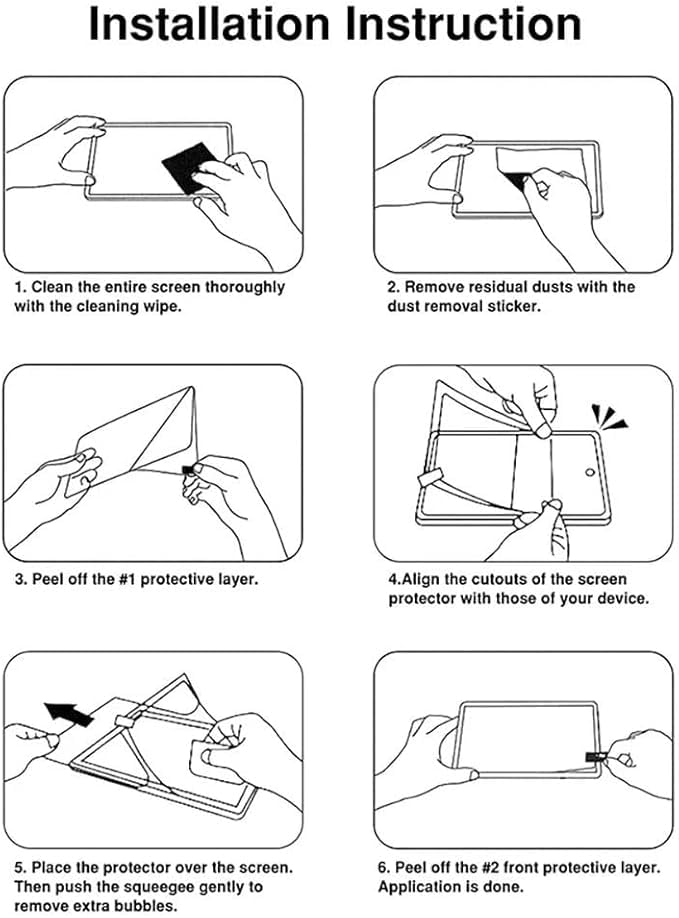
Bubbles are difficult to get out, no printed directions, wet wipes were dry.
Product I ordered was an exact fit for my tablet - there's a lot of them, so be careful to choose the correct one! Anti-glare kit arrived quickly. There were NO printed directions in the kit, but thankfully there are directions on the product page on Amazon. The "wet" wipes were completely dry. I wet one from the tap, but it would probably be better to wet it with distilled water. I couldn't get all the bubbles out when I installed the anti-glare screen cover, but hopefully they will work their way out. Then maybe I'll upgrade my rating, currently at 3 stars.
A**A
Awesome cover
I love it. Fingerprint resistant
D**S
Worth every penny
The installation process was straightforward. The touch sensitivity remained uncompromised. The textured grip provides an excellent tactile experience, emulating the feel of writing on paper, which enhances the enjoyment of using a stylus for drawing or note-taking. Initially, I observed some smudging, which created the impression of screen protector degradation. However, I discovered that this issue was easily resolved with the application of a microfiber cleaning cloth and a small amount of effort.
TrustPilot
2天前
4天前