We remain fully operational. Our teams are working around the clock to ensure your deliveries continue safely.

下载应用程序


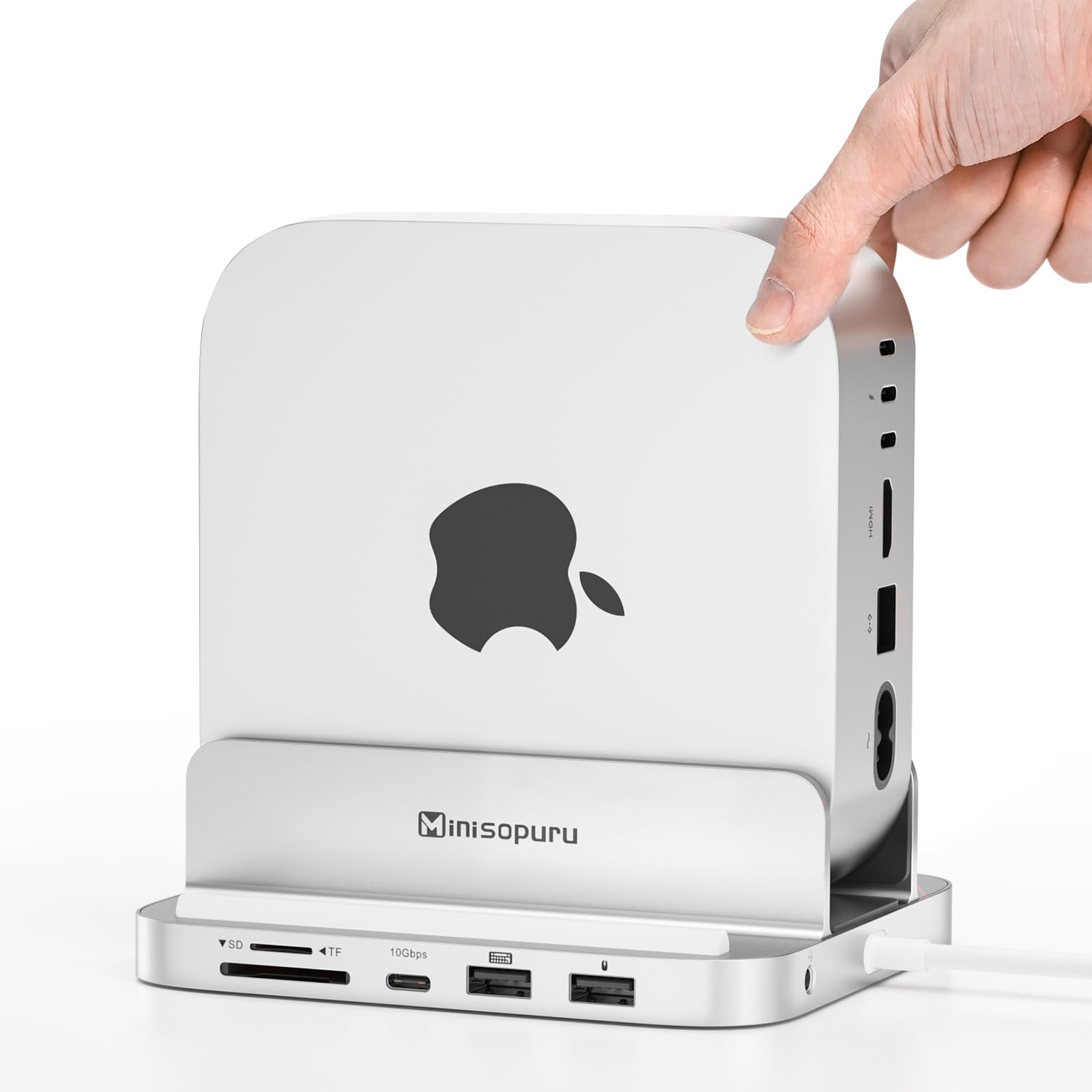
🚀 Elevate your Mac mini M4 game with power, speed, and style!
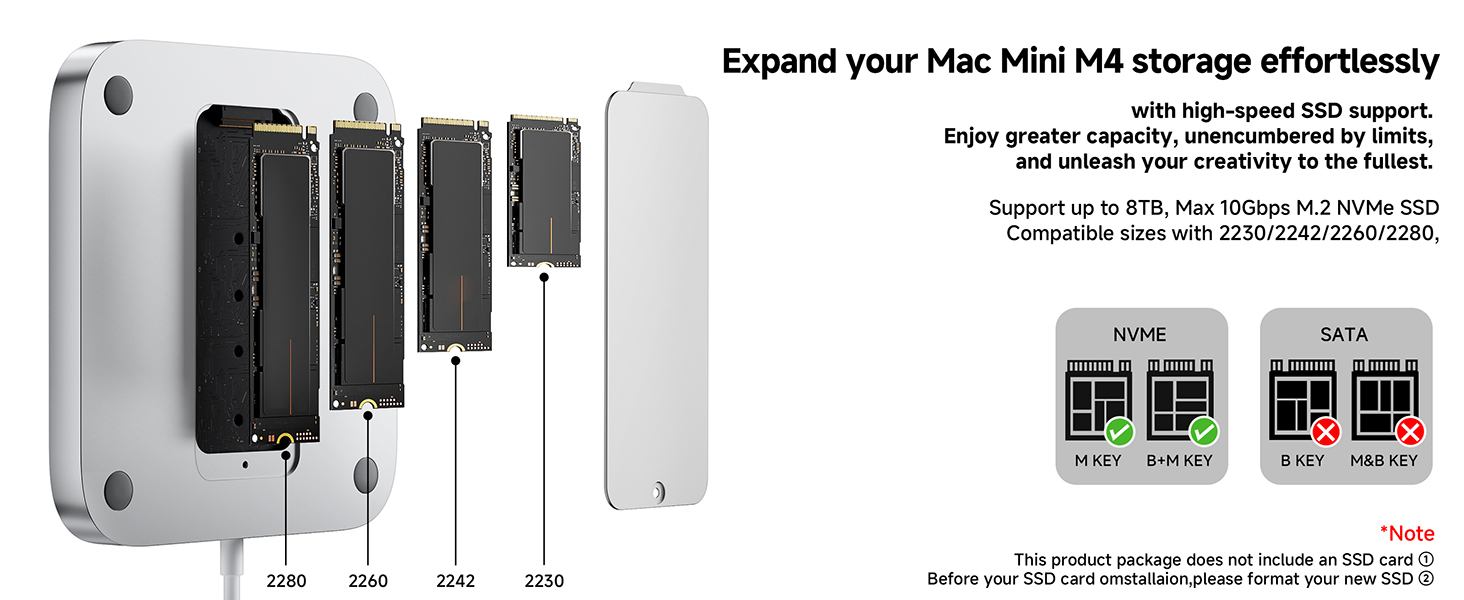
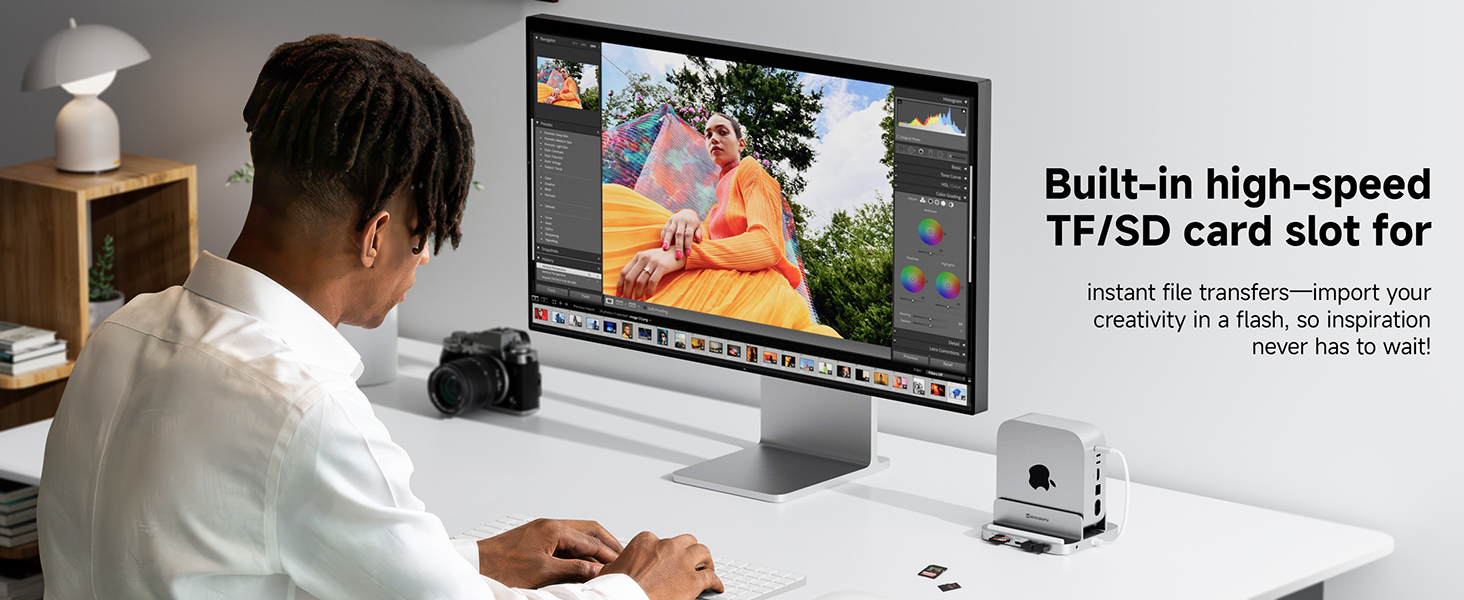
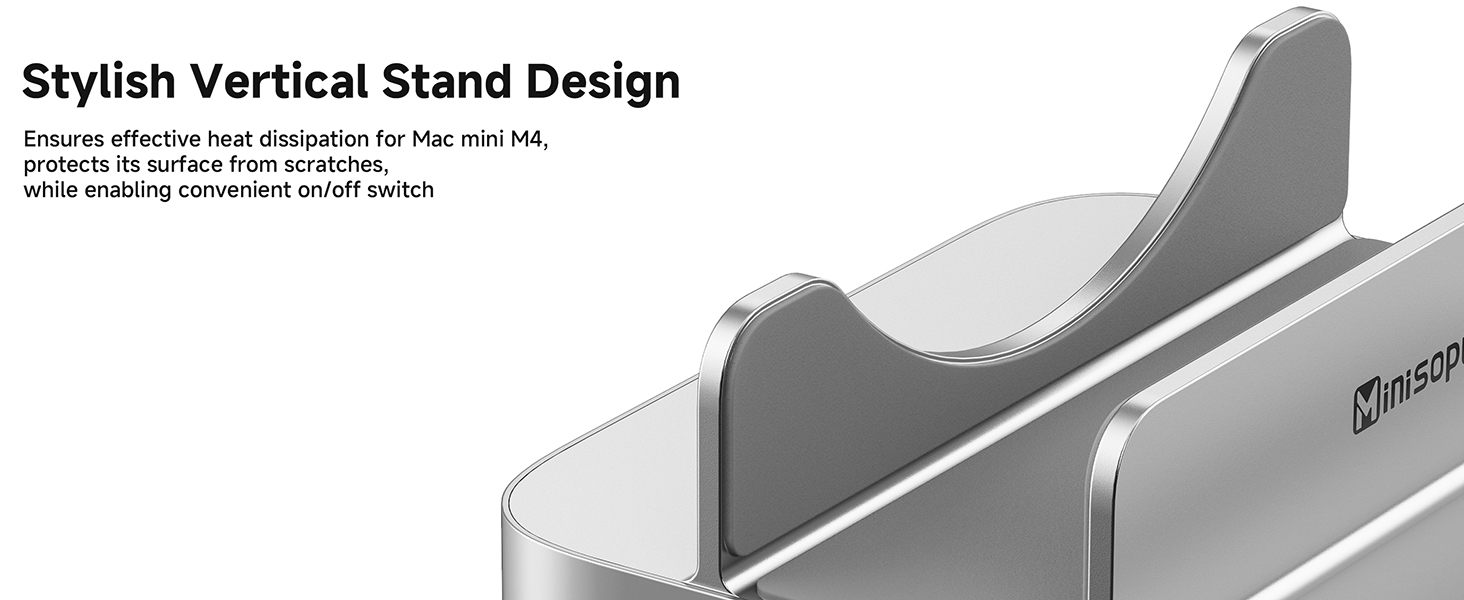
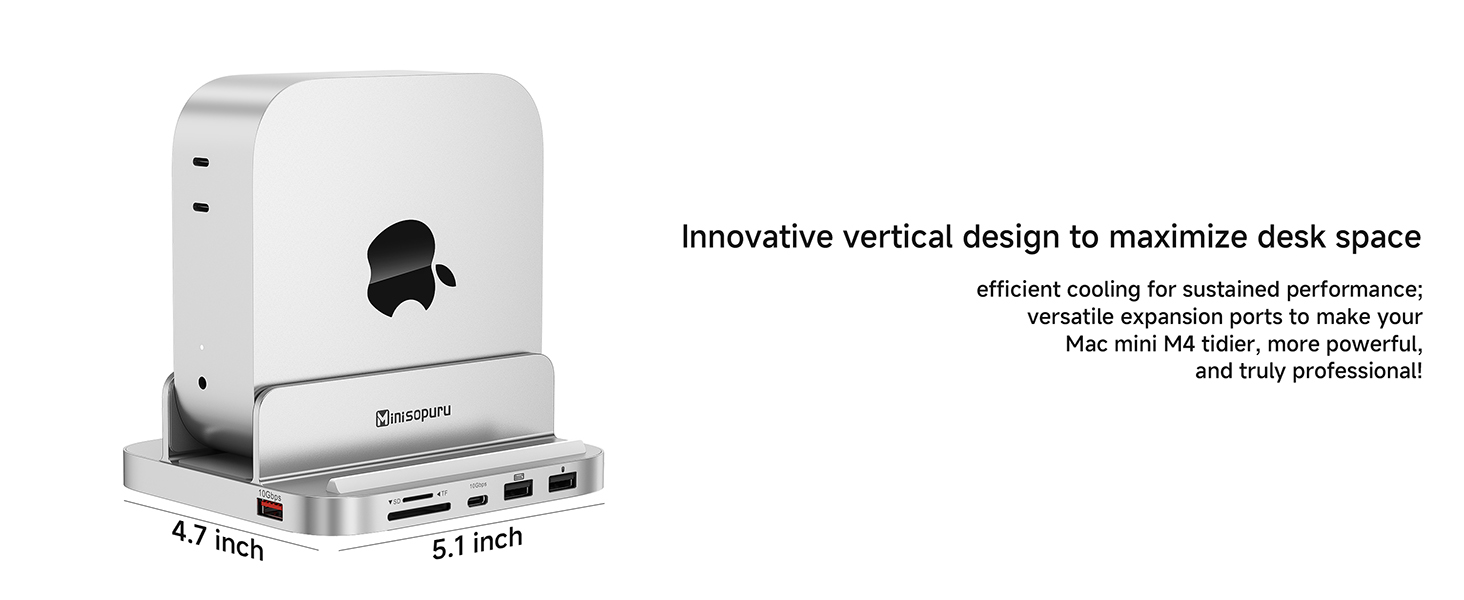
The Minisopuru MINI218B PRO is a premium all-aluminum vertical dock designed for the 2024 Mac mini M4 and M4 Pro. It supports up to 8TB M.2 PCIe NVMe SSDs with 10Gbps USB-C and USB-A Gen2 ports, enhancing storage and connectivity. Its smart vertical design improves heat dissipation and Wi-Fi performance while providing an 8-in-1 hub including SD/TF card slots and audio jack. Perfect for professionals seeking compact, efficient expansion with reliable customer support.







| ASIN | B0DTHG5Q98 |
| Best Sellers Rank | #355 in USB Hubs |
| Customer Reviews | 4.6 4.6 out of 5 stars (215) |
| Date First Available | January 20, 2025 |
| Item Weight | 14.8 ounces |
| Manufacturer | minisopuru |
| Product Dimensions | 5.1 x 4.7 x 2.3 inches |
K**N
Helps me have lots of computer capability in a small RV space.
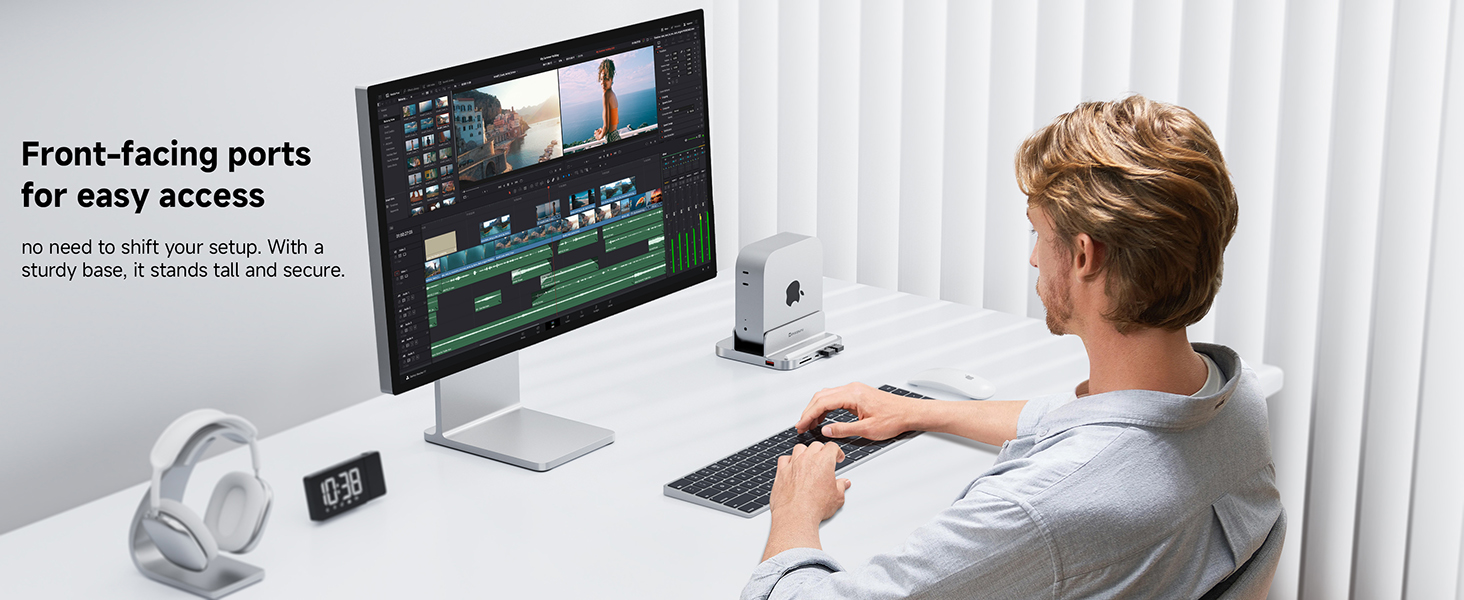
We RV snowbird each year for 3 months in southern Arizona. This year brought my Mac mini along and a portable screen. Our motorhome is on the small side and the screen and mini must fit the small table. Placing it vertically helps plus provides easy access to on/off. I also added a 2 GB drive in this dock and it works great, was easy to install and requires no extra space. Lots of capability in a small package.
A**N
Minisopuru Side-mount Dock Practical, functional, versatile accessory under $100 USD
TLDR/ I Recommend: It’s a Functional and Versatile Accessory for the 2024 Apple Mac Mini A few months ago, after doing a lot of research I settled on a 2024 Mac Mini. Plenty of Amazon and YouTube reviews steered me towards a side-mounted docking station instead of a horizontally oriented pedestal style bases. I chose the Minisopuru iExpandMate MINI218B PRO for the following reasons: - Improved WiFi and Bluetooth antenna position. - Internal SSD - Better ventilation - Additional ports - Price WiFI/Bluetooth: Several Mac Mini users observed improved WiFi and Bluetooth connectivity just by placing the unit on its side and fully exposing the bottom plate where antennas are located. This makes perfect sense from an RF (radio frequency) perspective, and a few reviewers reported some horizontally mounted docks severely interfere or even block reception. SSD: While there are other more expensive options out there that support faster a SSD, but I prefer to use high speed Acasis external enclosures which I can move between devices. In this dock, I’m using a WD_Black SN770 1 TB NVMe for a Time Machine backup, and the 10Gbps speed is perfectly fine for that. Ventilation: With the Mac Mini oriented on its side it’s easier for natural ventilation to occur, allowing hot air to rise through the top vents and cool air to be drawn in from the bottom vents. From a practical standpoint, however, Apple silicon devices run much cooler than Intel and AMD based devices, so excess heat hasn’t been a big problem for most of my work. Even if the fan kicks on, there’s nothing to restrict air flow (e.g., desk surface or docking base). Additional Ports: I hadn’t really considered the additional ports for my particular use case, After all the Mac Mini has more than enough, or so I thought. I realized the 10 Gbps USB-A port worked perfectly for an external 2-bay 3.5” SATA Sabrent hard disk enclosure that hosts 3 TB of spindle storage, perfect for long-term storage. I still have a handful of older USB-A devices which will also benefit from the additional ports, such dongles, webcams, etc. Price: With a ~$80 price tag after promotional and coupon discounts, this makes the Minisopuru iExpandMate MINI218B PRO a practical, functional, and versatile accessory for the new 2024 Apple Mac Mini. Overall, this is a good and affordable accessory to compliment the new 2024 Mac Mini form factor.
N**L
Frees space on desk, makes more place the the monitors setup.
The delivery arrived quickly. The vertical stand is convenient, and the computer takes up less space on the desk. The product itself is high quality—I connected a keyboard, a mouse, and two monitors to it. Two months have passed and it’s still working well.
S**.
Wi-fi speed increase!
Switched to this dock from a RayCue. What a difference! The SSD drive does not unmount unlike the RayCue dock. By having your Mac mini on its side, my wi-fi speed increased dramatically. Without the dock and the mini on my desk, went from 110-120 MBps down to 253-300 Mbps down by it being on its side in the dock. Love that the headphone jack is in the back. Couldn't stand it on the front of the mini.
M**.
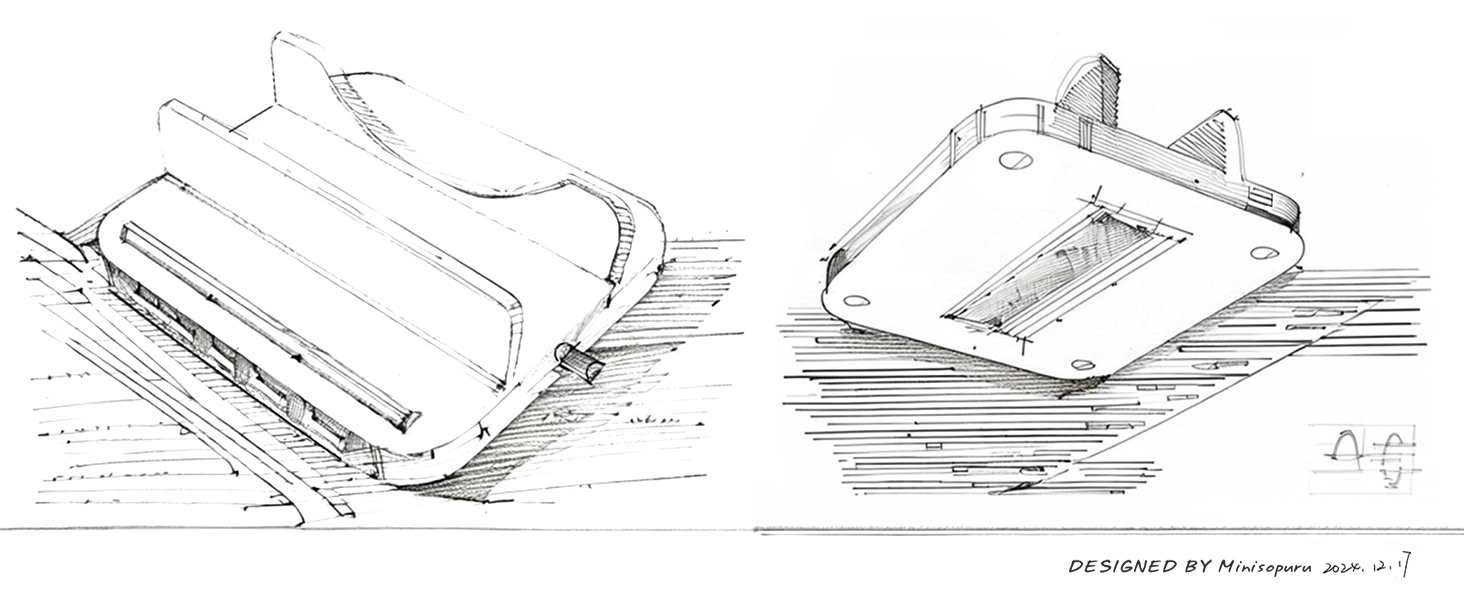
Pretty easy to install SSD
This little guy is okay. I connect with an ethernet cable, so I'm not seeing any wi-fi drop off. The extra SSD was easy to install, although it takes a moment to show up in finder. You need to be careful on how you position this in the cradle or you will lose access to all the connection ports. I do like that it helps open up some addition USB ports and works pretty well with a camera card.
A**R
A good product
I returned this item not because it defective . It was returned because of insufficient ports for the work that I purchased it for.
C**A
Solid Dock For My Mac Mini
I wanted a dock to add extra external sdd space and this one seemed to have less negative effect on wifi connections compared to others I read about. So far it is being exactly what I wanted for a reasonable price. I was initially looking at a MacBook Pro but the mac mini with monitor, keyboard, mouse, and this dock with extra sdd space came in cheaper. I already have one MacBook Pro so don't need two mobile computers.
J**E
How many ports do you need
Not enough C ports for me personally but well constructed and easy to use
J**.
Excelente
A**ー
ちょうどいいサイズ 立てるので放熱にも良さそう 映像もスムーズに再生されます
J**!
Bon produit, les ports fonctionnent bien.Utilisé avec NVME de 2G pour Macmini M4.
J**G
Seems like a very solid piece of kit addition. 2 SD card slots, very useful that the mac sits on its side, so makes turning on and off easy. And the right amount of ports –––– Having a weird issue where if the mac goes to sleep, sometimes the keyboard does not work, so cannot type in my password. Tried unplugging the keyboard, this does not work, so have to reboot, which is a pain. Not sure who's to blame here though... Mac or the housing unit.
M**N
Muy práctico y funcional... Ya que realmente si hacen falta más conectores. Me encanta que fija muy bien la Mac Mini y mejora el acceso al botón de encendido / apagado. La conexión a la tarjeta de memoria quedó genial.