We remain fully operational. Our teams are working around the clock to ensure your deliveries continue safely.

下载应用程序




📚 Scan smarter, faster, and bigger — don’t get left behind!
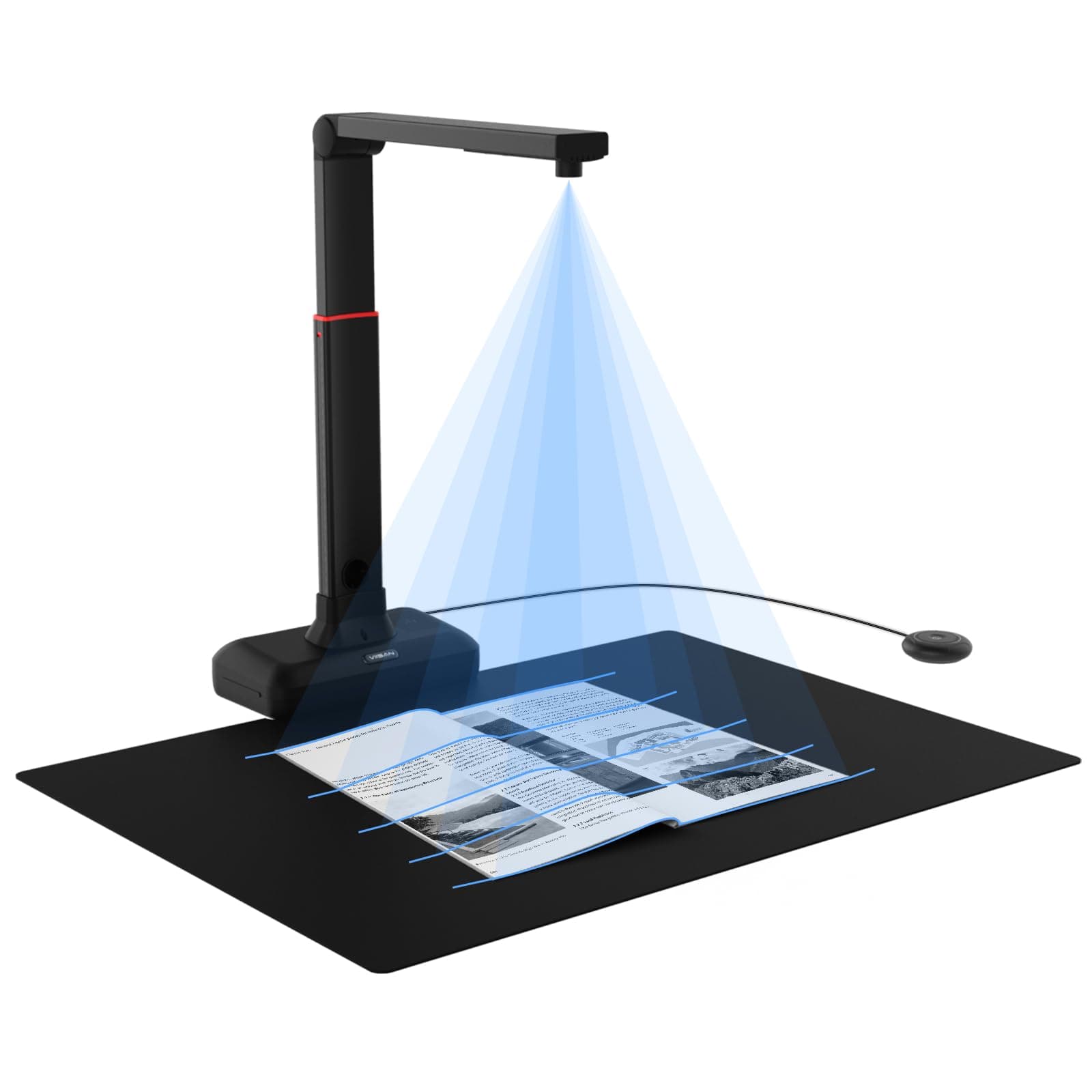
The VIISAN S21 Document Scanner is a professional USB camera scanner designed for large-format documents up to A2 size. Featuring a 26MP sensor and ultra-fast 1.5-second scan speed, it delivers high-resolution, clear images with advanced auto-flattening and fingerprint removal technology. With built-in OCR supporting over 130 languages and compatibility with Mac and Windows, it’s perfect for digitizing books, maps, and documents while enabling remote collaboration.


| ASIN | B0DLMGFL71 |
| Best Sellers Rank | #556,098 in Office Products ( See Top 100 in Office Products ) #653 in Document Scanners |
| Brand | VIISAN |
| Color Depth | 24 bits |
| Connection Type | USB |
| Connectivity Technology | USB |
| Customer Reviews | 3.8 out of 5 stars 8 Reviews |
| Item Weight | 1 Kilograms |
| Manufacturer | VIISAN |
| Media Type | USB |
| Minimum System Requirements | Windows 7, 8, 10, 11, macOS 10.12 or later |
| Model Name | S21 |
| Paper Size | A2, A3 |
| Resolution | 300 dpi |
| Scanner Type | Bank Check, Business Card, Driving License, Embossed Card, Envelope, Insurance Card, Document, ID Card, Passport, Book, Photo, Receipt, Text Scanner Type Bank Check, Business Card, Driving License, Embossed Card, Envelope, Insurance Card, Document, ID Card, Passport, Book, Photo, Receipt, Text See more |
| Warranty Description | 1 Year Manufacturer |
J**L
Captures quality pictures with decent software
Make sure to have a small level to ensure the arm is level on both the length and width (x and z) axis. It is possible to get larger than A2, but you would have to set the camera on a box higher than the table. The thing that threw me off with the installation was that the website gave me a driver to install first, then you have to download the install files. There are 2 files to install. The images are nice and clear. There are some nice features to the scanning software, but there are some settings that I am missing. The autocrop is not as tight as I like, but it is possible to manually adjust the corners. I wish it would autorotate pages - that is, level out a slightly misaligned page. (It does take a picture sideways, but rotates it 90* properly.) The button is very nice to have. It does need a firm press. The light it provides under the arm is not so bright. I haven't really tried it in a dark room. I have a studio light to shine on my pages being captured. The camera can be used with other software, if desired. I used on Windows 11.
J**N
Horrible... See my sample photos!
Piece of crap. I'm sorry I have to give it one star. Please see my redacted photos for real-world samples. All photos came out distorted and warped. I didn't have permission to use my client's photo album, but look at all the wiggly lines at the edges and around the photos, etc. The software was supposed to remove my finger when I held the paper down. (Yes, I had that check box checked!) The camera is barely better than a crappy webcam. The software is slow, with a several-second wait after pressing the shutter button. Horrible. Horrible. Horrible. It is being returned.