We remain fully operational. Our teams are working around the clock to ensure your deliveries continue safely.

下载应用程序


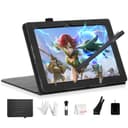
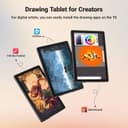
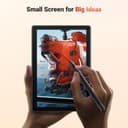


🎨 Unchain your creativity—draw anywhere, anytime!
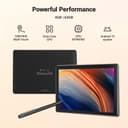
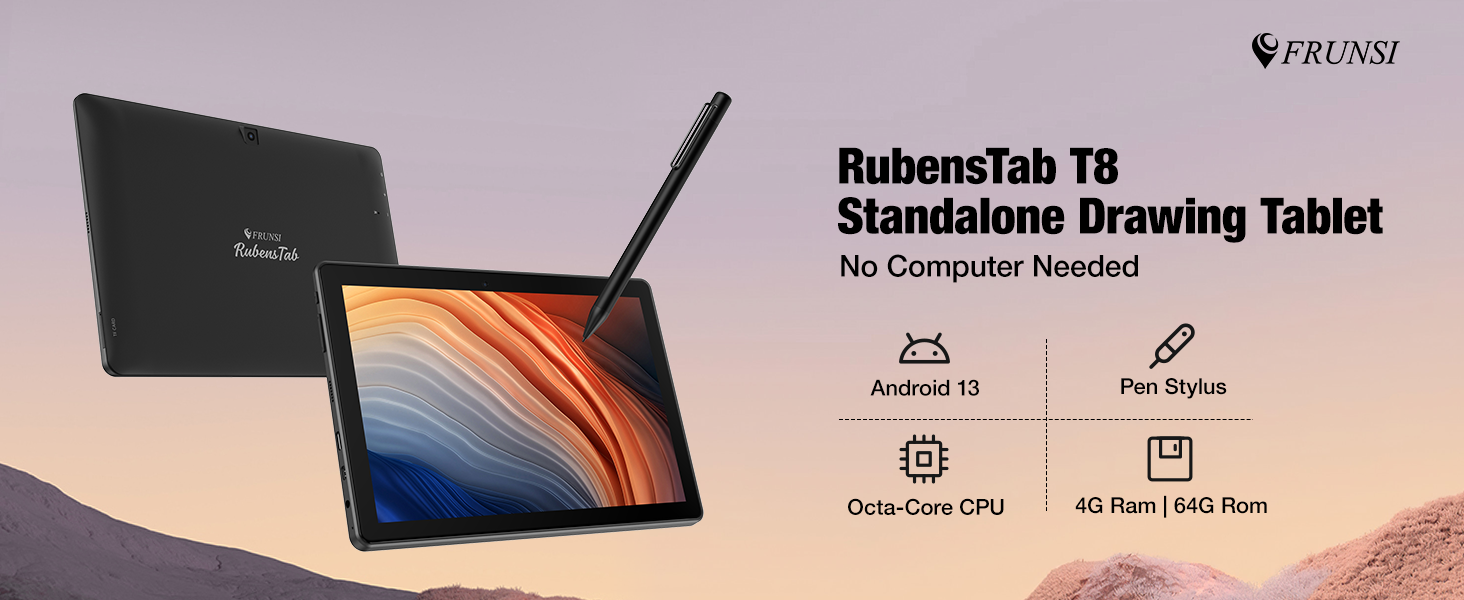
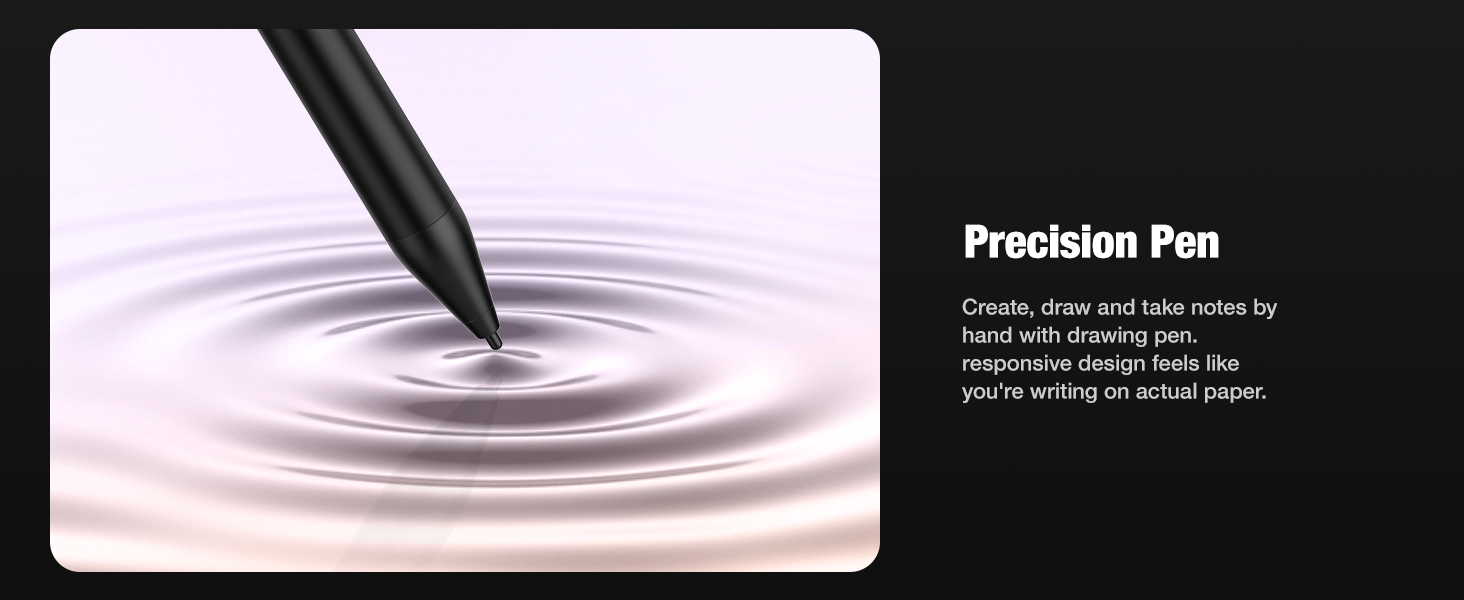
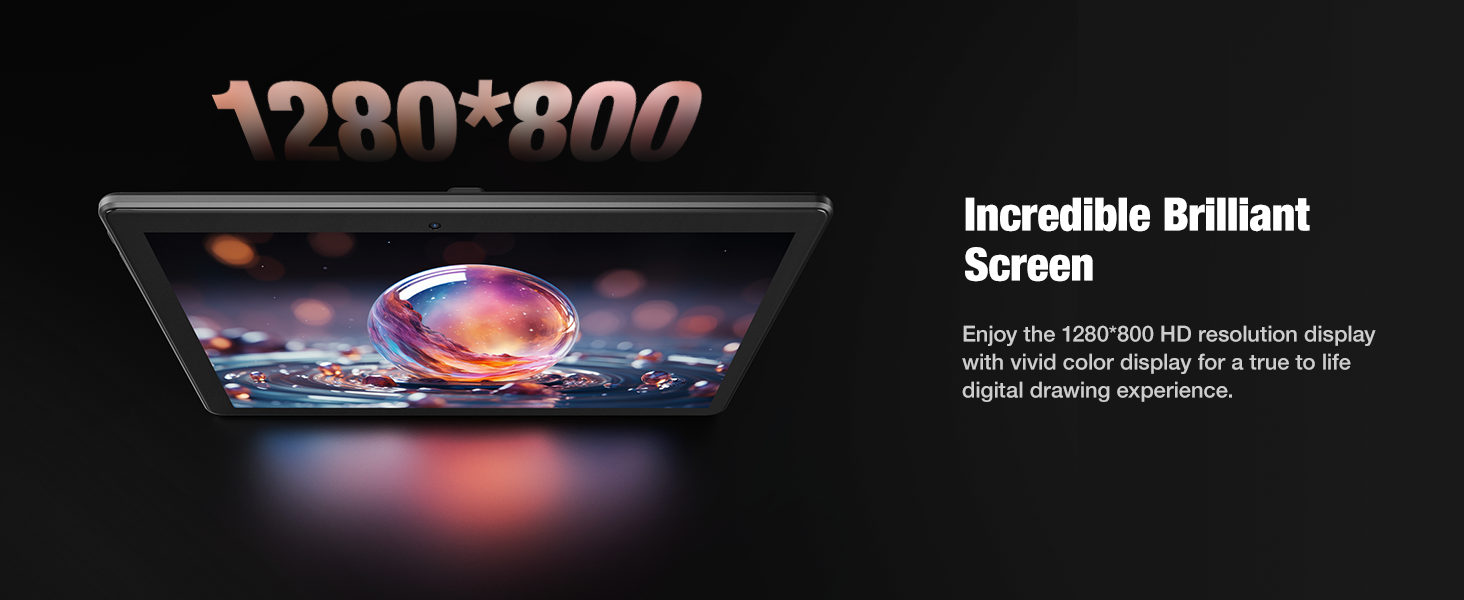
The T8 Drawing Tablet is a standalone 8-inch FHD device powered by an MTK octa-core CPU and 4GB RAM, running Android 13. It features a vibrant 1200x800 Liquid Retina display, 64GB storage expandable to 256GB, and a 4000mAh battery that supports up to 20 hours of continuous drawing. Pre-installed with popular drawing apps and tutorials, it’s designed for artists, students, and professionals seeking freedom and power without the need for a computer.

| ASIN | B0DHRQDNDT |
| Active Surface Area | 8 inches |
| Additional Features | standalone drawing tablet no computer needed |
| Best Sellers Rank | #203 in Computer Graphics Tablets |
| Brand | Frunsi |
| Built-In Media | 1 x Detachable Keyboard, 1 x Stylus Pen, 1 x Screen Protector, 1 x Cleaning Cloth |
| Color | Black |
| Compatible Devices | Tablet |
| Connectivity Technology | Wi-Fi Built In |
| Customer Reviews | 4.5 4.5 out of 5 stars (534) |
| Item Weight | 1.11 Kilograms |
| Manufacturer | FRUNSI |
| Model Name | RubensTab T8 |
| Model Number | RubensTab T8 |
| Native Resolution | 1200x800 |
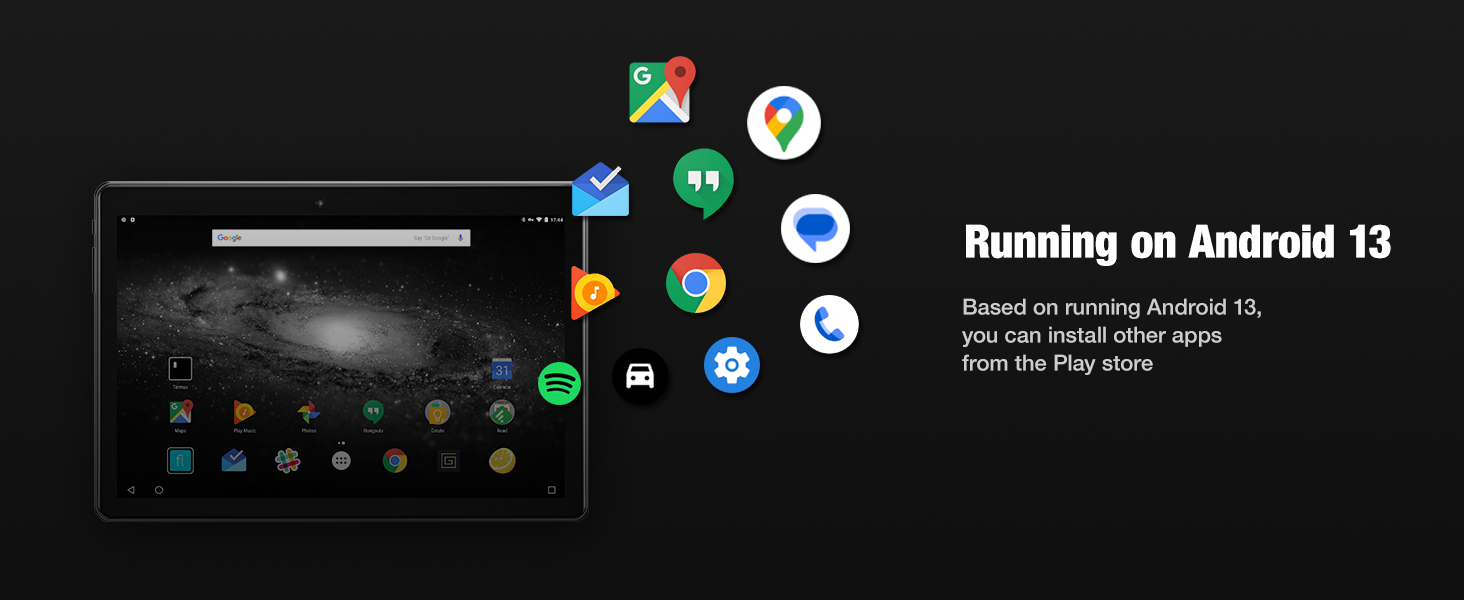
| Operating System | Android 13 |
| Pressure Sensitivity | 2048 Levels |
| Screen Size | 8 Inches |
| Warranty Description | 2 |
J**N
Solid Pick for My Boy's Projects!
I grabbed this Frunsi RubensTab T8 drawing tablet, running Android 13, for my 5-year-old. He's got a summer project coming up, and we really needed something he could actually draw on with a pen, that wasn't a huge laptop. The packaging was super solid. It showed up totally intact, which is always good to see. And they really loaded it up with accessories – little cleaning brush, battery, drawing glove, even a solid case. The 8-inch screen is just the right size; it slips right into his little backpack without any fuss, so it's genuinely portable. Now, I've been an Android guy since forever, never really got into the whole Apple scene, so setting this up was a breeze for me. That's actually a huge win. I can easily lock down apps or features, which is key for a 5 years old boy, keeps him focused on drawing instead of getting caught up in endless in-app ads. It just makes my life a little easier, you know? The 1200x800 resolution is plenty sharp for what he needs. He's been pulling his drawings onto Canva and even a little Photoshop later on my main computer, and we haven't seen any weird color issues or pixilation. The quality holds up. When you look at the price point compared to other drawing tablets out there, this one feels totally fair. It doesn't break my wallet, which is always a bonus for working class. All in all, if you're a parent looking for a decent, portable drawing tablet for your kid, especially if you're comfortable with Android, this Frunsi T8 is a pretty smart choice. My boy's been loving it.
L**N
Good Tablet for Beginners
I've had my T8 for a few months now, and I really enjoy it. It can run Clip Studio Paint without much lag, and the battery life is pretty decent. It's small, so it's portable, and the little case it comes with is nice. The pressure sensitivity is good too. I would say my only complaints are the lack of palm rejection and the fact that there doesn't seem to be an app to control the pressure sensitivity. But, for an inexpensive tablet, I'd still consider it worth it. Also worth noting that Frunsi customer service is great. Very fast response and very helpful.
K**Y
Great drawing tablet!
This is a great little tablet! It works perfectly for my daughter's drawing interests, plus she can use it as a regular tablet, for downloading apps and playing games. The extras included are also great. She especially likes the mini glove that covers the part of her hand that rests on the surface. The price was really good for all that was included. The customer support is also good, friendly and helpful.
S**K
I've drawn a few things with this tablet.
This tablet is actually pretty nice. A full battery of drawing in sketchbook gave me less than 3.5 hours of battery. There is a slight delay from when you draw to when the line actually appears. When this gets extreme the tablet is unusable & must be charged, but this happens very rarely. Overall this is a great tablet for the price. If you want something better you have to spend over $1,000 on an I-something or a phone like the Z Fold. The size is perfect & the pen has a great feel. A major setback for me was the case does not have a pen holder. I bought cases that hold the pen but there were issues with those cases that caused me to take them back. This is not a big deal but worth mentioning. Sketchbook & Krita work great on it. It has a great feel, reminding me of drawing in a blackbook without having to carry a bag of markers with me. It is probably the best “drawing tablet” on the market. Unless you can afford a galaxy tablet, ipad or a phone like the Z Fold this device is great. It’s not just good for the price it is a good item but remember it is a $200+ (now less than 200) item so you are not getting this great tablet. It’s for drawing & can do a few other things & that is it’s function. It is great for people with carpal tunnel like myself.
A**Y
A great little drawing tablet
This tablet is wonderful for drawing on the go or wherever you need it! I bought it for travel to and from hospital stays and when I can't be on my computer for extended periods. It runs Clip Studio very well, I've had no issues with it at all. I've been able to use it for sketches, doodles and coloring. The pen is responsive, and I haven't noticed any lag at all. I will say that if you use clips studio you need to have it in the "studio"/mobile mode or else the brush size isnt accurate. Customer service has been very quick to respond and help with any issues I've had as well. I would recommend these tablets to others and even was looking at getting the T11 for myself for the larger screen size.
M**N
Great Drawing Tablet and Even Better Customer Service!!
I don’t usually leave reviews, but I had to share my experience with the Frunsi Drawing Tablet because it really exceeded my expectations—both the product and the customer service. My tablet suffered an issue that was covered under warranty. I was so disappointed at first when the issue occurred, but Frunsi's customer service turned the whole situation around. I reached out to them and got a fast, friendly response. They made the return process incredibly easy, and I have a replacement tablet on the way as we speak. The communication was top-notch—polite, professional, and genuinely helpful. Their agents were so incredibly efficient and kind while being detail oriented in solving my problem. It’s rare to find that kind of support these days! As for the tablet itself: **amazing value for the price.** - The pen is super responsive with excellent pressure sensitivity. - The drawing surface has a nice texture that feels great to work on. - It works perfectly with all my favorite programs, and I enjoy the ability to download apps to the tablet. - Setup was so simple, and I love the software that come preloaded on the device. This is a fantastic choice for anyone looking for a reliable, budget-friendly drawing tablet. The product is great, and the company stands behind it. Highly recommend!
F**I
Das Zeichentab ist soweit ok , funktionierte alles ,Anschlüsse für englische Steckdosen mit dabei , da die Ware ja aus England geliefert kommt. Es ist aber auch ein usb C Kabel dabei, sodas auch das Tab in Deutschland geladen werden kann. Zubehör war alles mit im Paket , wie beschrieben. Sprache ist in deutsch einzustellen , wie bei jeden anderen Tab, man benötigt z.b ein Google Account / Konto damit man das Tab benutzen kann. Für mich aber, sollte dieses Tab rein fürs Malen und Zeichnen gedacht sein , nur das diese installierten Apps nicht das waren was ich für mich möchte , entspricht nicht das was ich mir vorgestellt habe. Dennoch für Kinder super geeignet. Wer ein kleines Tab für unterwegs möchte oder fürs Kind , ist es ok .
M**Y
Excellent product support! Timely response with product support questions and very professional. Sally has been amazing helping me work through trouble shooting the issues with my pen and finding a resolution, replacement pen. The tablet which I purchased last year has been amazing! Easy to use and setup. It works well, is compatible with the drawing apps I chose the install. Having the function of a normal tablet makes it even better value for money. It came with an excellent sturdy case for keeping your tablet protected. The tablet is also supplied with a pen, gloves for when you are using the pen to draw directly onto the screen. You don't need much else to give this tablet a go and start your journey with digital art. Just imagination. I would say for a stand alone drawing tablet that doubles as a tablet it's well worth the money. It's a sturdy bit of equipment for any budding digital artist. For extra piece of mind the customer support if needed has been excellent too.
L**A
Me encantó, y mi hija podrá empezar con sus dibujos.
M**A
This is my first ever drawing tablet, and honestly, I’m loving it. I’ve always enjoyed drawing anime characters, and the RubensTab has made it super easy to dive into digital art without feeling overwhelmed. It came with everything I needed to get started—apps like SketchBook and ibis Paint X, a stylus, and even some tutorials that helped me get the hang of things quickly. The screen is small but bright, and the stylus feels smooth and responsive. I’ve already sketched a few of my favorite anime characters, and it handled the details surprisingly well. What I really love is how portable it is. I took it to the park last weekend, sat under a tree, and sketched for hours. No laptop, no cables—just me, the tablet, and a bit of sunshine. It’s lightweight and the battery lasts ages, so it’s perfect for drawing outdoors. It runs drawing apps really well, so it’s great for sketching and staying focused—but it’s not really built for anything heavy. That said, for someone just starting out, it’s more than enough. If you’re a beginner who loves anime and wants something simple, portable, and fun to use, I’d definitely recommend it. It’s helped me turn my paper sketches into proper digital art, and I’m excited to learn this.
�**️
I got this for my teen son who's into digital drawing and he’s been using it pretty much every day since. He used to draw on an older tablet that needed to be plugged into a computer, so this has been a nice step up for him. No wires, no hassle, just pick it up and start drawing. The size feels just right. Not too big, not too small, and light enough that he can carry it around the house. Sometimes he’s at his desk, other times he’s curled up on the sofa. The stand it comes with actually works well and doesn’t feel cheap. He adjusts it depending on how he’s sitting and it holds up fine. The pen is responsive and works really smoothly. There’s a bit of texture to the screen, which makes drawing feel more natural. It doesn’t feel like you’re sliding across glass, which is a nice touch. It also came with a few extra pen tips which I didn’t realise would be useful until he mentioned it. He’s mainly using drawing apps like Sketchbook and a few others he downloaded, and they’ve all been running with no issues. He also uses it now and then for watching videos or browsing, and that’s been fine too. It’s not the fastest tablet out there, but it doesn’t need to be. Everything he’s used it for has worked smoothly. Battery life has been better than I expected. He usually gets through the whole day on a single charge, even when he’s using it a lot. The only small thing is that the screen can get a bit of glare if the lighting isn’t quite right, but once he adjusted the angle it was fine. For what we paid, I think it’s a great option for someone who’s into digital art and wants something simple that works. He’s really happy with it, and that’s all I could ask for.
TrustPilot
1 周前
1天前