

Desert Online General Trading LLC
Dubai, United Arab Emirates
Desert Online General Trading LLC
Dubai, United Arab Emirates




🎧 Own your online presence with one smart button.
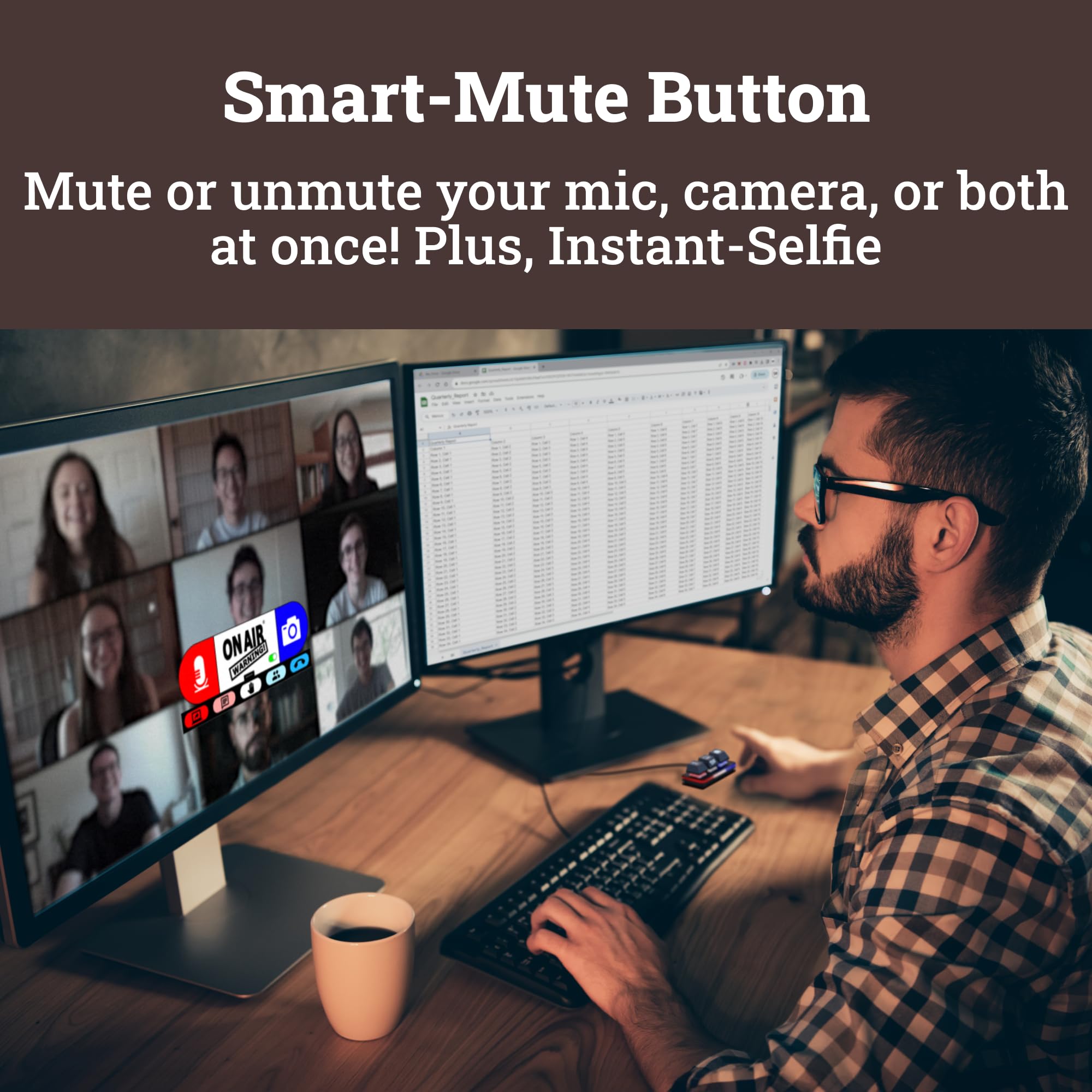
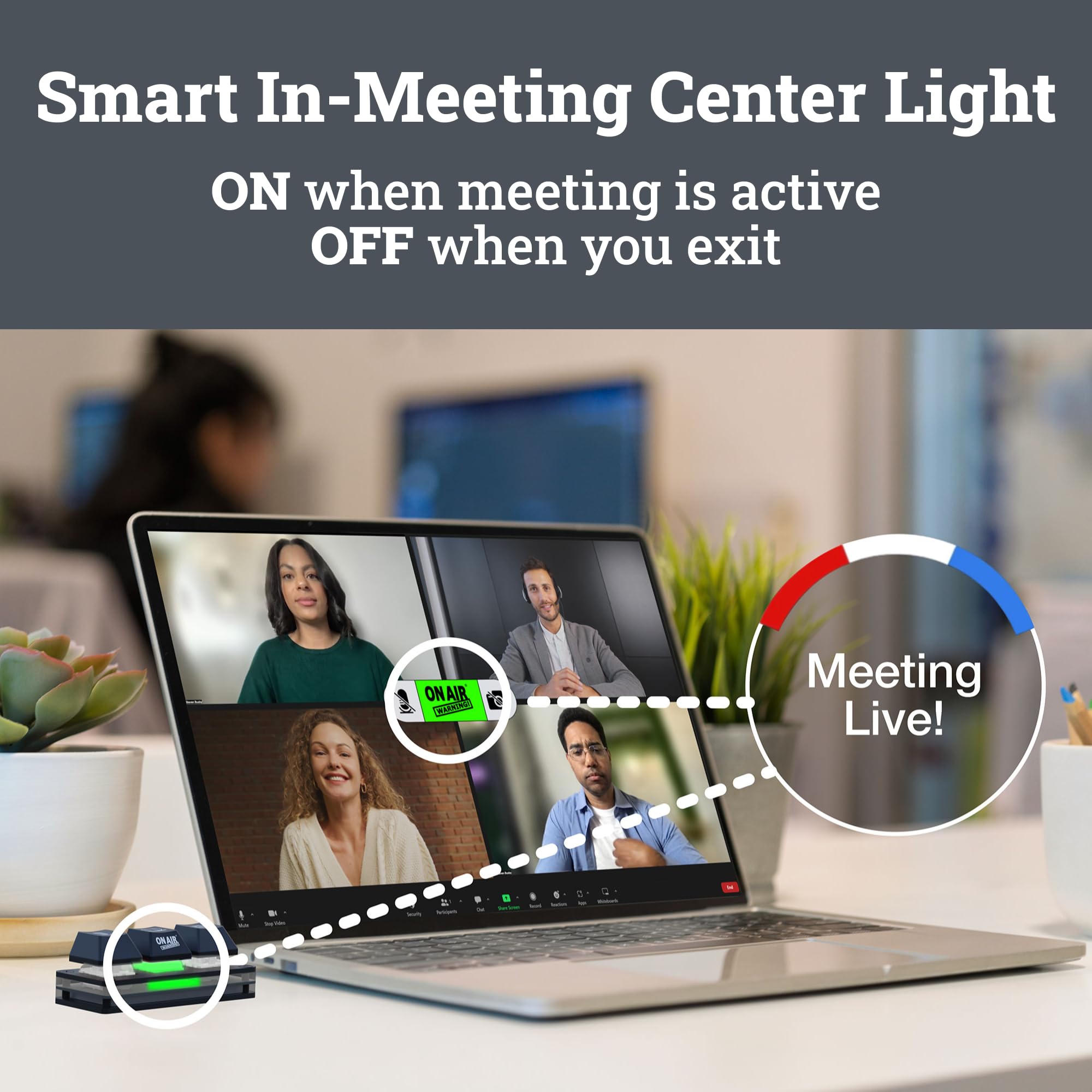
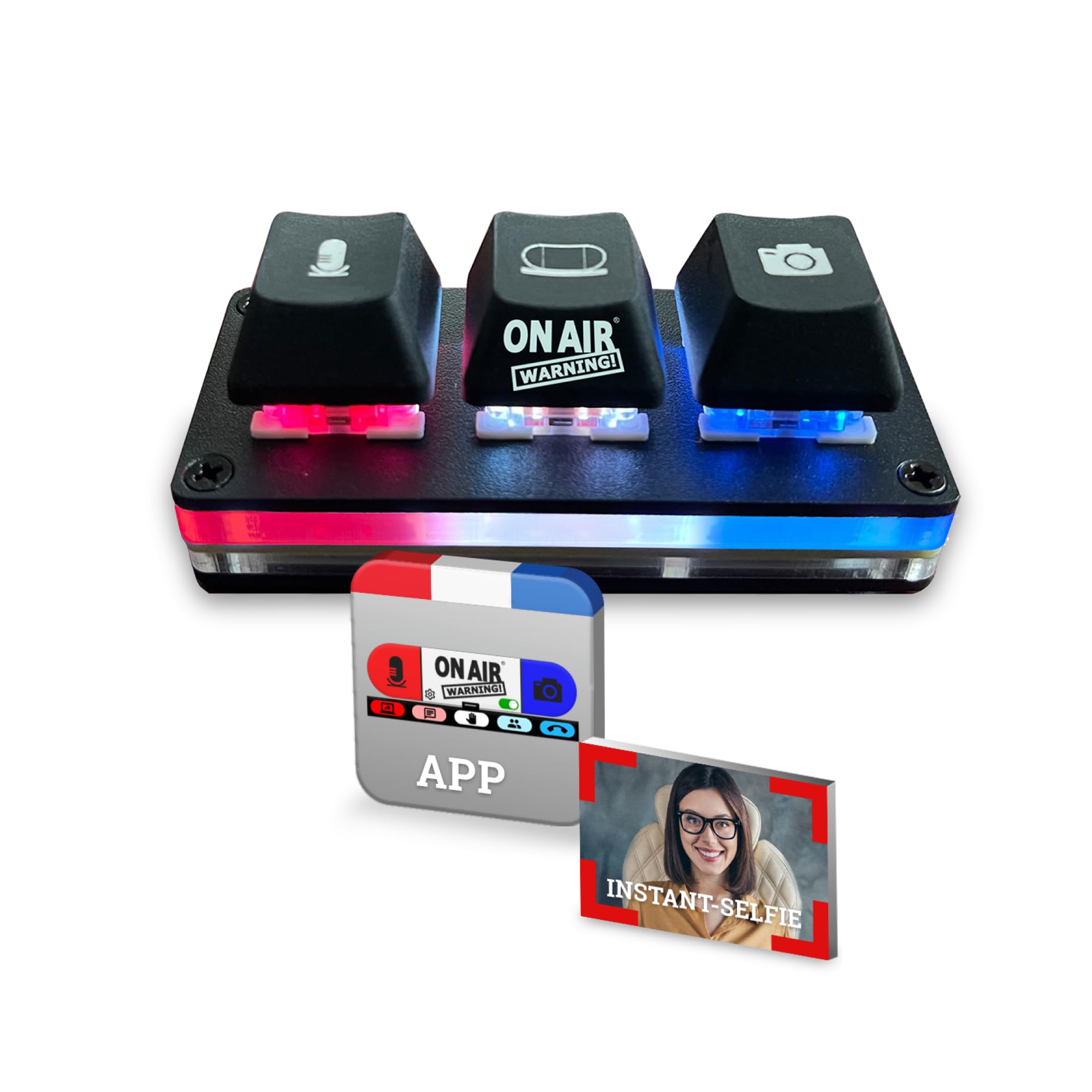
The Mute Button USB Microphone with MuteBar App is a next-gen smart mute switch featuring three illuminated buttons for mic, camera, and combined mute control. Its LED indicator instantly signals active meetings, while the Instant-Selfie mode offers discreet video breaks. Compatible with major conferencing platforms on Windows and Mac, it ensures privacy by disabling mic and camera at the system level, making it an essential tool for professional remote communication.


T**N
SO GREAT & EASY TO USE!
I've been using the mutekit setup with the light and the little keyboard for a while now, and I have to say, it’s made my work-from-home and office life a lot easier.The light is super bright and customizable, so I can always let my co-workers know when I’m on a call and avoid those awkward interruptions. It's visible from pretty much any angle, which is a big plus in a busy office. The mini keyboard is great too, with its light-up buttons making it really simple to quickly mute or unmute my mic and camera.Being interrupted by co-workers while explaining something important over Zoom and losing all my credibility because my mic was muted was getting really annoying. Now, with the app on my Mac, I don’t have to worry about that anymore. Everything syncs up perfectly, so I always know when I’m live or muted.If you value privacy and not being a distraction to others during calls, this setup is definitely worth it. It's worked wonders for maintaining my professional presence during video calls, especially when talking to co-workers about social media marketing.
R**R
Great product with great support!
This thing is amazing. It's a solidly built device, and the MuteBar software works great. (NOTE: you must have admin rights to install the software - so it might require additional help on corporate computers.) I use it regularly with MS Teams.I love the camera mute snapshot (takes a snapshot of you, and puts a still picture up so you can leave your seat for a moment and it seems like you're frozen in time).The software is quite simple to use. They've done a great job all around! (Oh, and they are quite responsive regarding support as well!)
B**)
Perfect companion to the On Air Warning lights
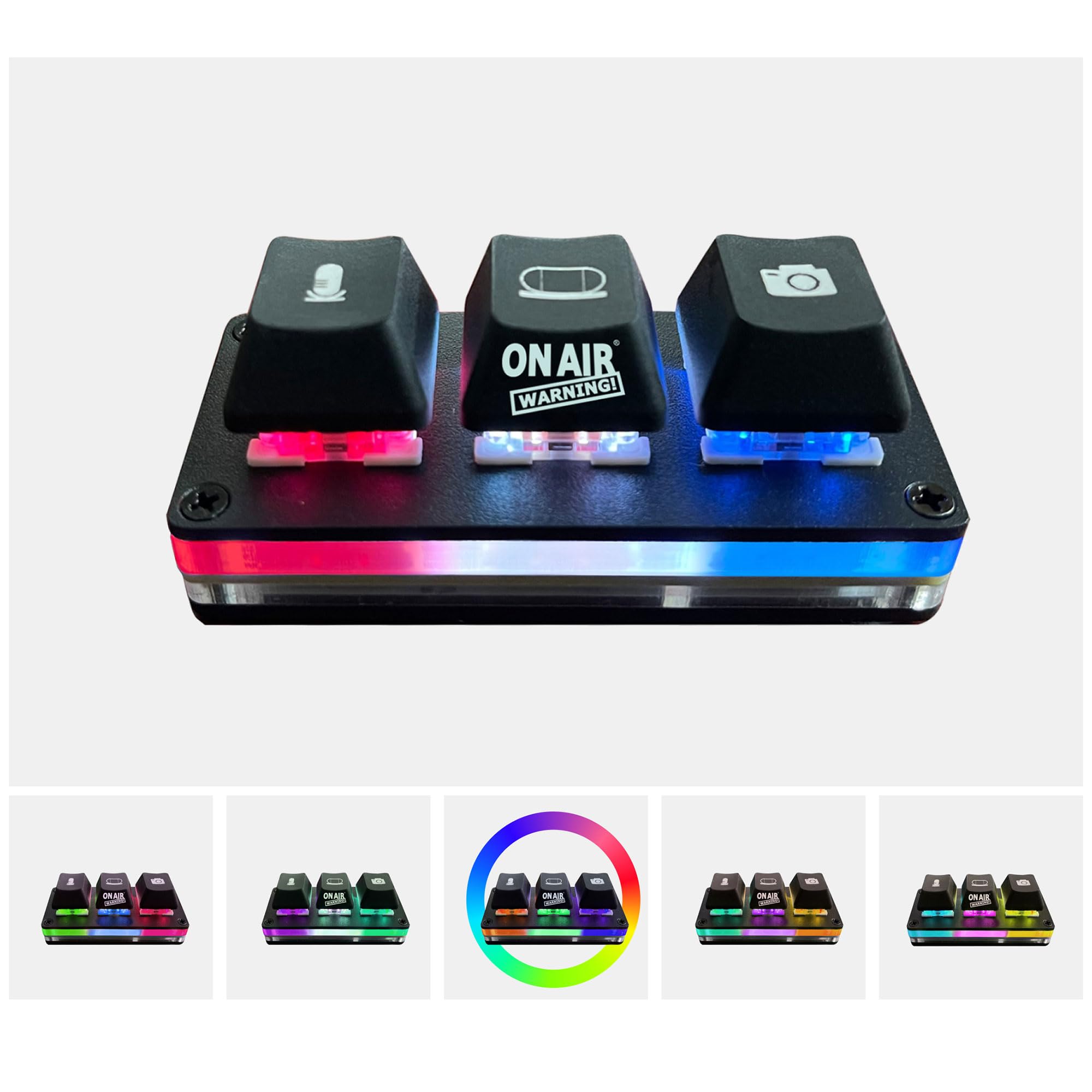
The MuteSwitch is a fantastic addition to my online meeting repertoire. It quickly allows me to mute/unmute and turn my camera on/off during Zoom or Teams meetings. There is a companion software package that interfaces with the MuteSwitch as well as my microphone and video camera. You're able to do all sorts of tricks like quickly show a static image of yourself on video or show the "offline" image that was common on TV's in days of the past. If you buy the bundle with the OnAirWarning light, this little set of satisfyingly clicking buttons will control those lights as well. And you can control the colors of the lights to any of hundreds (thousands?!) of color combos!OnAirWarning aside: I use the light at home to let my family know when I'm in a meeting and if the "mic" button is on, that means I'm on a hot mic and please be sensitive to loud sounds. I could see this being used in an office setting to let your co-workers know that you're on a call and not available for a drive-by conversation.Back to the MuteSwitch ... it's solid, it's mounted to my keyboard (just a little double-sided tape or mounting putty) and I reach for it in every single meeting so I can quickly control my mic. The bar has a nice little heft/weight to it, not that you're really meant to be handling it. The buttons are mechanical switches and are oh so pleasant to click on/off.Massive value for the money - if you're even remotely considering it, take a chance, order it, and I don't think you'll be disappointed.Oh, and if you have any issues with setup or any questions at all - the support for the MuteSwitch is outstanding. I had a small question about the software config and they answered it within 24 hours.
B**A
The perfect combo!
The combination of the On Air Warning status light and the MuteSwitch is the perfect combo for anyone who frequently participates in online meetings. This innovative gadget is designed to prevent those awkward interruptions by clearly indicating when your microphone and camera are on while using the MuteSwitch to easily turn your camera and microphone on and off. The feature-rich MuteBar app makes customizations and control easy.Key Features:• Three Indicator Lights: The device has separate lights for the microphone, camera, and an overall ‘on air’ status. This makes it easy for both you and those around you to know when you’re in a meeting and when your mic and camera are active. The app makes it easy to customize colors of the lights.• Flexible Mounting Options: You can clip it to your laptop, monitor, or place it on a desk or shelf. The clip is strong and sturdy and attaches securely. If I have one request for the MuteSwitch mount it’d be for more mounting options (for example: suction cup for glass).• Compatibility: It works seamlessly with both Mac and Windows computers and is compatible with popular platforms like Zoom and Teams. I use it primarily with Zoom and Teams on a Mac and it works great.Overall, the On Air Warning automatic status light is a must-have for anyone working from home or attending online classes. Its clear indicators and easy setup make it an invaluable tool for maintaining professionalism and avoiding disruptions during virtual meetings.
J**.
Works - but not plug n' play
It definitely works, but you have to download software to do so.A couple of notes:Does not work on a tablet - tried it on a galaxy tablet but because it does not have a Windows operating system or macOS, I could not use it on there. Again, this is because this product requires that you download software.Because software is required, it may not work on work computers. My company blocks third party software so I wasnt able to use this for what I wanted it for. Bummer!The quality of the keys are nice but due to the software requirements, I won't be able to use it as intended. The listing does mention this, but note that the application does not work on tablets or mobile devices.
TrustPilot
3 周前
1 周前
3 周前
1 周前