We remain fully operational. Our teams are working around the clock to ensure your deliveries continue safely.

下载应用程序


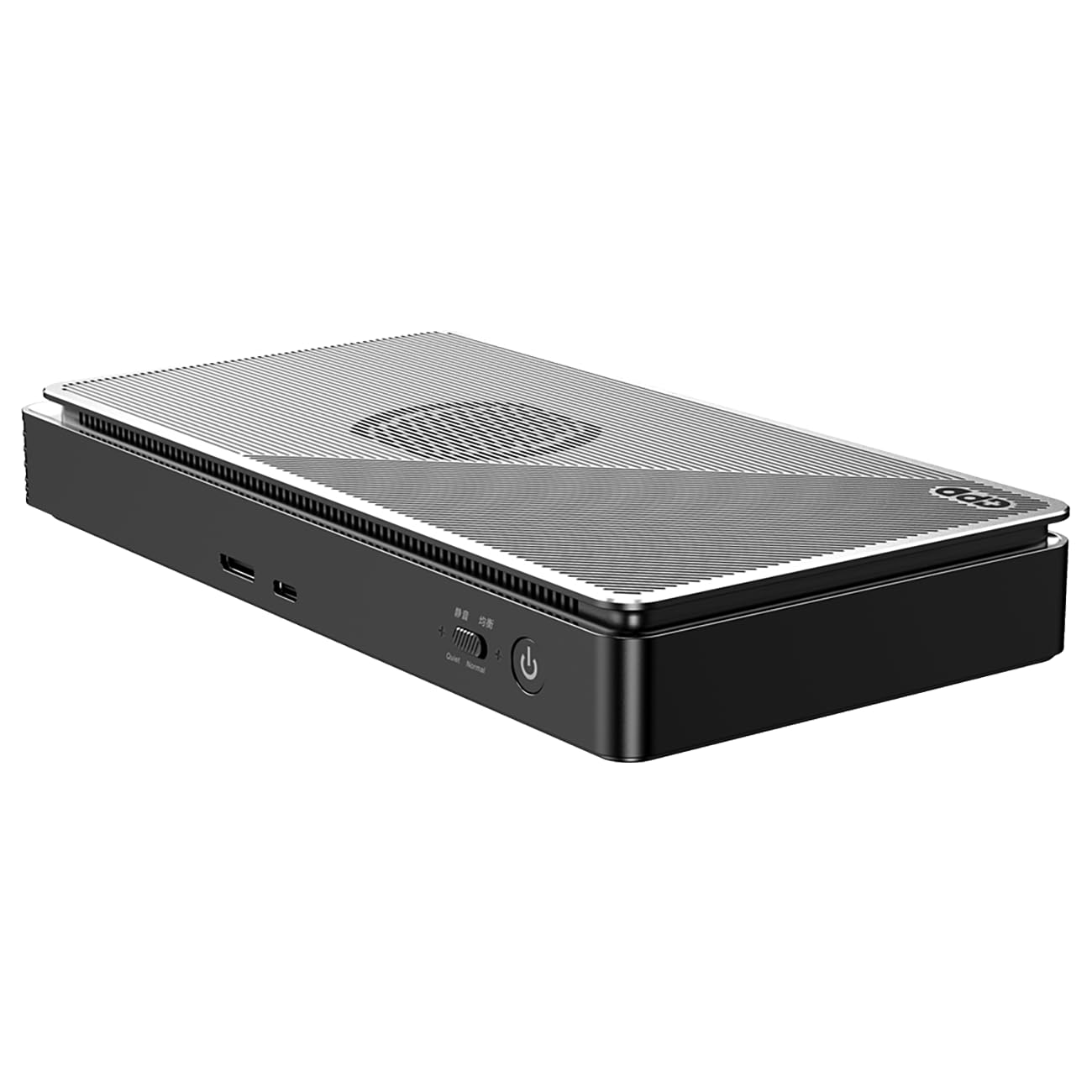

🚀 Elevate your workspace and game setup with powerhouse portability!
The GPD G1 2024 eGPU docking station features an AMD Radeon RX 7600M XT GPU with 8GB GDDR6 memory, delivering high-performance 4K gaming and professional graphics workflows. Equipped with versatile connectivity options including USB 4, OcuLink, HDMI 2.1, and DisplayPort 1.4a, it supports multi-display setups and fast data transfer. Its innovative TGP Toggle allows users to optimize between quiet and high-performance modes, all packed in a compact, portable design with a 240W GaN charger for efficient power delivery.


| ASIN | B0CKZCKHMZ |
| Are Batteries Included | No |
| Best Sellers Rank | 134,734 in Computers & Accessories ( See Top 100 in Computers & Accessories ) 1,014 in Docking Stations |
| Brand | GPD |
| Colour | Black |
| Computer Memory Type | GDDR6 |
| Customer Reviews | 3.6 3.6 out of 5 stars (8) |
| Date First Available | 13 Oct. 2023 |
| Form Factor | Small Form Factor |
| Graphics Card Description | Radeon RX 7600M XT Graphics |
| Graphics Card Interface | PCI-Express x4 |
| Graphics Card Ram Size | 8.00 |
| Graphics Chipset Brand | AMD |
| Graphics RAM Type | GDDR6 |
| Guaranteed software updates until | unknown |
| Item Weight | 920 g |
| Manufacturer | GPD |
| Maximum Memory Supported | 8 GB |
| Memory Clock Speed | 2250 GHz |
| Memory Technology | Gddr6 |
| Number of HDMI Ports | 2 |
| Processor Brand | AMD |
| Processor Type | AMD Ryzen 7 |
| Product Dimensions | 22.5 x 11.1 x 29.8 cm; 920 g |
| RAM Size | 8 GB |
| Screen Resolution | 3840 x 2160 pixels |
| Series | G1 |
| Wattage | 120 watts |
R**U
Dissapointing.. Could have been a great little gadget...
Where do I start ? Pros: Nice build, nice size, easy to use when/if it works. Cons: Performance is very dissapointing, keeps crashing on games..tried diferent drivers on diferent rigs.. my laptops running a rtx 3070 and a 4060 wipes the floor with it ! Very expensive for the gpu inside... Don`t even think of anything higher on 1440 than max performance on FSR upscaling with low settings... Testing rigs that I used included USB 4/thunderbolt and Oculink: 2 laptops (Rone using the latest Ryzen and one using Intel and 2 powerful mini pc`s running ryzen 9, all my systems have at least 32 gb ram ddr 5. Couldn`t touch the quiet/normal button as it crashed, froze random requiring a reset, fps were very unstablewith 1% lows that felt like slow motion, I checked the bandwith of my ports and they are fine.. I allready use an external full size gpu (rtx 4090) on oculink when I need more power for one of my mini pc`s. My conclusion is: Buy a cheap gpu and put it on a £35 oculink dock (Amazon sells them) and you will save yourself a lot of money ! I am a geek and I have worked in hardware so I knnow my way around computers..
J**R
It is nice when it works. It is probably the most powerfull GPU that is worth using via USB4 (price-performancewise). Pros: Switchable thermal performance (some games need it in order not to reboot the GPU after a few minutes of playing) Fast card reader Cons: Sometimes the GPU reboots or switches off when while gaming in performance mode. Expensive for this GPU...
TrustPilot
5天前
2 个月前