




🖋️ Upgrade your Surface Pen game—never miss a stroke or a meeting!
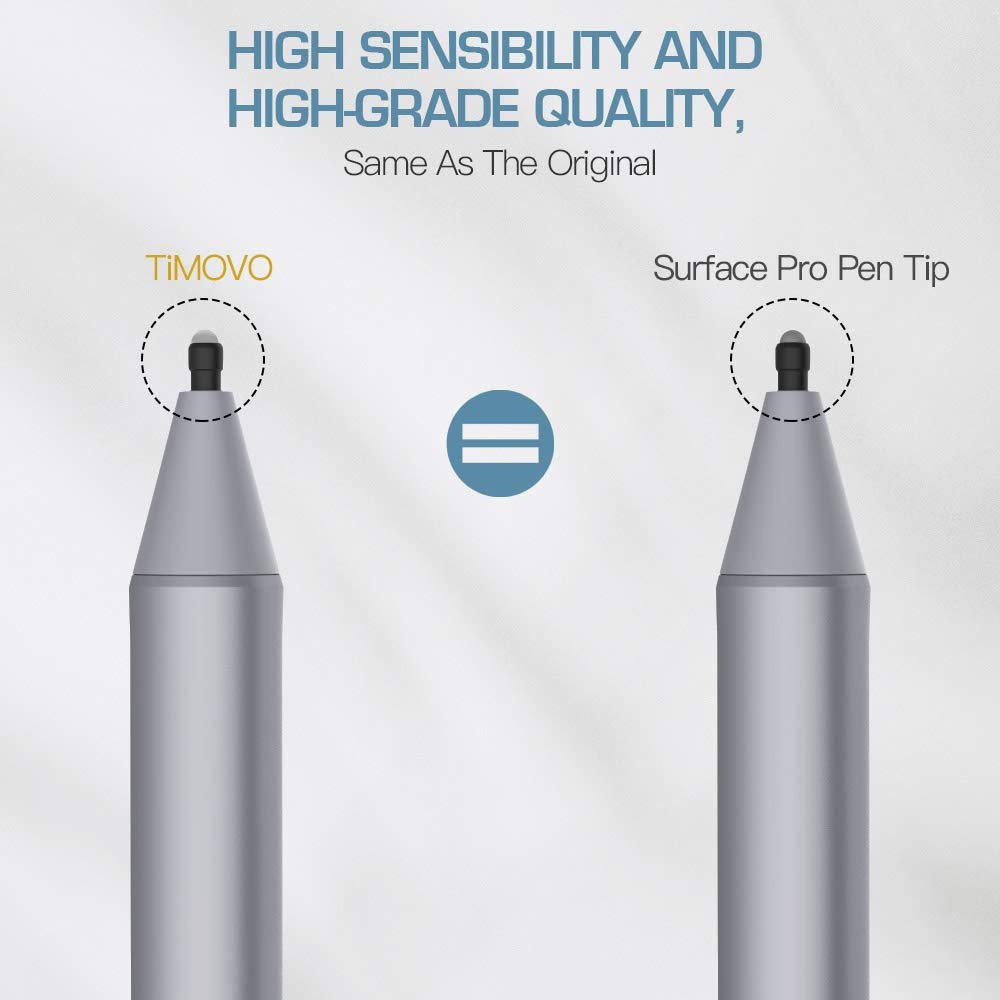
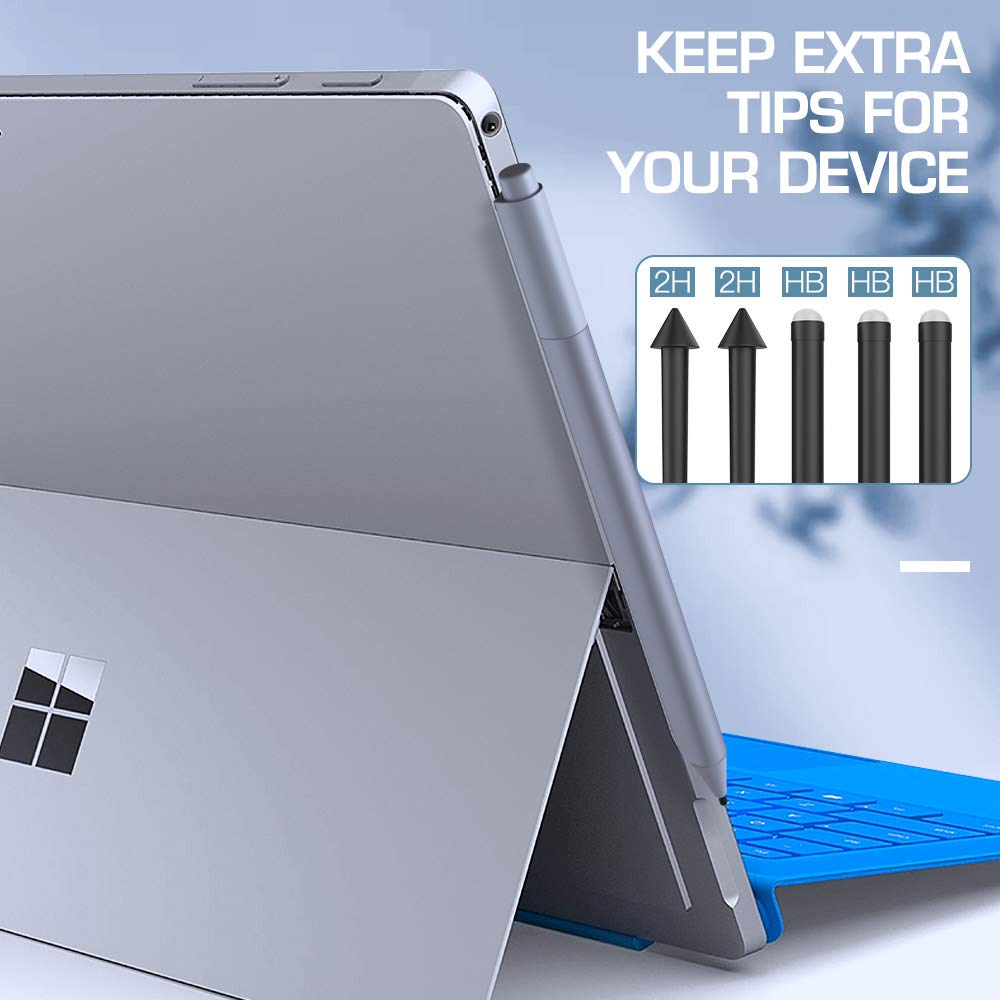
TiMOVO’s 5-pack replacement pen tips are precision-engineered for Microsoft Surface pens, offering original-quality rubber nibs in HB and 2H hardness. Compatible with a wide range of Surface devices, these lightweight, easy-to-install tips ensure a smooth, natural writing experience that keeps your digital creativity flowing without interruption.



| ASIN | B08ZHPNK3X |
| Are Batteries Included | No |
| Are Batteries Required | No |
| Best Sellers Rank | #120,860 in Mobile Phones & Communication Products ( See Top 100 in Mobile Phones & Communication Products ) #758 in Stylus Parts & Accessories |
| Brand | TiMOVO |
| Color | Black |
| Colour | Black |
| Compatible Devices | Laptop |
| Compatible devices | Laptop |
| Customer Reviews | 4.5 out of 5 stars 592 Reviews |
| Enclosure Material | Rubber |
| Item Dimensions | 17 x 2 x 2 millimeters |
| Item Weight | 0.07 Ounces |
| Item dimensions L x W x H | 17 x 2 x 2 millimeters |
| Item height | 0.08 inches |
| Item weight | 0.07 Ounces |
| Manufacturer | TiMOVO |
| Material | Rubber |
| Model Number | P840156920186 |
| UPC | 840156920186 |
V**N
Compatible con surface 5
Funciona como las originales
T**O
De bonnes pointes pour les stylets Surface
Bien sûr, voici un avis client basé sur votre expérience : --- **Avis Client :** J'ai récemment acheté des pointes de remplacement pour mon stylet Microsoft Surface et j'en suis très satisfait. Les pointes sont de haute qualité et fonctionnent parfaitement avec ma tablette. L'installation a été simple et rapide, et elles offrent une excellente précision lors de l'utilisation. Je recommande vivement ce produit à tous les utilisateurs de Surface qui cherchent à remplacer leurs pointes de stylet.
L**M
Would buy again
This pack fit perfect within my windows surface pen. I really like the pointed tip which isnt offered within the stock pen kit. Would purchase again!
E**A
Good product
Arrived promptly and nice packaging. Product worked well
W**5
Like new!
I was not using my pen anymore on my Surface because the input feel odd. I was starting to look for epapper tablet to take notes to find a new solution. I saw that the tip of my pen was probably the problem. By just changing the tip, everything went back as normal and I can use my Surface + pen again. On the photo, you can see the old tip and the replacement tip



