We remain fully operational. Our teams are working around the clock to ensure your deliveries continue safely.

下载应用程序


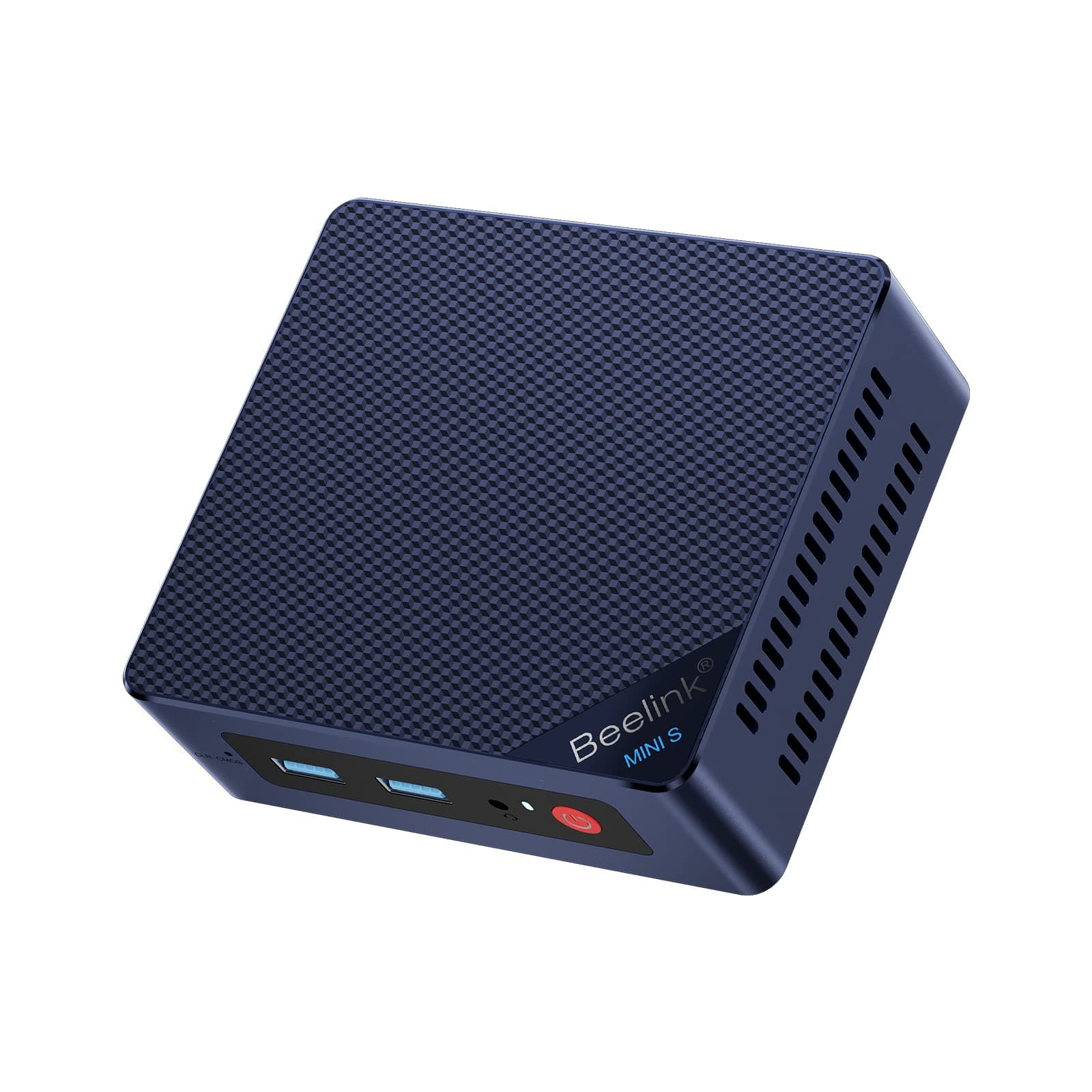

🚀 Elevate your workspace with powerhouse mini tech — because size shouldn’t limit ambition!
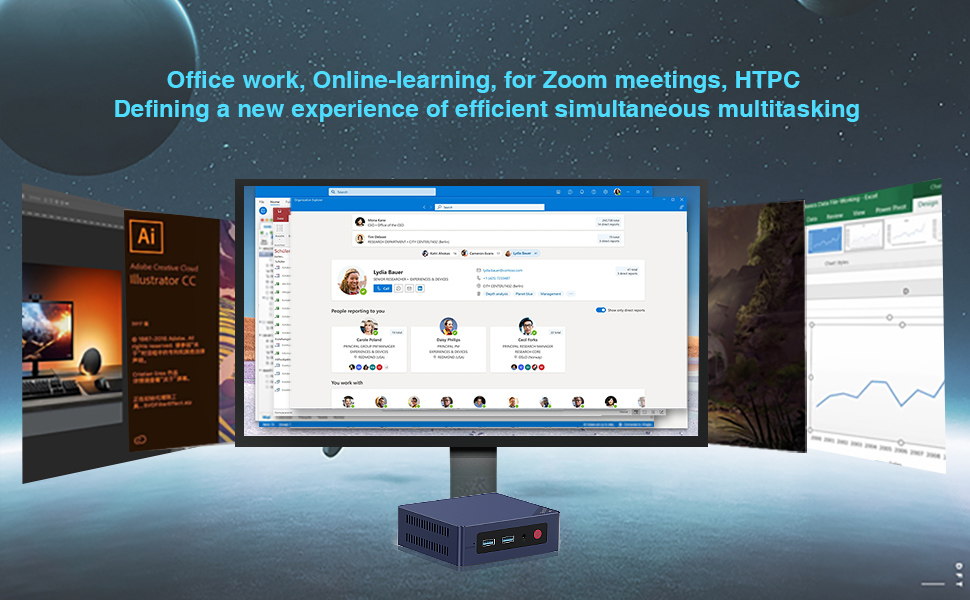
The Beelink Mini S12 is a compact desktop PC powered by an Intel 12th Gen 4-core N95 processor clocked up to 3.4GHz, equipped with 12GB LPDDR5 RAM and a 500GB SSD. It supports dual 4K UHD displays via dual HDMI ports, offers extensive connectivity including 4 USB 3.2 Gen2 ports and 2.5G Ethernet, and features efficient cooling and a sleek design with VESA mount compatibility. Ideal for professionals seeking a powerful, space-saving solution for multitasking, streaming, and office productivity.






| ASIN | B0G6ZGCV8H |
| Additional Features | mini pc |
| Aspect Ratio | 4:3 |
| Brand | Beelink |
| Built-In Media | Mini PC |
| CPU Model Number | Intel N95 |
| Connectivity Technology | Ethernet, HDMI, USB, Wi-Fi |
| Customer Reviews | 4.2 4.2 out of 5 stars (191) |
| Display Resolution Maximum | 3840x2160 pixels |
| Graphics Card Interface | Integrated |
| Graphics Coprocessor | Integrated |
| Graphics Description | Integrated |
| Graphics Ram Type | DDR DRAM |
| Hard Disk Description | SSD |
| Hard Disk Interface | Serial ATA |
| Hardware Interface | Ethernet, HDMI, USB |
| Human-Interface Input | Buttons |
| Item Weight | 0.69 Kilograms |
| Manufacturer | Shenzhen AZW Technology Co.,Ltd. |
| Model Name | Beelink |
| Model Number | Beelink |
| Model Year | 2026 |
| Native Resolution | 3840 x 2160 |
| Number of Component Outputs | 2 |
| Operating System | OS |
| Personal Computer Design Type | Mini PC |
| Processor Brand | Intel |
| Processor Count | 4 |
| Processor Series | Intel N95 |
| Processor Socket | FP4 |
| Processor Speed | 3.4 GHz |
| RAM Memory Installed | 12 GB |
| RAM Memory Technology | LPDDR5 |
| RAM Type | DDR5 RAM |
| Ram Memory Maximum Size | 12 GB |
| Resolution | 3840 x 2160 |
| Specific Uses For Product | Business |
| Total Number of HDMI Ports | 2 |
| Total Usb Ports | 4 |
| Unit Count | 1.0 Count |
| Video Output | HDMI |
| Video Output Interface | HDMI |
| Video Processor | Intel |
S**D
Windows automatic repair stuck and it is on loop 😖
Automatic Repair Loop and Incorrect Password when Trying to Access Anything in Advanced Options. I have been using this for very few time for over a year, and I have experienced an issue that many people also had too. I was updating some of my drivers from a third-party software that was reliable and restarted my system like usual when it began to send me into an automatic repair loop. I kept restarting it several times to see whether it will change anything and nothing. I tried to go through “Advanced Options” to see whether I could try to go to “Command Prompt” or some of the other options to get around the issue. Every time that I click on these options, it prompts to a message that I need to type in the password for my account to access the option. Essentially, I would always get an incorrect password error every time I typed my password in. I know that I typed the password correctly because I had my password saved in a password manager, looked at the password several times, and the keyboard layout was “US”. I even changed my password for my account and signed in into the Microsoft website with the new password and typed it all correctly. However, when I tried to type in the new password on my laptop, it gave me the incorrect password message again. I restarted once more and got the same results. There’s no way that I kept typing it incorrectly because I looked at it several times and even checked to make sure “caps lock” isn’t on and also “num lock”. Nothing changed from there. I looked on YouTube to find solutions and go through BIOS or whatever to diagnose the issue and either nothing came up, or it failed to detect the issue. I had essentially tried everything and there was an option for “Startup Setting” where I could try to disable something to see whether that was the problem. That option initially wouldn’t require me to use my password to sign in because I had to restart my device to disable a setting, but it would always send me to a black screen for essentially hours. Nothing happened and I had to physically hold down the power button to force shut down the thing again. I really need to find out what could possibly be the issue here.
E**D
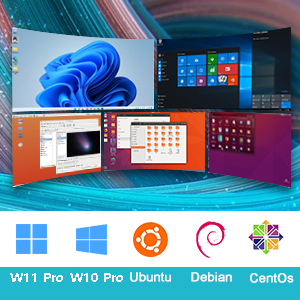
Estoy feliz, inmediatamente le instale Debian Linux 12 y CasaOS (no puedo reseñar su windows de fabrica) Debian linux detecto todo, incluso el Plex detecta la "aceleradora de video" para transcodificar. Le agrege un ssd interno de 2.5 y un disco externo para mas capacidad. ocupa poco espacio y solo necesita un cable de red y la energia.
N**P
I was on a search for a standard, refurbished desktop. I wasn't coming across anything under $200. Then these fell into my search and I said what is this? It's genius! It has everything you need minus the huge footprint of a desktop. I made sure the one I bought had two HDMI ports for two monitors and at least 4 USB ports. I also wanted an ethernet port. This one has all of that. It works fine for everyday work at home, streaming, etc. I have no trouble with any of that. It's probably not a gaming PC, but I don't do any of that.
E**S
I have it setup running HAOS (Home Assistant Operating System) with Frigate. Love it! Great performance so far.
M**M
Excellent little computer. I use it as a Plex server and run some small VMs under Hyper-V. It's very quiet and Windows 11 Pro was setup on start.
W**Y
Got the EQ12 w/ 16 GB RAM. And despite of the listing states in parts of the description, rest assure that you will receive the 16 GB model. So far, it is working great. Setup was easy, all connections are working fine and it was delivered fast. Nice package as well. Also, it is running smooth and quite. Didnt notice any overheating coming from the box.