We remain fully operational. Our teams are working around the clock to ensure your deliveries continue safely.

下载应用程序



🚀 Elevate your interactive experience—touch the future today!
The GreenTouch 55-inch IR Touch Frame combines ultra-responsive 10-point infrared touch technology with a stunning 4K UHD display and effortless USB plug-and-play setup. Its durable aluminum alloy frame and wide 178° viewing angle make it ideal for professional environments like education, finance, and digital kiosks, delivering flawless multi-touch precision without the need for drivers or maintenance.


| ASIN | B078X8R9Z3 |
| Additional Features | Touchscreen |
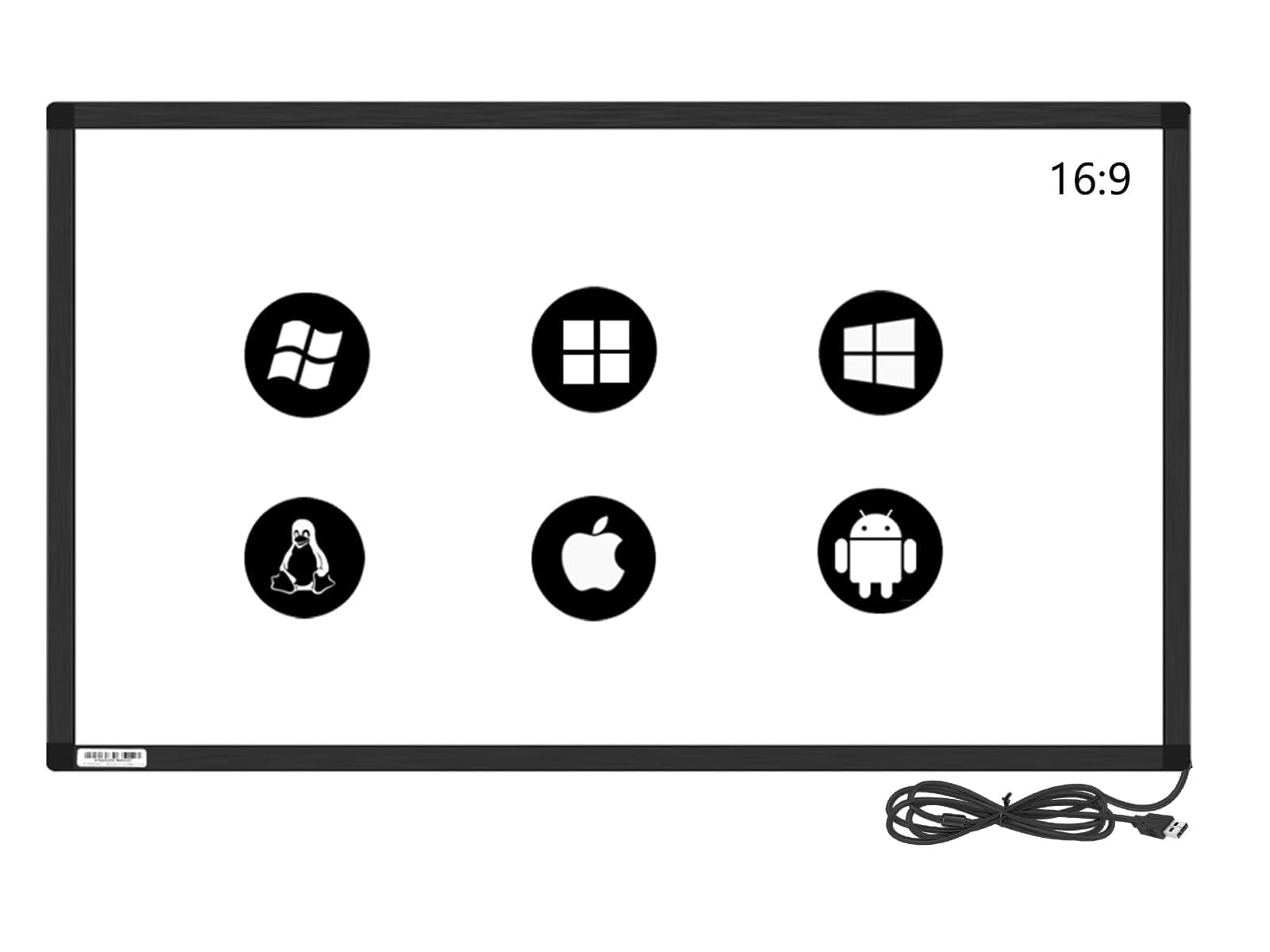
| Aspect Ratio | 16:9 |
| Brand | GreenTouch |
| Built-In Media | 4 pcs touch frames,8 screws and cover,A installation manual,A installation manual |
| Color | black |
| Compatible Devices | Computer |
| Connectivity Technology | usb |
| Contrast Ratio | 16:9 |
| Customer Reviews | 4.0 4.0 out of 5 stars (32) |
| Display Resolution Maximum | 32767 x 32767 |
| Display Technology | LCD |
| Display Type | LCD |
| Hardware Connectivity | Infrared, USB |
| Has Color Screen | Yes |
| Item Dimensions D x W x H | 0.9D x 125.5W x 72.4H centimeters |
| Item Weight | 0.95 Kilograms |
| Manufacturer | GreenTouch |
| Model Name | GT-IR-F55.0-1 |
| Model Number | GT-IR-F55.0-1 |
| Mounting Type | Wall Mount |
| Native Resolution | 3840x2160 |
| Number of Component Outputs | 1 |
| Picture Quality Enhancement Technology | adaptive sync |
| Processor Count | 1 |
| Refresh Rate | 60 Hz |
| Resolution | 32767 x 32767 |
| Response Time | 10 Milliseconds |
| Screen Finish | Glossy |
| Screen Size | 55 Inches |
| Series Number | 55 |
| Shape | Rectangular |
| Specific Uses For Product | Education |
| Total Number of HDMI Ports | 1 |
| Total Usb Ports | 1 |
| UPC | 689771137704 726853714993 |
| Viewing Angle | 178 Degrees |
| Voltage | 5 Volts |
I**X
Very accurate and works great in Linux (Ubuntu)
隅**人
星をつけるのも憚れる。お問い合わせに連絡を入れても全く反応がない。メーカーサポートが良いというのは真っ赤な嘘だった。買ったことを後悔している。 使用済みだが返品したい気持ち。
J**R
It works perfectly, since the USB cable seems a little bit weak, I taped it and use a USB extension instead in case someone would break it, The tv is mounted on a cart and many people are using it...
N**A
Fantastic customer service. Never did get the unit working for me as it seemed to have e a bug in the calibration program but they went above and beyond to talk with me and try to help me getting it to work on my system!
R**D
Returned to seller. I was unable to get it to work anywhere but on Windows Desktop. It arrived via UPS from Amazon in 4 days. It came packaged in a shipping tube that provides extreme protection from enroute damage. Assembly is simple with the provided screwdriver and takes about a half hour on a clean, flat work surface. This frame is extruded aluminum and all led's and sensors are inside the extrusion. Again, very well protected. I put it together, plugged it into a USB port, and started using it right away. It works better than my 73 year old fingers do, but practice makes perfect and my touch screening on the desktop is improving. I have found a pencil eraser to be an excellent stylus for setting it up, especially with small icons on the desktop. It really does work very well, especially after calibrating the touch point with Windows 10 settings. Just search for "touch" and you'll find it. For temporary positioning over the TV, I propped up the bottom of the frame with wood scraps and attached it to the TV frame with "EZ Tack" adhesive clay. This allows fine adjustments for initial testing and calibration without serious glue or hardware. For fine adjustments to the height, use some old playing cards to get it just right. An observation on touchscreen... What I assumed would add to the immersion of flight sims turned out to be, in my opinion, completely wrong. Since the head tracking device is always changing the view onscreen, finding and touching a screen object like [Left Magneto] is anything but intuitive. Even if I "freeze" the TrackIR view, it is still a chore to find and touch any control item... it's like using my finger as a mouse on an uncomfortably large touchpad. It's also very easy to make an erroneous selection. The mouse is much more accurate than touching the screen for me and also keeps my screen much cleaner than smudgy fingertips! I find that extra physical control devices with switches, sliders and buttons, placed properly around your office "Cockpit" add a much greater degree of realism than the touchscreen.
TrustPilot
3 周前
2 周前