
下载应用程序


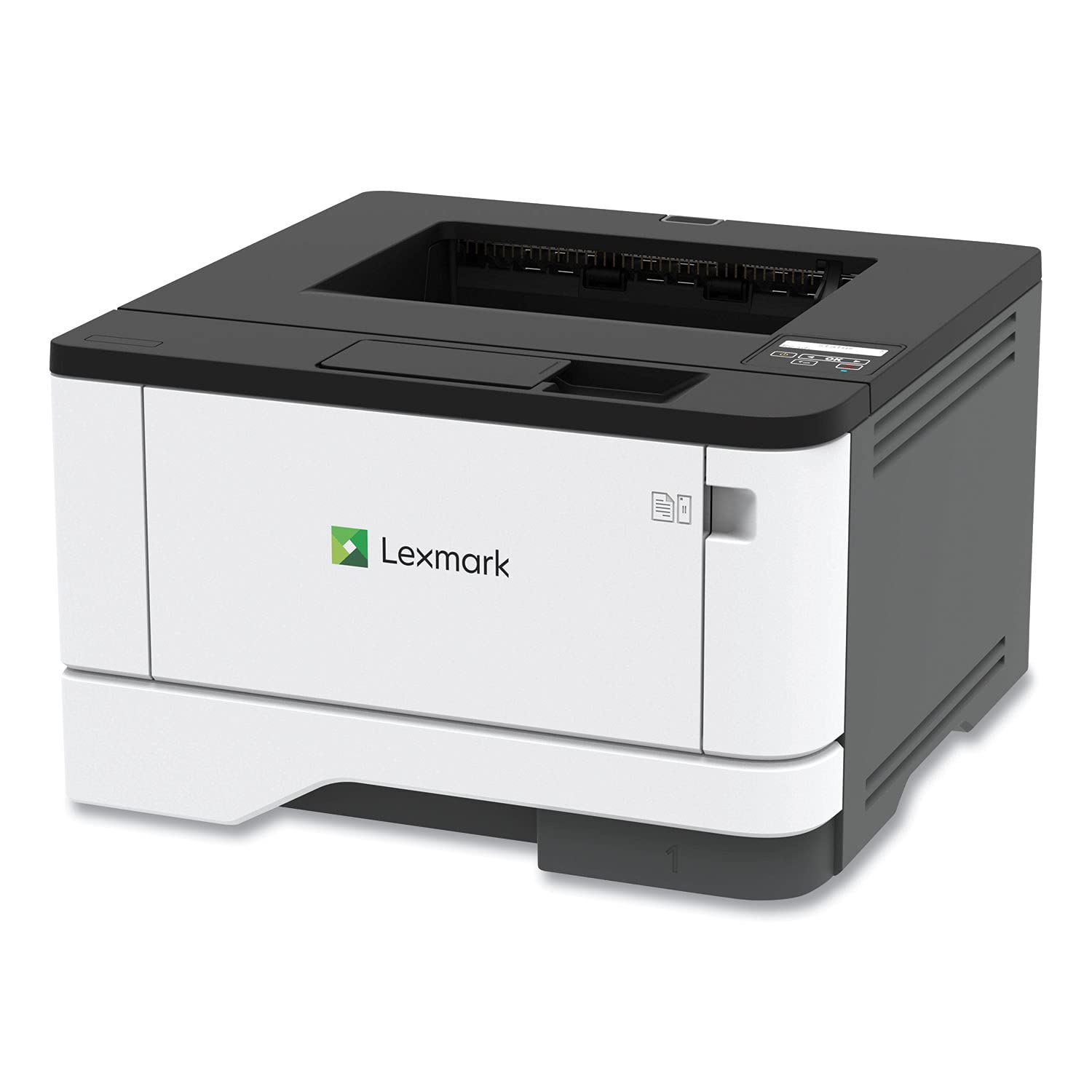
🖨️ Print smart, print sleek — your office’s silent productivity partner.
The MS431dw is a compact black-and-white laser printer designed for busy professionals. It supports wireless, Ethernet, and USB connections, enabling seamless mobile and cloud printing. Built with a durable steel frame and long-life imaging parts, it handles monthly volumes of 800 to 8,000 pages. Automatic two-sided printing and energy-saving modes make it eco-conscious, while Lexmark’s advanced security architecture protects sensitive information.


P**T
Good all round printer for home office use
Works as expected and small footprint
B**E
Fast service for delivery and ease of set-up.
Came in just as expected. Works very well.
J**L
First impressions - so far so good
This was a replacement for an 8 year old color laser that failed. It is smaller, lighter and faster. I found thai I rarely needed color so toner should be cheaper.The printer was effectively packaged so arrived in perfect condition.The included documenttion is basialy non existent. A pictorial set up page with zero captions is much less clear than the writers think it is. Fortunately there is a full manual online as well as a set up video.Setup and software confuguration was straight forward and worked without error. One nit although not shown in the instructions, the printer needed some basic info (date, time, language) entered via the control panel before it worked. Once done the printer worked as advertisedd producing clear, sharp printing with double sided printing.One final note. The Lexmark online registration page inissts on the user giving permission to recieve their spam. This is unacceptable.
N**E
Lexmark MS431dw B&W Printer Does It All
This printer replaced a barely used Xerox B&W laser printer because I could never get the Xerox to do what I needed which was to work on both WiFi and Ethernet at the same time. It also does USB although I did not need it. I finally gave up and bought this Lexmark. It does exactly what I needed right from the start. The only "negative" might be the small LCD screen but honestly, once you set up the printer either via the iPhone or Android app or a desktop computer, you won't need the screen. The small size keeps the printer costs down and much more important is to buy a brand with good reviews which Lexmark does have.----------------------------------------------------------------------------------------------------------------------------------------This is a small profile unit and since it is a laser printer, the per page cost is VERY, VERY small. Ink Jet printers are cheaper to buy but the media cost is very high compared to a laser printer and I don't need color.I had installed other Lexmark printers first which is why I bougth this for myself. I will rarely do any printing but I wanted it to work without problem when needed and this seems to fit the bill. It fully supports current Mac & Win OS versions and make sure whatever you buy has a good record of doing this. Not all brands do so don't assume this can not be an issue.
T**.
Works great tight out of the box
I have tried several other brands, they have had a bad habit of losing connectivity and updates that only screw up all the settings and make connectivity less reliable. They never failed to deliver new ways to charge for things though.If you want a printer that will simply print when you tell it to, this one is highly recommended.
R**N
Defective printer
This printer looked like a good deal, but it continually has paper jam issues to the point where it is unusable and I'm returning it for a refund. Will probably not buy another printer from Lexmark.
D**Z
Fast and accurate
This Lexmark printer is good, it's really fast, the print quality is good.So far nothing bad to report about it.
M**E
Easy set up
Very easy to set up and get working on both my laptop and cellphone.
TrustPilot
1 周前
1 个月前