🚗 Tiny Cam, Huge Peace of Mind — Drive Smart, Stay Ahead!
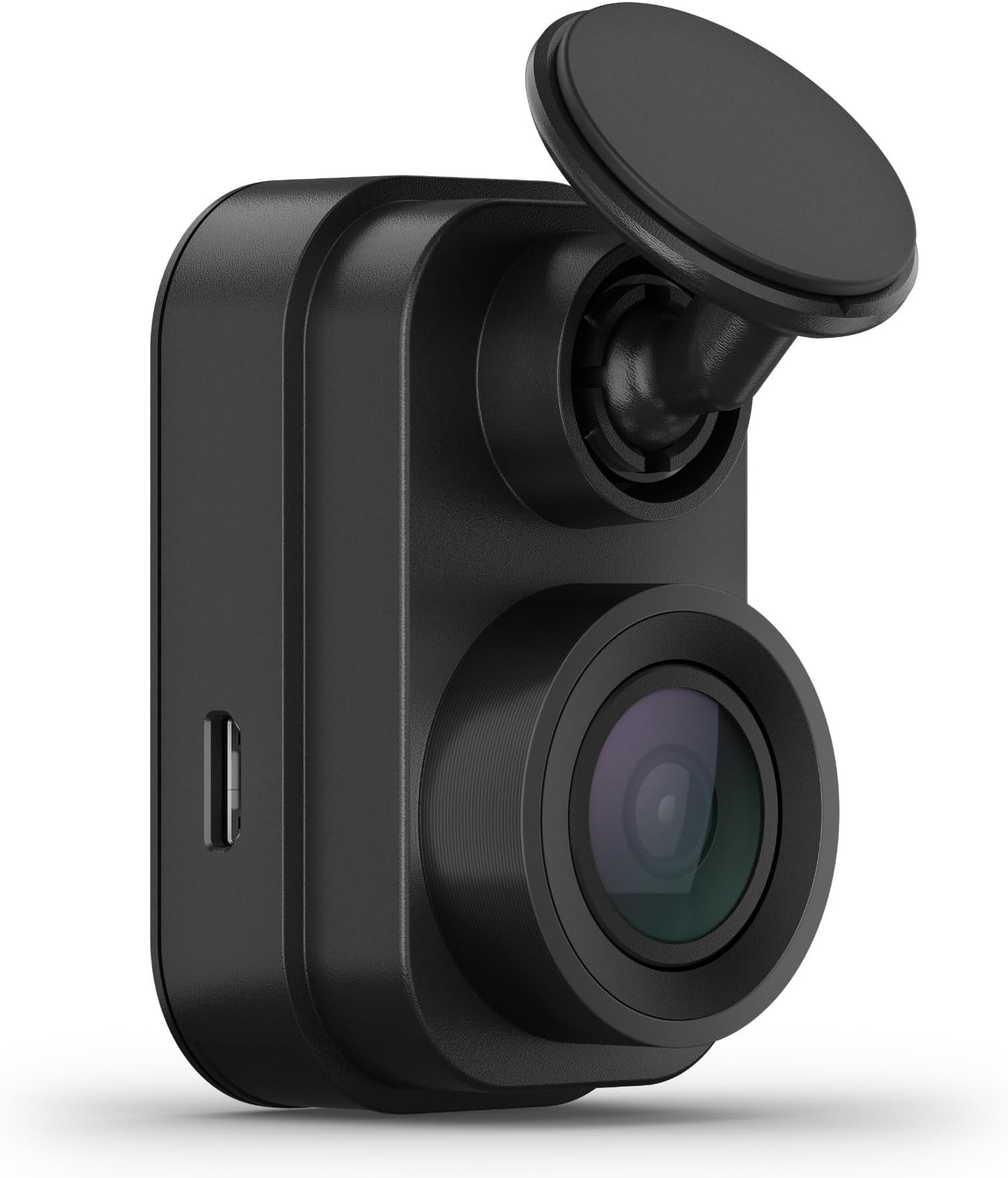
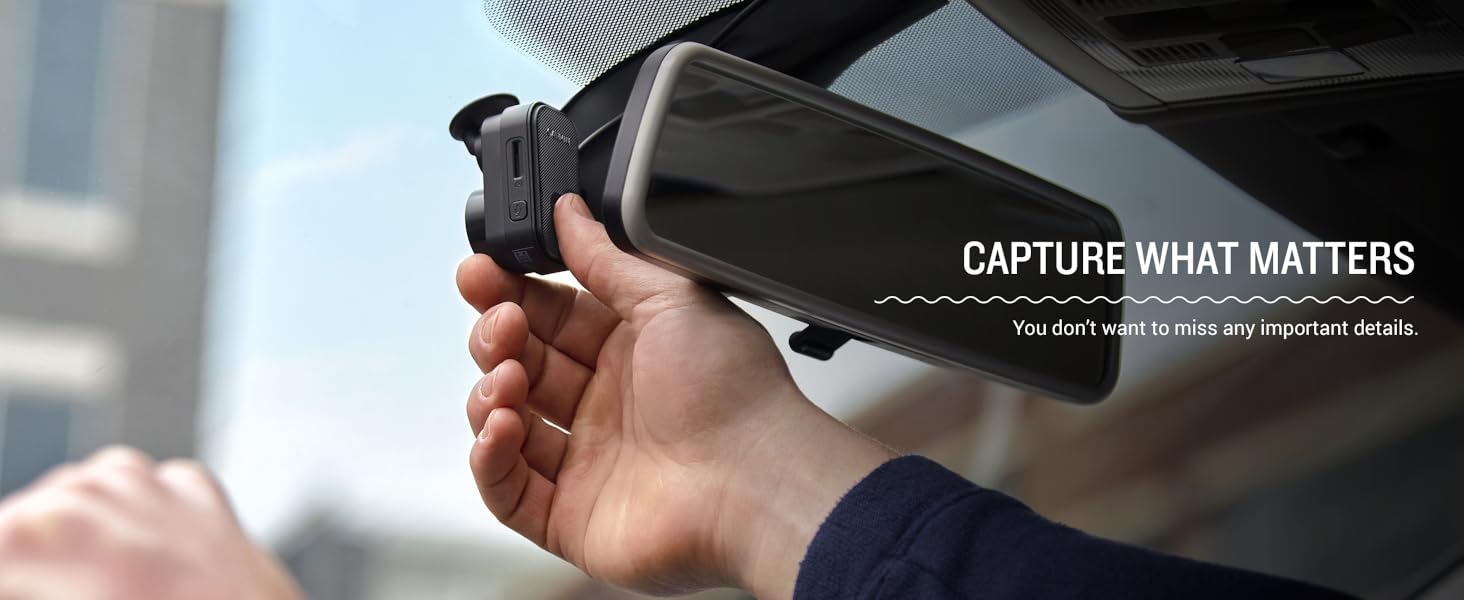
The Garmin Dash Cam Mini 2 is a compact, car key-sized dash camera that discreetly mounts behind your rearview mirror. It records crisp 1080p video with a wide 140-degree lens and features voice control in multiple languages. With Wi-Fi connectivity, it automatically uploads footage to a secure cloud Vault and offers remote live view and parking guard alerts via the Garmin Drive app. Durable and easy to install, it supports up to 512GB microSD cards and syncs with up to 4 cameras for comprehensive vehicle monitoring.


| ASIN | B0931YZ82P |
| Actual viewing angle | 140 Degrees |
| Batteries Included | No |
| Batteries Required | No |
| Brand | Garmin |
| Colour Screen | No |
| Compatible Devices | Smartphone |
| Connector Type | USB |
| Customer Reviews | 4.0 4.0 out of 5 stars (4,539) |
| Date First Available | 9 June 2021 |
| Does it contain liquid? | No |
| Flash memory type | MicroSD |
| Generic Name | Dash Cam |
| Item Dimensions LxWxH | 31 x 53 x 29 Millimeters |
| Item Weight | 28.3 g |
| Item model number | 010-02504-00 |
| Manufacturer | Garmin |
| Memory Slots Available | 1 |
| Model | 010-02504-00 |
| Model Name | Garmin Dash Cam Mini 2 |
| Model Year | 2021 |
| Mounting Hardware | Garmin Dash Cam Mini 2, low-profile adhesive mount, dual USB power adapter, power cable, USB cable and documentation |
| Mounting Type | Windshield Mount |
| Net Quantity | 1.0 Count |
| Number of items | 1 |
| Product Dimensions | 3.1 x 5.3 x 2.9 cm; 28.35 g |
| Special Features | Compact Design |
| Standing screen display size | 2 |
| Video Capture Resolution | 1080p |
D**N
Neat little dash cam but not comfortable using the app to access the data. Still, good little product. Dan
C**3
I purchased this dash cam in 2022 and it has worked flawlessly since then. install was simple with a nice long power cord i was able to tuck up into the headliner and trim all the way around to a power port. it comes. with a usb connection and an adapter to use it in a 12 volt port if needed. i had the dealership install a usb port (ignition power) up behind the passenger for well because i wanted the wire out of the way but that’s not needed. the phone app is good and controls the unit for playback of video, downloading video and the settings of the camera. the app linked easily and found the camera’s wifi signal which then connected to my phone and displayed the videos. i added a memory card and the camera activates with my ignition and switches off when my vehicle power turns off. once you lean how to save video and what the various settings do it’s a very slick little camera. i have it tucked up behind the rear view mirror beside the ford housing for its lane keeping system. you can set it to auto activate save the last 30 second if it senses a crash or aggressive maneuver and mine is set to medium because high was being set off by simple speed bumps. you can also manually activate the save feature by taping the button on the rear of the camera or by a voice command. the camera records in a loop so when the memory card fills up it simply records over it but by bit. love this camera!!!
E**O
Foi muito fácil o procedimento de instalação e as imagens são muito boas.
C**I
Buena definición, excelente tamaño, fácil de colocar, buenos materiales.
D**H
The compact size is great and non-obtrusive*. I don't need a screen of my driving on or a large block in my site line. I only want a camera in case of an incident. This fit the bill. I bought 2 of these, the first was for a '20 Mustang without all the Safety sensors and nanny systems tied into the rear view mirror. I liked that it was compact and I put it on the passenger side behind the mirror. More recently, I bought a new Jeep GC 4xe with all the nanny systems. I already had an EZPass tucked on the passenger side with all the sensors spreading into the passenger side, there was no room to tuck the camera like I did on the Mustang. So, I put this latest Mini 2 on the diver's side, using a hard wired Donger USB port (highly recommend) on the driver side. Several issues I have. First is the red light* at night. There is a steady red light indicator that is too bright. I thought I did a good job putting the camera behind the mirror, but I did not account for the little red LED causes a glare, looking like a brake light in my peripheral vision. I had to move the mirror out of my comfort zone to block it. You can tell me to readjust or move the camera but it's a lot of work. Why? Because the next issue is with wireless Apple Car Play. It is not easy to set up with Apple Car Play being wireless because the Bluetooth on my iPhone 13 is a slave to the Car Play. You have to un-pair from Car Play completely to set up your Garmin view, then re-pair with the Car Play (no issue with the hard wired Car Play version in the Stang). So the issue is the Garmin app and wireless Car Play cannot co-exist; you will not get a "live view" if connected to wireless Car Play- you will need to disconnect your phone from your car to get the live view. The camera's WiFi shows up on the phone, it just doesn't give the video feed. Not sure if I will keep this one for the Jeep. So be aware of the bright little tiny light and Apple Car Play.
Trustpilot
2 weeks ago
3 days ago