⚡ Power, speed, and clarity—dock like a pro, work like a boss.
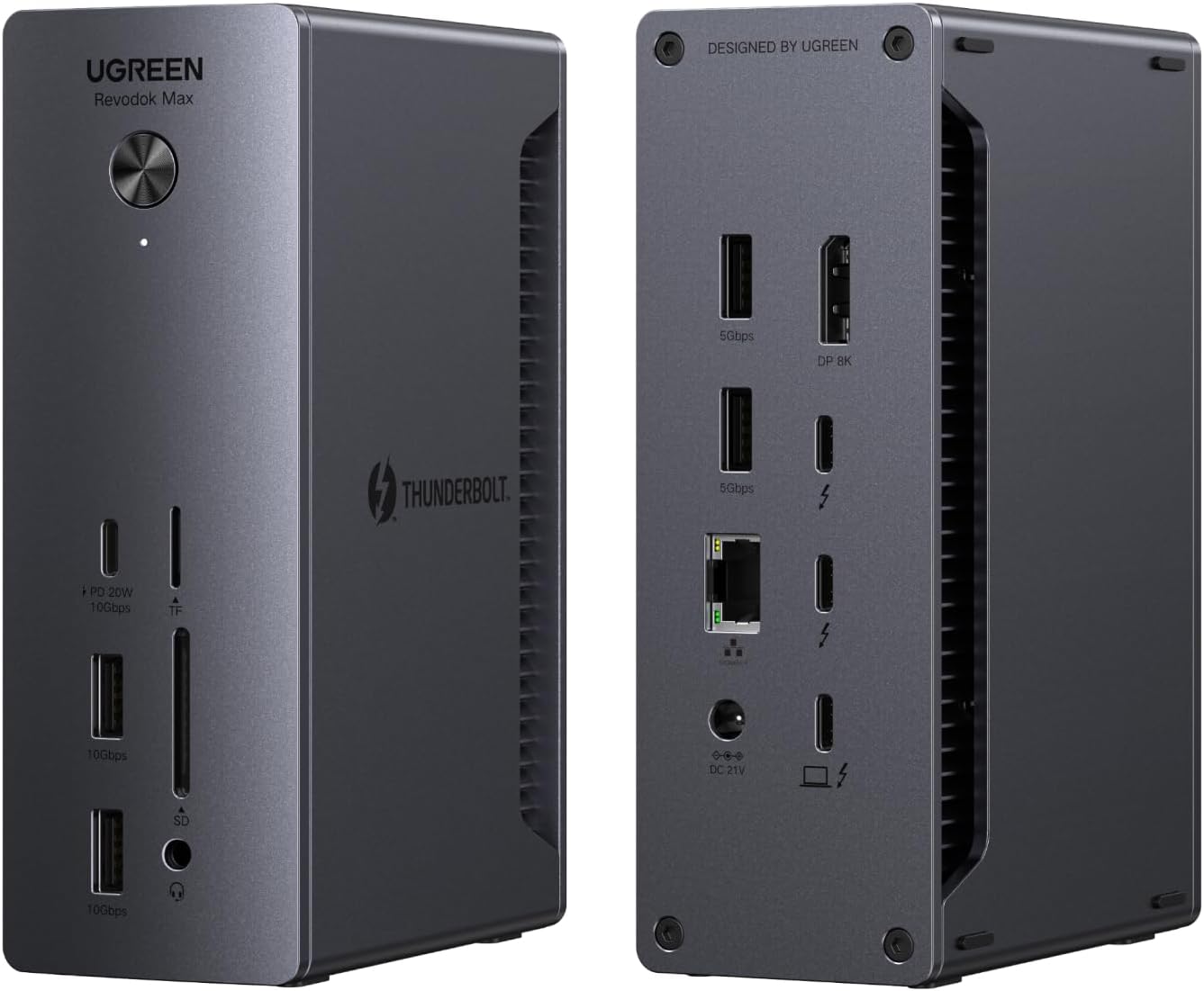
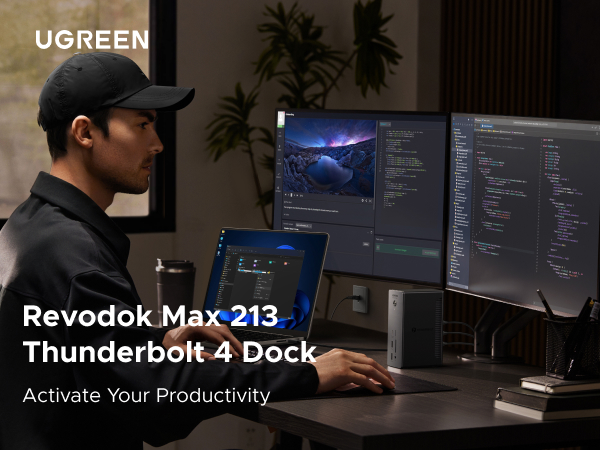
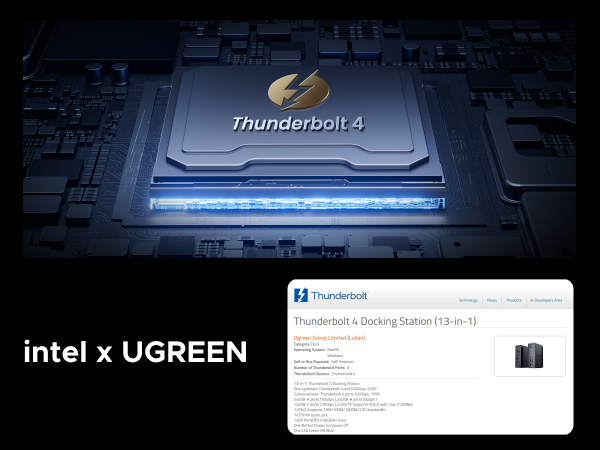
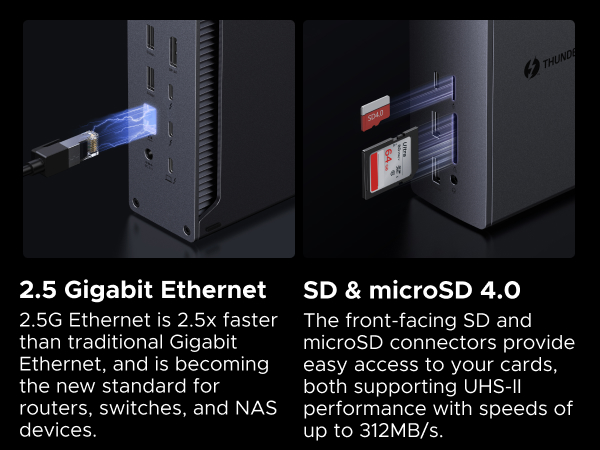
The Revodok Max 213 is a premium 13-in-1 Thunderbolt 4 docking station delivering 40Gbps data transfer, dual 4K@60Hz or single 8K display support, and 90W laptop charging. Designed for MacBook, Surface Pro, and USB-C/Thunderbolt laptops, it offers extensive connectivity including 2.5Gb Ethernet and SD/TF 4.0 card readers, making it the ultimate productivity hub for professionals.

P**T
it works great
works great with my laptop. charges my laptop while providing me with plenty of I/O to run a livestream podcast. looks good on my desk and the build quality seems to be really nice.
B**A
Sleek, Sturdy and functional
Why did you pick this product vs others?:There is no question that you will love the size, look, and build quality. The fact that this was on sale for $239 versus many 200-dollar competitors made it a competitive deal. Additional sets of Thunderbolt to Video connectors will run you about 50 bucks as well, so keep that in mind. My only complaint is that they should include these in the box or offer a package deal with them.I've seen a complaint about this unit's lack of Display Ports or HDMI ports since it only has one Display Port. But the Thunderbolt ports act as Display Ports with the right USB-C video cables.I would just make sure to purchase a USB-C to HDMI 2.1 or a USB-C to DisplayPort 2.1 cable. This will ensure you can push your monitors at the right Resolution and Refresh rate. The bandwidth for Thunderbolt 4 is 40Gbps, HDMI 2.1 is 48Gbps, and DisplayPort 2.1 is 80Gbps. This will ensure 8k or 4k support, or in my case, Ultrawide 1440p @ 144hz.I was also questioning its capability to charge my Lenovo P16s Gen 2 Workstation laptop, which has a dedicated Quadro Video card, but it has no problems maintaining a charge. Also, I've used other docks in the past, and some of them have issues coming out of sleep. Monitors won't come back, you need to reconnect the dock to your laptop, etc. I've not had that issue once with this unit, and that was the reason I was looking for a new one.
A**K
Another great product from UGreen.
I have been using this for a month now and it has been phenomenal. No issues at all.I use a Macbook Pro for work and a Lenovo X1 Carbon with Fedora Workstation installed for myself and both devices connect immediately. I have this paired with UGreens KVM switch and so i can have both laptops and my gaming desktop hooked up to my single 240hz monitor. I get 240hz on all devices and it is a breeze to go from one device to another without any issues or glitches.The front IO is perfect, as it allows me to plug in external hardrives and micro SD cards (backing up switch saves or pictures).I do wish the front USB-C pot was also thunderbolt, so I could orient it in different positions, but that is not a big deal.The device is warm but far from hot and it does not make any noise.I own several UGreen products now and am glad they keep innovating and competing in the gadget and home office space!
T**Y
Excellent TB4 docking station with tons of connections + 120Hz Display Port support
A good Thunderbolt 4 dock with a good number of USB and 2X TB4 pass through ports.No software drivers necessary, and the display port output can support up to 120Hz (Maybe higher, but I don’t have a high refresh monitor to confirm that).Build quality is good with a sturdy metal casing - especially for its price point compared to the other alternatives. Highly recommended
M**H
Nice dock but would not work with my HDMI only monitor
My biggest issue with this dock is that it does not support anything but DisplayPort, apparently even when you try to adapt it. I do not know what the other "Free item" review is talking about but I tried two different DP -> HDMI adapters and neither worked and I also tried a USB-C to HDMI cable and that did not work either. I reached out to UGREEN and there response was that it only supported DisplayPort. Fortunately for me I had a spare monitor with a DisplayPort and once I plugged it in directly w/o any adapters, the video came right up. I've never had this happen on anything else, I was always able to adapt it to HDMI but for whatever reason this one will not.That said, now that I have the video issue working it seems pretty solid, the build of this product is nice, it's metal and feels very nice, is heavy enough to not go flying off the desk, has feet on both the bottom and one of the sides so it can lay vertical or horizontal, the mix of ports is nice too. The keyboard and mouse connected right up, the Ethernet is working well and it's keeping my laptop charged just fine. Other docks I have used got pretty hot but so far this one gets warm but not hot to the touch.There were a lot of docks in the same price point so after the video fiasco, I cannot say that it's a great value due to this, I likely would have returned if I felt like dealing with that hassle, so if you have DP monitor and this goes on a good sale then go for it but if you have only HDMI then you might want to consider something else.
J**.
Buy it
Works well and has a mix of ports in the front and back. It is about 6" x 2" x 4", but it is very solid and heavy. I'm gonna guess it's not gonna be good for traveling. Works nicely with the M4 MacBook air. The MacBook doesn't take much power, so it works as a single cord connection for the laptop.
F**O
It is exactly as advertised
The product is everything I hope for and delivers what they promise.It is very well designed and built and a robust product. Works perfect with 220V which is what I needed and all the ports worked as expected. Fully plug and play with win 11. It doesn't overheat and.
Trustpilot
3 weeks ago
2 months ago