Buy anything from 5,000+ international stores. One checkout price. No surprise fees. Join 2M+ shoppers on Desertcart.
Desertcart purchases this item on your behalf and handles shipping, customs, and support to SINGAPORE.
🔢 Unlock your numeric potential—work smarter, not harder!
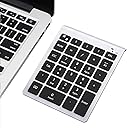
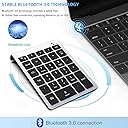
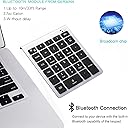
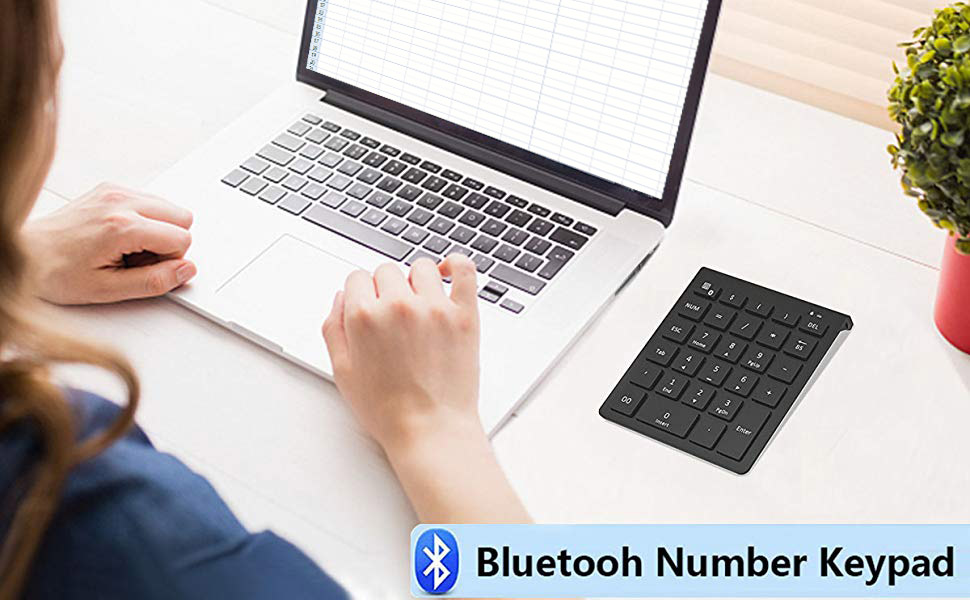
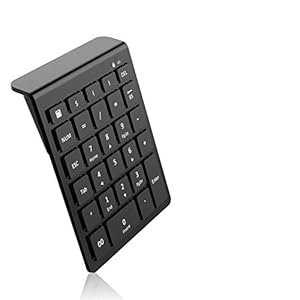
The Lekvey Bluetooth Number Pad is a sleek, portable 28-key wireless numeric keypad designed for professionals who demand efficient data entry. Featuring stable Bluetooth connectivity with a 10-meter range, ergonomic scissor-switch keys for quiet and precise typing, and broad compatibility across Windows, Mac, Android, and iOS devices, it enhances productivity on the go. Its smart power-saving mode ensures long battery life, making it an essential tool for accountants, managers, and multitasking millennials seeking a clutter-free, high-performance numeric extension.


| ASIN | B07CQBXVP6 |
| Additional Features | 1, Ergonomic design, 2, Hotkeys keys, 3, Bluetooth connection, 4, Power saving, 5, Lightweight, portable & compact, 6, Comfortable typing experience, 7, Stylish appearance, 8, Widely compatible |
| Antenna Location | Business, Office Work, Trip, Accounting, Educaion, Student, Everyday Use, Home |
| Best Sellers Rank | #14 in Numeric Keypads |
| Brand | Lekvey |
| Built-In Media | 1 x Lekvey 28 Keys Bluetooth Number Pad, 1 x User's Manual |
| Button Quantity | 22 |
| Color | Silver |
| Compatible Amazon Tablet Models | Amazon Fire 5th Generation, Amazon Fire 7 12th Generation, Amazon Fire 7 5th Generation, Amazon Fire 7 7th Generation, Amazon Fire 7 9th Generation, Amazon Fire 7 Kids 12th Generation, Amazon Fire 7 Kids 5th Generation, Amazon Fire 7 Kids 7th Generation, Amazon Fire 7 Kids 9th Generation, Amazon Fire 7 Kids Pro 11th Generation, Amazon Fire 7 Kids Pro 9th Generation, Amazon Fire HD 10 11th Generati… |
| Compatible Devices | Laptop, PC, Tablet |
| Compatible Operating System Family | Android, Windows |
| Connectivity Technology | Bluetooth |
| Customer Reviews | 4.4 out of 5 stars 1,729 Reviews |
| Enclosure Material | Plastic |
| Generation | 1 |
| Global Trade Identification Number | 00788537150831 |
| Hand Orientation | Ambidextrous |
| Item Dimensions L x W x H | 5.28"L x 4.17"W x 0.79"H |
| Item Weight | 4 ounces |
| Keyboard Description | Slim Portable Bluetooth Number Pad |
| Keyboard Layout | QWERTY |
| Manufacturer | Lekvey |
| Mechanical Keyboard Switch Model | Scissor-Switch |
| Mfr Part Number | 4348329851 |
| Minimum Required Operating System Version | Windows 10, Windows 11, Windows 2000 Professional, Windows Vista, Windows XP |
| Model Number | LS-30 |
| Number of Batteries Required | 2 |
| Number of Keys | 28 |
| Number of Sections | 1 |
| Power Source | Battery Powered |
| Recommended Uses For Product | Business, Office Work, Trip, Accounting, Educaion, Student, Everyday Use, Home |
| Special Feature | 1, Ergonomic design, 2, Hotkeys keys, 3, Bluetooth connection, 4, Power saving, 5, Lightweight, portable & compact, 6, Comfortable typing experience, 7, Stylish appearance, 8, Widely compatible Special Feature 1, Ergonomic design, 2, Hotkeys keys, 3, Bluetooth connection, 4, Power saving, 5, Lightweight, portable & compact, 6, Comfortable typing experience, 7, Stylish appearance, 8, Widely compatible See more |
| Style Name | Silver - Bluetooth 28 Keys |
| Switch Type | Tactile or Linear |
| Theme | accountants, office |
| Total USB 2.0 Ports | 1 |
| UPC | 788537150831 |
| Unit Count | 1.0 Count |
| Warranty Description | 3 Years Warranty |
B**W
Great product! Great price!
Great product and works as described. Great product and great price!
J**Y
Works with ChromeOS
My biggest concern when purchasing this product—or any of the other Bluetooth number pads out there—was whether or not it would work with my Chromebook (specifically the Pixel Slate.) In theory it should, but not everything always works as it should in theory, and none of the other reviews or Q&A confirmed it. I took a chance, and am very glad that I did. This number pad paired instantly to my Slate and ave me no trouble whatsoever. Of course the calculator shortcut doesn't work, but I didn't expect it to, ChromeOS just doesn't work that way. (For the record I also paired this to my Win10 machine and the calculator button does work as expected there, so just make sure you know your OS and its capabilities and limitations before purchasing.) The other functions, such as shortcuts for $, 00, and so on actually do work perfectly which was a very pleasant surprise. Those features were what led me to purchase this number pad as opposed to the other ones on offer, even though I didn't know if they would work or not. I've only had it for about a week and only used it twice, so I can't speak to battery life or long-term durability, but it seems very well made and not cheap-feeling at all, so that would indicate it should last for a long time. One thing to note: I really wanted some sort of hardshell travel case for this, because I want to keep it nice and protect its keys. It was a bit of a challenge finding a case as the specific dimensions of this keypad don't conform to typical case sizes. I look at external harddrive cases, USB battery pack cases, camcorder cases, mini projector cases—none had the right dimensions. I finally ended up going with an AmazonBasics case for a 5" GPS ( https://www.amazon.com/AmazonBasics-Hard-Carrying-Case-5-Inch/dp/B004I5BUSO/ ), and that seems to be working fairly well. The keypad doesn't lay flat in the case, but it will fit at an angle and not bounce or move around inside, while also not being crushed or only just barely fitting. Overall I think it's a good fit, so I wanted to mention it for anyone else who might be looking for a case and hopefully save you some time searching for one. My main purpose for this review is to hopefully help anyone else wondering if this will work with a Chromebook, and I am happy to report that it does indeed function perfectly with ChromeOS. Highly recommended!
K**R
Easy to use and set up.
Does what I need it to. I use it in a school library setting. It is very sensitive but has been great for what I need it for. It gets daily use by 1st-5th grade age students.
C**�
Convenient and portable
This portable mini numeric keypad proved to be a handy addition to my laptop, desktop, and even my tablet, making it easier for me to perform financial and accounting tasks. One of the standout features of this number pad is its wireless Bluetooth the pairing process is quick and hassle-free. Additionally, it also offers a USB option for those who prefer a wired connection, which is a nice touch. The number pad features 28 keys, including the standard numeric keys, function keys, and additional special keys that are useful for financial calculations and spreadsheet navigation. The keys are well-spaced and have a satisfying tactile feedback when pressed, is compact and lightweight design. The battery life is impressive as well. Overall, a reliable and versatile device, wireless connectivity, comfortable typing experience, and portable design make it a worthy companion for anyone seeking a compact and efficient numeric keypad for their laptop, desktop, or other compatible devices.
J**R
This is just the keypad I was looking for
I'm not big on writing reviews but I will make an exception in this case. I purchased this keypad to replace an older one that was acting up and that I was never particularly happy with anyway. I'm quite pleased with this item. Bluetooth paired up instantly and without any problems. Even though it's thin and light it doesn't slide around on the desk (my biggest complaint about my old keypad). The keys themselves travel well and don't mis-register my keystrokes, and I can be very heavy-handed at times. I like the layout and the additional keys, especially the key that brings up the Windows on-screen calculator with a single key press. Some people may find the auto-sleep function annoying but in just a few days of use I've learned to look at the blue LED in the upper right corner before pressing any keys. If it's off, press any key and wait the few seconds until it comes on. I had what I thought was an issue with the keypad, so I emailed the manufacturer (thank you Google Translate, for letting me send my emails in Simplified Chinese). It turned out that the problem isn't with the keypad, it's actually a bug in the Windows calculator. The representative who worked with me was polite, friendly, and very helpful in making this determination. The manufacturer is just getting started, and I think they've done such a fine job on this keypad that they deserve support. I hope they'll be adding to their product line and I look forward to seeing what they'll have to offer in the future.
F**R
Great product
Great products. The key pad and mouse are so easy to use with my computer.
D**N
Using the 7Lucky Numeric Keypad (Model: BT301)
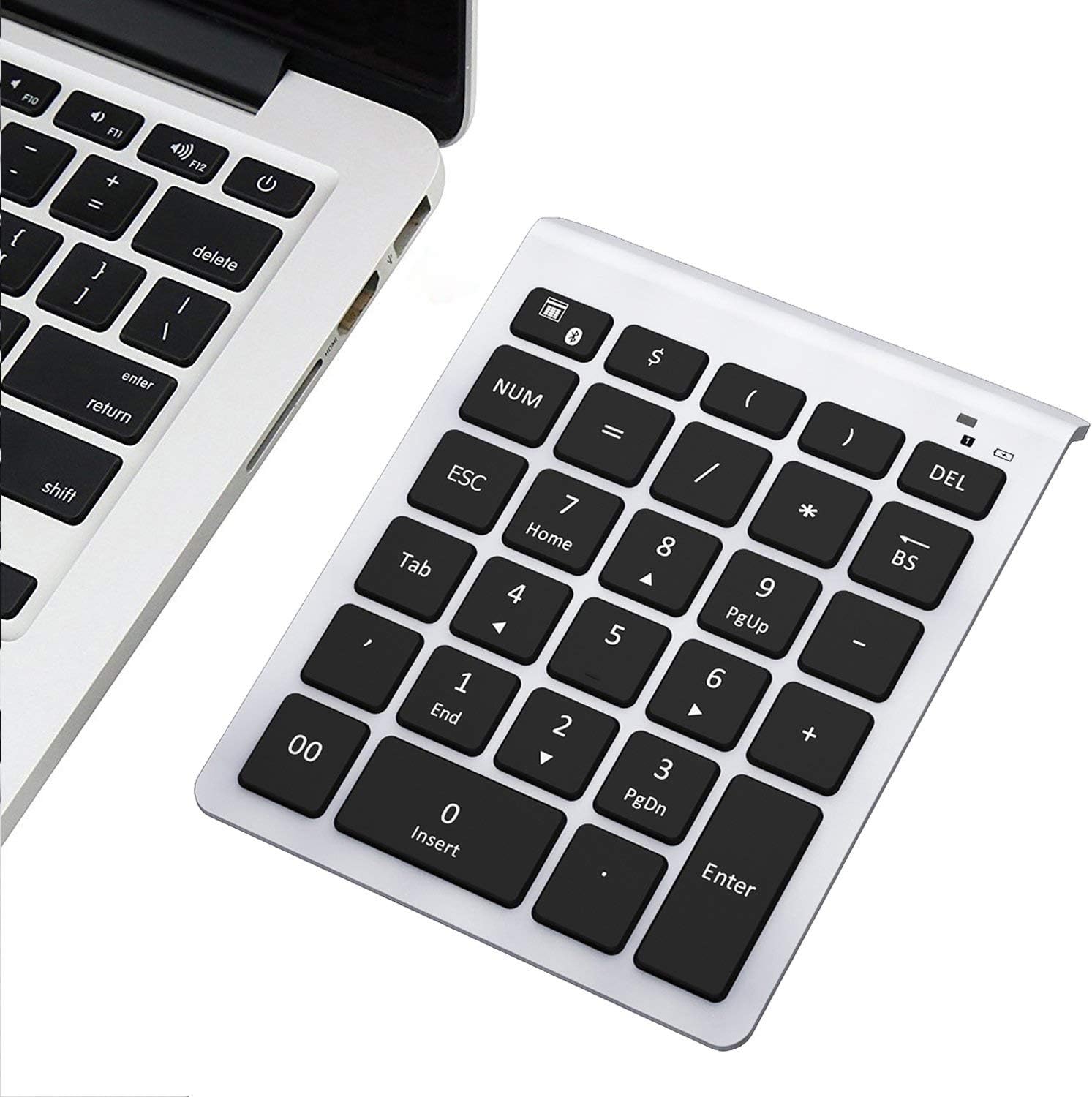
The 7 Lucky Numeric Keypad (Model: BT302) is a Bluetooth 3.0 device. To use the device for the first time, insert two AAA 1.5 volt batteries, and turn on the device using the on-off switch on the back of the device. Using Microsoft Windows 10, this device is paired in the usual manner after pressing and holding for three seconds the <Calculator-Bluetooth> key until the blue light blinks (this makes the device discoverable) and following the “Add Bluetooth or other device” procedure. After clicking on the the discovered device name “Bluetooth 3.0 Keyboard,” the device will be paired. Pairing allows the device to automatically connect to the computer when the device is turned on. When the blue light is illuminated, the device is in the active number entry mode. When the device is not used for 20 minutes, the blue light will turn off and the device will go into battery save mode. Press and hold any key to re-enter active mode again. The device can be turned off using the on-off switch when it is not being used. Using this keyboard device is straightforward. All of the large 28 flat keys provide the characters or the commands that are labeled on the keys (22 character keys [<Tab>,00$()=/*-+7894561230.] plus 6 action keys [ <Calculator-Bluetooth>, <NUM>, <ESC>, <DEL>, <BS>, <Enter>]). The permanence of the key labeling is not known. The usual Windows “Num lock” function is provided with the <NUM> key. When in number entry mode, the blue light will be illuminated. When the alternate keyboard mode is active, the blue light will be off, and the <Home>, <End>, <PgUp>, <PgDn>, and <4 cursor move actions> functions can be used. For convenience, the key in the upper left corner (the <Calculator-Bluetooth> key) runs the Windows Calculator app. The center <5> key has a tiny bump for finger location. All of the keys work smoothly without noise or errors. Owners of this keyboard should feel lucky to have such a well made device as this.
S**E
Compact, durable , great price!
This wireless number pad comes in handy around tax season. Comes with Bluetooth capability which has a strong reliable connection and that is easy to connect to most computers. It’s small, portable, and lightweight which is great for when I travel to do other peoples taxes. Fast charge, only took about an hour and a half to fully charge and lasted well over the charging time. There is an off switch on the bottom of it to preserve the battery when I’m not using it. It’s right in between the anti slip rubber. It doesn’t move at all while I’m typing. It even has a few needed shortcuts while working with numbers. This keyboard is all I need for my calculations.
M**L
Great idea!!!
Seriously LOVE this keypad!!! I didn’t even know these existed until my friend told me about them. I miss having a keypad on my laptop so this is perfect! No cords as it hooks up via Bluetooth, super easy setup and very nicely made. It fits right in with my laptop colours, the keys feel the same, etc. I’m very impressed with this!!!
T**.
A lifesaver number keypad!
This is the number keypad I am looking for. It’s perfect size that fits well with my hand size. And it’s angled at a perfect angle which makes it important for the muscles. The keypad also stays well on the desk and doesn’t move around like my older keypad. It was easy to pair with my laptop, didn’t run into any issues. Also love the sleep mode function to save on battery life. Excellent product!
A**R
Happy Companion for phones and smaller keyboards
This number pad, powered by Bluetooth, has proved an ideal accessory for use with my Logitech K480 keyboard, which has no separate number pad like a Desk based keyboard usually does. So, it is perfect when traveling with just my phone (and glasses!) as a small, light substitute for a Laptop, allowing more rapid work on spreadsheets in particular, when away from my home office. Batteries seem to last a long time if NOT using hopeless Duracells (the opposite of what they should be called), with my Energizer Lithiums now serving over 18 months.
K**G
Responsive to input
This works well. It goes to sleep which is good because it would be annoying to go through a lot of batteries for something that you only use occasionally. But, more importantly, it wakes up instantly. As soon as you hit a key, it wakes up, and that first keystroke is not lost but entered. A key entry device is actually something that you want to be fairly heavy, so it stays put when you're using it. This is fairly light, but still stays put when you are using it because of the pads on the bottom. I needed a TKL keyboard for the ergonomics, but still wanted to have a numeric keypad on standby. This works very well for that situation.
M**Y
Great service
The product is great, works very well and is ergonomic. What is worth mentioning is the service I received from the company Lekvey. I did not receive the keypad first and Amazon credited me, the company contacted me, I did ask nothing, to solve my problem. I found it very professional. Extra service. Thank you
Trustpilot
3 weeks ago
2 months ago