Desertcart purchases this item on your behalf and handles shipping, customs, and support to SINGAPORE.
๐ Dual-Bay Powerhouse: Speed, Security & Simplicity in One Sleek Enclosure
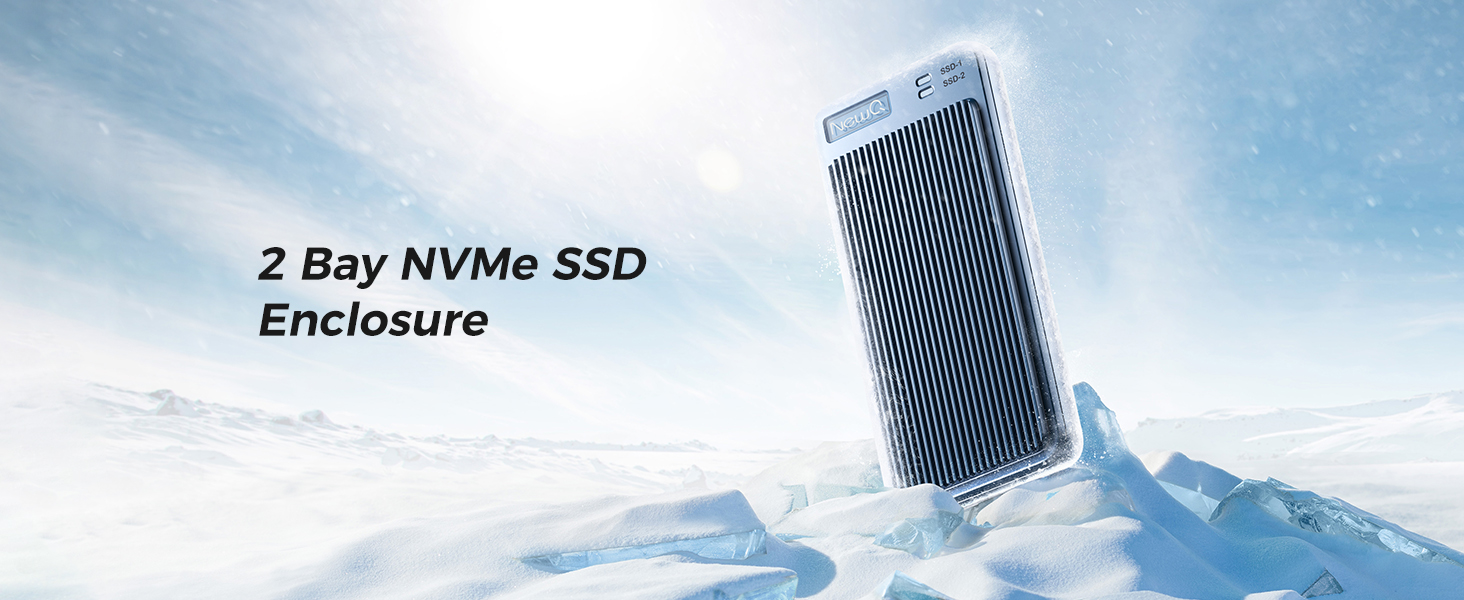
The NEWQ Dual Bay RAID SSD Enclosure is a professional-grade storage solution supporting M.2 2280 NVMe SSDs with versatile RAID 0, RAID 1, JBOD, and Clone modes. Featuring tool-free installation and a durable aluminum chassis for optimal heat dissipation, it delivers up to 20Gbps PCIe 3.0 transfer speeds. External USB-C power support ensures reliable operation with high-capacity SSDs up to 16TB, making it ideal for data-intensive tasks, backups, and secure disk duplication.


| ASIN | B0DNRZLRMK |
| Best Sellers Rank | 195,164 in Computers & Accessories ( See Top 100 in Computers & Accessories ) 827 in Enclosures |
| Box Contents | Enclosure |
| Brand | NEWQ |
| Brand Name | NEWQ |
| Colour | Space Blue |
| Compatible Devices | M.2 2280 Ssd, Nvme Ssd |
| Customer Reviews | 4.1 out of 5 stars 48 Reviews |
| Data Transfer Rate | 20 Gigabits Per Second |
| Enclosure Material | Metal |
| Hardware Interface | PCI Express 3.0 |
| Hardware Platform | PC |
| Hardware interface | PCI Express 3.0 |
| Hardware platform | PC |
| Item Weight | 0.46 Kilograms |
| Item weight | 0.46 Kilograms |
| Manufacturer | NEWQ |
| Manufacturer Part Number | NQ-RD-01 |
| Material | Metal |
| Memory Storage Capacity | 16 TB |
| Model Number | NQ-RD-01 |
| Network Connectivity Technology | USB 3.2 |
| Number of Items | 1 |
| Number of Packs | 1 |
| Supported Devices Quantity | 2 |
| The Standard Size of the Hard Drive or the Bay the Hard Drive Is Compatible With (in inches) | 2.5 Inches |
B**E
Poor performance - way less than claimed - Caveat Emptor
Very disappointing! Far from the claimed 20 Gbps claimed it barely hits 7 Gps on a high powered MacBook Pro. Its very sluggish reading photos let alone video editing. Tested with a Samsung 990 Pro 4 TB SSD which hits 35 Gbps in an Acasis USB4 enclosure.
F**8
Solid enclosure within limits.
The reality is there really are not a lot of choices in a compact, light, dual bay, high transfer rate, RAID NVME enclosure, so don't expect the world. This device does have some quirks, but judging the product as a whole and for this price I find it to be quite good. Setup is fairly straightforward. Set the switches where you want them for the mode you want, plug it in, press the button. How long you press the button is tricky. Too short, it won't do anything. Too long, it won't do anything. You have to press it just long enough for one of the blue lights to blink and then you must let the button go immediately. Once you get that timing right, it will very quickly do its thing and confirm that the mode is now set by steadily lighting up the appropriate blue light next to the RAID you selected (printed on the circuit card). Then you must go to disk management and initialize the disk, create your volume, etc. I choose RAID 1 (mirror), so my review is based entirely on that mode only. I am using two different budget model/brand leftover 1TB drives from yesteryear. One is a Gen 3x4 and the other is a Gen 4x4, with both claiming 3500MB/s+ reads an 3000MB/s+ writes. As for powering the device, sometimes it will work with just the data cable and sometimes you will need both data and power cable. It depends on the computer's ports. My 2025 ultra light laptop with TB4/USB4 and USB3.2 2x2 ports only needs the data cable. My 2018 desktop with its single USB3.2 2x2 port via a PCIE add on card cannot power the device, so I need to use a data cable and a power cable for that one to work. However, if you want the maximum speed out of this thing, you must use both the data and power cable regardless. The manual makes no mention of this, so I can see lots of folks being disappointed because they never had to try the power cable and therefore never saw those faster speeds. The power cable draws 2-5W under load. No power cable: CrystalDiskMark - 1050MB/s reads and 1020MB/s writes Actual transfers (large video files) - 900-1000MB/s reads and 550-650MB/s writes Yes power cable: CrystalDiskMark - 1750MB/s reads and 1200MB/s writes Actual transfers (large video files) - 1200-1500MB/s reads and 600-750MB/s writes. Oddly, cutting files from the enclosure (as opposed to copying from) are slower to transfer. You are actually better off copying and then deleting vs cutting on all ports I tried. The ports matter. Not all TB3/4/5 ports support 2x2 lane; some manufactures do implement it and others do not, its not required for them to do so. I do believe all USB4 supports 2x2 lane, and obviously USB3.2 2x2 supports it. MacBook TB ports do not support 2x2 lane, so just be aware on that computer you'll likely be limited to 10Gbps speeds. I ran CrystalDiskMark on a loop with max file size and max iterations for about 20 minutes straight as a stress test. I measured a max temperature of 106F on the top side and 104F on the bottom side, but found the temps did evenly distribute around the whole surface of the case quite well. After the stress test I let it idle (but still plugged in) for 10 minutes and measured about 100F all around the case. I find the cooling performance to be excellent. Four thermal pads are included. Overall, I find this to be a solid performer within certain limitations and quirks as mentioned above. While it can work on some computer ports with only the data cable, you must also use the power cable if you want the faster transfer speeds. You must have a port that has implemented 2x2 lane feature to get the best speeds out of this enclosure, but it will still be decently fast if you don't. I do wish there was rubber feet or cover available for this. If these went on sale in the future, I might pick up a second one.
S**R
Low quality
Kept disconnecting. Felt it was not reliable enough. Also was not transferring at advertised speeds.
T**S
Just make sure to keep the instructions and follow them and not throw them away
Just used it to upgrade my laptops storage from 1tb to 8tb. Just make sure to keep the instructions and follow them and not throw them away, do not flip the switches for no reason because that could wipe your drives. So yeah it's not the most beginner friendly cloning devices like others but it's compact enough (size of a smartphone) and it has RAID1 which not many enclosures have, so you can have your own tiny NAS with you anywhere you go, without needing internet.
M**2
Solid heavy aluminum case, high quality, clear markings, slower write speed in RAID1.
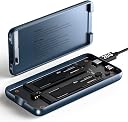
Used this enclosure to replace an aging/failing windows home server. I wanted data redundancy safety so set it to RAID1. Installed two 2 TB drives. I did play with the different RAID settings, and write speed is noticeably faster in RAID0 mode than RAID1. It works well, the very thick aluminum case draws heat well keeping it cool even after extended use like playing movies. It works across all my platforms at home (Win11 desktop, laptop, Samsung A32 5G phone, Samsung Tablet and LG TV. Makes gathering pics/vids/docs from different devices to a single storage device easy. The cover clips on/off easily. The size (it's smaller than my cell phone) makes it easy to bring along and play pics and vids on friends and familys TV. The enclosure looks and feels high quality. Instructions for switching modes is right inside the cover. The dip switches are clearly marked and easy to operate. The SSD slots are clearly marked 1 & 2. The drives install snugly and heat transfer silicone strips are included. Been using it 7 months with no issues. All in all, it exceeded my expectations.
Trustpilot
2 weeks ago
1 week ago