Buy anything from 5,000+ international stores. One checkout price. No surprise fees. Join 2M+ shoppers on Desertcart.
Desertcart purchases this item on your behalf and handles shipping, customs, and support to SINGAPORE.
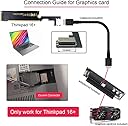
🚀 Unlock your ThinkBook 16+’s true potential with lightning-fast external GPU & SSD expansion!
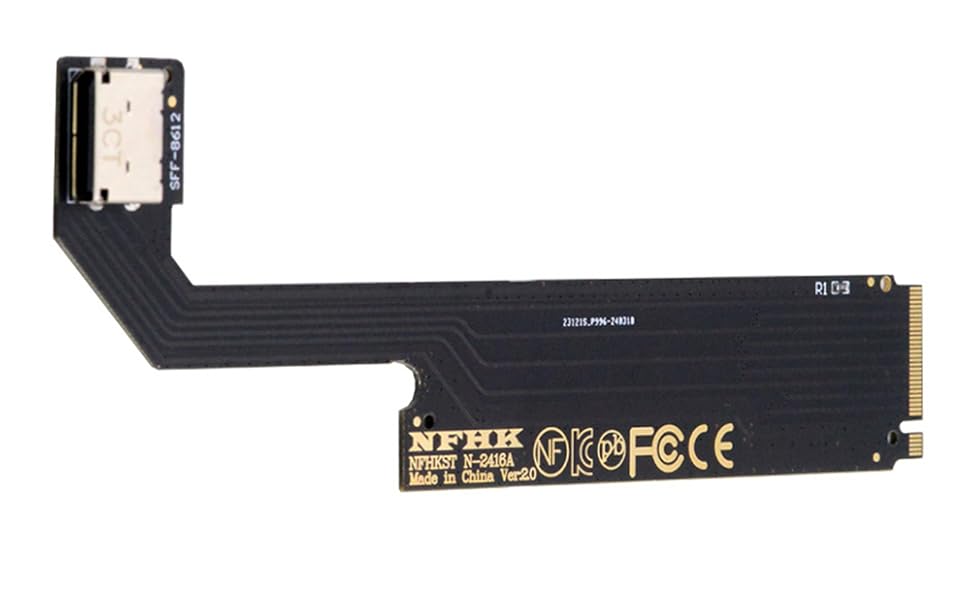
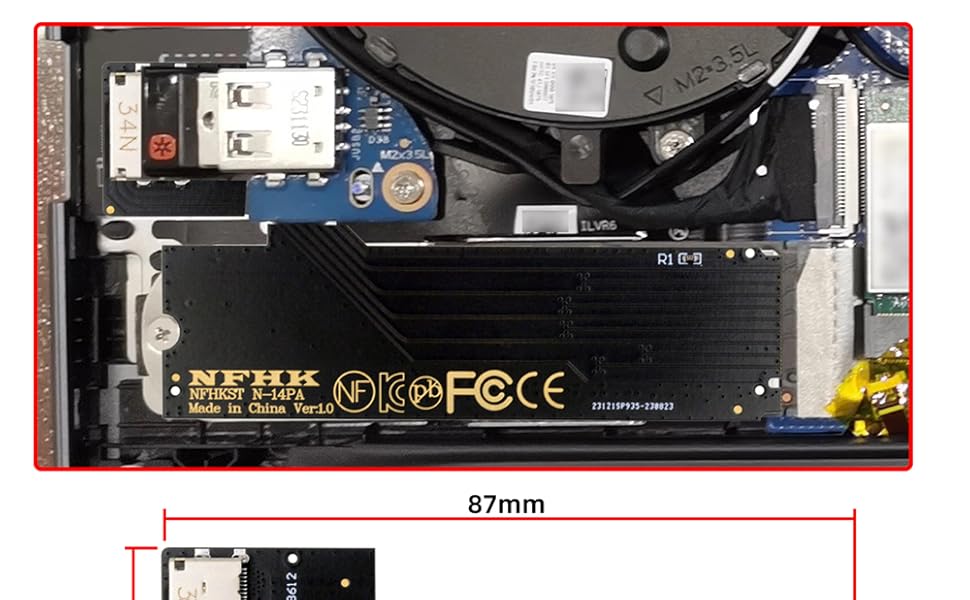
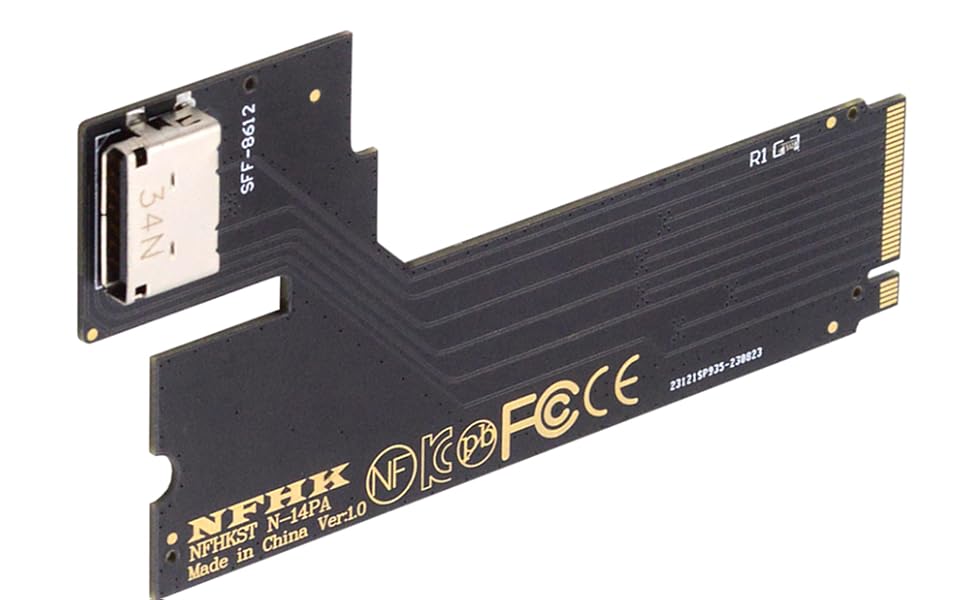
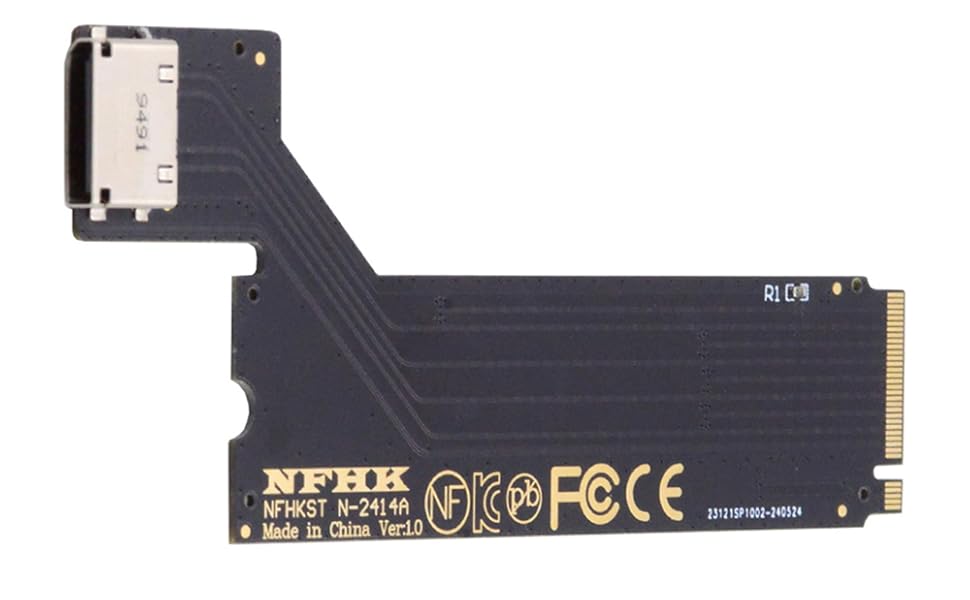
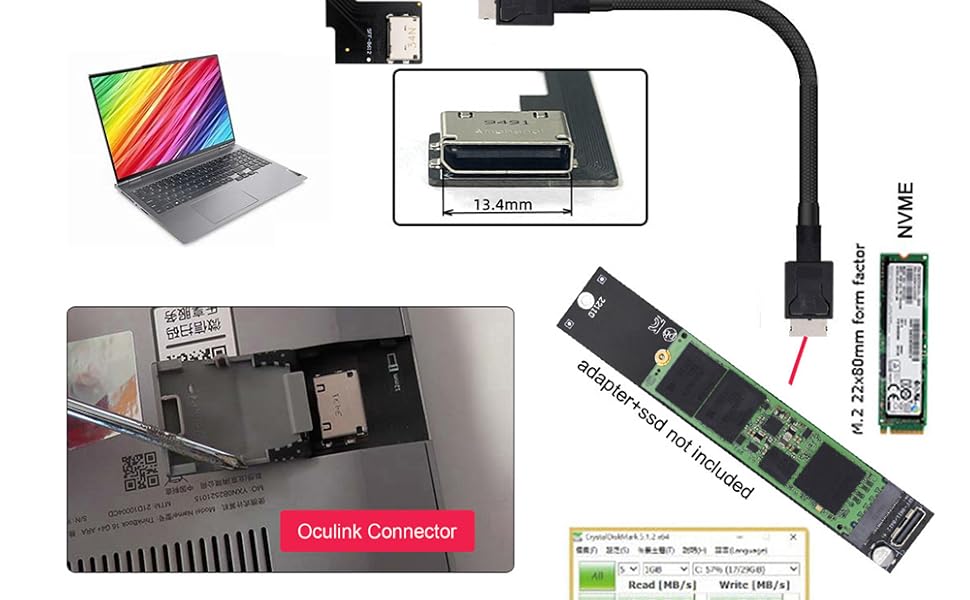
The NFHK PCI-E 3.0 M.2 M-Key to Oculink SFF-8612 adapter transforms your ThinkBook 16+ laptop by adding a high-speed external interface. Supporting PCIe 3.0 x4 at 32 Gbps and NVMe 1.2, it enables connection of external SSDs or graphics cards via SFF-8612, delivering enhanced performance and expandability tailored exclusively for ThinkBook 16+ users.




| ASIN | B0BZH4FNZG |
| Best Sellers Rank | 80,293 in Computers & Accessories ( See Top 100 in Computers & Accessories ) 557 in SATA Cables |
| Brand Name | NFHK |
| Compatible Devices | ThinkBook 16+ |
| Country of Origin | China |
| Customer Reviews | 3.4 3.4 out of 5 stars (99) |
| Manufacturer | NFHK |
| Manufacturer Part Number | NF-SF-058 |
| Model Number | NF-SF-058 |
| Operating System | Linux |
| Style Name | ThinkBook 16+ M-key to SFF-8612 |
| Unit Count | 1.0 count |
A**R
Worked great with my GPD Win 4 2023
This works great. It has a power switch on the board but i discovered that if you leave it in the off position it will automatically power on when the Win 4 turns on and switch off when shut down :-) I now have my RTX 4070 setup in an external oculink enclosure running straight off the Win 4 Pro. Note: You will need to download the nvidia error 43 fixer script if you plan to use a nvidia gpu with this board like i did, just google it ;-). Also, I bought a 90 degree atx 24pin adapter to allow this to work in my enclosure because as standard the 24 pin power cable comes straight out the side and would not fit.
M**L
Cable not included!
Useless without the cable
E**S
Good Host Adapter
Good PCI-E 3.0 PCI-E 3.0 M.2 M-key
S**1
Works well, good compatibility with all nvme drives Samsung, Crucial and WD.
Works perfectly well, have tried a few others from china and they did not detect my nvme drives at all but the included Oculink SFF included cable works nicely with 3 of my nvme drives very well. Tested in Windows 11 latest edition 2026 and with a mini pc with Oculink connection. Speeds were similar to internal nvme drives reaching 2000Mb/s+.
S**R
Works with a blade 18 and using the 4090 as a egpu
Works as it should. Getting crazy perfomance on 19 13950hx laptop. Had to use a different nvme oculink adapter tho. So gpu does not shut down with the laptop. But it does shut down is you use the small once it came with. Unfortunately it sticks out wrong way for me so had use another adapter. Works good
C**9
indispensabile per fare trasferimenti dati da hard disk ssd
I**U
CUDAが必要なときにやむなく外付けで旧型のGeForceを接続するのに使っています。
D**N
Didn't power on drive. Not sure if DOA or just unreliable. Tried with Crucial P310 on a PCIe v4 OCuLink port on an ASRock EC266D4ID-2TX550. The OCuLink to SATA adapter on the same motherboard works fine. Not sure if it's a power issue or something else. Tried two different boards.
T**N
Using it with a Minisforum UM780XTX. Started out with a Palit RTX 4080 Jetstream. Worked like a charm. However. It seems there is a bit of bottlenecking (to be expected since it's just pcie x4 instead of x16). As an example: CyberPunk 2077 in 4K all settings at Ultra. No RT or resolutionscaling I got about 50 fps. In a x16 slot with an i9 it should be able to get up to about 58 fps with the same settings. So quite a significant loss in performance. However! I did the same thing with an Asrock RX7900XTX Taichi. Same settings it should be able to render about 65 fps in an x16 slot. I got about 63,5 fps with this! And with a quick OC I got 68 fps! This is only one example but it seems to be an indication that AMD cards have a lower need for the higher bandwidth of an x16 slot and works better with a solution like this. Further testing is required but all in all a nice and cheap way to build a tiny system. If I could make one wish it would be a couple of more layers in the PCB to make a bit more rigid. It's a bit soft and bendy but just handle with care and it shouldn't be a problem.
D**Y
Ok, fa il suo dovere.
Trustpilot
2 weeks ago
2 weeks ago