


Desertcart purchases this item on your behalf and handles shipping, customs, and support to SINGAPORE.
💼 Clone, store, and conquer your data kingdom with MAIWO’s 4-Bay Docking Station!
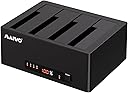
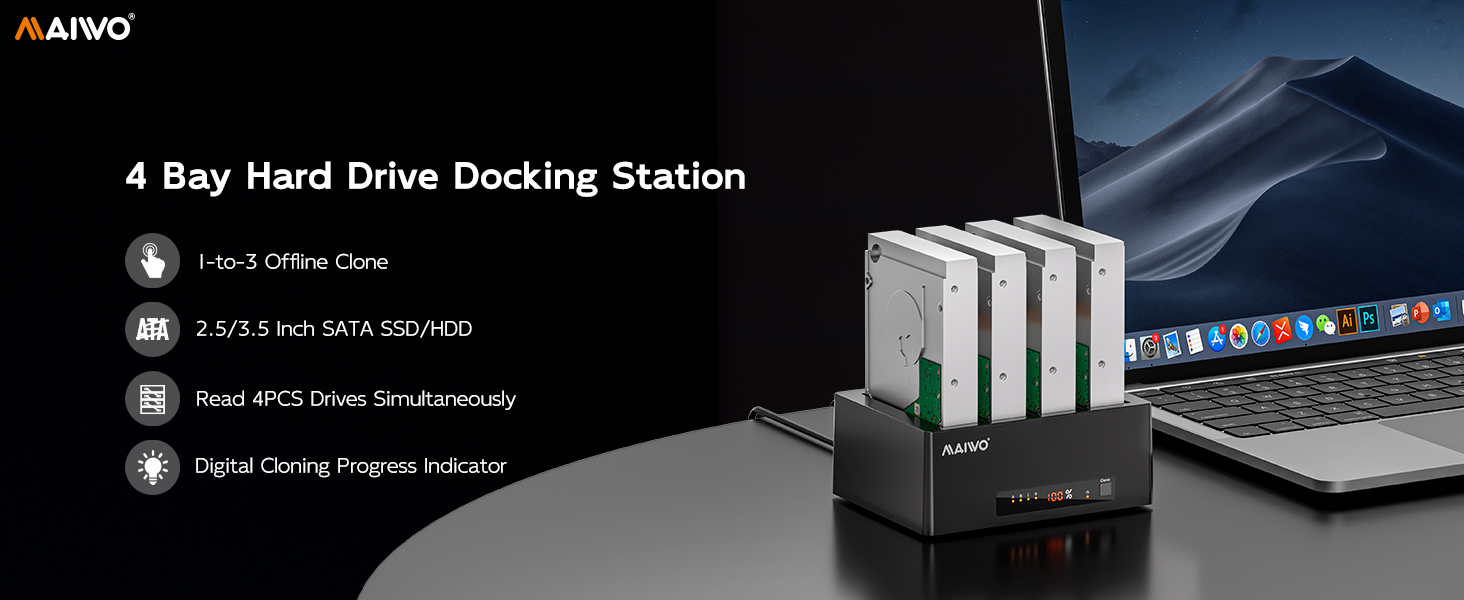
The MAIWO USB 3.0 to SATA 4-Bay Docking Station is a professional-grade external hard drive enclosure supporting up to four 2.5" or 3.5" SATA HDDs/SSDs with a total capacity of 96TB. It features high-speed 5Gbps USB 3.0 and eSATA interfaces, an independent 12V/7A power supply for stable operation, and a unique 1:4 offline cloning function that requires no PC or drivers. Compatible with Windows, macOS, and Linux, this dock is ideal for IT professionals and data enthusiasts seeking efficient backup, cloning, and storage expansion solutions.




| ASIN | B0BCFNDVGY |
| Best Sellers Rank | #35,096 in Computers ( See Top 100 in Computers ) #47 in Hard Drive Docking Stations |
| Brand | MAIWO |
| Built-In Media | 1x 12V/7A Power Adapter, 1x 4 Bay Hard Drive Docking Station, 1x Power Cable (1.2M), 1x USB-A to USB-B Data Cable (80CM), 1x User Manual |
| Color | Black |
| Colour | Black |
| Compatible Devices | 2.5 and 3.5 inch SATA HDD SSD |
| Connectivity Technology | sata |
| Customer Reviews | 3.9 out of 5 stars 101 Reviews |
| Data Transfer Rate | 5 Gigabits Per Second |
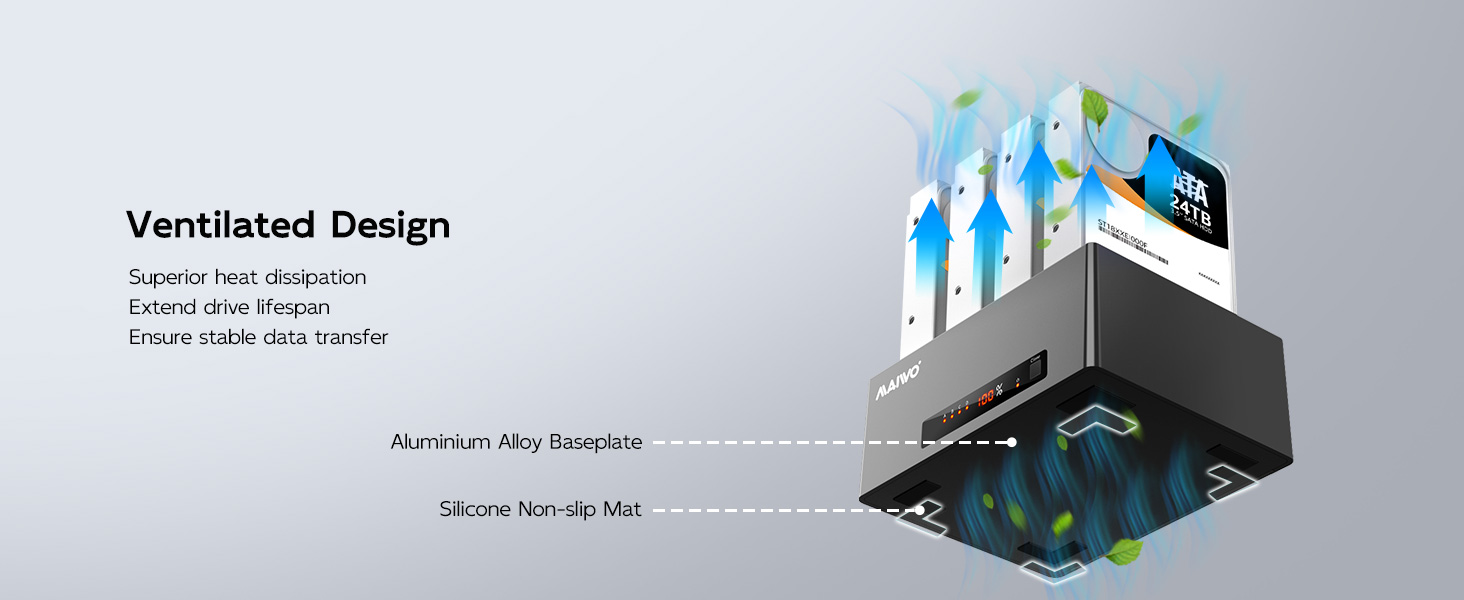
| Enclosure Material | ABS+Aluminium Alloy Base Plate |
| Hard Disk Form Factor | 3.5 Inches |
| Hardware Interface | Micro USB 3.0 Type B |
| Hardware Platform | Universal |
| Hardware interface | Micro USB 3.0 Type B |
| Hardware platform | Universal |
| Item Dimensions L x W x H | 16.6L x 12.7W x 6.5H centimeters |
| Item Type Name | 2.5 3.5 inch SATA Hard Drive Cloner |
| Item Weight | 476 Grams |
| Manufacturer | MAIWO |
| Material | ABS+Aluminium Alloy Base Plate |
| Memory Storage Capacity | 96 TB |
| Mfr Part Number | K3084A |
| Model Number | 4 Bay Dock Clone |
| Number of Items | 1 |
| Number of Packs | 1 |
| Product dimensions | 16.6L x 12.7W x 6.5H centimeters |
| Supported Devices Quantity | 1 |
D**A
(MAIWO 4 bay Hard Drive Docking Station) It works! I bought one before this one, THAT works!
I don't recall drive docks being this responsive. I didn't know what to write because this thing just works as it should but I think I've had some goofy ones recently and this one doesn't give me a hassle. If you need to just get something that's not broken, and not want to spend effort on searching for something that should just be a simple purchase, well this is that, your simple purchase, it just works, doesn't get in the way. I got this one primarily because it didn't give me the impression that it would clone (overwriting) one of my other drives, if I sneezed near it. I almost forgot to mention , this isn't the first one of its brand that I purchased. After testing it for awhile I got another one, this is the other one.
C**S
Works as advertised
My home pc failed hard and needed replacement. Decided to move to the Apple ecosystem. However I have a plethora of drives used for storage. Wanted a way to "pool" the drives without purchasing a NAS etc. Came across this unit which fits the bill. I have an older Black X single HDD dock but found USB1 is simply too slow for the amount of data to be transferred etc. Item received the next day and inserted four drives however for some odd reason only three of them would be read by the OS as properly formatted regardless if I moved the drives around. I'm using the latest version of Sonoma of MacOs via Mac M2 Studio. After some attempts I decided to return this and scheduled a pickup for rma. However that same evening I decided to format each drive independently on an old windows 7 netbook and then attempted to get all four drives formatted and read by MacOs. To my surprise it worked. I then proceeded to set up a Raid0 across all four with a fifth drive as a back up. I cancelled my return and thus far it's been rock solid. Note, this dock is not UASP enabled so forget about that extra speed boost. This dock with all drives populated and with some heavy usage will generate some heat. I do believe this is due to the drives themselves even though they are green drives. For the price and its function it fits the bill. Recommend! I have not tested the cloning but it's nice knowing the option exists.
J**.
Almost made it to 2 years and then Died! Then I brought it back to life!
I bought this 4-bay SATA USB dock almost two years ago, and for a long time it behaved like a good little device. Plug it in, drop in drives, everything worked. Life was good. Then one day—poof—it stopped working. No warning. No drama. Just dead. I contacted support, hoping for help. Instead, I got a polite shrug and a 15% discount offer on a replacement. “Do I want to buy another one that might quit after two years?” Yeah… no thanks. Turns out the warranty is only one year, so repairing it was officially not their problem. That stung, especially since I have SATA-to-USB adapters that have been working happily for 5–10 years. Suddenly this “deal” didn’t feel like much of a deal at all. At this point, I had nothing to lose. So I became a hero. I peeled off the rubber feet, removed the screws (four for the case, five more for the motherboard), and opened it up like a treasure chest. Inside, I went hunting for the dreaded enemy… SMOOOOOO. Armed with my finest tool—the mighty TOOTHPICK (strong enough to poke, gentle enough not to destroy)—I carefully inspected and cleaned the board. On the bottom side, near a SATA power solder joint, I found suspicious smoo that looked like it might be causing a short. I cleaned between the solder contacts, reassembled the unit, and took a deep breath. I plugged it in. BOOTED NORMALLY. No error. No drama. I dropped in a few drives for testing, and—YES—it worked! The dock lives again! Honestly, thank goodness it was out of warranty, or I’d still be waiting weeks for shipping instead of fixing it myself in an afternoon. I’ve put it back into service, now running four 3.5" SATA drives at a normal load. I’m happy again… cautiously happy. Will it last forever? Time will tell. But for now, the adventure has a happy ending.
E**P
Yesiree Bob
I have four internal hds and two external. This works perfectly for the internals. Be sure to use the right power supply with it. I mixed mine up and the drives kept dying. Anyway…
X**N
D.O.A
Does nothing at all
Trustpilot
1 month ago
1 month ago