🚀 Scan smarter, not harder—your desk’s new MVP!
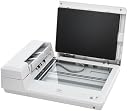
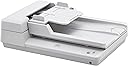
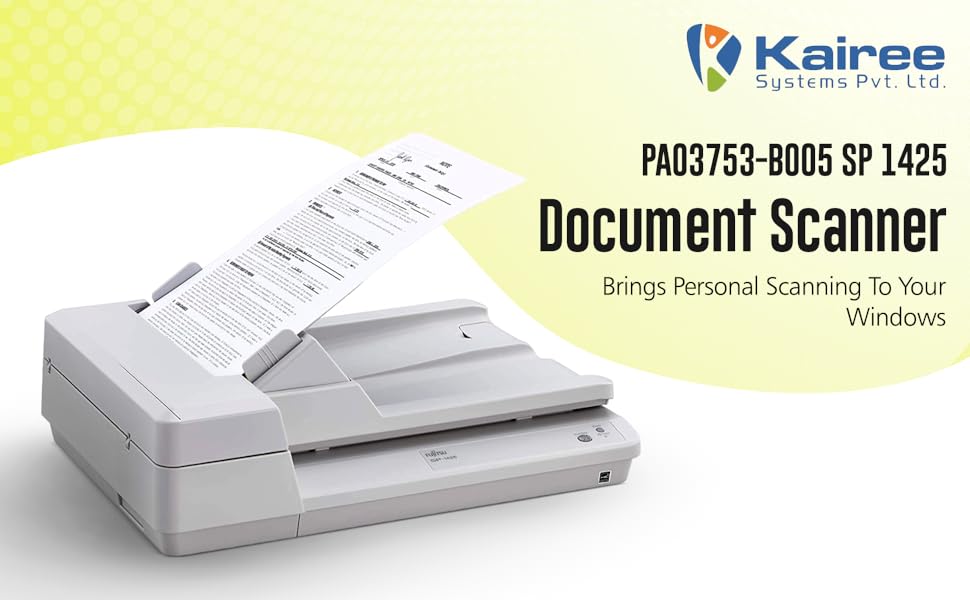
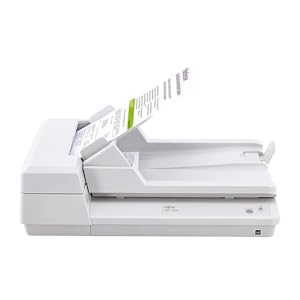
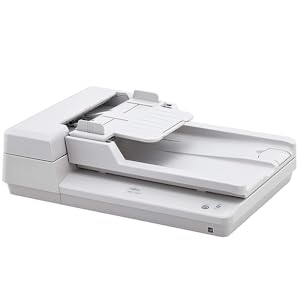
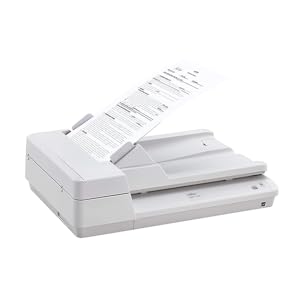
The Fujitsu PA03753-B005 SP 1425 is a high-efficiency document scanner designed for small offices and home workspaces. It delivers rapid scanning speeds of up to 25 pages per minute with a 50-sheet automatic document feeder, supports a wide range of document sizes, and features intelligent image processing for professional-quality scans. Its compact design saves space without compromising performance, making it a reliable, energy-efficient choice for busy professionals seeking streamlined document digitization.


| ASIN | B01N7FLTWE |
| Are Batteries Included | No |
| Best Sellers Rank | #169,056 in Office Products ( See Top 100 in Office Products ) #549 in Barcode Scanners |
| Brand | Fujitsu |
| Country of Origin | China |
| Customer Reviews | 3.2 3.2 out of 5 stars (12) |
| Date First Available | 8 December 2016 |
| Item Dimensions LxWxH | 45.5 x 33 x 13 Centimeters |
| Item Height | 5.1 Inches |
| Item Weight | 2 kg 860 g |
| Item Width | 13 Inches |
| Item model number | PA03753-B005 |
| Manufacturer | Fujitsu |
| Product Dimensions | 45.47 x 33.02 x 12.95 cm; 2.86 kg |
| Wattage | 16 Watts |
L**R
This is a new Fujitsu scanner model that combines an automatic document feeder with a letter-size flatbed scanner. It is the ideal Fujitsu combination scanner for a small or home office setting at a Fujitsu Scan Snap price level. The current FI series combination scanners are at least $700 more, so I chose to replace my FI-5xxx level scanner with this one. I am very happy with that choice. This scanner is smaller and better fits the space in my home office, while operating at the speed and efficiency I have come to expect from the Fujitsu line--This is my third Fujitsu combination scanner, I have two older Scan Snap models in my other locations which have been installed since the release of Windows Vista and are still functioning flawlessly with current software upgrades. The installation process is very easy and well explained in the documentation. The specified installation procedure should be followed exactly for a flawless installation. Once the software on the DVD is installed, the installation routine checks for and installs any updates provided by Fujitsu, thereby insuring that the scanner is installed with the latest software. The operation of the scanner provides a one-button scanning function located on the scanner that interfaces directly with my Adobe Acrobat Pro DC document scanning function. The scanner turns off after a period of non-use rather than just going to sleep, providing more energy savings, and gives the first-page scan just as quickly as my former FI series scanner coming out of the sleep mode. Once the scanner element warms up and the first page is out, then the rest of the pages are processed very quickly. My only concern in ordering this scanner was the fact that it still operates on a USB 2.x interface while the new FI series scanners use a USB 3.x interface. But, upon installation into the same USB plugin on the back of my desktop computer and running some test scans, I found it was noticeably faster than my old FI series scanner using USB 2.x in both single-side and duplex modes, plenty fast for my needs. It ships with both TWAIN and ISIS interface software and generates perfect PDF document files when coupled with the current Adobe Acrobat Pro DC software, which is my primary use. I expect to get many good years of use out of this scanner as I have all my Fujitsu scanners over the years.
Y**.
I am very efficient with most computer software installations. This is a nightmare. We still cannot use this scanner. I would highly recommend never to purchase this unit or any other fujitzu unit that uses this software. The fi series was great but this is too difficult for the majority.
D**N
This copier is not easy to use. It certainly isn't intuitive. The program to operate it requires too many steps. Yes, you can work around that. But, every know and then for no reason I can determine, the program loses its memory and it takes multiple mouse-clicks to get the copying done again. I will say that once you get past all the frustration, it functions well.
H**W
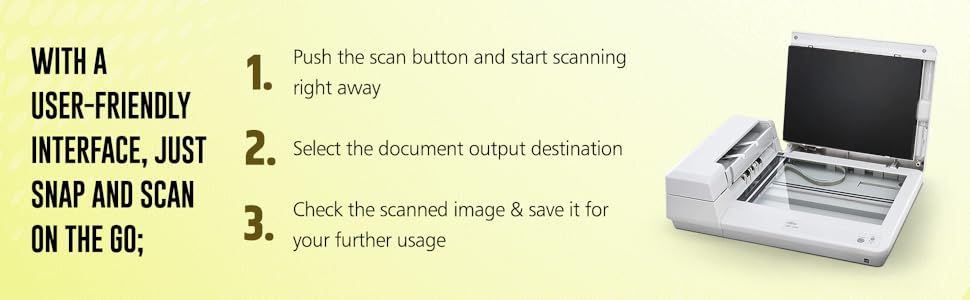
It's a quality product. this scanner scanning is user friendly and very good resolution. SOFTWARE IS USER FRIENDLY INTERFACE : software is superb and compatible with windows 11 and apple os. no issues.
W**H
Scanner seems to work fine. Instructions are very minimal, which makes it hard to set up and use. I recommend you purchase this scanner only if you know ways to make it work on your computer. The software that comes with the scanner didn't seem to work correctly on my computer.
Trustpilot
2 weeks ago
1 day ago