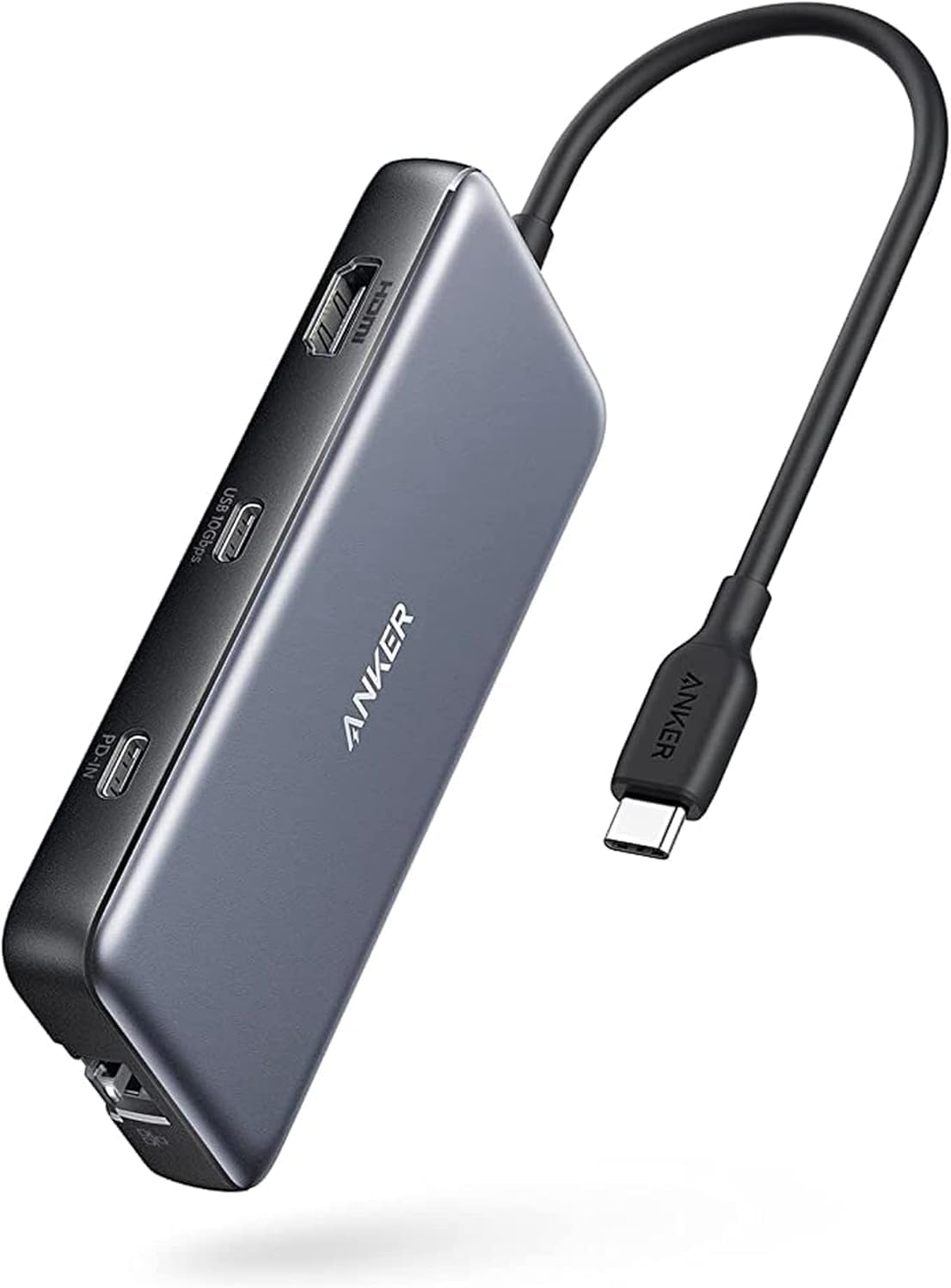
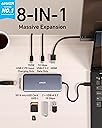
Original Review (updates below): ----- The moment I noticed this thing on Amazon, I bought it and it literally just arrived. Finally, 4K60 over just USB-C with other ports (including making up to 10Gbps available to them) for a reasonable price. Unfortunately, the first two things I've done with it were both disappointing. I'll cut to the chase, the power delivery pass through isn't working with one of their own chargers. The first device I tried connecting this with is my Anker PD4 with one USB-C cable as the only thing plugged into it so I can test the truly up to 100W (-15 for its own power) claims. I've tried connecting it with Apple's 2m USB-C charge cable (100w capable) and an equivalent CableMatters cable that also supports 100W. When plugged directly into my laptop, both of these cables immediately start charging it and show up as 100W power sources. When this Anker hub is plugged in and either of them is connected to the power delivery port on the side of it, the laptop does not charge (laptop is a 16" Macbook Pro, I've tried multiple ports just for the heck of it). My second complaint is that when absolutely nothing is plugged into it, it becomes fairly warm to the touch. Why, when it's doing nothing, is it hot? I'm clearly not running data or even power through it so I have low hopes for it under load. The fact that it doesn't work in exactly the scenario they want it to most (a MacBook Pro with one of their own chargers) seems like a pretty big fail. I've got lots of USB-C things though so I thought I'd grab a couple and try those. Using an Apple 96W USB-C charger, the device does pass through power delivery properly. It shows up as providing 79W to the laptop (siphoning off 17W in this instance). I also have a 56W Aukey charger that splits power between a USB-A port and a USB-C port that can provide 45W of power delivery. When plugged into that charger it does appear to work as well and appears in macOS as a 30W power source. Maybe the problem is the Anker PD4? But it works fine providing power to the laptop directly. Would love to hear from Anker about these two products working together and what I should actually expect. Having it be unreliable for power delivery isn't great, but power and heat aside (it is getting a little bit warmer now that it's providing power from the Apple power adapter, but still definitely holdable), the hardware looks and feels good and the cable feels durable. Worth also noting that there's a white LED ring on the side of it that appears to be always on when it's plugged in. Don't know why it needs an LED. ----- Update, June 22, 2020: I've done some more testing and Anker has reached out to me to investigate what might be the issue. I can say that the hub works as I would expect from a quick test with my iPad Pro 11" with the above functioning chargers. It was able to pass through power with the 96W Apple Charger on the other end to both the iPad port as well as a Magic Keyboard port. The ethernet adapter showed up in iOS settings and an external drive was functional. When connected via the Magic Keyboard, which is a power only connection, as expected it provided only power. Still no power passthrough of any kind when connected to the PD4. ----- Update July 1, 2020: I've written back and forth with Anker and they've sent me a replacement hub. It also doesn't work with the PD4. I've tried multiple USB-C cables but they have also shipped a cable to test with it. For now I'm increasing the review from 2 to 3 stars because I am more and more suspicious about the PD4 and less about this hub. They claim that they have tested the setup I have separately without issue, and I've sent video showing the problems I've encountered, so the troubleshooting is ongoing. Have had a chance to use Ethernet on it without issue. Still need to try to test out its throughput when trying to use a 10Gbps USB-C enclosure and a 4K60 monitor at the same time (+ ethernet). More updates to come. ----- Update July 10, 2020: I've continued to talk with Anker support and they shipped me a replacement PD4. The one I had was labeled as "Iteration 1" on its barcode, the one I got back was labeled "Iteration 2". I tested it out and it works perfectly with this hub, passing through the correct amount of power to multiple Macbook Pros and fast charging an iPad Pro. Clearly the fault doesn't lie with this hub and is instead an issue with the first iteration PD4, so I'm updating my review accordingly. Working with Anker support was great. I've also been able to test USB-C throughput (without driving a display as well so far) and it properly utilizes 10Gbps. I've attached some extra images showing various devices connected to it (keyboard dongle, SD card, USB-C 10Gbps external SSD enclosure, USB sound card, ethernet).