🚀 Upgrade your storage game with effortless speed and style!
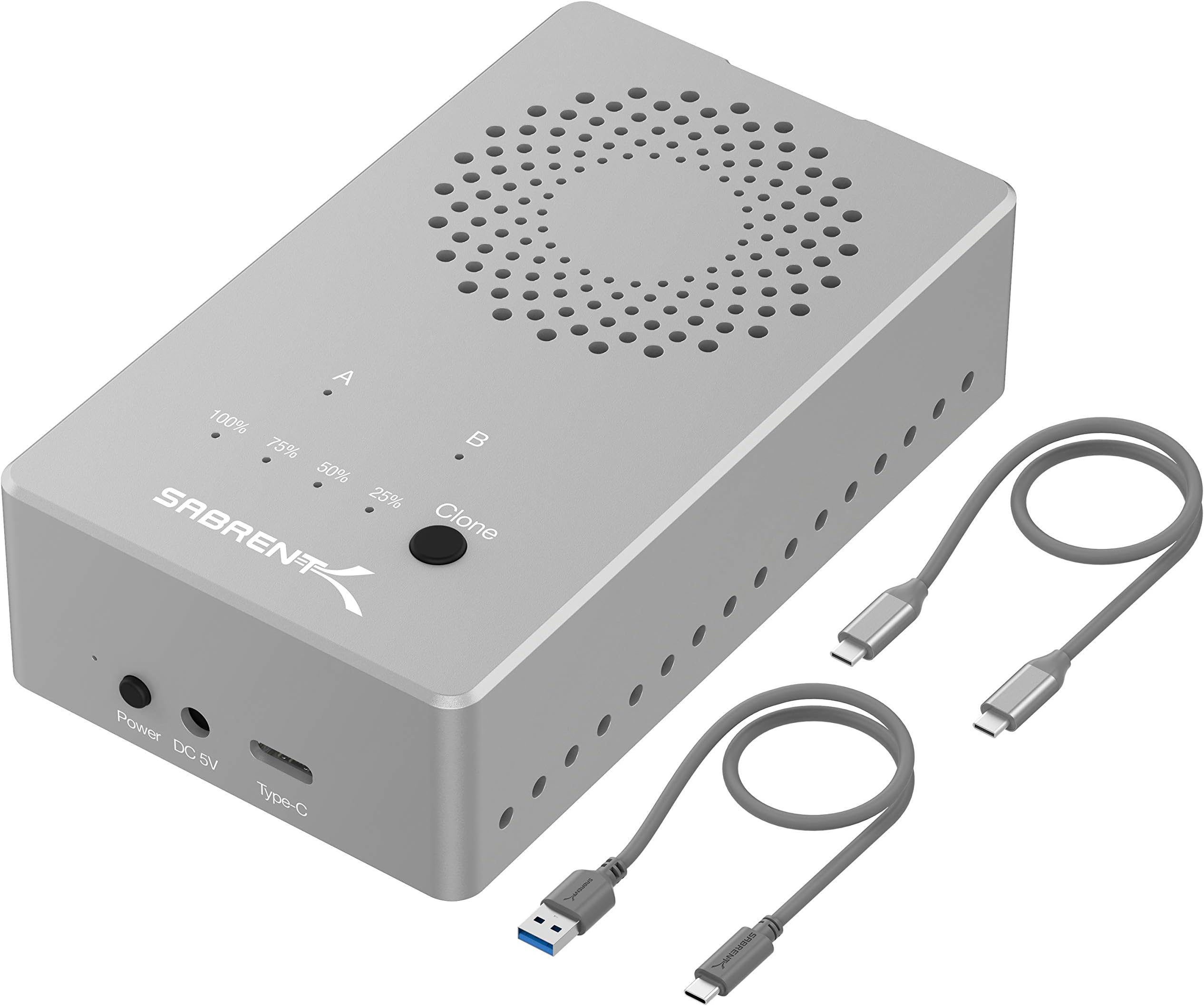
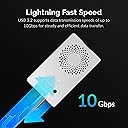
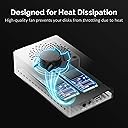
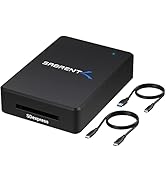
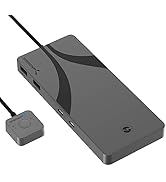
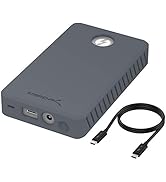
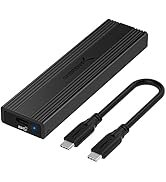
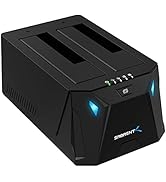
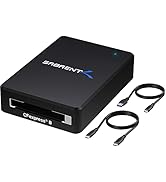
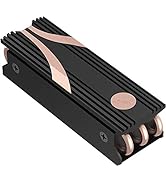
The SABRENT EC-SSD2 is a premium dual NVMe M.2 SSD docking station featuring a tool-free design, full aluminum construction with active cooling, and USB 3.2 Gen 2 support for up to 10Gbps data transfer. It supports offline cloning, enabling fast, computer-free drive duplication, and accommodates multiple NVMe SSD sizes (2230 to 2280). Ideal for professionals seeking efficient, reliable, and portable SSD management.


| ASIN | B08S5CV7FS |
| Best Sellers Rank | #48 in Hard Drive Docking Stations |
| Compatible Devices | Laptop |
| Customer Reviews | 4.4 4.4 out of 5 stars (418) |
| Data Transfer Rate | 10000 Megabytes Per Second |
| Date First Available | January 5, 2021 |
| Global Trade Identification Number | 00840025250178 |
| Item Dimensions LxWxH | 4.3 x 2.5 x 1.25 inches |
| Item Weight | 1.41 ounces |
| Item model number | EC-SSD2 |
| Manufacturer | SABRENT |
| Material | Aluminum |
| Max Number of Supported Devices | 2 |
| Memory Storage Capacity | 16 TB |
| Product Dimensions | 4.3 x 2.5 x 1.25 inches |
| Series | EC-SSD2 |
| UPC | 840025250178 |
R**M
Offline Cloning works.
Fast cloning, works as advertised. Quality built.
J**.
Easy, fast cloning. Pays for itself.
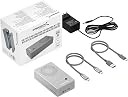
I picked this up to clone my 250 GB SSD to a 1 TB SSD. The factory box is roomy with plenty of padding to protect the unit. The cloner itself is small compared to the box however the top section holds the cloner (nicely padded), the bottom hold the adaptor and 2 USB cords. It doesn't get any easier; simply connect the adaptor, place the SSD’s into the correct slots, push a button, the unit does the rest. My overcrowded drive cloned in less than five minutes. I got up to pour a cup of coffee and it was done when I got back a couple minutes later. Keep in mind your cloned drive storage space’s locations, and volumes / partitions will be identical in every way to your original SSD and extra space will be an additional partition all cloning machines will do that. Easy fix is download and use a partition program; I used MiniTool Partition Wizard (free version). This program will allow you to custom setup your cloned SSD and other installed drives and its free. Quality build, solid aluminum construction with a fan; the base plate does not contact but the internal fins and near contact with the SSD’s keep the unit and SSD's cool to the touch. At 130 bucks with tax it is definitely worth the money it pays for itself in one use as most PC shops charge $100 bucks an hour. I usually charge 100-150 for a clone and PC service; time required to disassemble, clone, reassemble, set up the drives ranges anywhere from 60 – 90 minutes for most PC’s.
J**H
Works very well!
I have used this a hand full of times for transferring data when upgrading SSD's in my / friends computers. It works great, is easy to use, and dissipates heat well.
T**T
Great for cloning but not reading (update)
I purchased the EC-SSD2 so I could clone some NVME drives I use with my Mac. The cloning process was great with no issues. I was able to clone a 1TB drive that had about 300GB of data in about 15 mins. which is very fast. The unit is all HD aluminum and has a fan to keep both NVME drives cool although the fan is not very quiet. The issue is with the included cables. When I connected the dock up to my mac the speeds were very slow. I replaced the cable with a known 3.2 10gb cable all was fine. It appears that Satechi did not verify the cable design to beiused with this dock. I took off 2 stars for the rating otherwise it would have been 4 stars. 1-26-update: I found my cable adapter bad so now the speeds are as expected. I will add another star so now 4. Would be 5 start if fan was quieter.
A**R
Better than expected
I cloned 2 drives, 500GB to 1TB and a 1TB to 2TB in 20 minutes. Both drives were about 3/4 full, the 500GB drive took 8 minutes and the 1TB took 12 minutes. This was using the Offline Cloning function, it was really fast and easy. The instruction manual is very clear and has photos to help the process, just follow the steps, things can go wrong if you don't. This device is solid and well built. It has very bright function lights that can be seen from any angle. The fan isn't as loud as I expected, it's about as loud as the 3rd fan speed setting on my laptop cooling pad. This can be held in your hand as the temp of the enclosure was only warm after back to back cloning's. The only negative I would give this is the placement of the external connectors and power switch but by design to keep this device as compact as it is, it is understandable. If they supplied longer USB-C cables it would help. The problem is when you connect the power and USB-C cables, the "front" is facing away because the cables connect to the front of the device. This isn't so much an issue if you're using the Offline function, as you won't have the USB-C cable connected, only the power cable. Overall great device....Fast and stays cool.
S**H
The aluminum is a nice touch
Works well to transfer files from an M.2 drive if your PC only had one slot for them. The aluminum works well for heat dissipation
P**N
This is a great great cloning device. The destination drive must be Larger than the source drive.
I have an 2017 HP Spectre 360 that developed problems with the USB C charging port. The problem made the laptop shut off and it would not turn back on. I bought a computer tool kit from Amazon to open the laptop so I could save the data on the 1TB M.2 NVME SSD just in case I could not get the laptop to work again. I then bought a 1TB Samsung 980 Pro PCIe 4.0 NVME M.2 drive. As it turns out the original factory installed Samsung drive was I TB to be exact 952.82 GB and the new 980 Pro was 931.50 GB and it would not work in the Sabrent cloning unit. I was already aware that the destination drive had to be larger or the same as the source dive. Ok I bought a 2BT Samsung 980 Pro. (note: these are expensive drives and I have further uses for them when my current problem is resolved.) I followed the simple Sabrent instructions for cloning I watched the light blink for about 30 sec or so and walked away. I came back about 4 to 5 minutes later and the cloning was already done. I was surprised. I connected the Sabrent to my wife's laptop and the new drive had identical directories. I called it good. For what I wanted the Sabrent was an excellent unit. The physical quality of the unit is excellent it required no tools to open or close. No tools needed to install the drives. Simple and easy. Now this drive size issue, if Sabrent finds a way around this small differences in drive size condition they will have something really special. I hade no problem with heat or fan noise. I did not fine the fan noisy at all. I have nothing to say negative it did what I wanted.
C**R
Sabrent Model EC-SSD2 M.2 NVMe USB Dual Docking Station
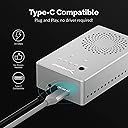
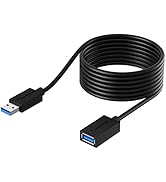
This is a great tool because it comes with a fan to keep the M.2 SSD cool, simple installation and the offline clone function. I currently have 2 1TB M.2 drives installed in my Sabrent enclosure. I installed my 5 year old Windows 10 Sabrent 1TB M.2 to backup Windows 11 Pro. I also purchased a new WD 1 TB SN850X also as a backup for Windows 11 Pro. My last backup was 143 GB which took 6 and half minutes using Paragon HDM17 Advanced. My Win 11 Pro drive is a new WD 2TB SN850X. The Sabrent enclosure comes with both USB C and USB A connectors. I just installed a new USB 5 and 1/2" tray so I could use the Type C connector. Needless to say, I won't be buying anymore Patriot Rage 1TB USB thumb drives. My last backup using the Patriot Rage thumb drive took about 45 minutes.
R**N
I used 3 different ssd’s to clone them but none of them finished the cloning! So I returned it. Also the speed of the transmission is slow.
E**A
This tiny but mighty enclosure really surprised me. It houses two NVMe M.2 drives (not included, of course) and doesn't take up much space at all. Despite the small size, it packs a punch — especially with USB-C to USB-C transfer; the speeds are fantastic. One standout feature is the offline clone function — no software needed, just a button press and off it goes cloning one drive to the other. Brilliant for quick backups or migrations. It also has a built-in mini fan, which I didn’t expect but was glad to see. I added my own thermal pads just to be extra cautious — and temps have stayed nice and low during transfers. Everything is front-facing (power, ports, buttons), which makes it super convenient to use. It's just one of those gadgets that does exactly what it says it will — no drama, no fuss. Final Ratings: Build Quality: ⭐️⭐️⭐️⭐️⭐️ – Solid aluminium, premium feel Ease of Use: ⭐️⭐️⭐️⭐️⭐️ – Plug and play, intuitive layout Performance: ⭐️⭐️⭐️⭐️⭐️ – Fast transfers, handles heavy files easily Cooling: ⭐️⭐️⭐️⭐️ – Fan helps, thermal pads recommended Value for Money: ⭐️⭐️⭐️⭐️⭐️ – Fantastic bang for your buck If you're juggling multiple M.2 drives or doing upgrades often, this little enclosure is a no-brainer. It’s fast, functional, and well thought out. Highly recommended.
P**U
I had received my product, and when I tried to clone one SSD from source A to the new SSD on port B as in the picture, nothing happened. I had pressed as instructed around 3 seconds on the clone button, but nothing happened afterwards, even though I didn't see any changes or copying progress even after 2 hours....I had then restarted the machine, pressed again the clone button for more than 10 seconds this time and again nothing....I am keeping this product even though as an SSD reader, as it has really good cooling and is still useable
M**K
A high quality product that works very well, I cloned a 1TB drive in less than 20 minutes. Some software that allows you to extend windows partitions would be very helpful, but aside from that this was a very pleasant experience.
C**R
Produit assez cher mais dont les performances sont absolument "à la ramasse"... J'espérais pouvoir utiliser ce produit pour créer une sauvegarde avec du RAID mais franchement deux adaptateurs séparés et un hub USB 3.2 de bonne qualité iraient plus vite (mais ce serait moins "propre"). La seule véritable utilisation est la sauvegarde sans autre appareil mais franchement cette fonctionnalité ne justifie selon moi pas le tarif...
Trustpilot
2 months ago
2 weeks ago