Desertcart purchases this item on your behalf and handles shipping, customs, and support to SINGAPORE.
🚀 Elevate your display game with flawless 4K clarity and rugged reliability!
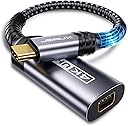
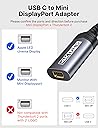
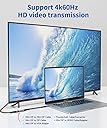
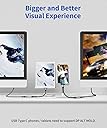
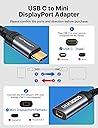
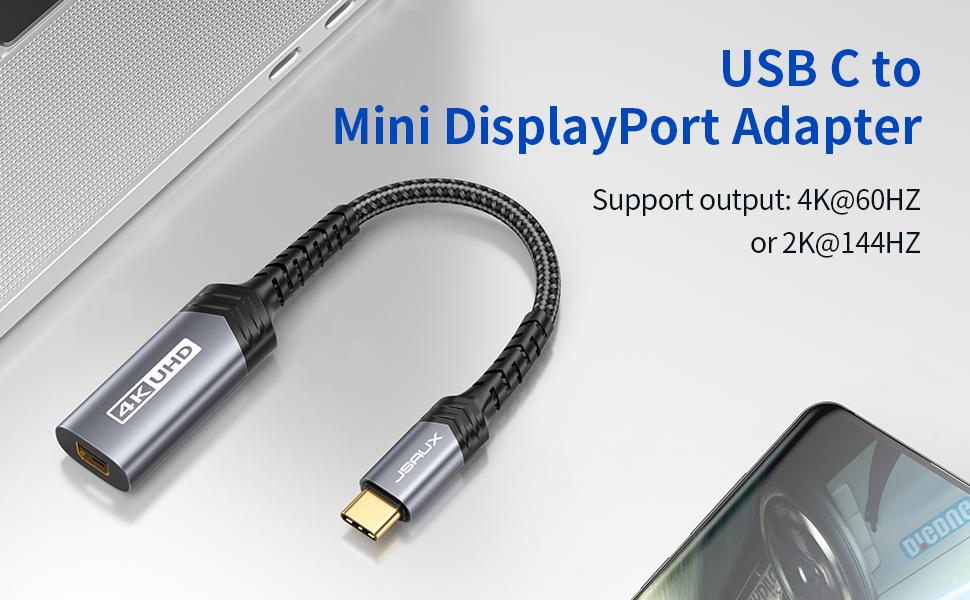
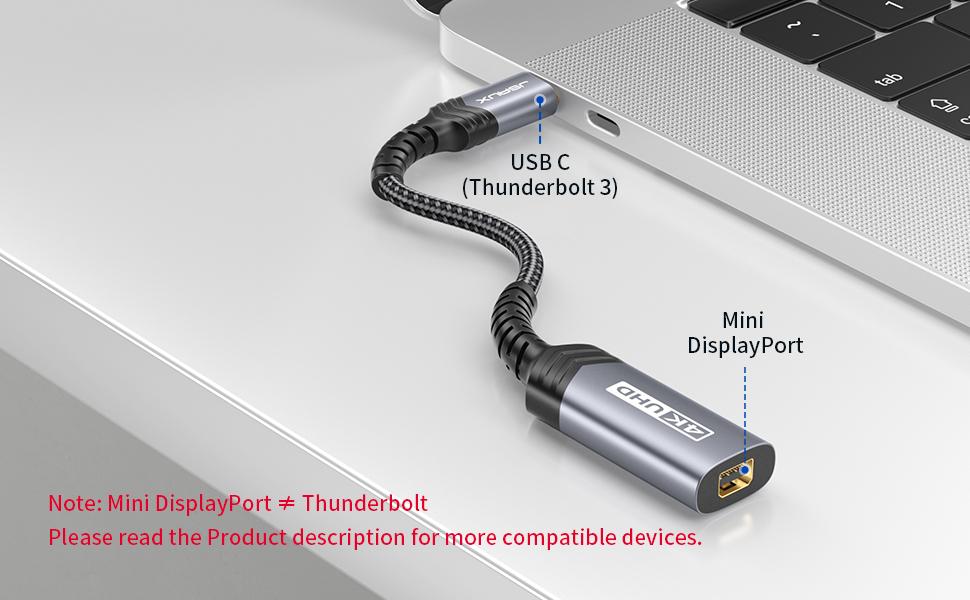
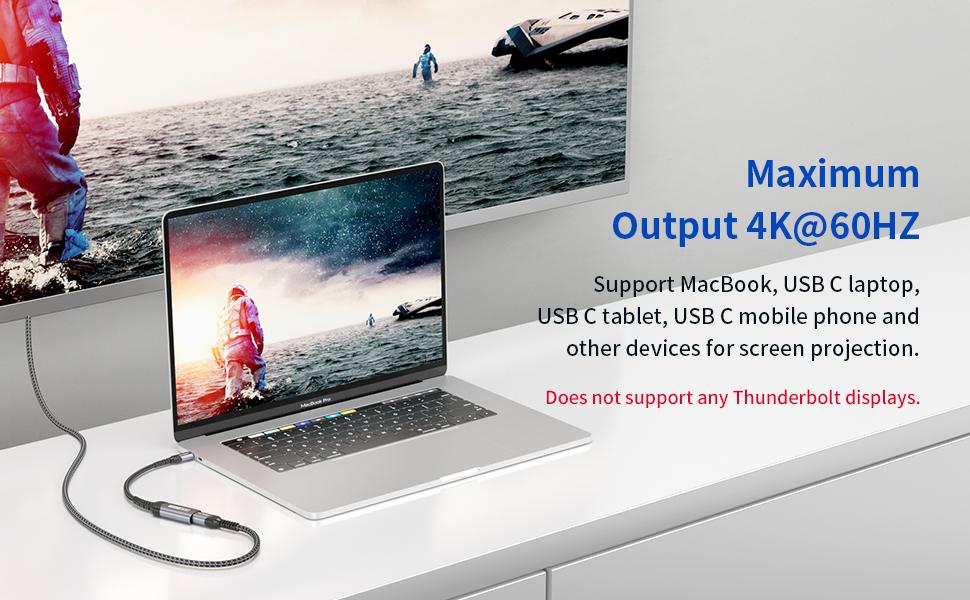
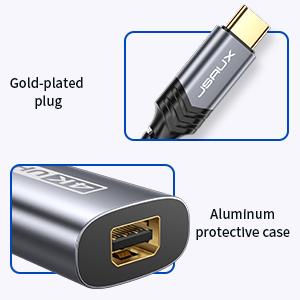
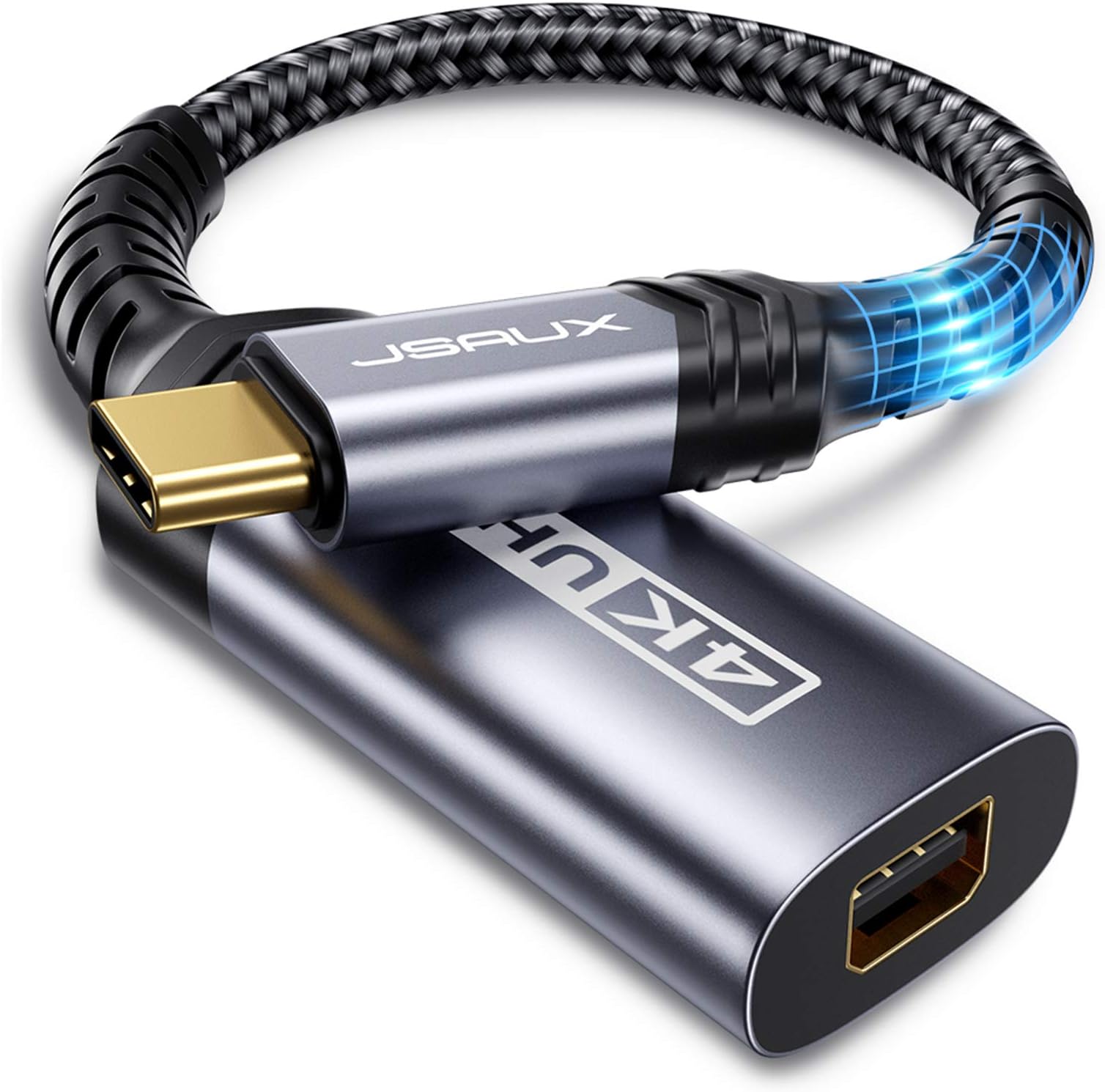
The JSAUX USB C to Mini DisplayPort adapter delivers crisp 4K@60Hz video output from USB-C devices supporting DisplayPort Alt Mode. Featuring a uni-directional design, durable aluminum casing, and braided nylon cable, it ensures reliable, plug-and-play connectivity for laptops, tablets, and phones to Mini DisplayPort monitors and projectors. Compatible with Thunderbolt 3/4 hosts but not Thunderbolt 2, this adapter is a must-have for professionals seeking seamless multi-display setups.


| ASIN | B0836HGBD7 |
| Best Sellers Rank | #910 in USB Cables |
| Brand | JSAUX |
| Color | Grey |
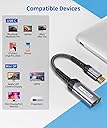
| Compatible Devices | MacBook Pro 2019 2018, Dell XPS, Samsung Galaxy S21 S20 Plus |
| Connector Type | USB Type C |
| Current Rating | 1 A |
| Customer Reviews | 4.4 out of 5 stars 1,472 Reviews |
| Finish | Hdmi |
| Finish Type | Hdmi |
| Item Dimensions | 8 x 0.3 x 0.3 inches |
| Item dimensions L x W x H | 8 x 0.3 x 0.3 inches |
| Manufacturer | JSAUX |
| Mfr Part Number | JSESNZUC2MNDPFGYZ7F |
| Model Number | CV0033 |
| Number of Items | 1 |
| Number of Ports | 2 |
| Package Quantity | 1 |
| Power Plug Type | No Plug |
| Unit Count | 1 Count |
S**E
Great for Mac Mini M4 to Apple LED Cinema Display
Plug n play with Mac Mini M4 to an Apple LED Cinema Display. Working great with no issues. Mini-Display plugged into this adapter into one of the 3 ports on the back of the Mac Mini M4. The USB-A is plugged into a different USB-A to USB-C plugged into the back of the Mac Mini M4 and allows the LED Cinema Display built-in audio and isight camera to work.
A**B
Surprise--an electronic adapter that actually works right out of the box
I have an LG 4K monitor that doesn't play nice with most laptops (Linux, Mac, Windows, Chrome OS). I have to use a Chromebook for work and have tried FOUR different HDMI adapters to try to extend the tiny Chromebook screen. This adapter is the ONLY one that has worked without a hitch (so far--first day using). I already use a mini-HDMI cable from the LG monitor to my MBP. This was the easiest option to minimize the # of cables on my desk while still letting me switch back and forth between Mac OS and Chrome OS. I was sure it wasn't going to work (but still took the chance and ordered this adapter). Shock of shocks, as soon as I connected the mini-HDMI cable to this adapter and plugged the adapter into my company's Chromebook USB-C port, the monitor displayed in the extended screen format by default. Going into settings, I can change this from extended (which I want) to mirror. The only drawback I've found is this adapter won't work through an unpowered dock (USB ports...). I haven't tried a powered dock yet. But I can live with that. Most Chromebooks have at least two USB-C ports, so the other can dock with a powered-dock for attachments AND power. This adapter is very sturdily built--with the same thick, hard-to-bend (but short), fabric-coated cord high-quality cables sport. And it works right out of the box--a feat nearly no other adapter I've ever bought has accomplished. Recommended. Will update review if anything changes.
B**Y
Just worked.
I recently upgraded from an older Macbook Pro (Retina 15-inch Mid 2015) which had two displayport adapters on the left hand side of the chassis to a new Macbook Pro (M4 Pro, 16-inch, Nov 2024) which has no displayport adapters at all, only USB-C ports. This adapter allowed me to connect to the two monitors I already have on each of my desks, both in the office and in my home office. The monitors at home are Samsung 21" 4K monitors U28E510 (they were on sale at Amazon the week I bought them. yay) and these adapters just worked. At the office one of my monitors is an older Apple iMac which I'm using with a mini-displayport to mini-displayport cable, and the other is an old Viewsonic HD monitor. One little hiccup was that I had a mini-displayport to DVI adapter on one of the cables (to the Viewsonic), and this didn't work with that. But I swapped the DVI to DVI cable for an HDMI to HDMI one and a mini-displayport to HDMI adapter and everything was fine. This along with a usb-c to usb-b cable (to connect to my powered Usb hub) allowed me to mostly keep all the connections at my desk unchanged, which is good. I was concerned that the upgrade would render some or all of my devices obsolete, but happily it did not.
Z**K
Did not work with LG Thunderbolt 2 Display and M1 Macbook Pro
This did not work to connect my 2021 M1 Macbook Pro to my LG 34UM88-P 34" 21:9 UltraWide FreeSync IPS Monitor. If you have a display that uses Thunderbolt 2 (looks just like a mini displayport but with a thunderbolt icon) this will not work with the new M1 Macbook Pro. You need a Thunderbolt 3 (USB-C) to Thunderbolt 2 Adapter, not this product which is a Thunderbolt 3 (USB-C) to mini displayport adapter. Though this didnt work for me, the product itself is very well made and feels solid. The cable is thick and braided, and the stress points are all very well reinforced. The terminals are also cased in aluminum and the mini displayport plugged in snugly.
D**N
What was received was not what was advertised.
UPDATE: After returning the first one, the second one was correct and works great. I order a USB-C to Mini DisplayPort adapter. The box even said USB-C to Mini DP. But what was in the box was a USB-C to HDMI connector. Yesterday I requested a return and I will be shipping it back today. I hope they'll send me a USB-C to Mini DP adapter as was advertised, so I can connect my M1 Macbook Air to my Apple Cinema Display with Mini DP.
C**S
Should have read the fine print. Does NOT work connecting 2022 MacBook Air M2 to iMac as display
All my fault... I'd been looking through so many Thunderbolt/USB-C adapters & cables that I ended up picking the wrong one. But I'm adding this review so that anyone interested in connecting a 2022 MacBook Air with M2 chip to a 27-inch iMac (2009/2010 vintage which are the only ones to work) using this adapter can find out that it will not work. Rereading the description after ordering, I realized I'd ordered the wrong one and sent it back to amazon (Thank you for making this so stratightforward) I ordered a different cable (ASIN B082LNGMHJ) which works just fine. This product has a mostly 5-star rating, so I'm giving it 5 stars even though I was unable to use it. I don't want them penalized for my error.
R**T
Limited to 720p on 27" Apple Cinema Display (model MC007LL/A) With M4 Mac Mini Unusuable
Purchased to use with m4 mac mini and a 27" Apple Cinema Display model MC007LL/A, this is the model that has the 3 part cable built in to the display: mini-display port, usb 2.0 (for the monitor hub), and the old macbook magsafe connector. This is NOT the thunderbolt version of this display, but the one clearly designated as working with this adapter. The adapter does make the cinema display show up for the mac mini, but the max resolution is capped at 1280x720 (AKA 720p). The max resolution of the monitor is 2560x1440 (AKA 1440p or "2K"). The product clearly states it supports up to 2k. The image and text on this display at 720p looks (understandably) absolutely terrible- see the attached photo you can COUNT the pixels.
A**R
Excellent value, No issues
I have an older Mac Cinema Display from 10yrs ago and just got a new Mac Mini last week. All the new connectors are USB-C or Thunderbolt. The adapter was half the cost of Office Depot, it is a tight fit to connect but worked instantly and monitor turned on once received a video connection
A**E
Muy buen producto
Muy buen producto. Me permite utilizar la pantalla LED Cinema Display de mi antigua computadora para mi nueva MacBook Pro M4 sin complicaciones.
J**O
awesome
awesome
X**N
Perfecta para Apple Led Cinema Display
Tenía un monitor Apple Led Cinema Display y, al actualizar el ordenador, no sabía como conectar el monitor (minidisplay port) con el macbook (usb-c). Es genial poder utilizar este adaptador y que funcione correctamente, tanto el monitor (en todas las resoluciones) como los altavoces integrados del monitor. Claramente, un acierto.
C**S
Cumple perfectamente con la descripción
Cumple perfectamente con la descripción, la imagen se ve perfecta en un Apple Cinema Display de 27”
Z**D
Amazing
Original
Trustpilot
3 weeks ago
4 days ago