
下载应用程序




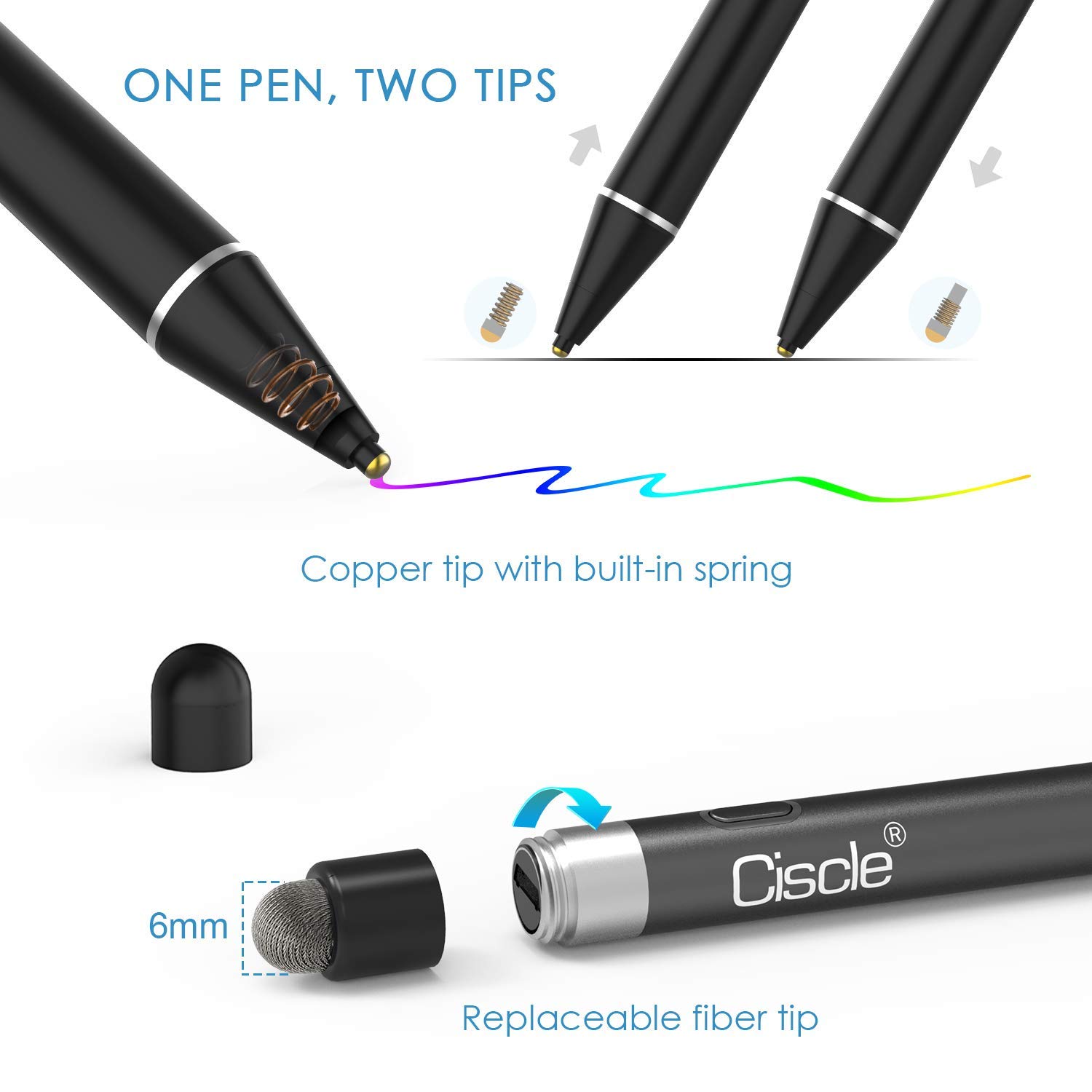
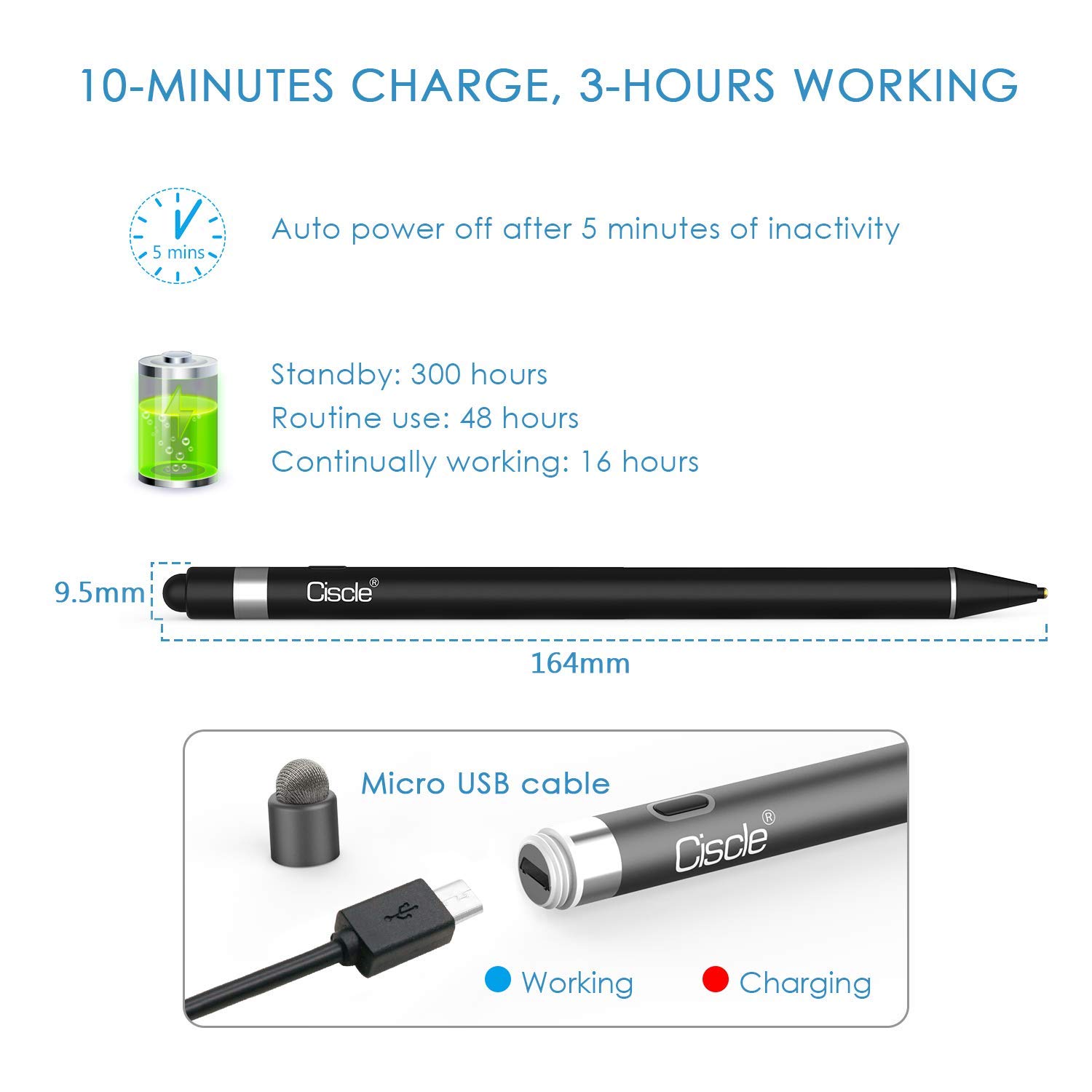
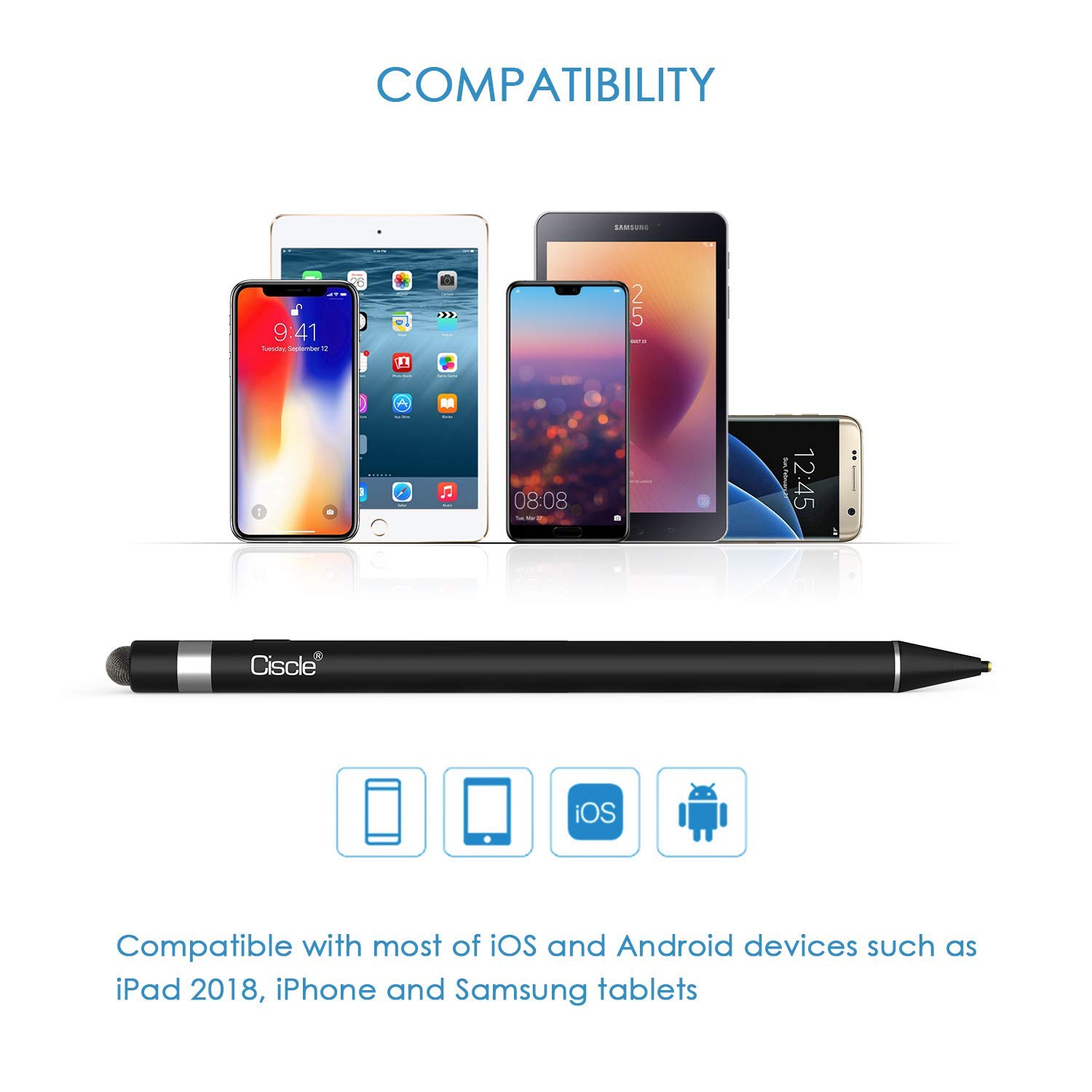
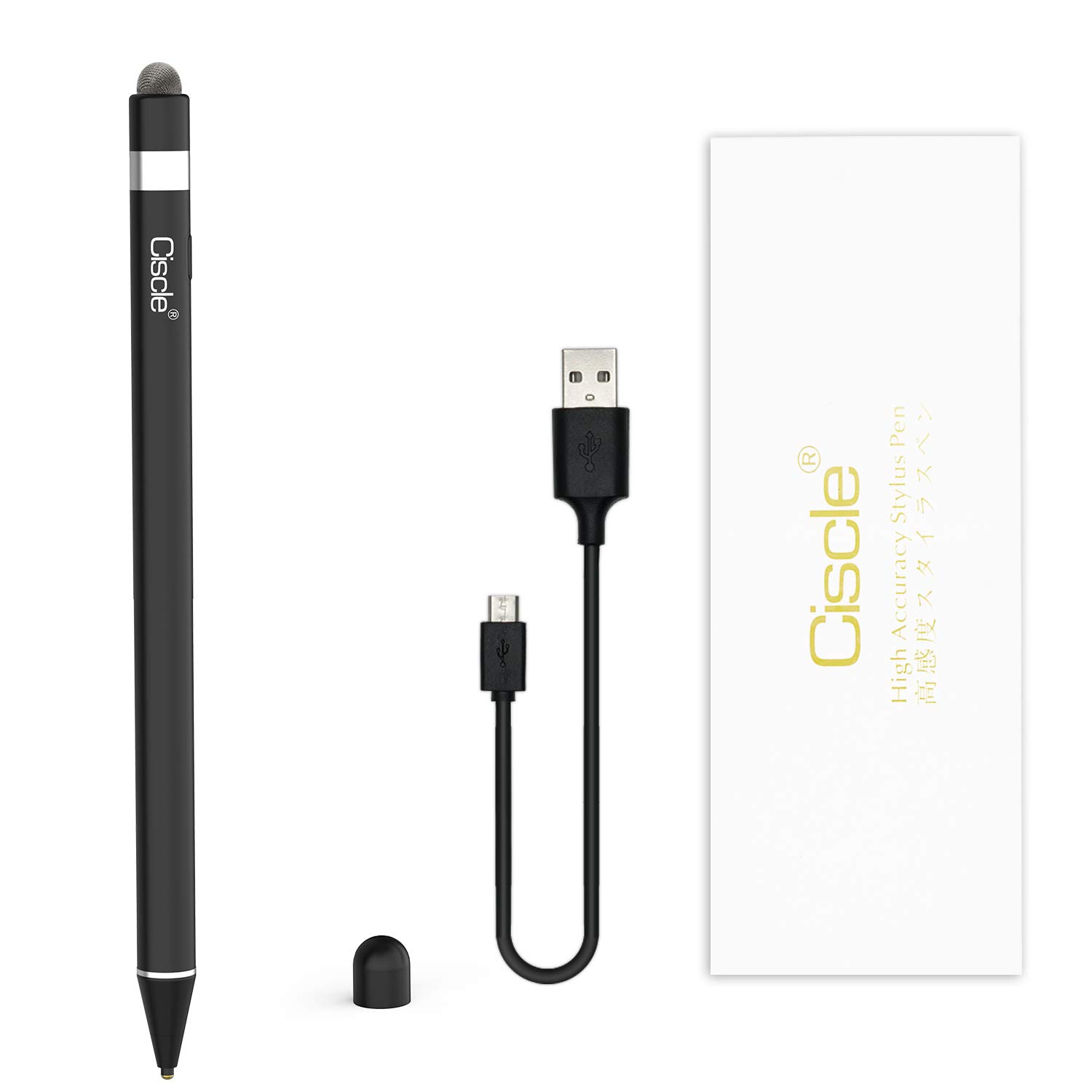
desertcart.com: Ciscle Stylus Pens for Touch Screens : Cell Phones & Accessories Review: So easy to use!! - This is the absolute easiest n best stylus Ive ever used, both the pencil n stylus tips work well with my tablet and phone and can't wait to use with older IPad that is being gifted to me. Only wish Id found it sooner!! Amazing product!! Review: Easy to use - helpful company - The pen functioned as expected. I really enjoyed how accurate it was, and it felt like a real pen. I had an issue with charging it, and the company was very responsive and helpful. I will purchase from them again.


| ASIN | B07MC81DGZ |
| Are Batteries Included | Yes |
| Are Batteries Required | Yes |
| Batteries Required? | Yes |
| Customer Reviews | 4.0 out of 5 stars 43 Reviews |
| Manufacturer | Ciscle |
J**S
So easy to use!!
This is the absolute easiest n best stylus Ive ever used, both the pencil n stylus tips work well with my tablet and phone and can't wait to use with older IPad that is being gifted to me. Only wish Id found it sooner!! Amazing product!!
J**R
Easy to use - helpful company
The pen functioned as expected. I really enjoyed how accurate it was, and it felt like a real pen. I had an issue with charging it, and the company was very responsive and helpful. I will purchase from them again.
E**N
Great stylus
This is the best stylus I have used. Definitely more accurate than any of the others I have used. I love the fine tip. I have used it on my touchscreen laptop, my phone, and even signed for a square transaction on a tablet. It is a nice weight and the surface is slightely matte, which makes it not unpleasant to hold.
E**R
Not Accurate and zero pressure sensor.
The main issue here is the accuracy! When you have the tip of the pen on the iPad screen the sensor is off, lets say you are using the "paint brush" setting on what ever app you are using the app brush does not line up with the pens tip, so trying to draw accuratly is pretty hard and your lines will be off, unless you can adjust to its inaccuracy. Another thing is that it does not have a pressure sensor so you can't achieve the same fine lines as a real pencil or brush stroke. The gloves were also missing form the order so I returned it and ended buying the iPen and it was worth the money.
S**I
Stylus
I’ve used quite a few stylus but have never really been able to get into them except this one. This stylus has a little weight which makes it feel good when you are drawing. The point is like a pencil which gives precision and the bottom feels like a sponge on your screen it’s really great. I’ve used it for for almost a week now and I have not need to charge it, battery life is excellent
L**E
Overall pretty good!
Okay, so I received my Ciscle stylus yesterday and have been playing with it quite a bit. I was looking for a fine point stylus that would work on my iPad 5 (because why didn't I just get the iPad Pro? Beats me.) I love to draw though so I got Procreate, only to realize that I really couldn't use it all that well because I didn't have the Apple Pencil. The Ciscle stylus is pretty good. If you move too fast or too slow when drawing or writing the letters/shapes get kind of shaky so I have to touch them up. But the stylus came fully charged so I could play with it right away. The only thing that I'm bummed it *doesn't* have is the pressure sensor. So, even though I do calligraphy on Procreate, it takes me longer because I have to go back and do a lot of touch ups. Would I recommend this to others whose iPads are not compatible with an Apple Pencil? Absolutely. If your iPad is compatible with an Apple Pencil though, I would choose that because you'll get a larger range of abilities.
B**N
Save your money and dont buy. Doesnt write consistently
Pen has horrible writing recognition and has a bad delay when writing. Sometimes doesnt register every other letter I write. way too inconsistent to do any writing of importance. Can really only use to highlight because the writing is so bad. I couldnt even color with it because the ipad wont register the input well. Honestly just spend more money on a better pen. I guess I learned my lesson trying to cheap out.
K**R
Love this Pen
I bought this to use with my 2018 Ipad 9.7 tablet. I love to write and draw with this pen. I have a screen protector on my Ipad and it does not effect the pen. My daughter tried it on her Ipad mini with a screen protector and she loved it. Had to order another one. Buy this Pen