We remain fully operational. Our teams are working around the clock to ensure your deliveries continue safely.

下载应用程序


⚡ Power up your portable like a pro — desktop-grade graphics, zero compromises.
The Razer Core X V2 is a premium external GPU enclosure designed for Thunderbolt 5 laptops and USB4 devices, delivering up to 80 Gbps bandwidth and supporting large 3.5-slot PCIe graphics cards. Its vented steel chassis with active cooling ensures optimal thermal performance, while a modular, tool-free design future-proofs your setup. Perfect for professionals and gamers seeking desktop-level GPU power on the go.


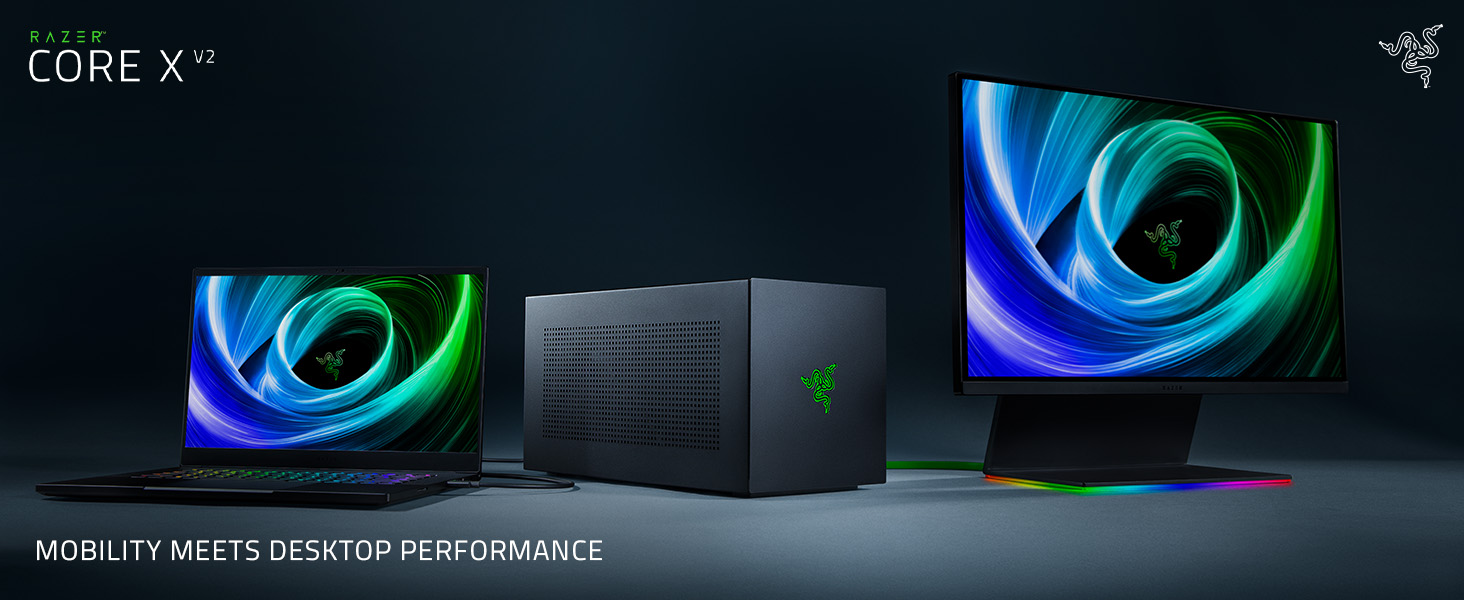

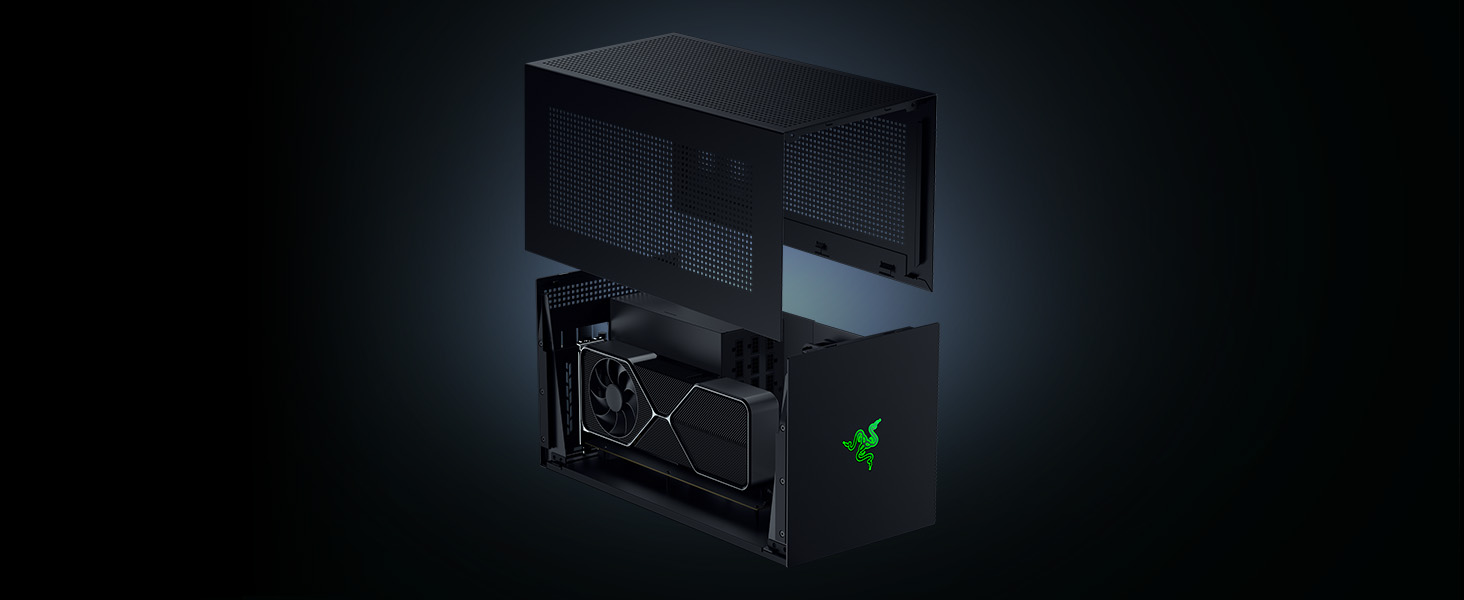

| ASIN | B0FDBKH28X |
| Antenna Location | Business, Gaming |
| Best Sellers Rank | 13,226 in Computers & Accessories ( See Top 100 in Computers & Accessories ) 783 in Components & Replacement Parts |
| Brand Name | Razer |
| Case Type | Unknown |
| Colour | Core X V2 | Black |
| Compatible Devices | Laptop, Desktop, GPU (NVIDIA GeForce, AMD Radeon) |
| Cooling Method | Air |
| Country of Origin | Vietnam |
| Customer Reviews | 3.2 3.2 out of 5 stars (7) |
| Enclosure Material | Alloy Steel |
| Internal Bays Quantity | 1 |
| Item Dimensions D x W x H | 42.1D x 19.7W x 21.6H centimetres |
| Item Weight | 3.92 Kilograms |
| Manufacturer | Razer |
| Model Name | Core X V2 (w/o PSU) |
| Other Special Features of the Product | LED Control Button |
| Power Supply Mounting Type | Bottom Mount |
| Product Warranty | 1 year |
| Supported Motherboard | ATX, Extended ATX |
R**N
Not what you'd expect for this kind of money
I'm giving it a 1 star only because it works as intended......... Ok so this thing is made from flimsy really easy to bend metal. Then you have the problem to open it as it's just flimsy none of this fancy pullout or solid build. Then you don't have any physical power button other than the PSU as this thing detects the the PC and turns on automatically and switches off automatically. The thing looks horrible no cool looking lights, it's to big for my taste. There are no additional ports just the USB C thunderbolt 4/5 out put Now the drum roll for why it's bad..I CANT JUSTIFY THE PRICE AT ALL ITS EXPENSIVE AND SOME THAT ARE SIMILAR IN PRICE LOOKS BETTER HAS EXTRA PORTS AND CAN BE CARRIED. GO FOR SONET THATS THE MISTAKE I MADE. Now why did I buy this for 2 reasons there aren't alot of thunderbolt 5 options out there and lastly if it needed support razer is a trusted brand so I was thinking along that side of things.
E**T
Doesn’t work for me
This enclosure didn’t work for me. I put Gigabyte Eagle OC RTX 5070Ti, 1000W PSU from Corsair, but it didn’t work for Lenovo Legion 7 16IAX7 laptop. In addition, the space between PSU and GPU in the Razer box is very tight. There is not enough space from PSU cables to the board, and GPU. Inside space is very limited for all cables to be managed properly. Also, I don’t like the black color. I would prefer silver or white.
W**I
Aufgrund meiner Blödheit, dachte ich zuerst, dass das Teil nicht funktioniert. Ich habe den CPU Stecker an mein RTX 5060 angesteckt und nich den PCI-E Stecker des Netzteils. Steckt man den CPU Stecker an die Grafikkarte an, dann tut sich gar nichts. Es verhält sich alles tot. Das Netzteil schaltet nicht ein, die Grafikkarte funktioniert nicht usw. Nach der richtigen Steckerkonfiguration funktionierte alles einwandfrei. Der eingebaute Lüfter ist angenehm leise. Schade ist, dass das Gehäuse keinen weiteren USB Anschluss hat. Wenn man die MSI Claw a1m ansteckt, braucht man noch einen Hub um Tastatur und Maus zu verbinden. Das ist nicht so toll.
ひ**こ
まず、本体(筐体)の感想は以下の通り。 ・GPU差しづらい。3スロット厚だと端子部分はめ込む位置見え難くて怖かった ・ケースをはめ直す際に四隅のレールに綺麗に嵌らないことが多く、作りが粗い気が… ・高負荷中の発熱はケース上部とファン側(右サイド)が強め ・筐体は冷えるのが思ったより早くて良い。低負荷に戻って数分もすれば温度が落ち着く 接続についてはThunderbolt4/5ないしUSB4で接続すれば即使える、と謳ってはいますが 組み込んだGPUに対応するドライバのインストールは別途必要でしたのでご注意を。 ちなみに初回接続時にRazor Synapseのインストール案内が出ますが必須では無いです。 また、自環境では接続先PCに他の50シリーズのGPUとドライバが存在する影響か PC起動後に接続すると異常終了することがありましたので、 似た環境の方は試した上で起動前に接続しておいたほうが無難かも知れません。 性能について以下環境のThunderbolt5接続で特に設定を弄らずに使用した結果ですが 3DMarkTimeSpyのベンチマークスコアで「30843」(添付画面)。 仮にデスクトップで出せる最高性能がスコア「47487」だとすると結果は約65%、 某BTOの5090デスクトップの最大スコア「約37000」と比較すると約83%となり、 期待していたのですが結局ThunderBolt5でも良くて8割、または7割弱の性能しか出てないようです。 勿論CPUや電源などがボトルネックになっている可能性が考えられますが、現状確認できる限りでは結果の通り。 今のところゲームやAI生成など数日試した限り、動作に問題は起きていません。 <検証環境> 端末CPU :Core Ultra9 275HX(Thunderbolt5対応ノートPC) 組込電源 :850W(CORSAIR RM850x) 組込GPU :RTX5090(ZOTAC SOLID OC) まとめると、性能は本来の7〜8掛け程度で見ておいたほうが良いものの Thunderbolt/USB4接続可能で現行環境より性能向上が見込めそうであれば 十分に検討の価値はある製品だと思います。 本体端末と別筐体である関係上、CPU等との熱干渉も避けられるのでデスクトップ環境よりGPUのパーツ寿命の伸びが期待出来るかも知れません。 ただ、性能減を考慮すると出来るだけ上位のGPUが欲しいところで 本製品と併せてどうしてもお高い買い物になる為、割高に感じるし、ご時勢的にも悩ましいところ。 なお、どのように電源やGPUを組み込んで使うかの手順は 解説されているサイト様がありましたので商品名で探すと良いかと思います。
Y**Y
Ne fonctionne plus au bout de quelques jours
M**Y
eGPUとしてRTX5070tiを使用してPC側はMinisforumのUM890proのベンチマークのスクショです。接続はUSB4。RTX4070から1.6倍もスコアが上がりました。
TrustPilot
2天前
2 周前