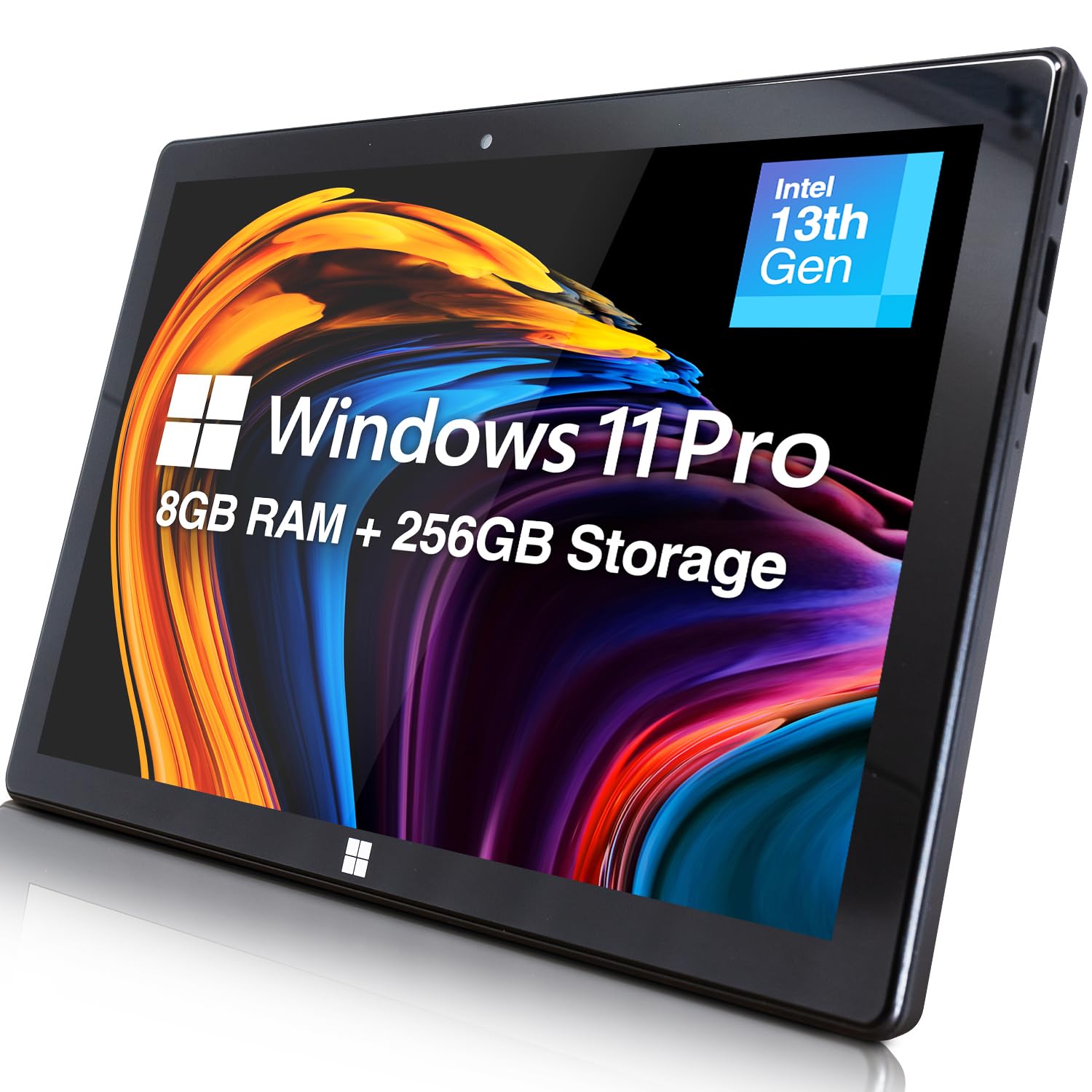
🚀 Elevate your mobile workspace with power, style, and speed!
The Fusion5 232 Pro N5 is a sleek 10.1" Windows 11 tablet featuring a powerful Intel Alder Lake N100 quad-core CPU clocked at 3.4 GHz, 8GB LPDDR5 RAM, and 256GB SSD storage. Its vibrant 1920x1200 Full HD IPS touchscreen offers stunning visuals, while versatile connectivity options including Micro HDMI, USB 3.0, USB-C, and expandable storage up to 512GB make it a versatile device for professionals on the go. Lightweight at 636g with up to 8 hours battery life, it’s designed to blend productivity and portability seamlessly.


| ASIN | B0CKRVYC9F |
| Are Batteries Included | Yes |
| Average Battery Life (in hours) | 8 Hours |
| Batteries | 1 Lithium Ion batteries required. (included) |
| Best Sellers Rank | #53,624 in Computers ( See Top 100 in Computers ) #1,086 in Computer Tablets |
| Brand | Fusion5 |
| Color | Windows 11 Home |
| Connectivity Type | Bluetooth, Wi-Fi |
| Customer Reviews | 4.2 4.2 out of 5 stars (470) |
| Date First Available | 22 October 2023 |
| Front Webcam Resolution | 2 MP |
| Graphics Card Description | Integrated |
| Graphics Chipset Brand | Intel |
| Graphics Coprocessor | Intel UHD Graphics or Intel Iris Xe Graphics |
| Item Weight | 636 g |
| Item model number | FWIN232 PRO N5 |
| Lithium Battery Energy Content | 18 Watt Hours |
| Lithium Battery Packaging | Batteries contained in equipment |
| Lithium Battery Weight | 73 Grams |
| Manufacturer | Fusion5 |
| Number Of Lithium Ion Cells | 2 |
| Operating System | Windows 11 Home |
| Processor Brand | Intel |
| Processor Count | 4 |
| Processor Speed | 3.4 GHz |
| Product Dimensions | 25.5 x 1.1 x 17 cm; 636 g |
| Rear Webcam Resolution | 2 MP |
| Resolution | 1920x1200 Pixels |
| Screen Resolution | 1920 x 1200 pixels |
| Series | 232 Pro N5 |
| Speaker Description | Built-in speakers |
| Standing screen display size | 10.1 Inches |
| Wireless Carrier | Unlocked for All Carriers |
| Wireless Type | 802.11ac |
A**R
Don’t buy this.
Wasting of money, download centre was useless.
M**D
i'v never reviewed a product on any ecommerce apps but this is deserve a 5 stars to reach to people hands
P**E
arrived no aussie connector. -1 star had 2 international adapters didint work went to officeworks (where I got 1 of the others last time) this one worked hassel for getting adapter -1 star seem to have power, now waiting to see if charges. didnt seem to charge via usb-c but will check again if I can get into the device.
A**R
I was curious as to how a small device costing no more than a third of Microsoft Surface tablets could cope with Windows using only a smart phone interface and also how it would handle the more demanding Windows apps. The lovely, bright and detailed screen gives an excellent first impression and there was no difficulty in switching out of S mode. I was able to run basic Windows apps with no delays - apps like Outlook, Firefox, VLC and Calibre. The ExplorerPatcher app that corrects the deranged changes that Microsoft made to File Explorer in Windows 11 worked perfectly. Finally I ran a demanding bit of editing in Photoshop that worked and in a reasonable execution time. That last example suggests that this Fusion5 Tablet has enough computing power to handle anything you care to throw at it and the only practical limitation is the small screen size. I would emphasise that this was the version that has the Alder Lake 13th Gen CPU. Unfortunately the weakness of the smart phone interface with Windows was all too obvious during these tests. The menu items are too small and the icons on the Taskbar too close together for a Touch to be completely reliable. There are some things you can do in Settings that bring minor improvements. Icons can be made larger and the Taskbar bigger. But if you demand the precision that Windows needs, you have to consider a wireless keyboard or, if you can accept converting the Tablet into a static Desktop PC., you can use an old-fashioned USB wired mouse and keyboard. These worked perfectly whether plugged separately into the 2 USB sockets or plugged together into a USB Hub. If you need mobility there is one other alternative. When used on a tablet, Windows 11 has an option to display a Virtual Touchpad with a track-pad and left/right buttons you can “click” on. This can be activated via the “Taskbar settings” menu. This gives precision in moving the cursor around but does take up space on an already small screen. Problems? There are two. The documentation is poor and the Battery life quite short at under 3 hours. The documentation is no more than a 20 page leaflet, much of which describes features of Windows 11. It needs to be more device specific with clearer advice on charging and a description of how to break out of the S mode. Something on the use of Settings to make icons and taskbar bigger plus a reference to the Virtual Touchpad would be useful. There does not appear to be a more detailed on-line manual. The short battery life will be a problem if you can’t get to a power socket e.g. during a flight. Normally an external battery would solve this but this tablet is not like other devices. The USB sockets can’t be used for charging and the 12V power socket requires an unusually small male plug. After an email conversation with Fusion5 support, this is their advice of the battery and bits you will need. All are available on Amazon. * Get a battery with a 12V output from the likes of TongBF or RoyPow. Since such a battery also has normal USB outputs, you will be able to use it to charge other devices. * Get a normal 12V power lead i.e. one with a male 2.1mm x 5.5mm plug at both ends from the likes of Kenable. * Get a 2.1mm x 5.5mm female to a 3.5mm x 1.35mm male adapter from the likes of Uxcell. It would be nice to have had this advice in the documentation. I was going to reduce my rating to 4 stars because of these two problems but the email support was so outstanding that I’ll stick to 5. I had a reply to my first email in under an hour and that quality of response continued throughout.
T**N
Overall, a nice little tablet. Best replacement I could find to replace my old hp 10" tablet that finally died. Battery tends to run a bit hot. Of note, I was able to plug a USB-ethernet adapter into it & have it use hard line. Was able to plug in an external bluray drive & watch movies. Have had it since the end of Aug 25, so far working ok. Had an initial major issue, but I think the problem was an incompatibility between a major anti-virus program & Microsoft update. Was able to restore and after removing anti-virus program, works fine. Would have liked more storage capability on MicroSD, but hey... Price is right!
R**.
Fusion5 Windows Tablet – Great for Work and Music! I’ve been using the Fusion5 Windows Tablet, and honestly, it’s been a solid investment. It’s surprisingly fast for a budget tablet, making it great for both work and creative projects. Performance I can run Excel on it without issues, which is perfect for managing spreadsheets and getting stuff done on the go. But what really impressed me is how well it handles Guitar Pro 8—if you’re into music composition, this tablet can definitely keep up. Screen & Design The 10.1-inch Full HD display is crisp and colorful, great for watching videos or working on detailed projects. It’s also lightweight, so carrying it around is easy. Battery & Storage The battery holds up well, lasting several hours without needing a charge. Plus, the expandable storage means I have plenty of space for files, apps, and even music projects. Final Thoughts For the price, the Fusion5 Windows Tablet delivers way more than I expected. Whether you need a reliable device for work, music, or entertainment, it’s a great pick. Definitely worth checking out!
TrustPilot
5天前
1天前