We remain fully operational. Our teams are working around the clock to ensure your deliveries continue safely.

下载应用程序


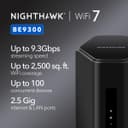





🚀 Elevate your digital domain with the ultimate WiFi 7 router—speed, security, and coverage that keep you ahead of the curve!
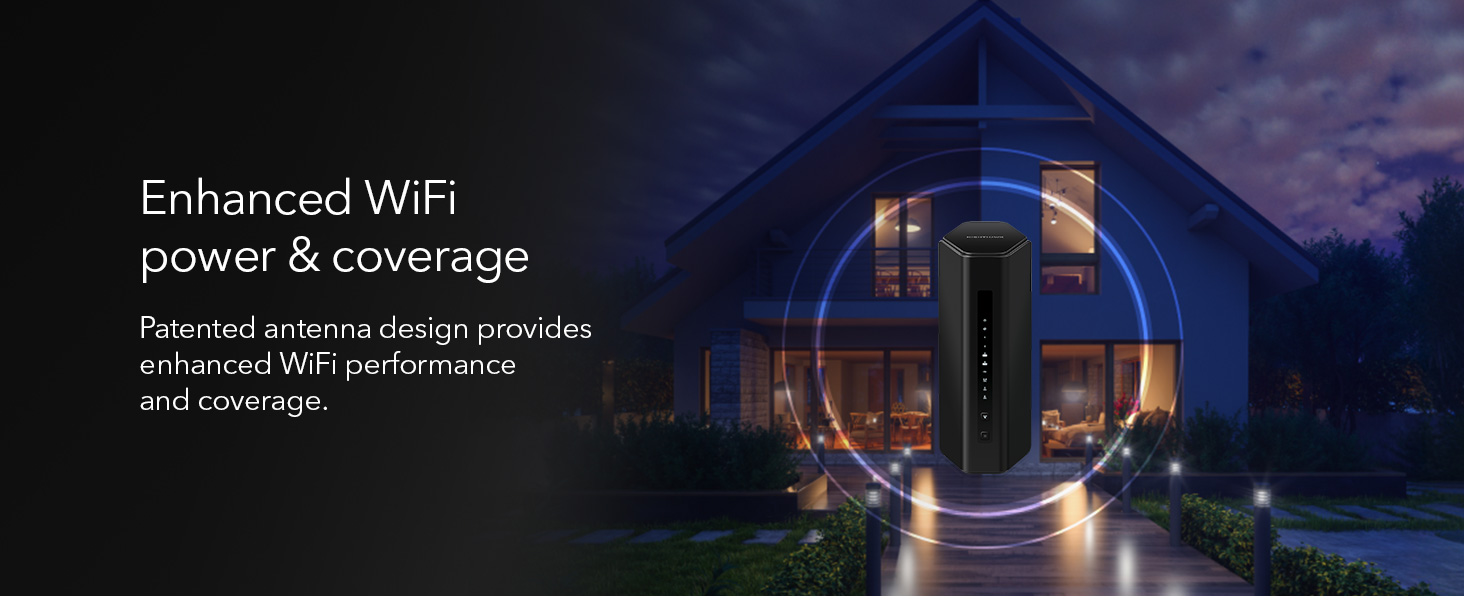
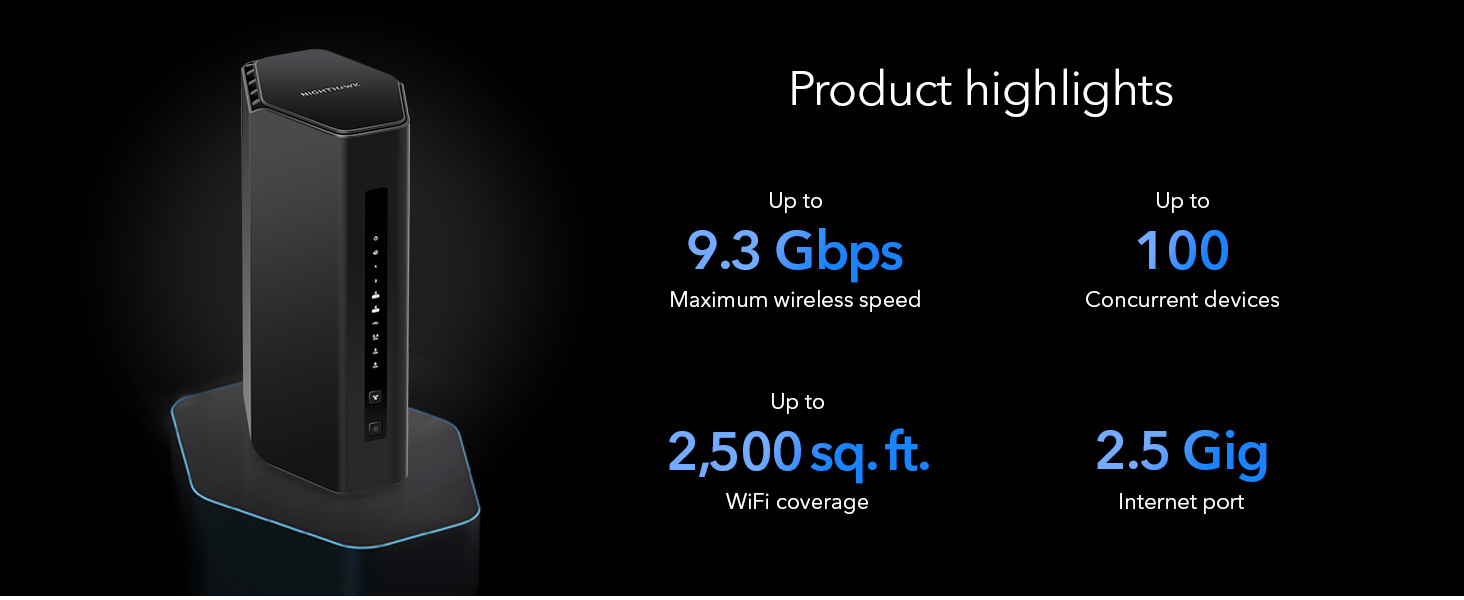
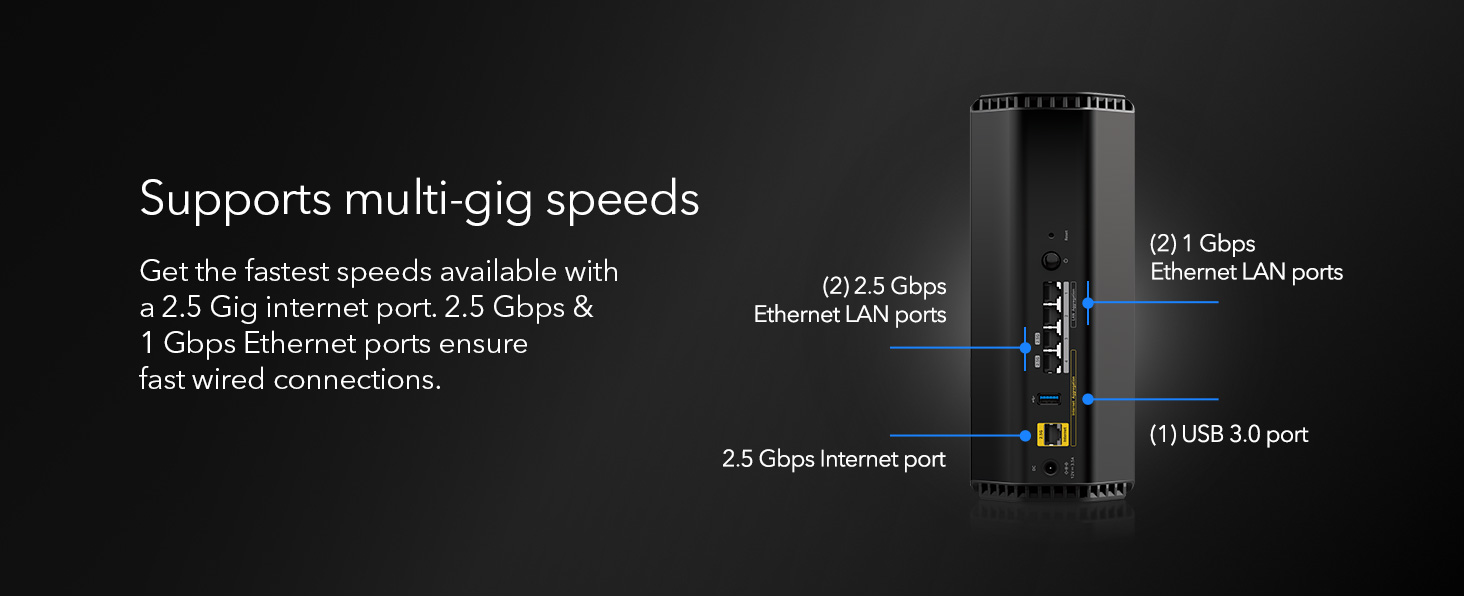
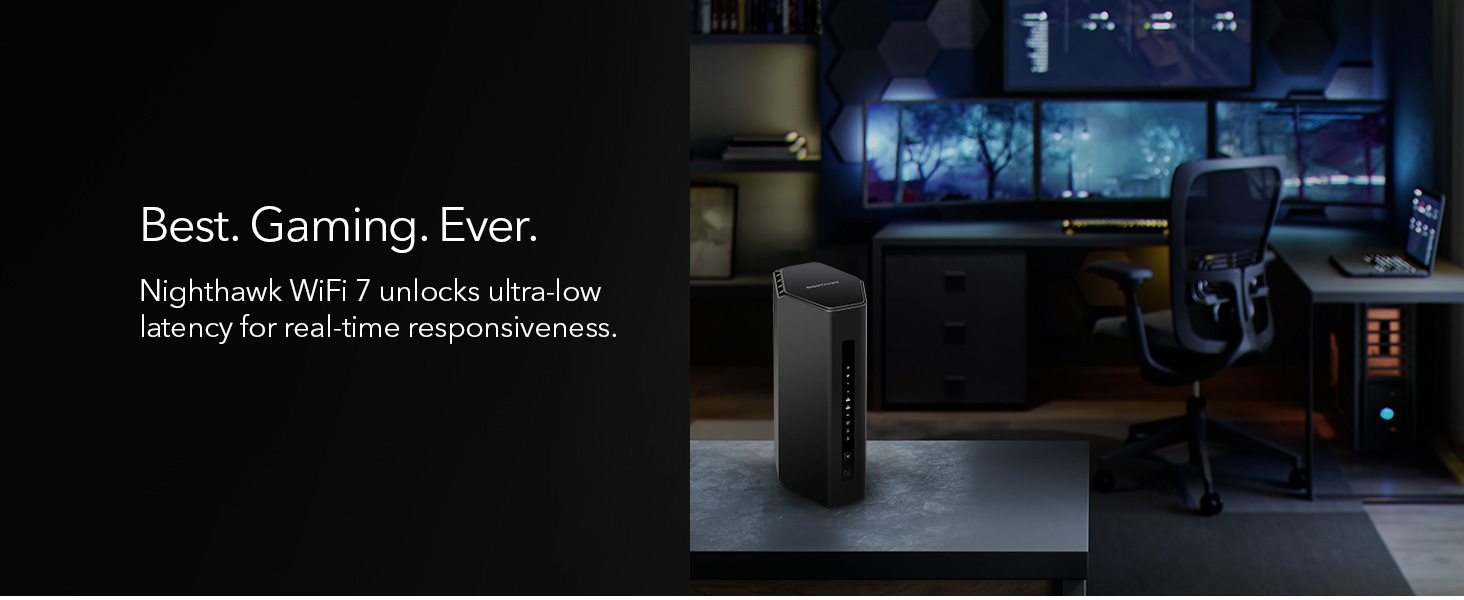
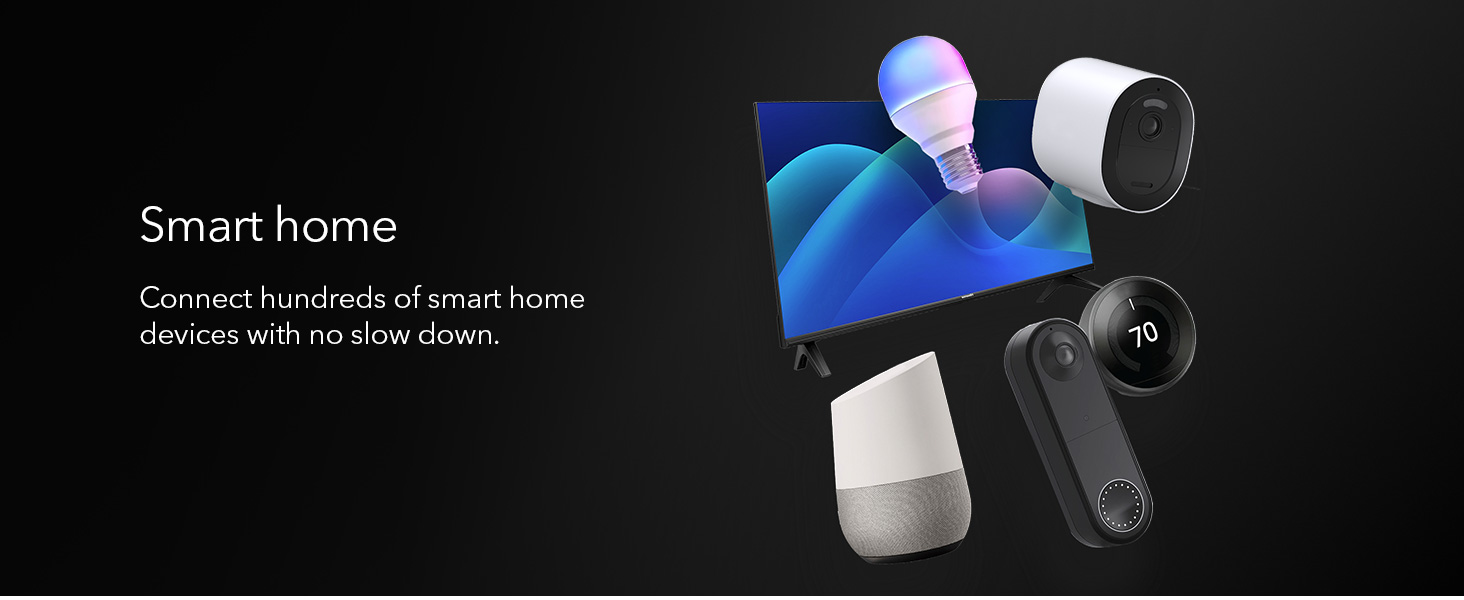
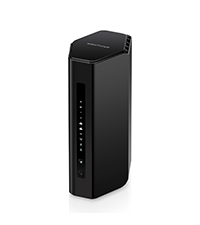
The NETGEAR Nighthawk BE9300 WiFi 7 Router delivers cutting-edge 9.3Gbps tri-band wireless speeds, supporting up to 100 devices across 2,500 sq. ft. Its 2.5 Gigabit internet port enables multi-gig wired connections, while built-in NETGEAR Armor and VPN ensure top-tier security. Designed for high-performance gaming, streaming, and smart home integration, this sleek router combines next-gen technology with robust coverage and advanced safety features.








| ASIN | B0DK7Q5SCN |
| Antenna Location | Business, Gaming, Home |
| Box Contents | One (1) 12V/3.5A power adapter, One (1) 2m Ethernet cable, One (1) WiFi 7 Tri-Band Router (BE9300), Quick start guide |
| Brand Name | NETGEAR |
| Colour | black |
| Compatible Devices | Gaming Console, Personal Computer, Security Camera, Smart Television, Smartphone |
| Connectivity Technology | Ethernet, Wi-Fi |
| Control Method | App |
| Coverage | 2500 square feet |
| Customer Reviews | 4.4 4.4 out of 5 stars (1,898) |
| Data Transfer Rate | 9300 Megabits Per Second |
| Frequency | 6 GHz |
| Frequency Band Class | Tri-Band |
| Has Internet Connectivity | Yes |
| Has Security Updates | Yes |
| Is Modem Compatible | No |
| Item Weight | 3.95 Pounds |
| LAN Port Bandwidth | 2500 Mbps |
| Manufacturer | NETGEAR |
| Manufacturer Part Number | BE9300-1AZPAS |
| Maximum Upstream Data Transfer Rate | 2500 Megabits Per Second |
| Model Name | BE9300 |
| Model Number | BE9300-1AZPAS |
| Number of Antennas | 4 |
| Number of Ports | 4 |
| Operating System | Linux |
| Other Special Features of the Product | Internet Security |
| Router Firewall Security Level | True |
| Router Network Type | Wireless |
| Security Protocol | WPA3 |
| UPC | 606449173055 |
| Voltage | 12 Volts |
| Wireless Compability | 802.11.be |
A**A
Rendimiento: Tenía un AP Unifi AP AC Pro y todo mejoró estrepitosamente, rango en la misma planta, velocidad de respuesta de conexión de todos los dispositivos. La cámara que tengo en la entrada emite de inmediato la imagen, antes demoraba unos segundos, pese a que es de 2.4ghz Estabilidad: No es necesario reiniciar el router, trabaja sin problemas todo el tiempo. Sólo recomiendo que en los celulares se deshabilite la opción de MAC address aleatoria, tal como lo indica Netgear. Estética: Es un poco grande, pero es muy bonito, combina con cualquier decoración, eso en comparación con las arañas gamer que tienen las antenas externas. Precio: Si vale la pena si quieres lo mejor del momento, por lo menos debería ser útil la tecnología hasta dentro de 5 años, sin embargo, creo que hay opciones nuevas con rendimiento aceptable a menos por menos de la mitad de precio. Conclusión: Actualizando firmware y configurando todo debidamente es un excelente router.
A**R
I recently upgraded from my older Nighthawk router (which had served me well for years but was starting to struggle with our growing number of devices and faster internet needs) to the brand-new Netgear Nighthawk RS500, and wow—what a difference! Setup was super straightforward using the Nighthawk app—took maybe 15 minutes total. Right away, I noticed blazing-fast speeds across the house. With WiFi 7 tri-band technology (including that clean 6GHz band), it's delivering up to 12Gbps total wireless speeds, which means smooth 4K/8K streaming on multiple TVs, lag-free online gaming on my consoles, and crystal-clear video calls without any buffering or dropouts. We have around 50+ devices connected (phones, laptops, smart home gadgets, cameras, etc.), and it handles everything effortlessly—no more slowdowns during peak hours. Coverage is impressive too—up to 3,000 sq. ft. means strong signal even in the far corners of my home and backyard, way better than my old router. The 2.5Gbps internet port is perfect for my gigabit (or faster) plan, and having a 2.5G LAN port plus extra Gigabit ports lets me wire in high-demand devices for max performance. Compared to my previous Nighthawk, this feels like jumping from a reliable sedan to a sports car—faster, more reliable, future-proof with WiFi 7, and it just works. If you're tired of spotty WiFi or throttling on an older router, the RS500 is a fantastic upgrade. Highly recommend! Netgear knocked it out of the park with this one. 🚀
J**A
I recently upgraded to the NETGEAR Nighthawk RS300 BE9300 WiFi 7 Router from R7350 AC2400, and it has completely transformed my home network experience. Right out of the box, setup was incredibly smooth. The Nighthawk app guided me step-by-step, and I had everything up and running in minutes—no technical headaches whatsoever. From the start, this router felt like a premium product. Performance-wise, this thing is an absolute powerhouse. With Wi-Fi 7 and tri-band support, I’m seeing blazing-fast speeds across all my devices. Streaming 4K/8K content is seamless, online gaming is ultra-responsive with virtually zero lag, and even with multiple devices connected, there’s no slowdown at all. It easily handles a busy household without breaking a sweat. Coverage has also been outstanding. I get strong, reliable signal throughout my entire home, including areas that used to be dead zones. The connection remains stable even when moving between rooms, which is a huge improvement over my previous router. Another standout feature is the multi-gig (2.5G) ports, which really future-proofs the setup. If you have a high-speed internet plan or plan to upgrade, this router is ready for it. Plus, the built-in security features and VPN support give me peace of mind knowing my network is protected. Overall, the NETGEAR BE9300 delivers on every promise—speed, reliability, coverage, and ease of use. If you’re looking to step into Wi-Fi 7 and want a router that truly performs at a high level, this is absolutely worth the investment. Highly recommended.
T**S
Easy setup, and very fast speeds. From a 1Gig cable modem ISP, I was able to pull full 1Gig speeds over Wifi on the 6Ghz band on my phone. 600-700 Gig over WiFi on all my devices connected to the 5Ghz band. One thing to note. We have Windows, Android, and IOS devices in my home. I had to turn off "Smart Connect" to get my Apple devices to connect. Smart Connect attempts to connect a device to either 2.4Ghz, 5Ghz, or 6Ghz bands depending on the type of device, and it's distance from the router. Apple TV, and Ipads don't like it. Simply turn it off in the Netgear app, and your good to go. Other than that, the router appears to be well built. The connections on the back and interface on the front are easy to access and understand. The app user interface is very easy to use. Although, I think it might be a tiny bit buggy, but it does the job. Our entire home is very internet dependent. We have over 25 devices connected, which includes 6 TV's, an 8 camera NVR, multiple: phones, laptops, tablets and bunch of other devices. The connectivity to all devices has been strong, and stable. Simultaneous streaming doesn't seem to slow this thing down at all. If you have a high demand home network, and want peak performance, this is your answer. Our home is 1,650sqft. The signal from this router goes way past the street in front of our house, and past the back fence of our back yard. I would say this router would work just fine for 2500sqft home. If your home is 3000+ sqft, I would probably go with the Netgear Orbi 970 Mesh system. I put one in my mothers home (two separate buildings on one property), and they rock. They are just much more expensive than this router.
G**P
Bought this to connect to my Xfinity gateway since that does not have a guest network and you cannot change the channels on a network to avoid interference. It was extremely easy to set up a guest network and get it going via the app. It even increased my speeds compared to the Xfinity Gateway alone by 50% or so. Works great!
TrustPilot
1 个月前
2天前