


🎥 Elevate your live streaming game with pro-grade 4K clarity and AI tracking—because your audience deserves the best!
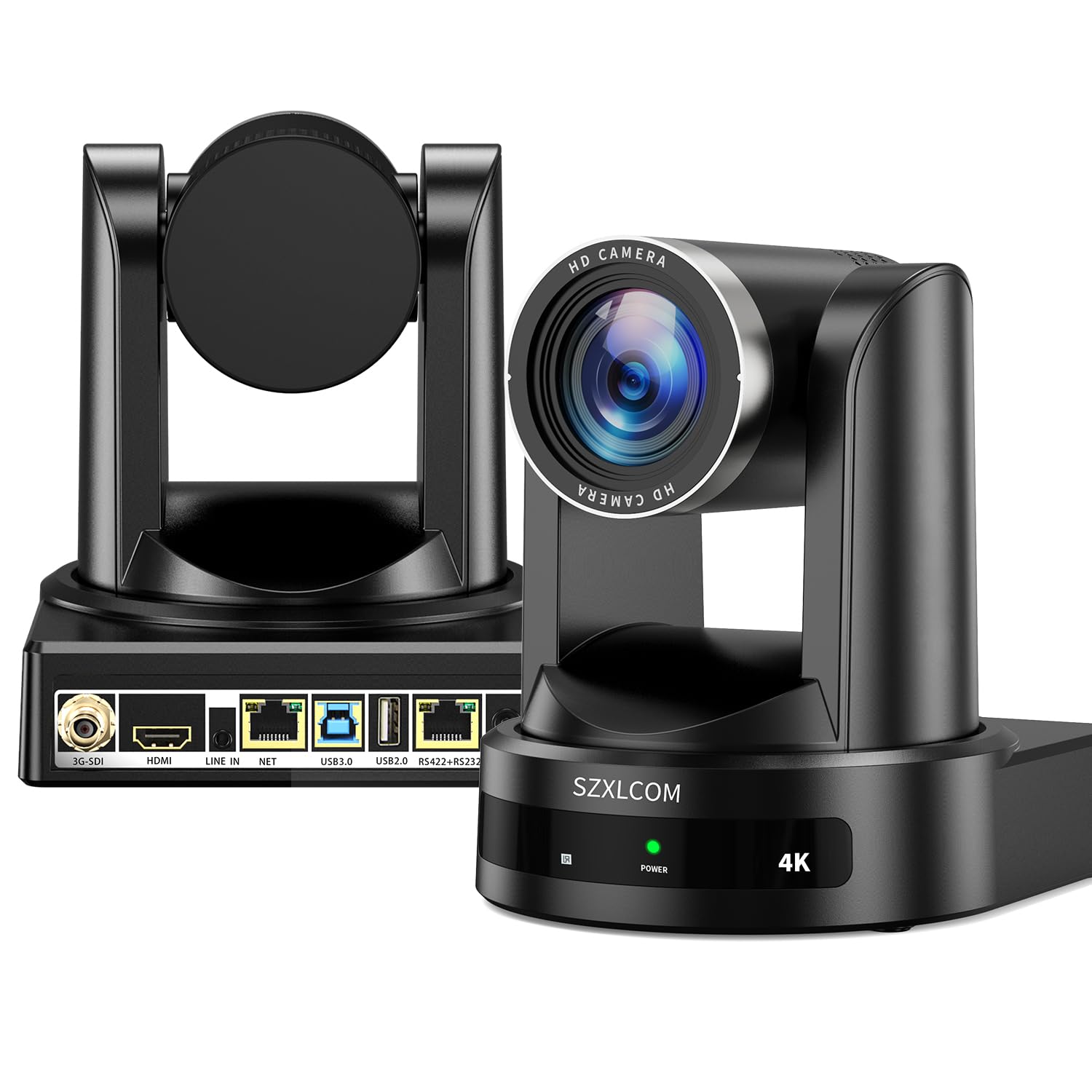
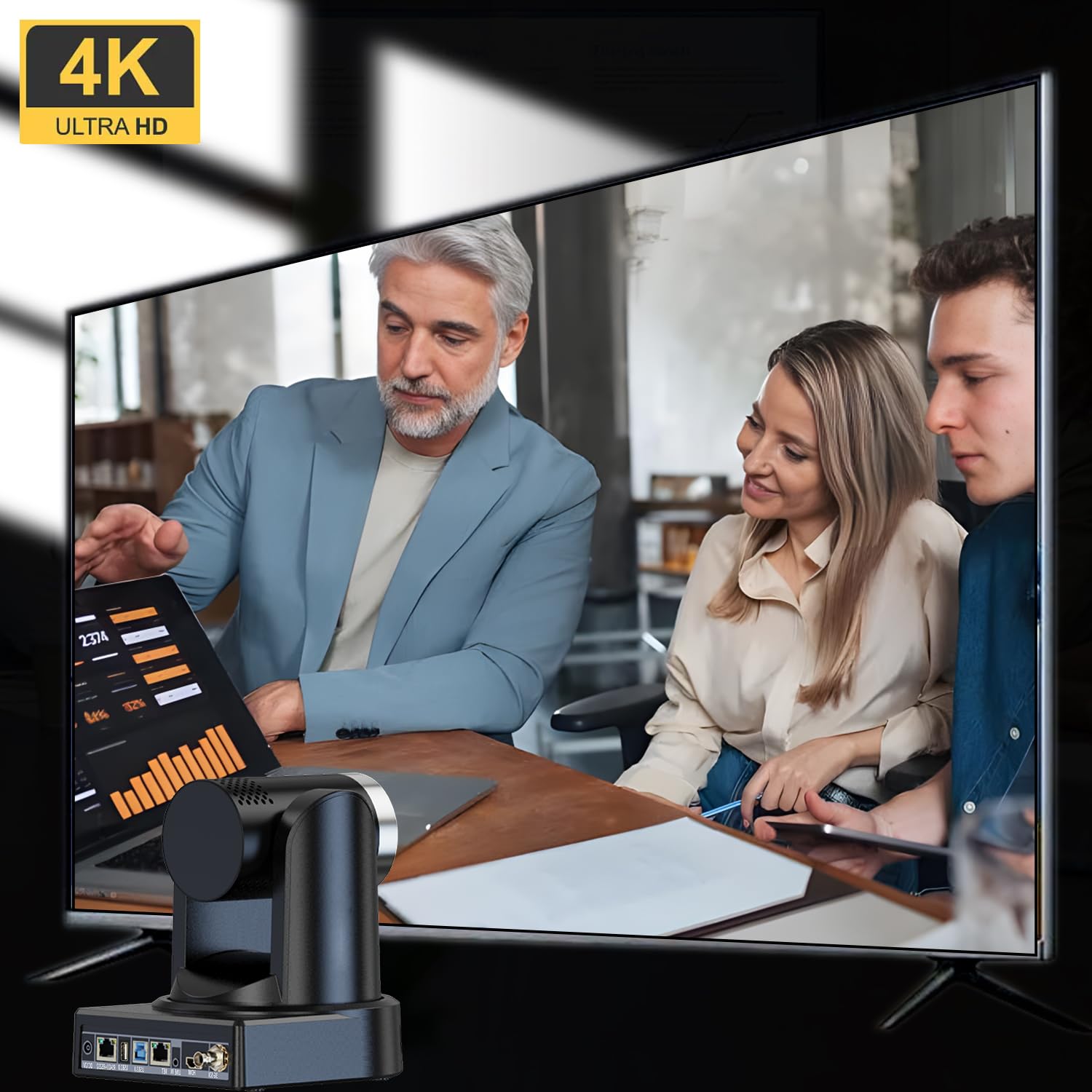
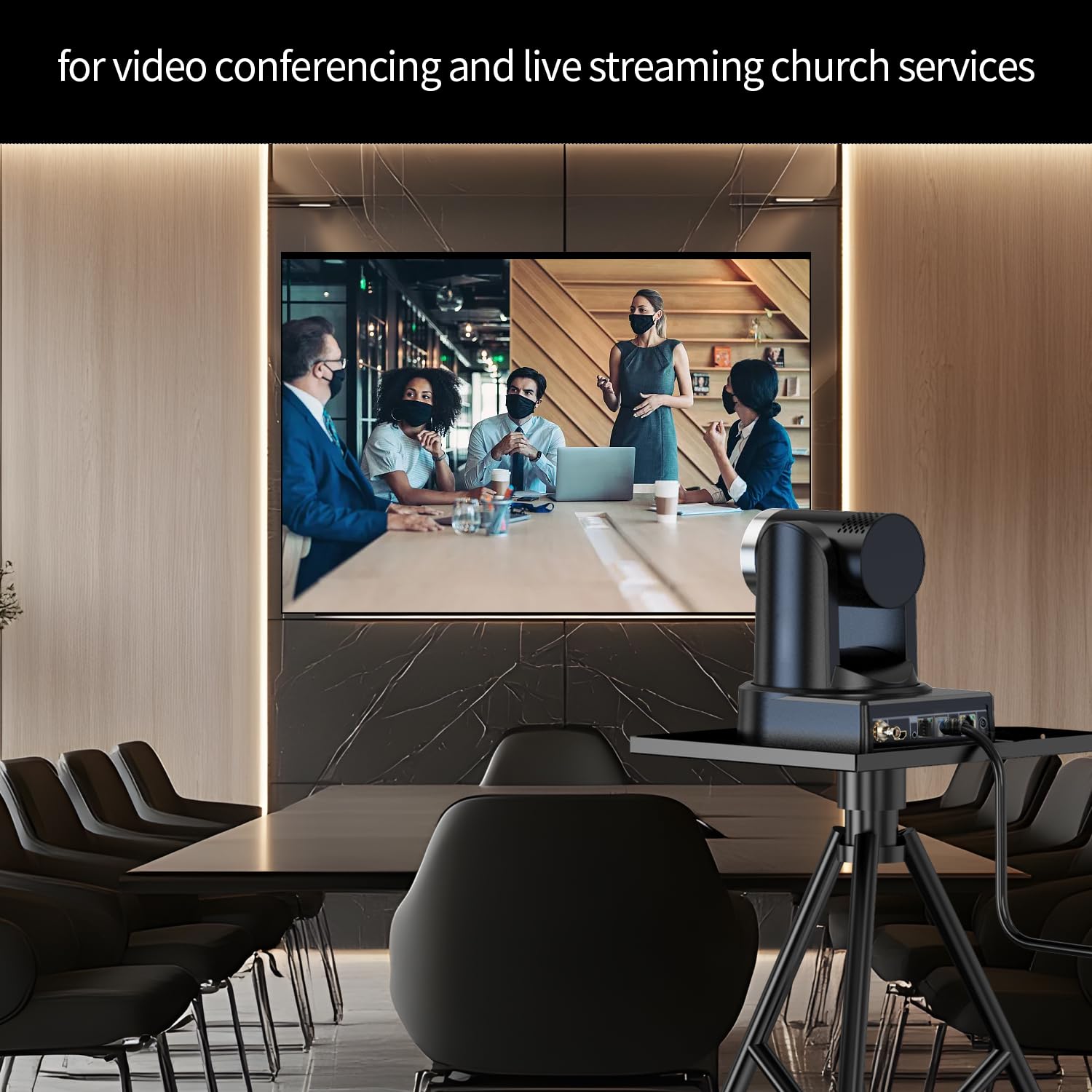
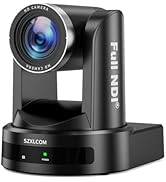
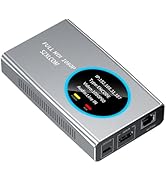
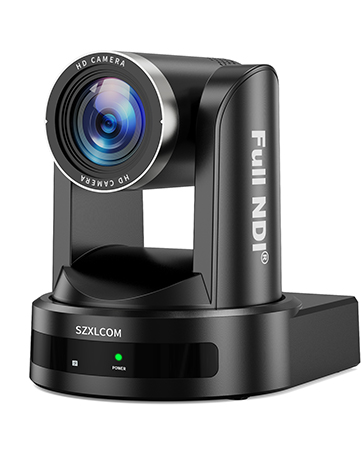
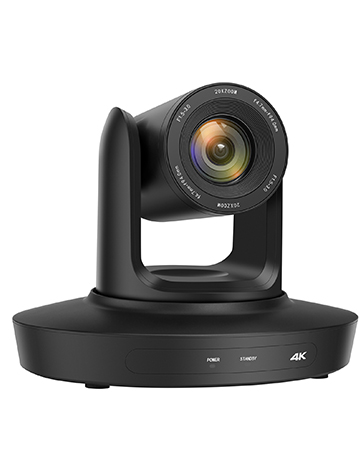
The SZXLCOM 4K PTZ Camera combines an 8.51MP 1/2.5-inch CMOS sensor with 20x optical zoom and AI auto tracking to deliver ultra-high-definition video at 3840x2160 @ 30fps. Featuring multi-interface outputs including HDMI 2.0, USB 3.0, SDI, and LAN, it supports professional live streaming and conferencing platforms like Zoom, vMix, and OBS. Its silent 340° pan and 120° tilt with 255 presets ensure comprehensive coverage, while built-in noise reduction and H.264/H.265 encoding optimize video quality even in low bandwidth or lighting conditions. Ideal for corporate events, church services, and large-scale productions.



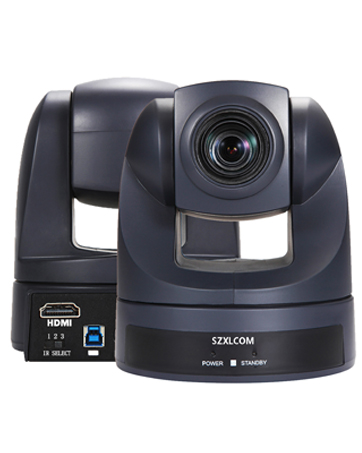
| ASIN | B0DN1G26MT |
| Best Sellers Rank | #883 in Webcams |
| Brand Name | SZXLCOM |
| Color Name | black |
| Customer Reviews | 4.4 4.4 out of 5 stars (20) |
| Date First Available | November 14, 2024 |
| Item Weight | 4.4 pounds |
| Item model number | XL-VH20K |
| Product Dimensions | 6.9 x 5.9 x 6.8 inches |
| Special Features | 4K, AI Tracking, HDMI SDI USB3.0 LAN, PTZ |
W**L
PTZ control issues using OBS - RESOLVED.
I originally gave this item a low rating because it had issues with the PTZ functions when controlled by the OBS-PTZ Plugin and other sources. I wrote to the manufacturer to let them know about the problem. I was pleasantly surprised to get an immediate reply with freshly updated firmware and instructional videos to help with the process of updating and testing. The update fixed the problems with PTZ control. Kudos to Ellie at szxlcom.com for the quick response and remedy. This is now a well-deserved 5 star review.
S**N
Good
Good one
D**D
Capture card needed for us!
It takes a special cable from the sound board to the capture card from the camera to the computer. Took a while to figure out.
A**R
Total overkill for Teams calls — which is exactly why it’s perfect
I’m using this for my Teams calls now, and I fully admit it’s way more camera than anyone needs just to talk about scheduling. But the 4K picture is ridiculously clean, and the PTZ controls make me feel like I’m running a livestream instead of a meeting. The remote is the best part — I can pan, tilt, and zoom like I’m directing a tiny studio camera. Sometimes I adjust it mid-call just to entertain myself. Is it necessary for normal office work? Not even close. Does it make me look like I’m hosting a press conference instead of asking for project updates? Absolutely, and I’m not going back.
A**R
It freezes!
It started freezing!
S**S
I recommend it.
The quality of this camera is on point. The rotation was so good. I love it I use it for church
D**R
Great webcam
Great webcam camera for live streaming. Easy to set up and very portable. Provides clear focused images without lag time. Great price for included camera features. Works well in multiple lighting situations and auto adjusts to provide the best picture viewing even in low lighting situations. Overall, a great webcam and happy with purchase.
M**K
Professional features at a reasonable price
I really like this camera. It has pretty much any interface option you might want. It has SDI, NDI, HDMI, USB and RS422/485 ports. I primarily use NDI so I only need to run a single Ethernet cable for power (using a PoE switch), video, and control signals. I use OSB Studio as my switcher. You need to install NDI tools and the NDI plug-in for OBS. You can configure the camera using a web browser. You can view and control the camera using Studio Monitor from the NDI tools. For the PTZ on-screen or keyboard controls in Studio Monitor to work I had to get a firmware update from the manufacturer. You can contact them through their web site SZXLCOM dot com. Helpful hint, use a joystick or gamepad on a computer running NDI Tools Studio Monitor and enabled it to control the camera in the Settings - PTZ Settings and select the device. Again, on a budget, you don't need to buy an expensive joystick controller. If you are not using SDI or NDI, you can use the HDMI port and control the movement through the IR remote or through a serial connection. I had issues with the video stuttering. I changed the protocol using the web interface to TCP instead of UDP and that resolved the issue. I mount this camera on a tripod as part of a multi-camera mobile streaming setup.



