
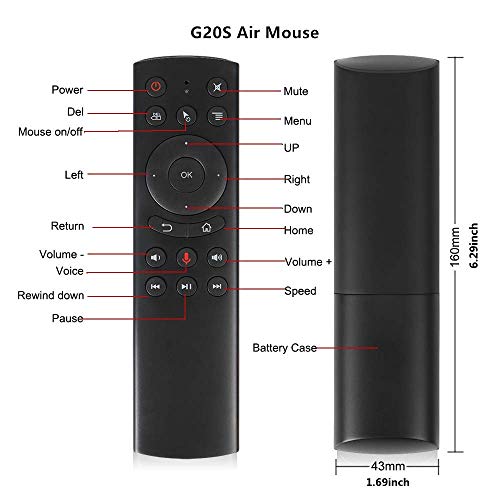

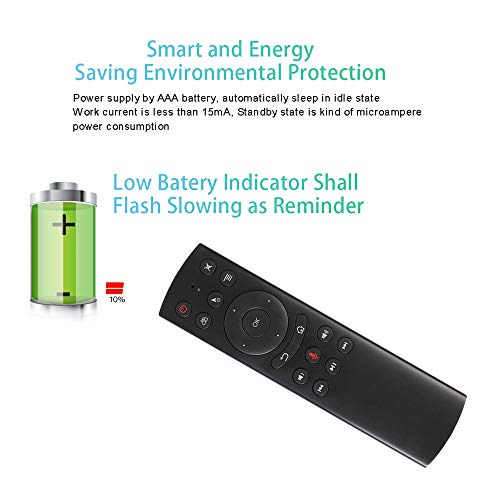

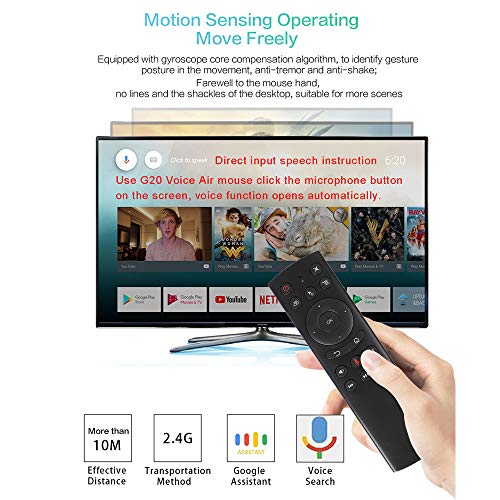
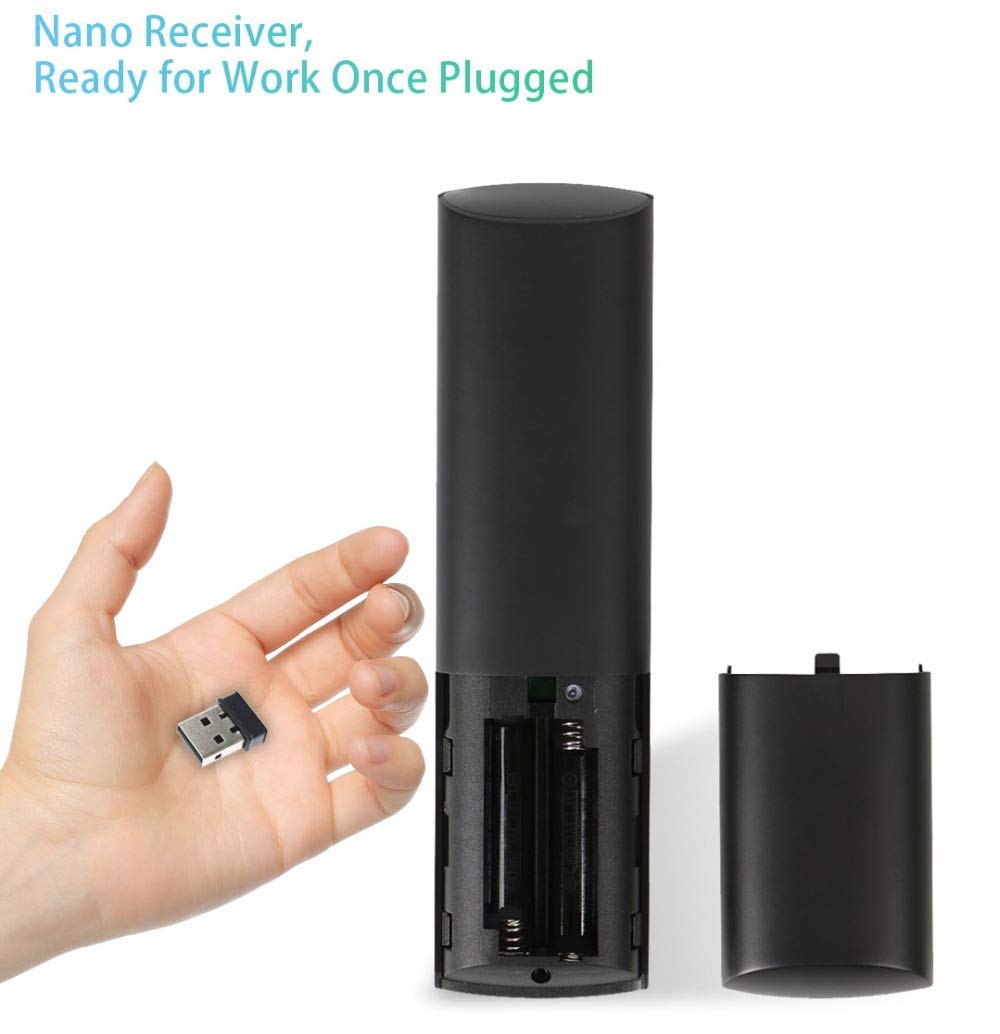
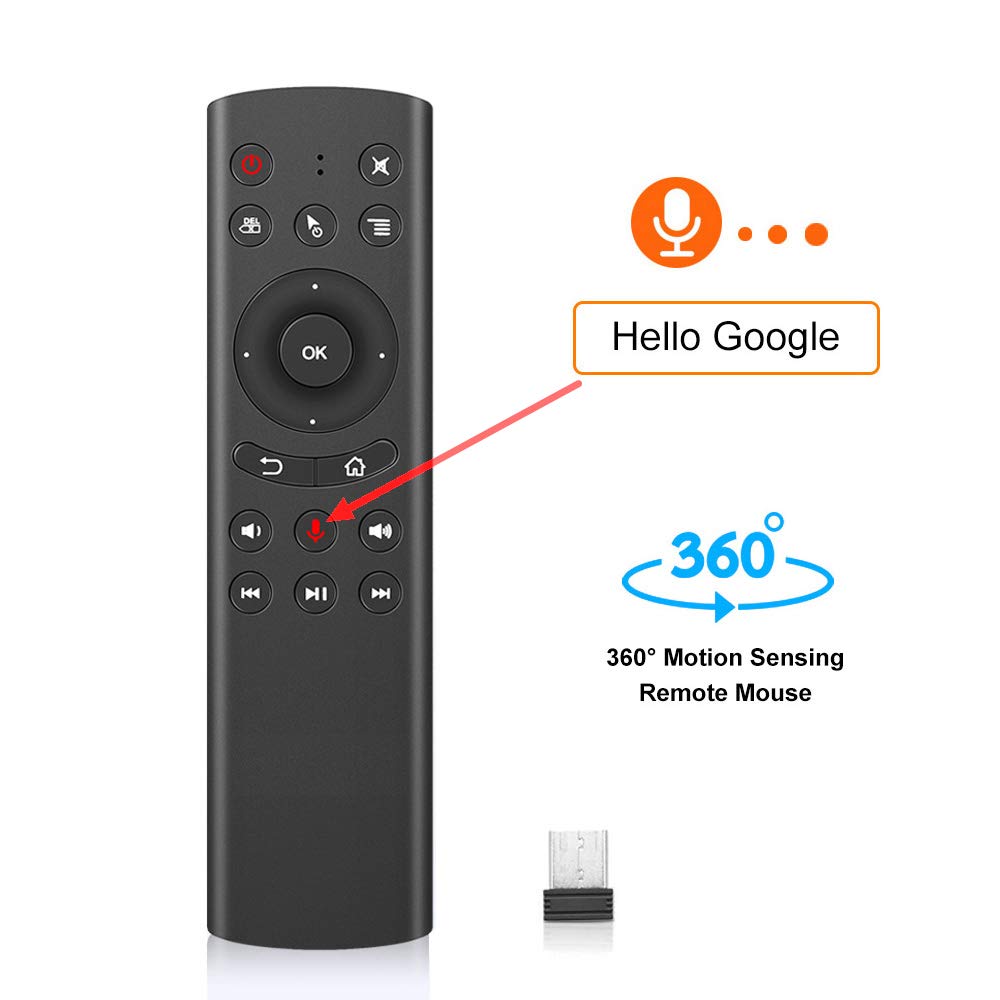


🎯 Command your entertainment with voice, motion, and style—never miss a moment!
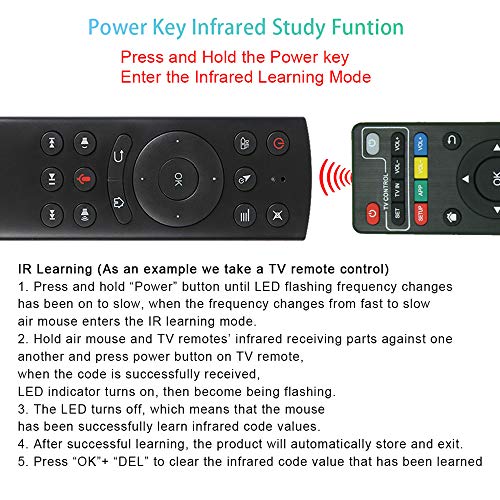
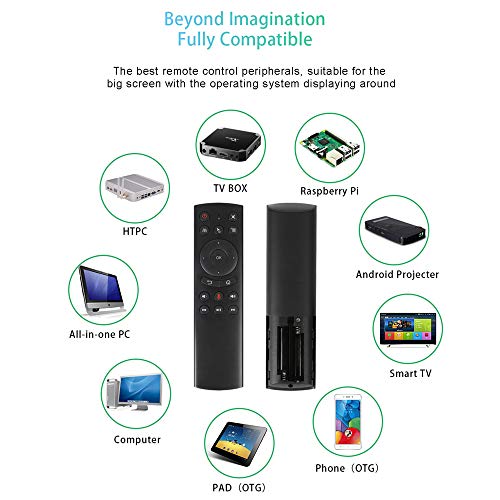
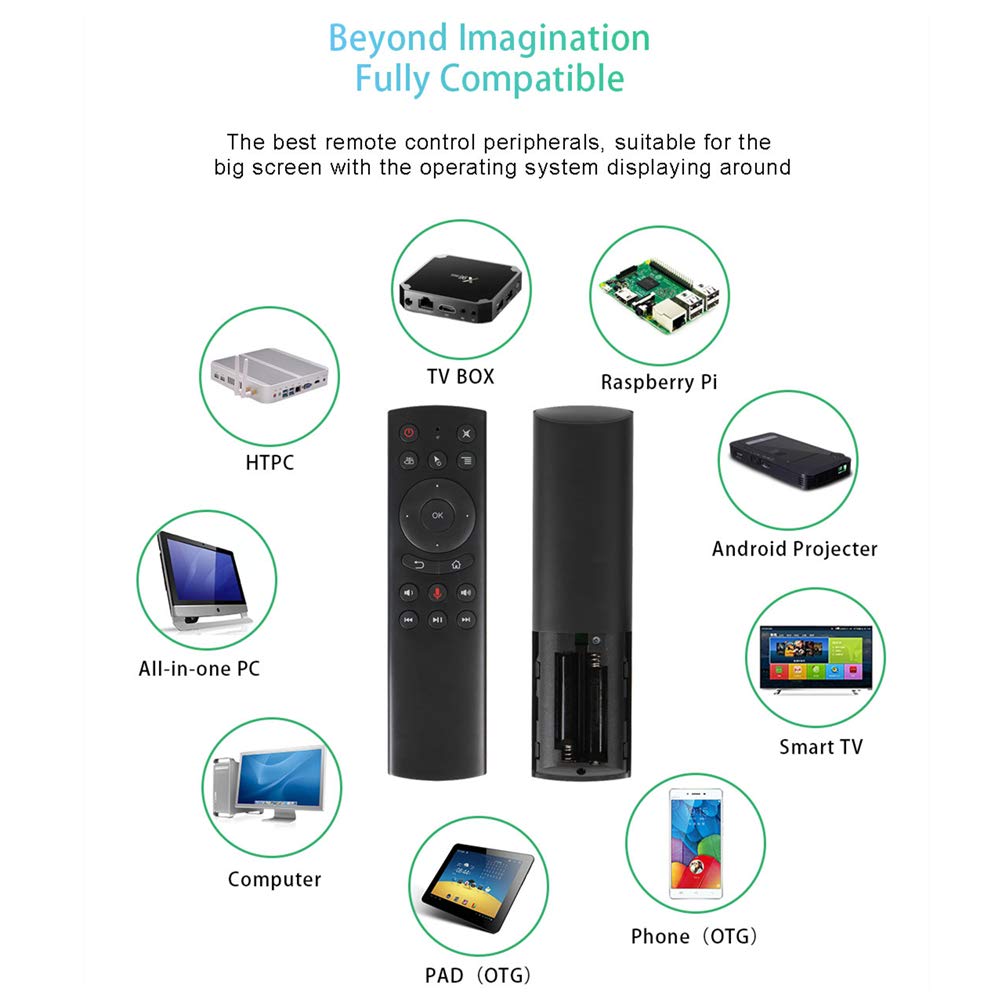
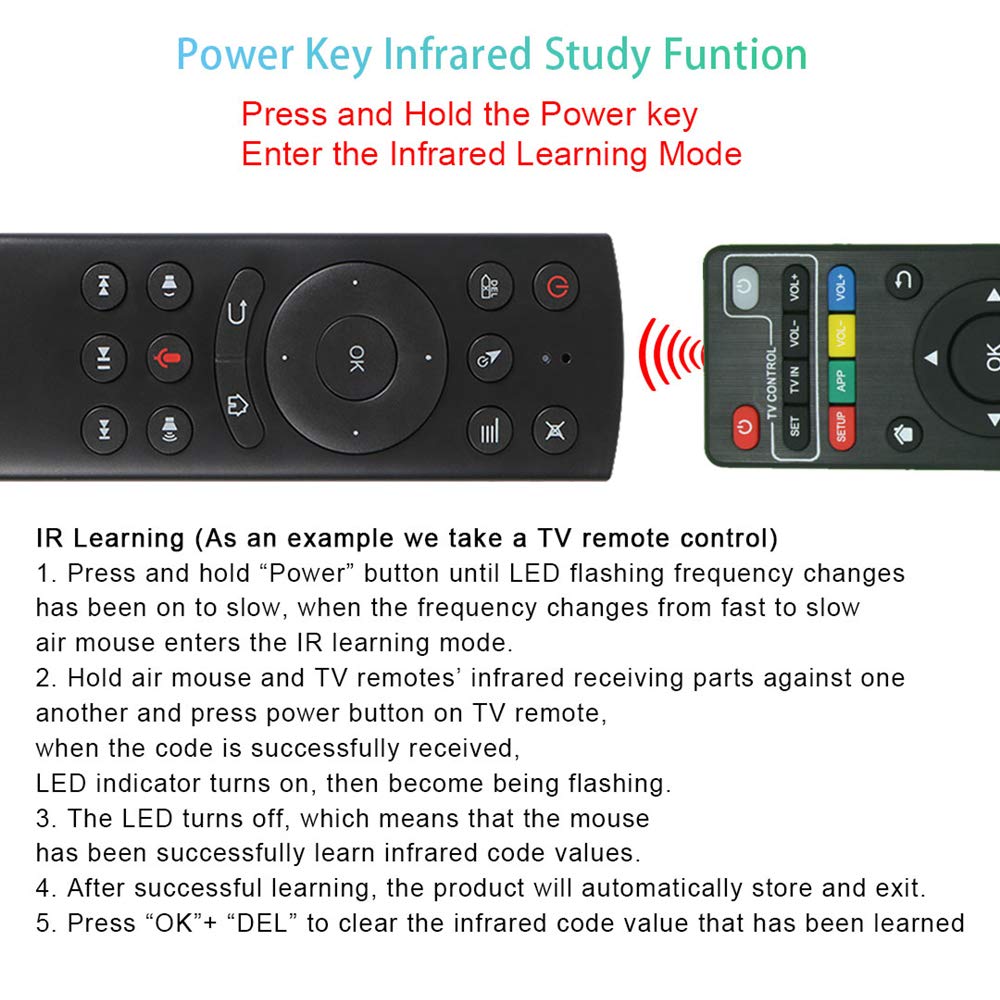
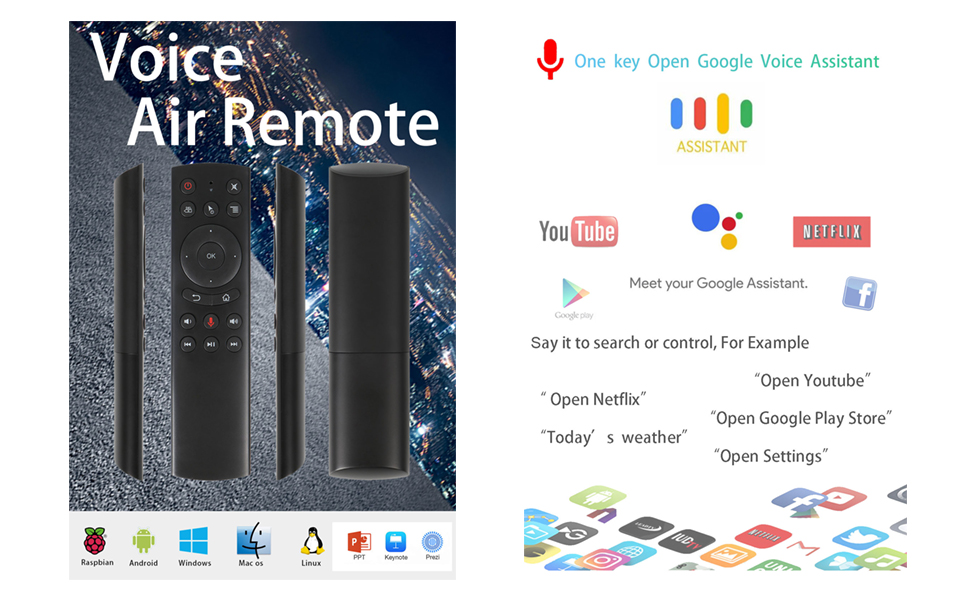
The G20S Voice Remote Control combines a high-fidelity microphone for voice input, 2.4GHz wireless connectivity with a 10-meter range, and a 6-axis gyroscope for precise air mouse control. Featuring IR learning to consolidate multiple remotes, it supports a wide range of devices including Nvidia Shield, Smart TVs, PCs, and Android TV boxes. Plug-and-play design ensures easy setup without drivers, making it the ultimate all-in-one remote for modern home entertainment.



| ASIN | B07RFN8Z47 |
| Are batteries included? | No |
| Batteries | 2 AAA batteries required. |
| Battery type | AAA |
| Brand | Dupad story |
| Colour | G20S Voice |
| Compatible Device | Computer, Home Theater, Projector, Streaming Device, Television |
| Connectivity Technology | Radio Frequency |
| Customer Reviews | 4.0 4.0 out of 5 stars (769) |
| Date First Available | 12 January 2020 |
| Generic Name | remote |
| Hardware Platform | television |
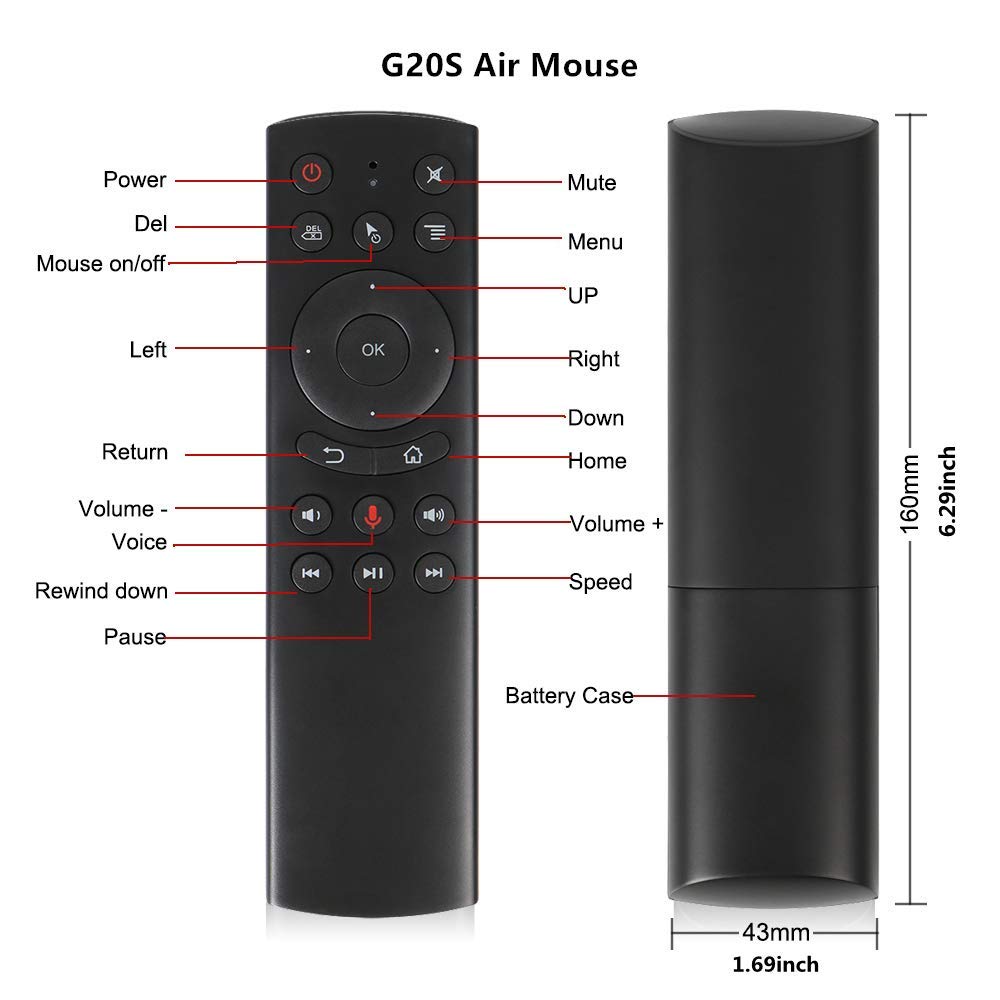
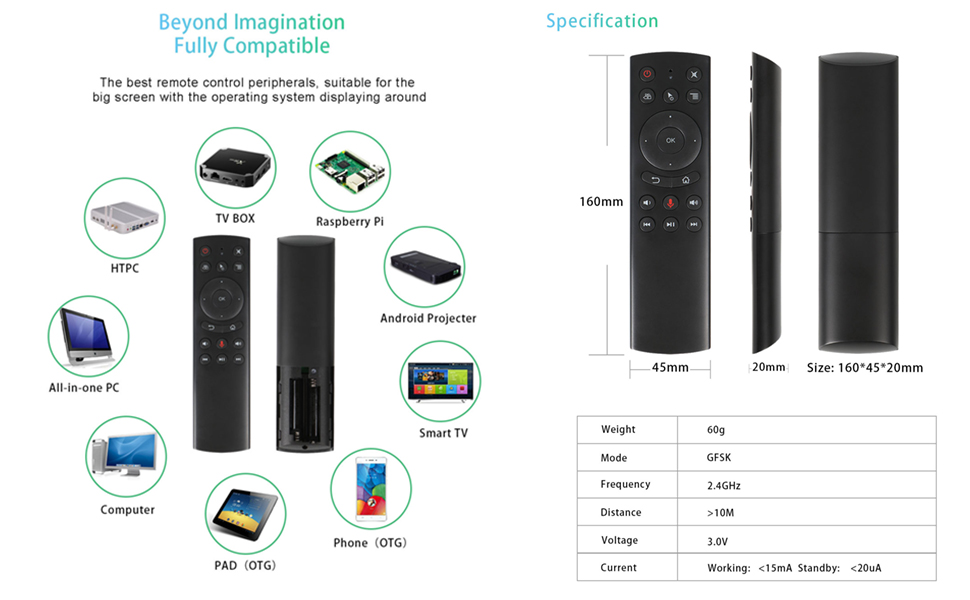
| Item Dimensions LxWxH | 16 x 4.5 x 2 Centimeters |
| Item Height | 20 Millimeters |
| Item Weight | 60 g |
| Item Width | 45 Millimeters |
| Item model number | G20S |
| Manufacturer | china |
| Model number | G20S |
| Number of buttons | 18 |
| Operating System | linux, mac os x, windows 2000, windows 7, windows 8, windows vista |
| Power Source | Battery Powered |
| Product Dimensions | 16 x 4.5 x 2 cm; 60 g |
| Special Feature | Voice Search, Precise Cursor, IR Learning |
S**H
Used this to replace my Mi Box 4 controller that mysteriously went missing. I still haven't found the Mi Box remote. Maybe it slipped into an alternate dimension or turned into an autobot and walked away or something. Anyway, it works great and even works as a gyro air mouse. My only minor complain about this thing is that the air mouse is turned on and off with the press of the mouse button. I'd much rather the remote function as an air mouse while HOLDING the mouse activation button rather than toggling on and off. It would make the remote much, much easier to use as a mouse. It does use a USB dongle, which is nice because it registers as a USB mouse/keyboard and virtually any device you connect it to will be able to work with it if it works with a mouse/keyboard. No complaints, super happy.
W**K
Press one button and the receiver registers 3-4 presses. Makes it useless for navigating a movie or selecting one in the first place. Very frustrating. I will say though, it is able to program very easy, so it was able to control the power to my TV via IR (So I have to give it +1 star for doing that well. I had to return it because I was ready to pitch it through the TV a bunch of times because of the frustrating inability to navigate menus with it.
A**W
This thing works amazing with my nvidia shield. I am even able to control the volume of my receiver with HDMI CEC. The USB connected right away and is vastly superior to the oem remote that came with the Nvidia Shield 2017. Now to the problems: This is an air mouse as well as a remote. I find the air mouse feature to be VERY sensitive. I believe the instructions describe a way to reduce the sensitivity but I didn't bother with that and simply turned off the air mouse feature. Its one button on the remote and the air mouse is off which I'm happy this has. If that wasn't a feature of remote then it would be grabrage. 2nd is I find this remote to be very slippery. It easily slips out of your had and/or from couch cushions. I wish it was made with a more matte/rubber material or if a cover of some kind was available. The air mouse issue is easily resolved. If this remote came with a rubber case then that would solve the issue of being slipper and likely increase it's overall life. a 3rd issue I just thought of is if you have kids, this likely won't last.. The plastic feels slim and flimsy but in an adult owned environment it should be fine. I'm careful with my remotes (all electronic devices actually) and I don't have small children so this isn't a concern for me.
B**S
I got this because I really don’t like the “peanut” remote that came with the device originally. It’s just too clunky and the buttons are hard too push partly I have Parkinson’s. Plus it doesn’t have an air mouse function like this one does. Of course we’re buying this you also have to buy a USB splitter if you haven’t already. Unfortunately it’s not Bluetooth. So, on the TiVo device it doesn’t have the power and controls. So you can’t control the volume. That’s about the only issue I have with the besides it’s screwed up the keyboard, the Google keyboard. It doesn’t work with the device. But, you can go into the Google store and get the lean keyboard. That is also a voice keyboard like the Google one and it will work with this device on all the different apps. So far so happy, I don’t know what the battery life is compared to the peanut. The peanut Bluetooth, I wish they had a Bluetooth version of this remote. I actually bought it thinking it was a Bluetooth remote. But once I but I realized I need a splitter for the receiver. The cost of the remote with the receiver puts it in the range of Bluetooth remote. I probably should have Spent more and got a Bluetooth remote. Oh come in besides the volume not working, the power button is the only button that you can program and learn. As long as you’re volume remains the same, I don’t really miss not having volume.
J**E
When I first opened my Nvidia Shield and saw the remote, I knew I was going to be frustrated with it. Between it's strange "slide to adjust volume" feature to its lack of mute and DVR control buttons, it took me only a day or two before I jumped on Amazon to look for alternatives. I am so glad I went with this remote. It is a little thicker than the Sheild remote, which is good since the Shield remote is just so thin. It was recognized by the Shield as soon as I inserted batteries and plugged the USB receiver into the Shield. I use DirecTVNow for streaming TV service. Since it cannot be installed onto the Shield without sideloading, the app is just not designed for the Shield's remote, especially when viewing DVR content since there is no DVR control on the Shield remote. This remote allows me to quickly rewind, play/pause, and fast forward in the DirecTVNow app using dedicated buttons. I also love having the volume buttons and mute, although I had to turn on the "CEC" audio control option (not the "IR" to my receiver option) in the Sheild's audio settings. This allowed the remote to control the volume on my Yamaha receiver through CEC - awesome! The gyroscope mouse is interesting, but I'm not sure I will use it that often. And I love that there is a microphone on this remote for voice control. At a price under $15 at the time of my review, this is a remote that every Shield owner should have.
TrustPilot
1天前
2 个月前



