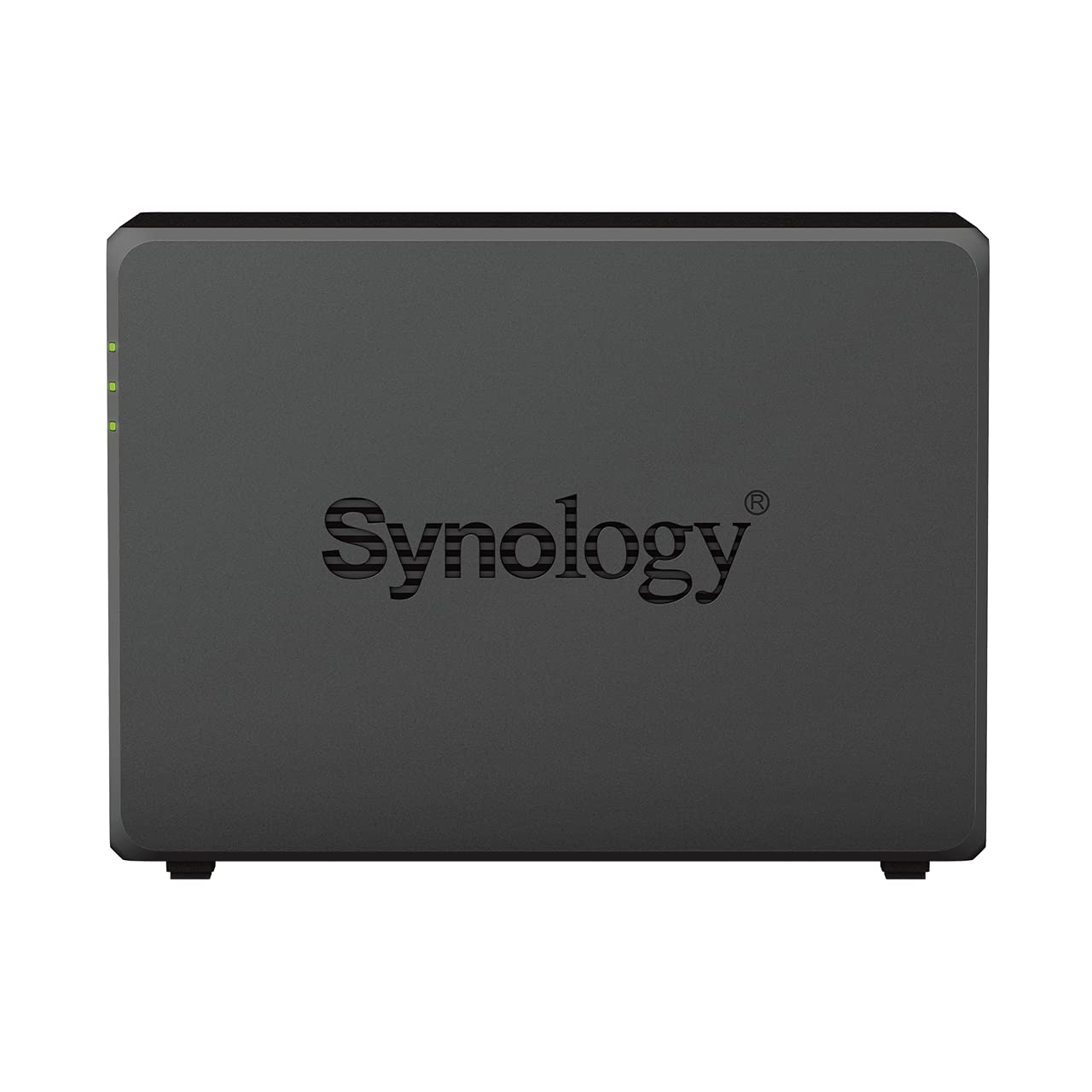


🚀 Elevate your data game with Synology’s powerhouse NAS — speed, scale, and security in one sleek package!
The Synology DS723+ 16TB 2 Bay Desktop NAS comes pre-installed with two 8TB HAT3300 drives, delivering up to 471 MB/s read speeds and versatile connectivity options including dual 1GbE ports with optional 10GbE. Designed for professionals seeking scalable, reliable, and fast network storage, it supports expansion up to 7 drives and integrates advanced data management and protection features, making it an ideal solution for multimedia, business, and personal use.


| ASIN | B0C822WMXJ |
| Best Sellers Rank | 69,343 in Computers & Accessories ( See Top 100 in Computers & Accessories ) 46 in Network Attached Storage (NAS) Devices |
| Box Contents | NAS with drives installed |
| Brand | Synology |
| Brand Name | Synology |
| Cache Memory Installed Size | 8 |
| Compatible Devices | Desktop |
| Connectivity technology | Ethernet |
| Customer Reviews | 4.5 out of 5 stars 217 Reviews |
| Data Transfer Rate | 1 Megabits Per Second |
| Digital Storage Capacity | 16000 GB |
| Digital storage capacity | 16000 GB |
| Form Factor | 3.5-inch |
| Hard Disk Description | Mechanical Hard Disk |
| Hard Disk Form Factor | 3.5 Inches |
| Hard Disk Interface | Serial ATA |
| Hard Disk Rotational Speed | 5400 RPM |
| Hard disk form factor | 3.5 Inches |
| Hard disk interface | Serial ATA |
| Hard-Drive Size | 16 TB |
| Hardware Connectivity | Ethernet |
| Installation Type | Internal Hard Drive |
| Manufacturer | Synology |
| Media Speed | 471 megabyte_per_second |
| Model Name | DS723+ |
| Model Number | DS723+ |
| Network Connectivity Technology | Ethernet |
| Number of Items | 1 |
| Product Features | Fast Speed |
| Product Warranty | 3 year manufacturer |
| Read Speed | 471 Megabytes Per Second |
| Special feature | Fast Speed |
| Specific Uses For Product | Multimedia, Personal, Business |
K**E
Great NAS
Bought to upgrade from a DS220+, and worth doing. Even without adding any extra memory or SSD, the improvement in performance is noticeable immediately! I could see that some extra RAM would be well worth investing in, as the migration took a very long time to finish off all the background indexing etc, and tied up the existing memory enough to notice a significant slowdown in anything I tried doing manually at the same time. Once all set up though, a perfect little machine and very glad I forked out the extra money for this.
B**R
Very good and scalable
Originally got the DS220+ but found it too slow. So returned it and got this instead, which was the right decision.
D**I
Great NAS
Needed another 2 bay NAS as my current one on it's last legs. Great item and upgrade, item came with EU Plug
A**V
Big improvement on my old synology.
This NAS drive is fast, especially after adding a 16Gb memory card. I use it for the usual things like file sharing, backup etc., but also to run Home Assistant in a virtual machine, and to prototype wordpress websites. A Home Assistant addon called predbat keeps all my solar panel and battery storage running smoothly.
C**N
Shocking Service
Item arrived in a partially damaged box and the diskstation had clearly already been opened and used. Not acceptable for an item that is supposed to be secure and reliable data storage. The item has arrived with 500 GB used on the HDD and only 14TB of storage when 32 was ordered. I have connected to the drive and it has all of the previous owners data, including photos, an absolute disgrace.
S**N
Before time delivery and best NAS
The delivery was super quick and NAS has lot of features. Software packages are really awesome to play with. Easy set up.
A**R
Mac compatibility is still poor
I bought a Synology DiskStation DS723+, with 2 x 1TB NVME read/write cache and 16GB ram (running DSM 7.2.2), it works fast for the most part, but it randomly disconnects. If I try to encode video files directly on the SMB mount with ffmpeg, it just freezes up and a minute later I see a disconnected dialog from Finder, it's just not stable - forget about working off of the NAS basically. You also get various loss of functionality such as the "created at" column in finder is blank, you can't just delete a file, it will show a dialog asking you to confirm, which you can't do with the "enter" key, you get all kinds of strangeness with hidden files, symbolic links, etc. But the worst is inconsistent performance. On my M1 Mini I only get 60mbps throughput to the NAS (awful), on my MacBook M3 Max I get 960mbps (good), but the M1 to M3 also gets 960mbps (good), it's just the Mini -> NAS that's slow, I cannot for the life of me figure out why. The NAS, Mini and MacBook are all on the same Netgear switch using a 1 gigabit connection. I don't understand why this is so hard in 2024 :( - do yourself a favour, just use a thunderbolt SSD.
TrustPilot
2天前
2 周前



