
🚀 Elevate your home network—fast, smart, and unstoppable!
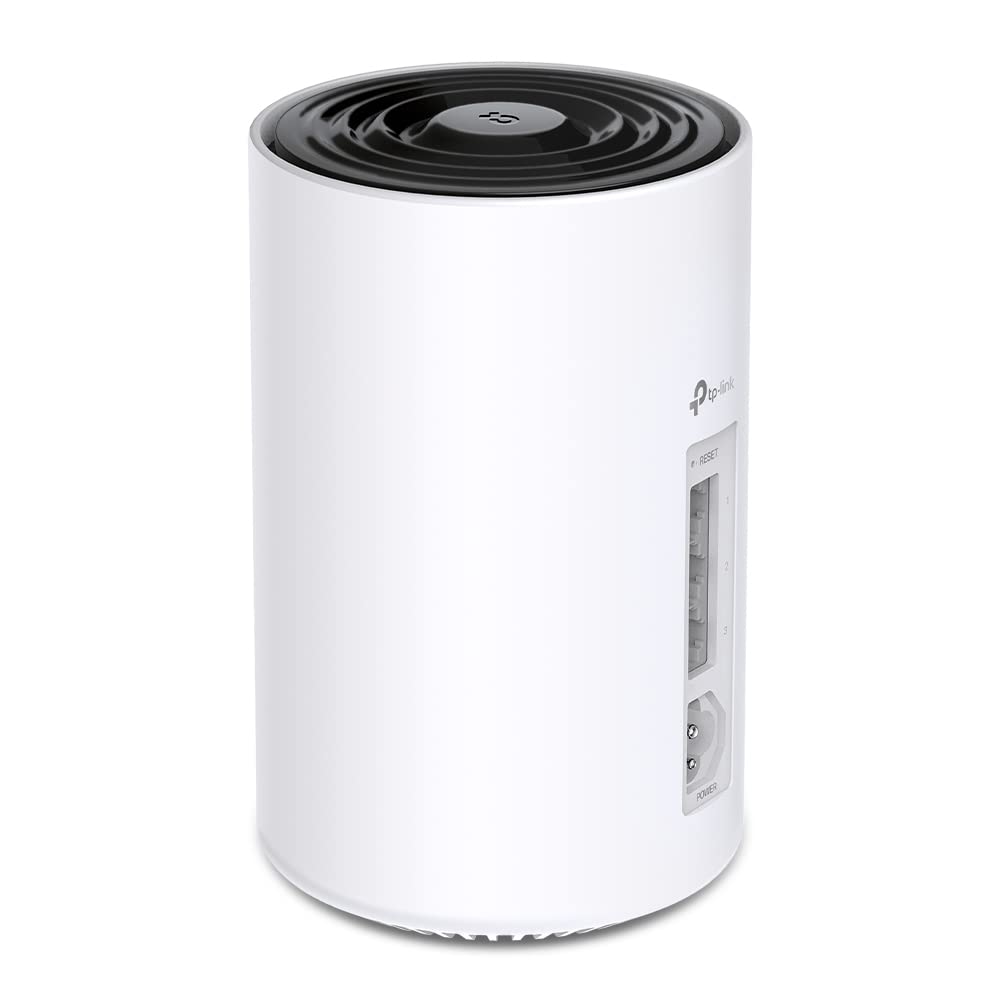
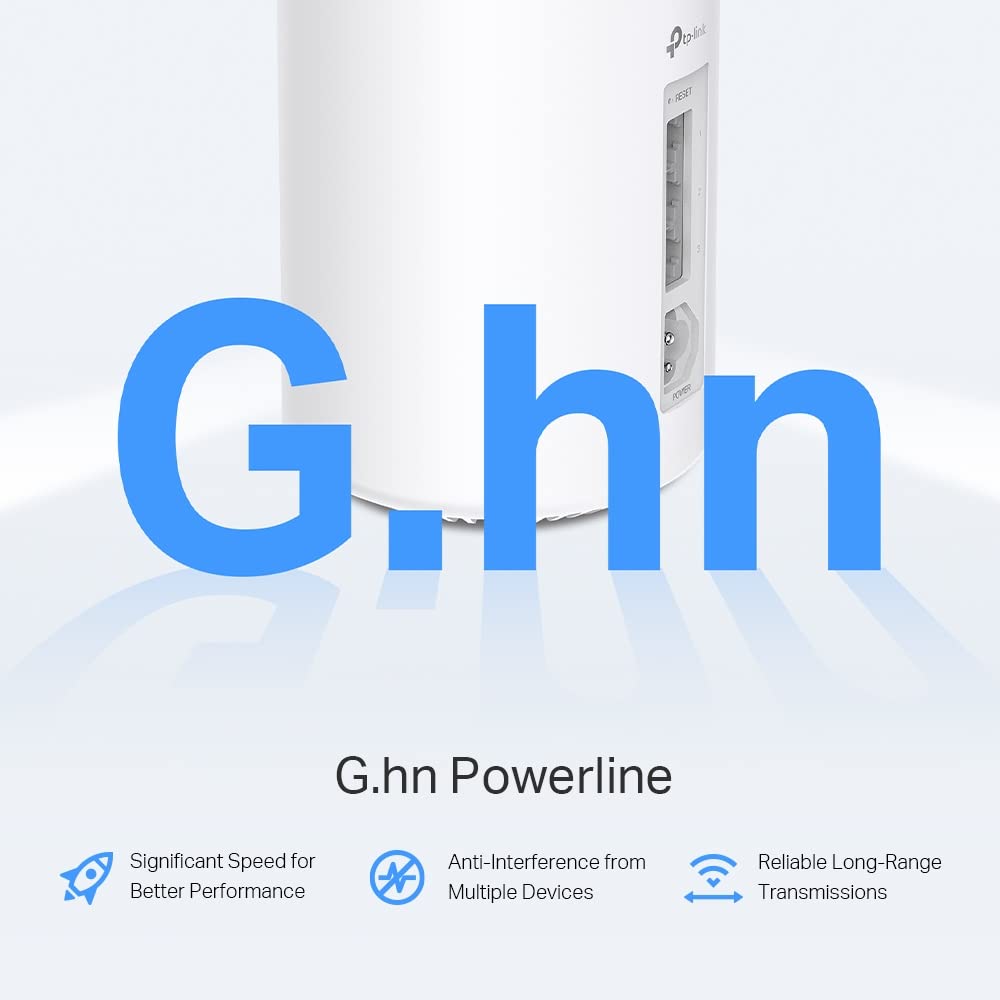
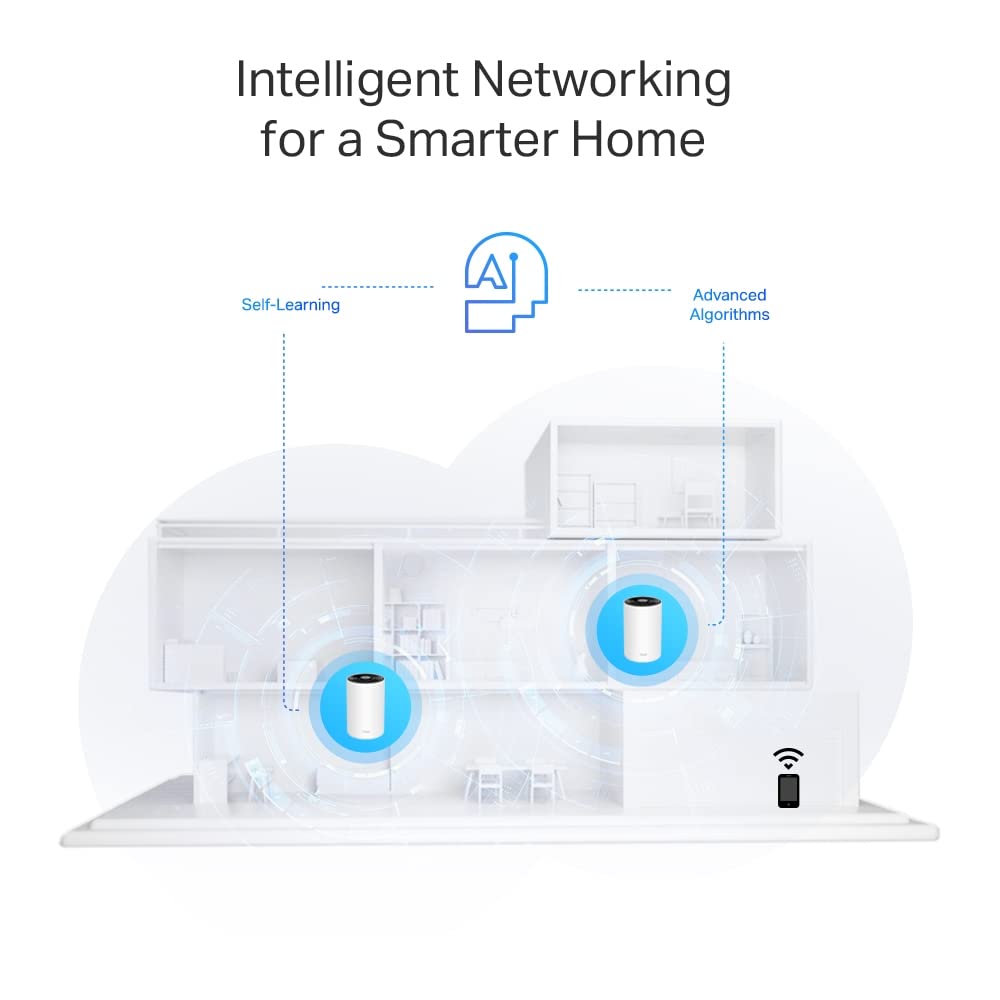
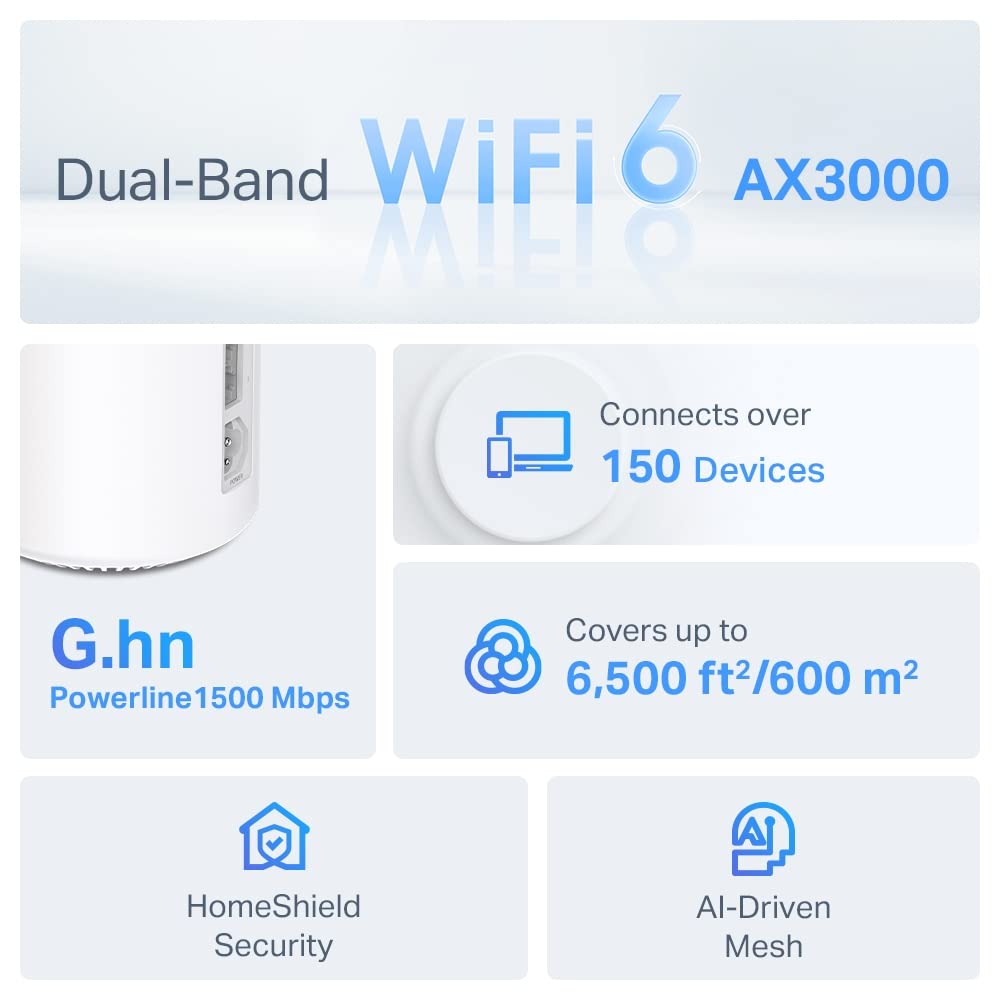
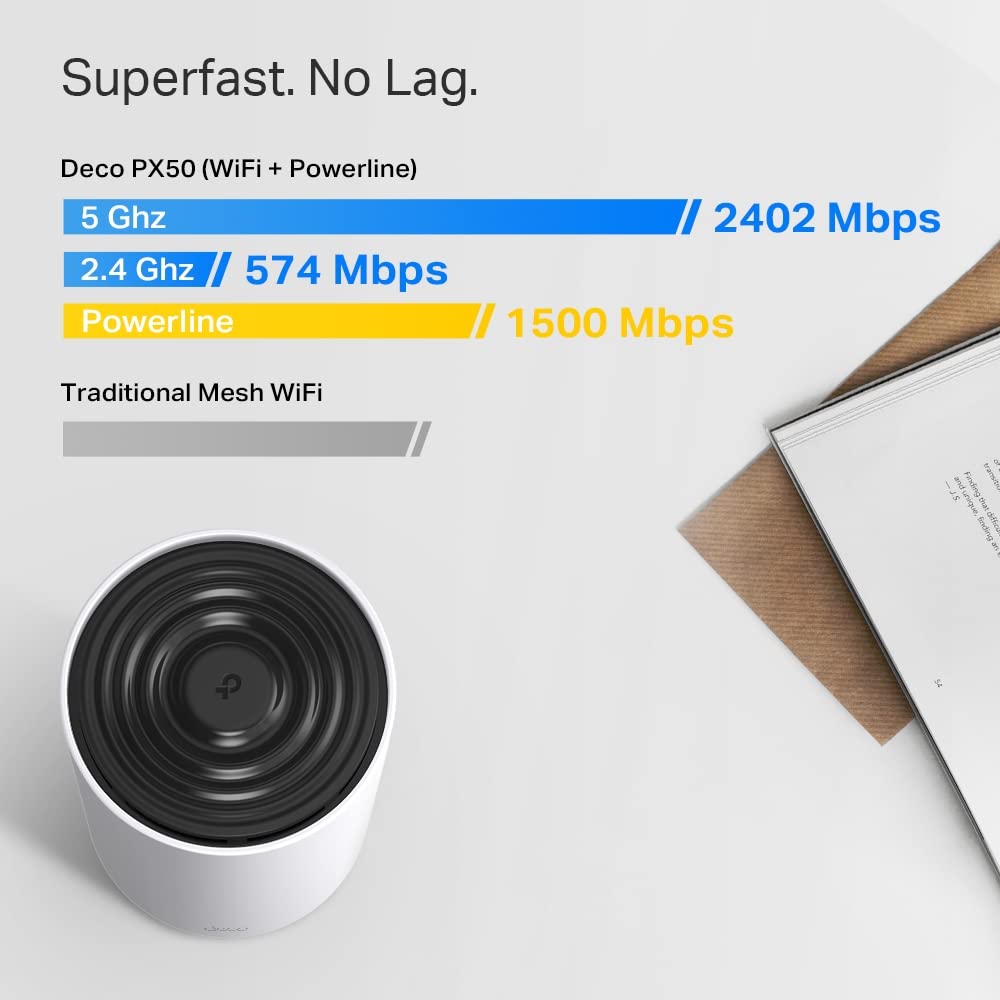
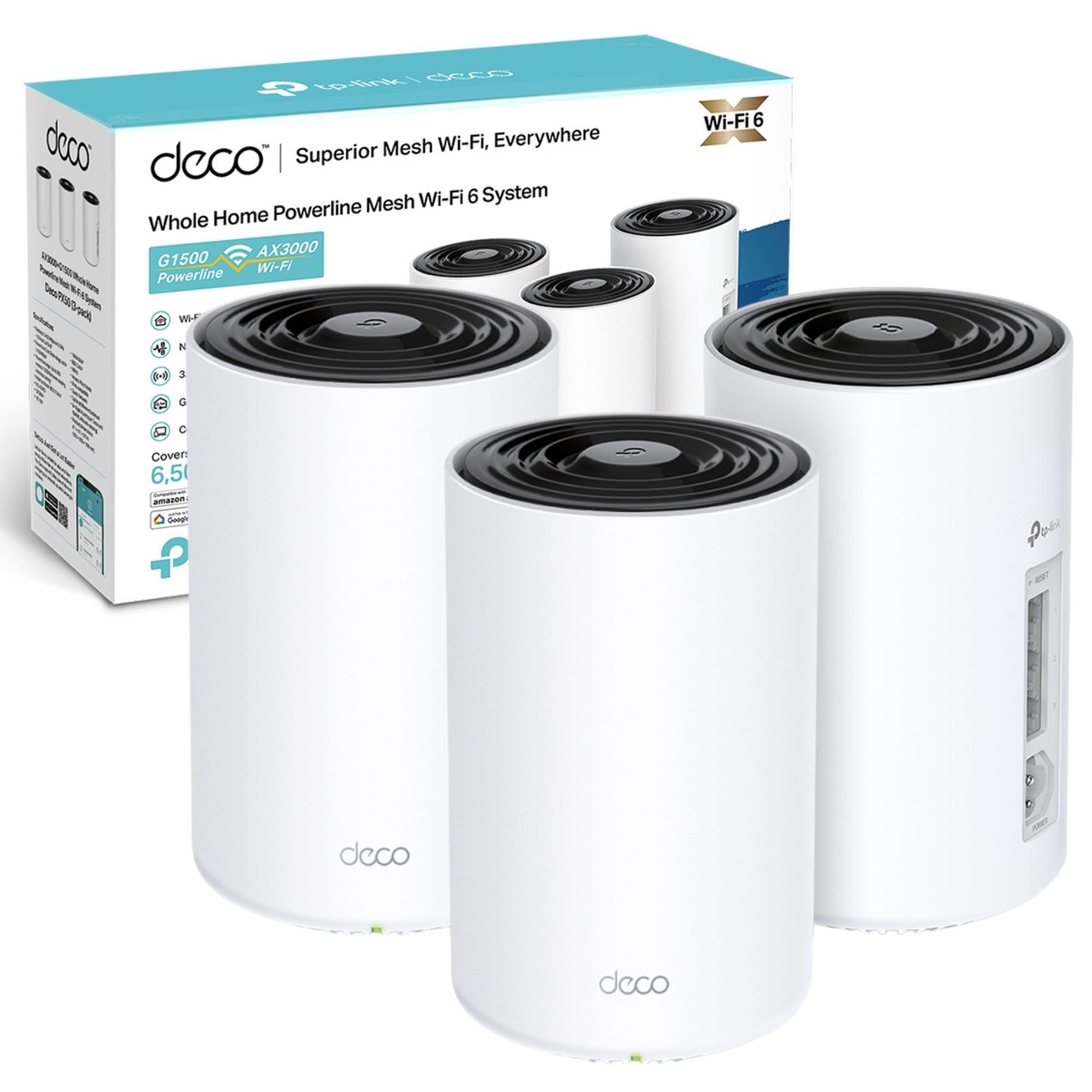
The TP-Link Deco PX50 (3-pack) is a cutting-edge WiFi 6 mesh system combining AX3000 dual-band speeds with G.hn powerline technology for ultra-reliable coverage up to 6,500 sq ft. Designed for busy homes and smart offices, it supports up to 150 devices simultaneously, features 3 Gigabit Ethernet ports per unit, and uses AI-driven mesh to optimize your network environment. With easy app setup and robust HomeShield security, it’s the ultimate upgrade for seamless, high-speed connectivity across every corner of your space.


| ASIN | B0BKTJVGM5 |
| Are Batteries Included | No |
| Best Sellers Rank | 3,929 in Computers & Accessories ( See Top 100 in Computers & Accessories ) 27 in Powerline Network Adapters |
| Brand | TP-Link |
| Customer Reviews | 4.3 4.3 out of 5 stars (2,180) |
| Date First Available | 28 Oct. 2022 |
| Guaranteed software updates until | unknown |
| Item Weight | 3.48 kg |
| Item model number | Deco PX50(3-pack) |
| Manufacturer | TP-Link |
| Operating System | Linux |
| Product Dimensions | 10.5 x 10.5 x 16.9 cm; 3.48 kg |
| Wireless Type | 2.4 GHz Radio Frequency |
B**N
Serious upgrade to our home networking
As a result of getting better broadband installed, our Internet bandwidth exceeded that of our previous home networking kit, so I ordered this kit as an upgrade. We don't have ethernet cables run all over the house and I have no interest in attempting to retrofit them at this point, so we've previously been using powerline adapters with built-in wifi access points. The powerline bandwidth we achieved was up to 100Mbps which is not to be sniffed at. As a result, the prospect of using that circa-100Mbps for backhaul was appealing, so I went for the PX50 model that mixes wifi and powerline to attempt to get the best of both worlds. The PX50s deliver what I wanted - network bandwidth that exceeds our broadband's 500Mbps. Is the powerline aspect worth it vs. the non-powerline models? The app indicates that the satellites are indeed communicating with the main Deco unit using both wifi and powerline, so presumably the built-in intelligence thinks it's worth bothering with, but I haven't measured the two methods individually. With the previous TP-Link kits, we've had problems with getting good performance on the 2.4Ghz network and with compatibility, causing me to split the SSIDs into 2.4Ghz and 5Ghz variants. Pleased to report no such issue with this kit, and I was able to consolidate SSIDs again. The 3x eth ports on each unit is welcome, though 4 or 5 would have been nice (you know, like basically every other home router in existence having 1x dedicated WAN input and 4x outputs). Luckily it was enough for now at both the main unit and one of the satellites where I plug in a desktop computer via eth. If I need more then I'll have to dig out a 4-port passive hub that I bought years ago. I was sceptical, but ultimately have just plugged this directly into our Fibre ONT/"modem" and removed our (very good) TP-Link router because frankly the Deco setup is good enough, and I've essentially got everything running with very little effort. Now we're fully running on a Deco mesh across the entire house, including wired devices connected directly to the Deco units, and it seems to work well. Time will tell, I suppose. Devices are roaming between access points in the way that you'd hope to achieve with a mesh network. It does mean sometimes devices are connecting to satellites that I wouldn't have expected, but I assume the connection is better, so I'm not going to override those decisions or spend time micromanaging it. I only have a few minor complaints/observations: 1) The very chunky power cable in combination with the placement of the socket on the unit means that you will struggle to find a "nice" placement of the unit where the wires are hidden. By my estimation, I couldn't get the unit closer than 11/12cm from the wall. Maybe if you have a corner table or something you would get away with it. As it happens it's not that important with the placement I've chosen, but if you're fussy about cable management you may want to be aware. 2) For some (apparently designed-in) reason the Philips Hue bridge doesn't show up in the list of devices that are attached. I assume this is because there's some deeper Deco app integration with Hue, but I'm not interested in that and would have preferred to see it as a regular device in the device list with all the other options for managing it available. Why? I don't know, I will probably never find a reason for this to matter, but it strikes me as odd. 3) No eth-based setup via a web interface (like every other router/system on the planet) which means you need a working Internet connection in order to set the thing up. Probably not an issue for most. 4) No way to control individual device LEDs, it's an all-or-nothing setting for the entire network. Just seems like an odd choice. I don't want to have a bright LED in my face on my desk, or in the living room, or a bedroom, etc. But where I've got the main unit set-up alongside all my other hubs/ONT etc, I'd be happy to see the device status LED. Pros: + Easy to set up, really ridiculously easy + Very good performance so far with my testing + No problems bridging wired devices onto the network via the eth ports + App is fine and has nice little features like notifications of new devices joining the network + Wifi signal seems to be very strong/far-reaching, huge improvement on our previous TP-Link kit Cons: - Wires stick straight out the back and the power flex is very chunky, so you won't be able to easily tuck the cable somewhere out of sight - Weird "by design" omission of the Hue hub from the device list - No web interface, so if you have no/bad mobile signal during initial set-up you might struggle - No way to control the individual LEDs of each device separately
J**P
So worthy of a review from someone that doesn’t do reviews...
This was a purchase that took some time. WiFi dead spots in our house, signal appeared to come and go at random times. Had OK cover close to the router, but then had to use extenders into further reach parts of the house and this caused patchy coverage and annoyingly having to change WiFi networks depending on where you were in the house... the wife told me to fix it! So, read a few things on the interweb, mesh WiFi gives great coverage and high speeds. Many to choose from, and not cheap, so choose wisely... decided the Deco felt right, good reviews and price appeared good for a mesh system. I knew the set up wouldn’t be easy, I’d have to log on to web browsers and add set up protocol and IP stuff and old passwords long forgotten and be on hold for hours for tech support... while all painful, I could go through that to get good WiFi... So the box arrived - I was ready. Few hours of my time and all would be good. I unplugged the old WiFi and warned the family for the next few hours, daddy was going to be a technician (this is one thing I AM NOT!!). So 17 minutes after unboxing, imagine my surprise when the easy to use app told me I was all done!!! I simply plugged my modem into any one of the three Deco P9’s, no fiddling about in browsers tinkering with settings, just then plugging in the other two P9’s and them connecting (the app guides you through this very clearly). Then I was live... so speed test and dead spot checking time!! Now where I live we can’t get cable, so it’s traditional phone line set up only. That means 69mbps max.. that’s it! Every room in the house, every corner every cupboard even in the toilet with the door closed, I was getting 65-69mbps!!!! What!?!?? Never before had we had that speed, 40 was considered good, 45 great. Then signal is so constant, everywhere, and only one network name so you can walk around the house, and stay on one network. Sonos works like a dream, I even get WiFi half way down my garden even though all the P9’s are in the house. These things work and work well. Set up is child’s play, and quick. Signal is strong, and coverage is great. The app guide you through set up well. It’s a little clunky and dated looking, but it does the job and doesn’t lack anything. BTW - I use Plusnet as seen some comments around Plusnet settings meaning mesh WiFi isn’t an option. Well it worked here beautifully. I got rid of their router and plugged in an old (very simple) modem I had - nothing else. Then just plugged in the Deco system and now, me, wide and kids are happy and have WiFi we always dreamed off ;) Buy with confidence - these Deco mesh systems work a treat!!!
C**U
Happy with the purchase. Good quality . Thanks
P**.
Easy to set up, works perfectly so far. App is decent as well.
M**I
Old mesh router, not supporting PCL
B**L
I am using deco P7 which is unfortunately discontinued!! P9 is really an expensive subpar!! It is less stable and weaker in mesh tech than P7! Also i noticed it heats up far more than p7! Not impressed and i know it will mot last a lot with me and i will end up replacing soon! Regret!
T**T
good improvement
TrustPilot
1 周前
4天前



