We remain fully operational. Our teams are working around the clock to ensure your deliveries continue safely.

下载应用程序


🚀 Stay connected anywhere, anytime — the future of mobile internet is in your hands!
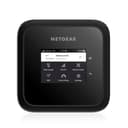
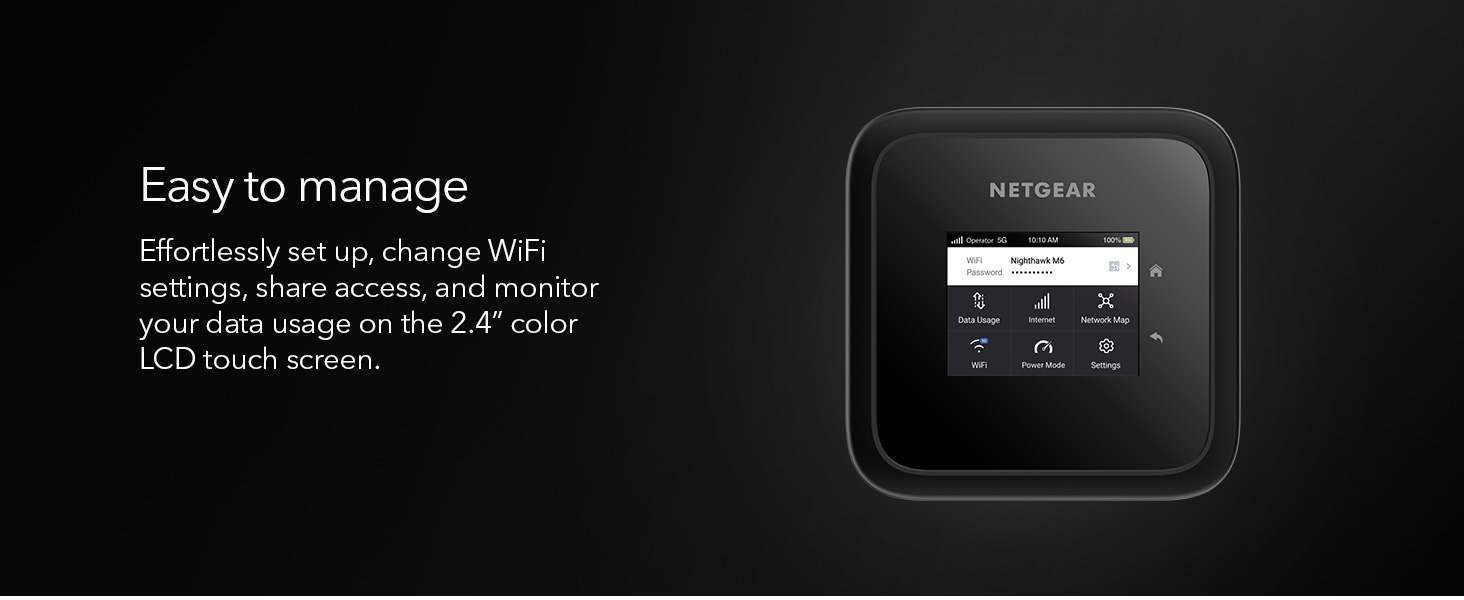
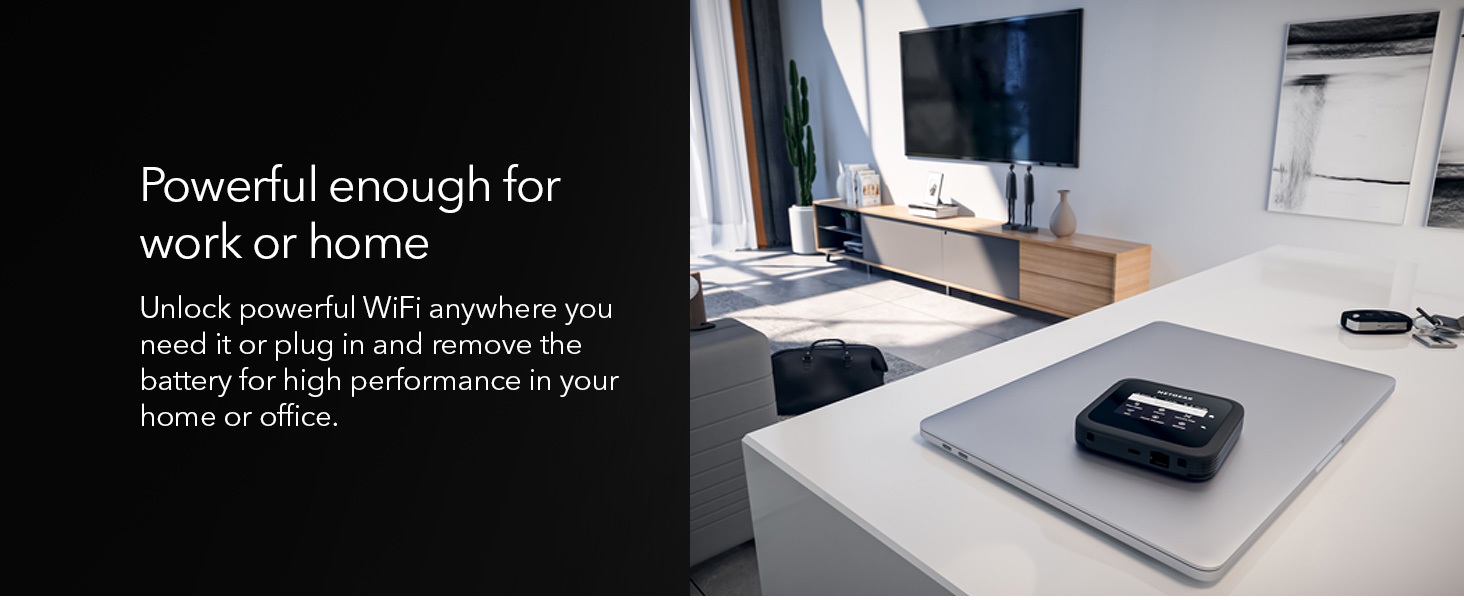
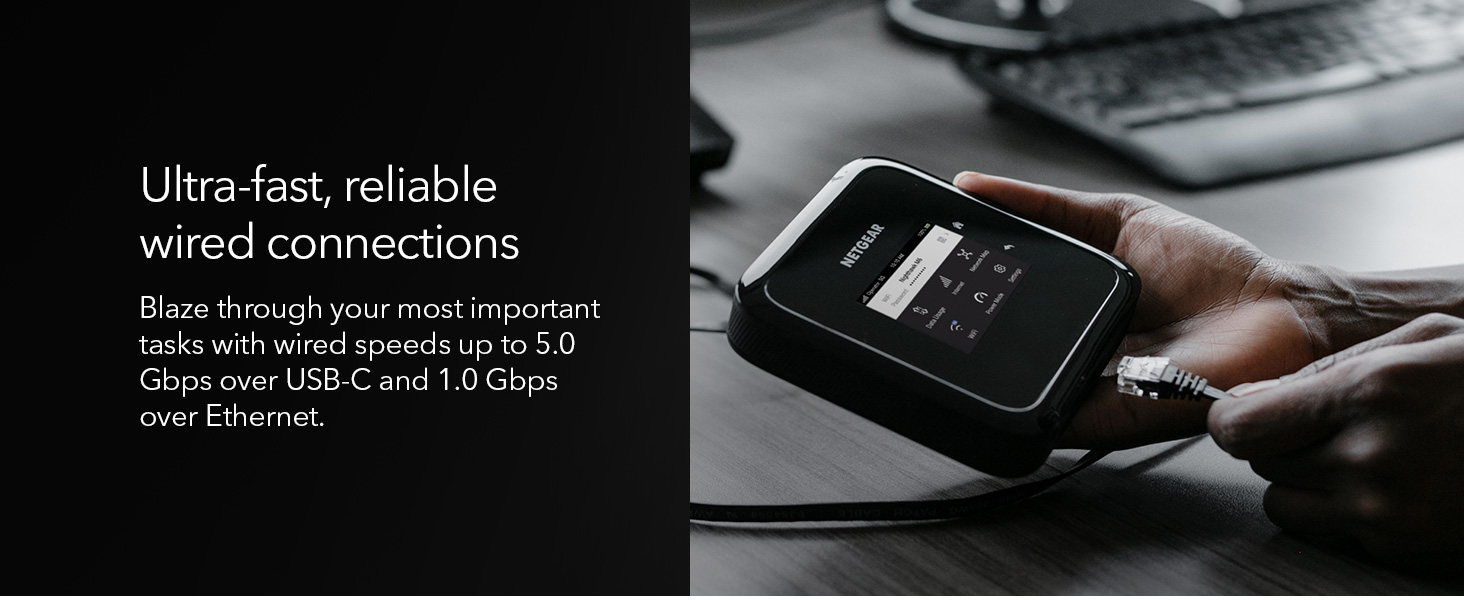
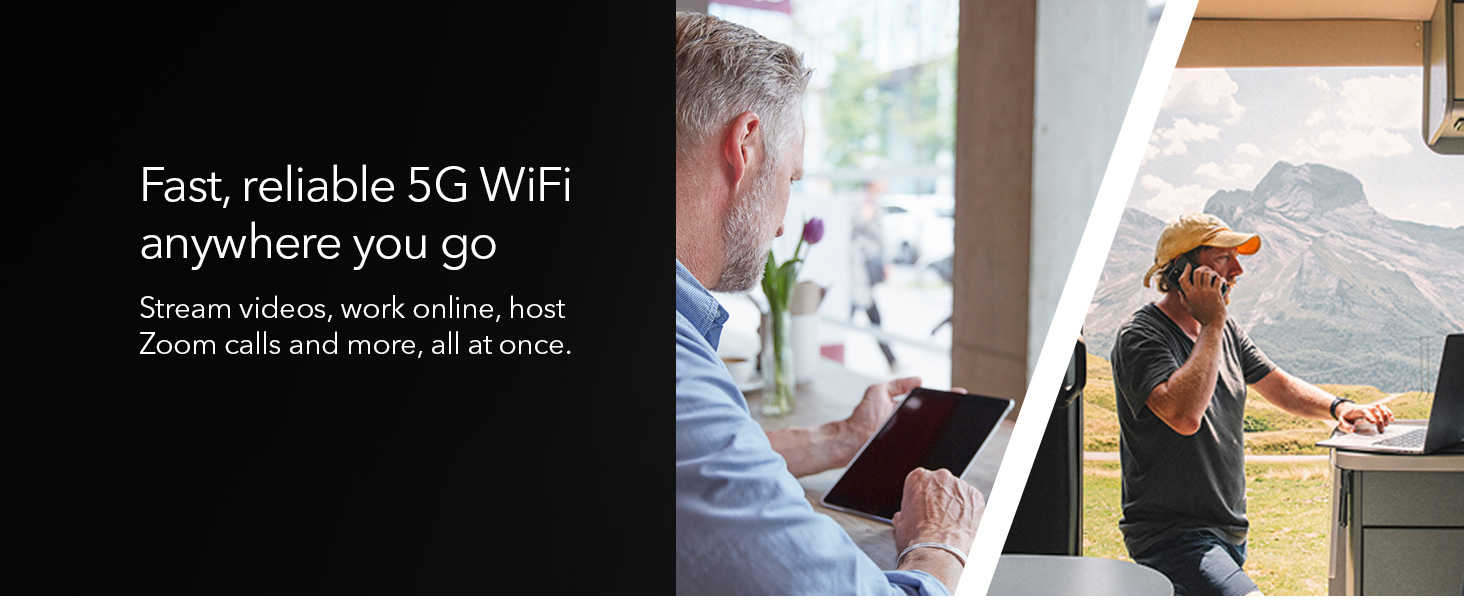
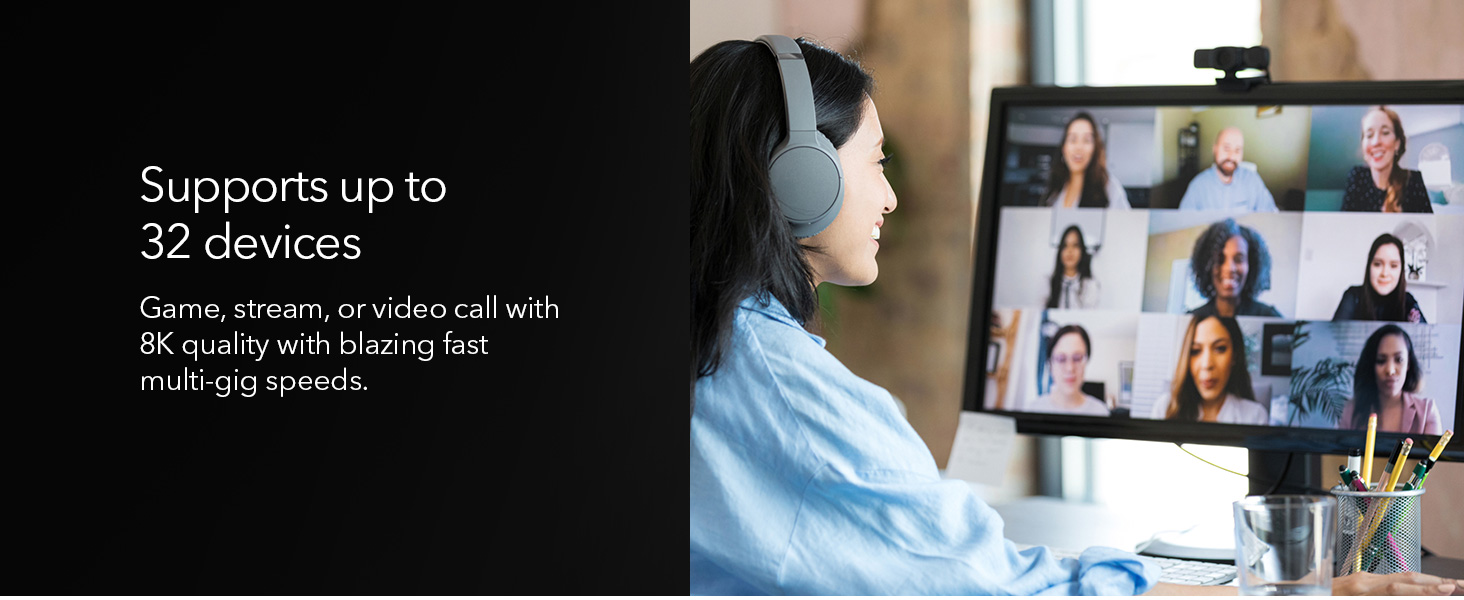
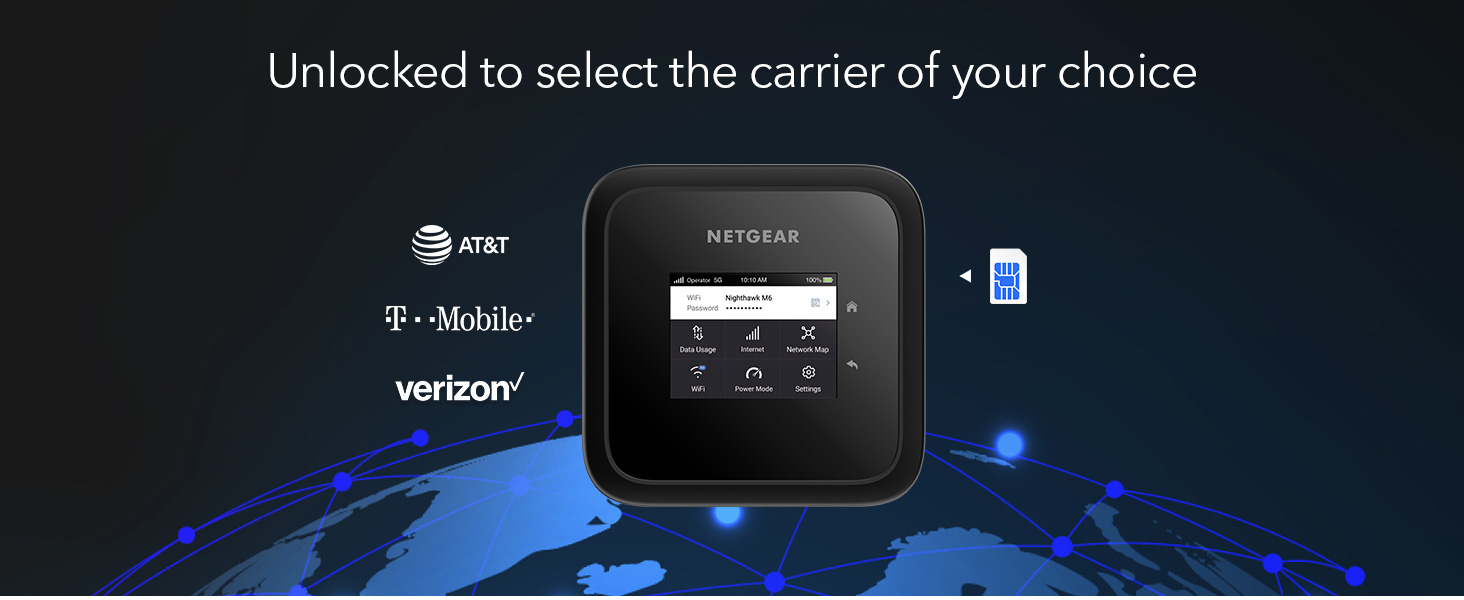
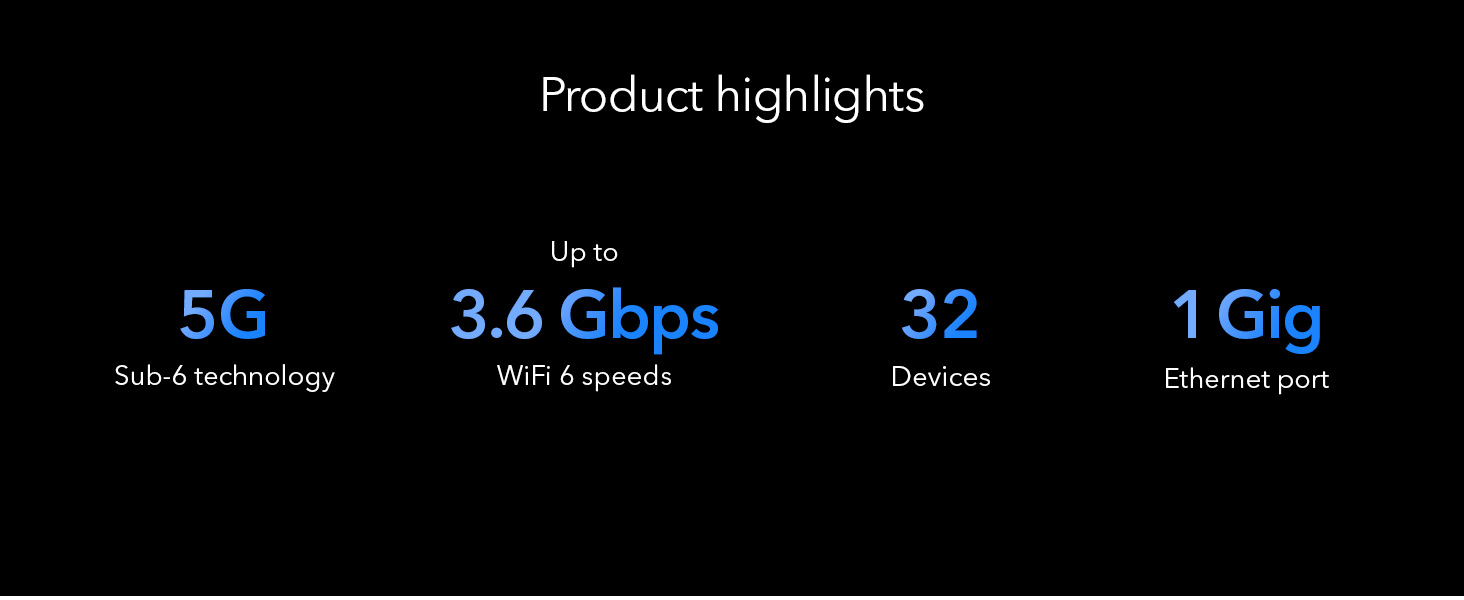
The NETGEAR Nighthawk M6 is a premium 5G mobile hotspot and router featuring WiFi 6 technology, delivering blazing speeds up to 2.5Gbps. Unlocked for major US carriers, it supports up to 32 devices and offers versatile connectivity with a 1 Gigabit Ethernet port. Designed for professionals on the move, it provides up to 13 hours of battery life and can boost WiFi coverage up to 2,000 sq.ft, making it an ideal solution for travel, home, or office backup internet.






| ASIN | B0BGV79FHT |
| Antenna Location | Home |
| Antenna Type | Fixed |
| Best Sellers Rank | #2,392 in Computers & Accessories ( See Top 100 in Computers & Accessories ) #116 in Computer Routers |
| Brand | NETGEAR |
| Built-In Media | Nighthawk M6 Mobile Hotspot device |
| Color | Black |
| Compatible Devices | Tablet |
| Connectivity Protocol | WiFi 6, 5G, 4G LTE |
| Connectivity Range | 2000 Square Feet |
| Connectivity Technology | USB |
| Control Method | Touch |
| Controller Type | Switch |
| Coverage | 2000 square feet |
| Customer Reviews | 3.7 3.7 out of 5 stars (283) |
| Data Transfer Rate | 1 Gigabits Per Second |
| Frequency | 2.4 GHz |
| Frequency Band Class | Dual-Band |
| Has Internet Connectivity | Yes |
| Has Security Updates | Yes |
| Is Modem Compatible | Yes |
| Item Dimensions L x W x H | 4.14"L x 0.85"W x 4.14"H |
| Item Type Name | Wireless Router |
| Item Weight | 1.28 Pounds |
| LAN Port Bandwidth | Gigabit Ethernet |
| Manufacturer | Netgear |
| Maximum Upstream Data Transfer Rate | 2500 Megabits Per Second |
| Mfr Part Number | MR6150-100NAS |
| Model Name | Nighthawk M6 |
| Model Number | MR6150-100NAS |
| Number of Antennas | 1 |
| Number of Ports | 1 |
| Operating System | [Proprietary or custom-built mobile hotspot OS] |
| Other Special Features of the Product | Internet Security |
| Router Firewall Security Level | Moderate |
| Security Protocol | WPA |
| UPC | 606449158083 |
| Warranty Description | 1 year warranty |
| Wi-Fi Generation | WiFi 6 |
| Wireless Compability | 802.11ax |
V**G
Wonderful Mobile Hotspot
When I got the Mobile Hotspot, it was a terrific benefit to connect with devices anywhere in the USA. It was the first problem with “ Not Connected; Go to SETTINGS > Advanced > Cellular to confirm your APN settings [Error 512].” which is the facer issue. Verizon has no idea how to correct APN, and I had a contact with Netgear customer service. They were great to support me, and they told me about Verizon’s problem with APN. I bought a SIM card from Verizon but they didn't know to settle up and struggled with it then gave it up. I went to the store two times and contacted Verizon many times. (never helpful)
B**T
Flaky, finicky, and barely functional
I have a Netgear LB1120 LTE modem as a backup for my home network; I thought this would be a good upgrade to 5G. I was wrong. For a whopping $700, I expected this to function, but it barely does. Half the time it would struggle to actually hand out an IP over the LAN port (inconsistent). If you enable IP Passthrough mode, you can't change the admin IP address -- specifically, you CAN (and you have to also change the DHCP range, even though that's irrelevant), and then it forces you to reboot, and the screen will show the new IP address, but the old one still works and the new one won't, but if you change it BEFORE enabling passthrough (then reboot), and then enable passthrough... it works. It doesn't help that the touchscreen is super laggy and frustrating to interact with. But remember the inconsistent IP assignment when working as a router (passthrough off)? Same issue with Passthrough... it was inconsistent. And the device takes 5 minutes to reboot.... which you have to do any time you change nearly any setting other than turning WiFi on/off. Even installing/removing the battery while plugged into the wall causes an error message on the screen saying it has to reboot to change the "Power Mode" setting... while it's still on and powered, but adding/removing the battery causes it to change some setting... that requires a reboot. If you start it out-of-the-box for the first time before installing the battery, it will also immediately boot to that error/warning... wait 5 minutes to make sure you see it, and THEN reboot. And, in the 3 short hours I was trying to get this to work at all, it somehow decided my APN setting was wrong and stated showing the network as 000-00 and just wouldn't connect. Manually selecting the correct APN for my carrier caused to to complain and throw errors about how this was OBVIOUSLY wrong. Reboot. Again. The real cherry on top here was that when it DID give out an IP address, it caused my router (an Ubiquiti UDM-SE) to lock up for 10-20 seconds every few minutes. I don't understand how or why, and it was the same in NAT/Router mode and in Passthrough/Bridge mode. If this was a $100 device, I'd probably debug it and poke at it with Wireshark and see what packets it is sending out the LAN port, but for $700? I expect some amount of QA and polish... and a functioning device out of the box. As such, I'm just returning it. I'm sure it's probably fine if you're using it as a hotspot, but as-is, this thing doesn't function as a 5G modem for your network and is incredibly frustrating and fiddly to even try.
K**K
Connected right up on Consumer Cellular
Consumer Cellular does not (yet) sell mobile hotspot units, but they can provide a sim for an unlocked unit -- with no guarantees, of course. We recently transferred service from Verizon, where we had several mobile hotspots running for our work-from home needs. We live in a rather remote area, but have good cellular coverage, and no cabled internet. The cellular networks have worked exceptionally well for us. CC usually uses AT&T or T-Mobile networks, so we had hopes for the Netgear device. We took a chance on this Netgear device when the Inseego Jetpack unit from Verizon crashed and burned 2 days after moving it over. Conspiracy theories aside, the Inseego unit was great, but gave us grief with the Consumer Cellular sim right off the bat. One Inseego unit is still working -- don't know why. But, the second Inseego unit is now ready for recycling. Got the Netgear unit within hours from Amazon, thankfully. Moved the CC sim to the unit, fired it up, allowed it to do a firmware update, and we're now off to the races. Everything is connecting well to the unit. It immediately found the proper APN for CC and I think it is working better than the old unit. We may yet have to upgrade the remaining Inseego unit - we'll see if it crashes. Although the Netgfear is a little pricey, its reliability, connection, and wifi coverage is excellent. We're back to work! Note we have not experienced the issues some others there have noted. We did not have to use Netgear's app to set things up; it was immediately accessible via our laptop browser with plenty of configuration options. The APN can be manually configured, if needed. So, we certainly have no complaints. Had this unit updated and running in minutes.
R**Y
Lifesaver of My Sanity!
Sometimes disconnects and is hard to reconnect, at times. But when it does, it's wonderful. Quick to overheat so make sure the bottom/back is elevated enough. It lasts long enough without charging. I'm able to get close to 10hrs of work sessions per day, using this. It's very easy to setup. I didn't have any problems, at all. I travel with it everyday without incidences. I have a special case for it that it fits snugly in.
J**W
Turned Out To Be A Useful Device
I was expected that this Netgear Mobile Hotspot would be returned - due the fact that I live in a rural town with weak cell signal. In addition to that - I was buying a refurbished unit to save $$. It ended up working pretty well - and the signal was slightly better than the phone hotspot I had been using. I don’t see a big increase in signal “bars” but the data speed is better than I had on phone only. I was able to get all my phone calls and text messages which was not happening before using this hotspot. Once I bought the external Netgear antenna - the data was solid enough to hold video calls without dropping off. I would recommend this device - just keep in mind that the signal may not be the maximum strength. For comparison: on phone, at home, I average 1-2 mbps download speed and astronomically high latency. With this hotspot - I average 5-7 mbps /down. )After adding the external antenna i started getting 12-18 mbps down.
A**D
Great
A**I
سيء جدا لا يتناسب مع قيمته المرتفعة جدا يقطع النت ولا تعاد الا بعد اعادة التشغيل ترتفع درحة الحرارة لدرجة لا تستطيع لمسه، لا انصح بشرءه
M**D
Well functioning. Yet, it does NOT support the 5g services in KSA.
F**D
ً من العيوب اذا كانت البطارية على الجهاز يضعف الانترنت وترتفع حرارة الجهاز ويضعف الاداء بشكل عام ولكن لاتقلق فقط قم بنزع البطاريه سيعود الاداء وترتفع سرعة الانترنت علما باني قمت بتعديل التردادات بقيمة 32€ عن طريق موقع واصبح الانترنت قوي جدا ( لقد قمت بشراء الجهاز بقيمة 853 دولار الجهاز لايستحق اكثر 400 دولار ) اعتقد هناك مبالغة بالسعر توصية بما اني خبير في عالم الشبكات افضل شركات الراوترات بشكل عام رقم 1- هواوي 2 نتجير و تب لنكTp link
(**أ
حسبت انه مصنوع في أمريكا ووجدت انه مصنوع في إندونيسيا مفروض يكتبون انه مصنوع باندونيسيا . الجهاز سهل الاستخدام وسريع حتى سرّع ال ٤ جي أضعاف سرعته. حجمه اكبر مما توقعته في الصوره..لم استخدمه الى الان مع ال ٥ جي..عموما أعجبني سرعته الملحوظه والعاليه. تحديث: بعد ثلاثة شهور البطاريه صارت ماتشحن كويس وتاخد وقت طويل جدا ولا تشحن الا ٧٠٪ وتخلص بسرعه!!