We remain fully operational. Our teams are working around the clock to ensure your deliveries continue safely.

下载应用程序









🔒 Elevate your home security with AI-powered clarity and night stealth — because peace of mind never sleeps.
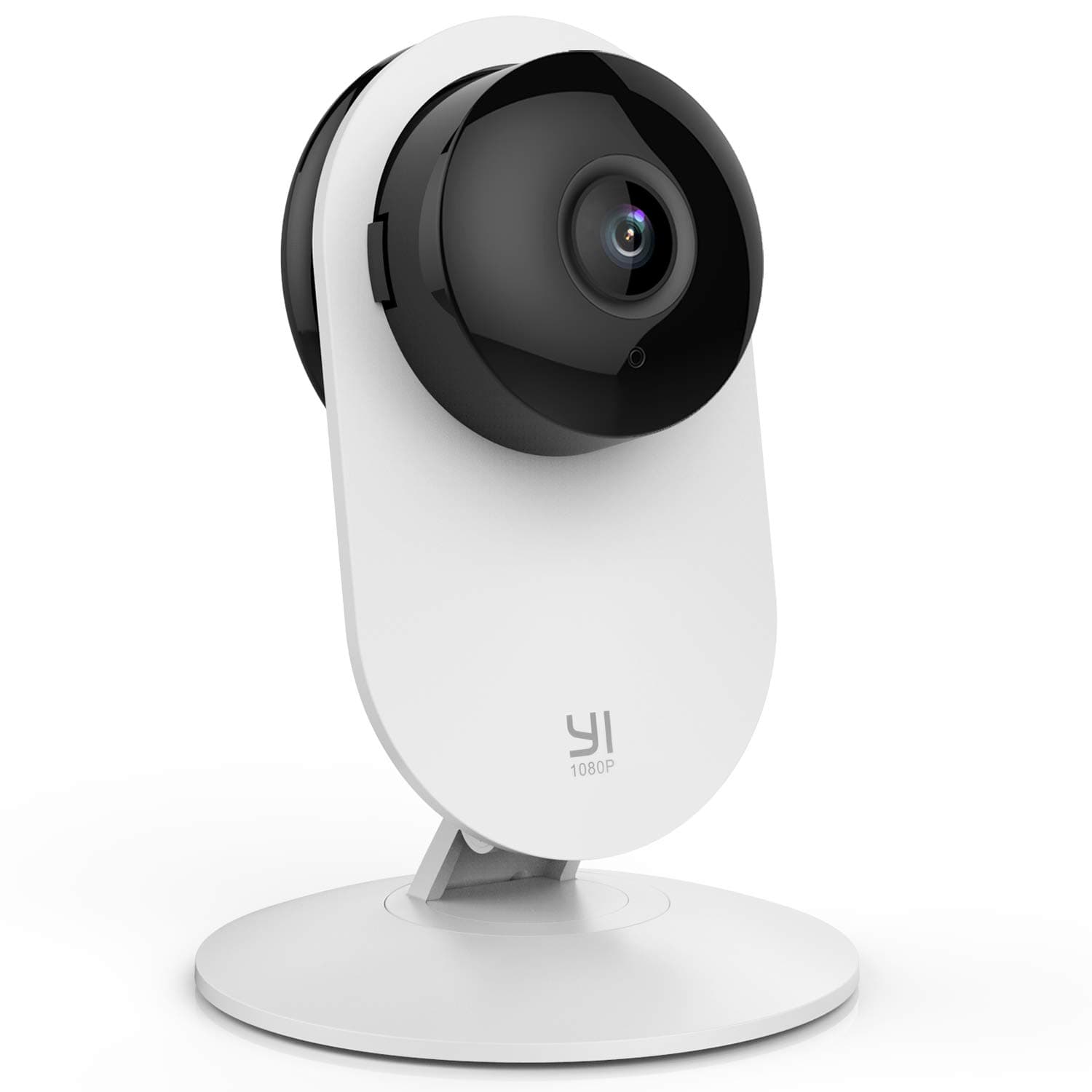
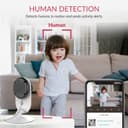
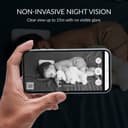
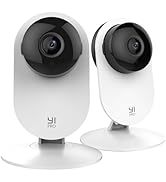
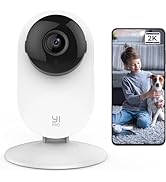
The YI Smart Security Camera delivers 1080p Full HD video with 20fps and a 110° wide-angle lens, enhanced by AI human and sound detection for precise alerts. Its non-invasive infrared night vision keeps your home monitored without disturbing your environment. Compact and versatile, it supports two-way audio, Alexa integration, and offers secure cloud or microSD storage options, making it an essential smart home security solution.




| ASIN | B074389PMT |
| Alert Type | Audio and Motion |
| Antenna Location | Security |
| Batteries are Required | No |
| Best Sellers Rank | 23,291 in Electronics & Photo ( See Top 100 in Electronics & Photo ) 305 in Dome Cameras |
| Brand | YI |
| Colour | White |
| Compatible Devices | Smartphone |
| Connectivity Protocol | HomePlug |
| Control Method | Voice |
| Controller Type | Amazon Alexa, Android, iOS |
| Customer Reviews | 3.8 3.8 out of 5 stars (5,314) |
| Effective Video Resolution | 1080 |
| Form Factor | Box |
| Frame Rate | 20 frames_per_second |
| Global Trade Identification Number | 06970171173817 |
| Included Components | Home camera, Charging cable, User Manual |
| Indoor Outdoor Usage | Indoor |
| Item Dimensions | 7.9 x 3.3 x 11 centimetres |
| Item Type Name | Yi Home Camera |
| Item Weight | 200 Grams |
| Light Source | Infrared |
| Manufacturer | YI Technology |
| Material | Polycarbonate (PC) |
| Model Name | YYS.2016 |
| Model Number | YYS.2016 |
| Mount Type | Ceiling Mount, Wall Mount |
| Network Connectivity Technology | WiFi |
| Night Vision | Night Color |
| Number of Channels | 2 |
| Number of Items | 1 |
| Optical Zoom | 4 x |
| Other Special Features of the Product | Night Vision |
| Photo Sensor Technology | CMOS |
| Power source | Corded Electric |
| Room Type | Office |
| Unit Count | 1.0 Count |
| Usage | Surveillance |
| Video Capture Format | MP4 |
| Video Capture Resolution | 1080p |
| Voltage | 240 Volts (AC) |
| Waterproof Rating | IP54 |
| Wattage | 5 watts |
| Wireless Technology Type | Wi-Fi |
| Zoom Type | Digital Zoom |
M**B
Very good for the price, not perfect
Good points: - Picture is good, and the night vision is actually very impressive - Setup was easy and painless, a well designed process - PC app available to view camera, again very simple and easy process Less good: - Doesnt do well with weak wifi signals... I set up in my workshop with automation tools running to keep an eye on them. Other devices connect to the wifi fine, well mostly, but this camera struggles to maintain a strong connection. And if it disconnects it seems to just give up trying to connect - I've had to buy and install a wifi signal booster to keep it online. - PC app requires log in each time you load it up, and sends a notification to the phone when you do log in. Kinda over the top, with no setting to log in automatically. Not a big deal, can leave it running on my desktop, but an annoyance. Security is not a concern for some people, honestly I'd like to just be able to tap in an IP address in the browser, but hey. In all, good value for money, well made.
T**Y
I really like this camera
I've had this for quite some time now , I dont know why I haven't left a review yet 🫣 . This is a good camera with good picture quality. I use it in my autistic sons bedroom so I can keep an eye on him . The fact I can talk to him via the camera is a big hit
T**V
Abysmal app infested with annoying adverts
The camera's themselves are generally okay, wifi signal not bad at all either so you get a decent connection with them to your WiFi. You cannot turn off the Nightime mode so they will flip into infrared mode even if you disconnect the internal IR Lights, doesn't matter, can't force the camera's to stay in colour mode. Biggest problem though, and this is something you must be aware of before buying these camera's is that the app itself that you must use with these camera's is absolutely terrible. The company has also taken it upon themselves to infest their app with adverts, and I mean totally infested with adverts. You cannot even view an event as a fullscreen popup advert appears now also so you gotta find the "x" and click out of that before you can even see what the event was. Utterly awful practice by yi/kami as a company, just check the reviews on the app stores, filled with thousands of people complaining about the adverts. Oh and if you want to view more than one of your camera's at the same time, like the multiview feature of viewing 4 camera's? Well you gotta subscribe to their expensive cloud plan for that feature too. Awful. Good camera's that have been severly let down by an extremely poor app and support. Cloud plan is very expensive and it's features like multiview do not carry across to friends/neighbours you might share the camera's out too so they can view, plus it's very hard to cancel the recurring cloud plan if you do get it. Support is woeful also. Oh and one final important thing, if their servers go down, which has happened a few times now, even if you're not subscribed to their cloud plan, all of your camera's also go down and you cannot view anything, cannot even view what might be on the SD card or even view your cameras live. Would not recommend at all due to the extremely poor app experience plus the advert infestation in same. The app is essential to use your yi/kami camera's and this company have completely destroyed the app and thusly the camera's.
P**R
Yi Home Camera - Software Upgrade removes adverts Nov 2018
This is a great security camera to use through a window with some slight modifications. I looked at true external security cameras and because of mounting and wiring problems decided to try out the Yi Home Camera 1080p instead. To minimise glare from the window I covered the white mount with matt black insulation tape - this is easy to apply and much less messy than applying matt paint. The camera sits on top of its packaging and is just touching the glass. At night I close heavy curtains behind the camera and during the daytime ensure that the drapes are open. You will need to turn off the Status Light and the Night Vision IR Light as both these will reflect from the window glass. At dusk the camera switches from normal camera mode to infra red mode automatically- the IR image is obvious as leaves on trees will appear to be white instead of green. I have set the Lens Distortion function to the mid-point on the scale, that works well for me. I have the Camera Microphone turned off but if you have it operating you can listen and speak via the microphone icon on the app screen. With Motion Detection turned on you will receive alerts to your iPhone / mobile on a regular basis when the camera detects movement a short movie is recorded on the micro SD card - this can be triggered by people, cars, cats, dogs, foxes and on one occasion by a magpie flying by. At night a recording is generally triggered by cars passing by - this could result in many dozens of recordings from bright headlights. But the Yi will also record people and foxes at night - the camera resolution is lower at night and there is some ghosting on a moving image so it would be tricky to identify intruders but you would have a video and know exactly the time when an event takes place. Key settings are the Motion Detection and Activity Region functions in the app - Motion Detection gives you access to a range of important functions. With the activity region activated a live image is displayed with a red box - the red box can be resized and moved to anywhere on the screen. So it is possible to just limit motion detection to a front drive, path or entrance gate for example. With Motion Detection activated you will receive notification messages on your iPhone - these are fun at first but you may be getting hundreds a day so I turn this off - the camera still records movement and stores this as a short film clip on the micro SD card but notifications are not sent out. With my settings I use about 1.2Gb of card memory a day so with a 32Gb card I get about 20 days of activity recordings. To review the recordings tap the screen and a sliding bar pops up with a date and timeline, each activity is marked with a red line, just use you fingers to expand the timeline to minutes and tap just before the recording to view the activity. The recording normally starts just before and just after the event and if there are simultaneous or successive events the recording will span a longer period. I use the camera on HD continuously and the playback and live feeds are generally coming in at up to 220kbs if you have limited data allowance on your mobile it gets eaten up very quickly. My Yi connects to a close Apple Express WiFi and connects at 78Mbs, the app has functions to check the connection and its quality. Make sure you install the latest updates when notified via the app. A great camera at a great price but WiFi connection is erratic.
D**D
Me va perfecta la compré para vigilar a mi bebé y funciona perfectamente, detención de movimiento y sonido y visión nocturna.
J**N
الكاميرا ممتازة تستخدم نظام ايزو ، اندرويد ، وماك ، ويندوز انصح بها جدآ وعملية بالنسبة الي عندهم ايفون البرنامج اسمة Kami يفترض الشركة توضح على البرنامج صار فية تحديث App name : KAMI
E**N
As an IT expert and have experienced also in CCTV cameras, I can tell you that this camera works great, Video and voice quality are top. - Very easy to setup - Very portable - elegant design - easy connect - very affordable with good quality IP Camera **Highly recommended
L**J
Worth it! Everything written about this item works well. I can check my room anytime and anywhere using their app and I love how it alerts me whenever it detects motions. It is very light and easy to use. I can really talk/listen as it has got a microphone and speaker. A very good quality!
A**L
ممتازه وعمليه جدا