We remain fully operational. Our teams are working around the clock to ensure your deliveries continue safely.

下载应用程序





Buy anything from 5,000+ international stores. One checkout price. No surprise fees. Join 2M+ shoppers on Desertcart.
Desertcart purchases this item on your behalf and handles shipping, customs, and support to SINGAPORE.
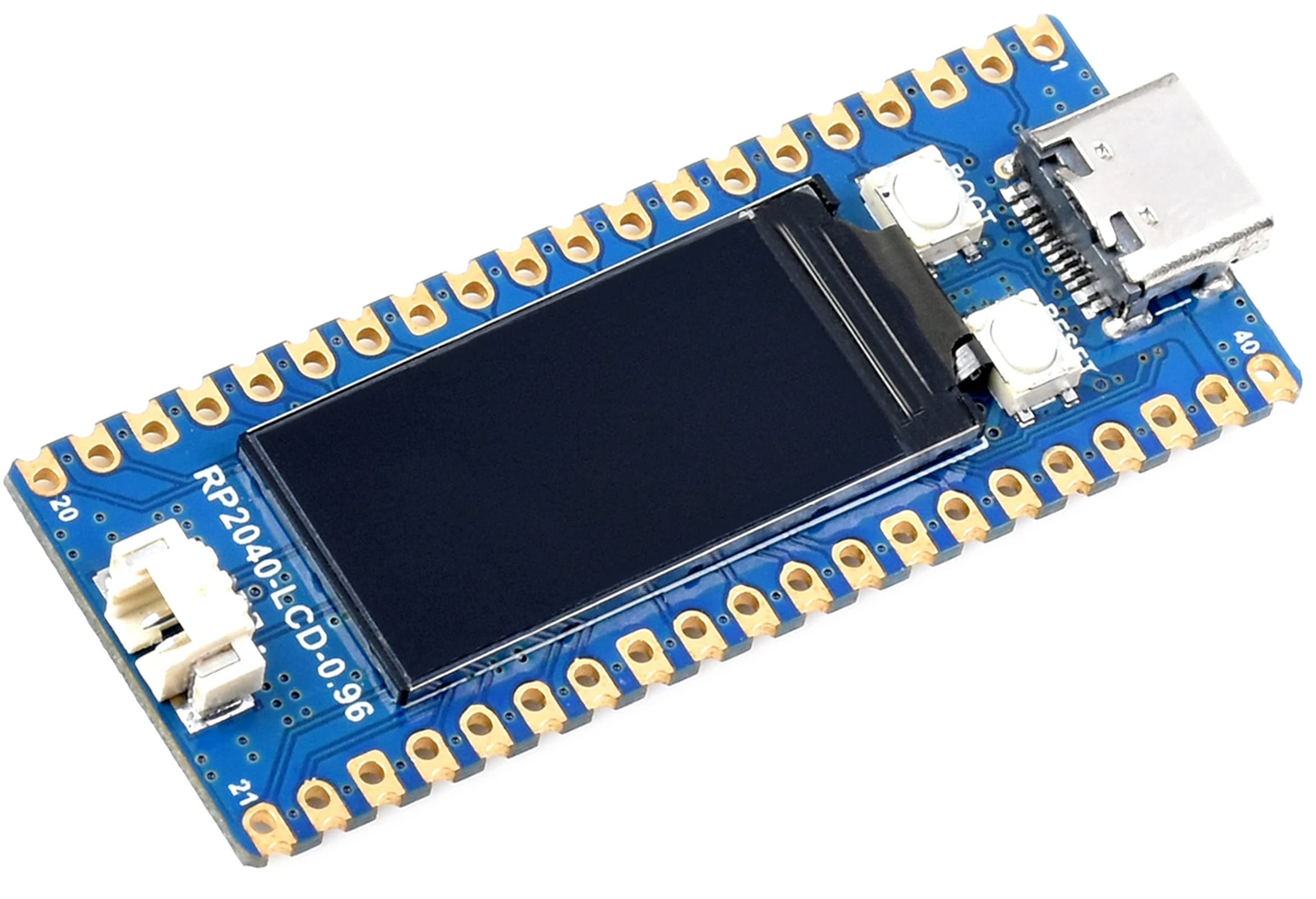
🚀 Elevate your maker game with the RP2040 MCU board that’s as versatile as your ideas!
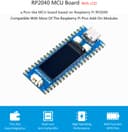
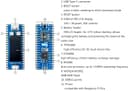
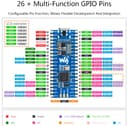
The Waveshare RP2040 MCU Board is a compact, Pico-like development board featuring a dual-core 133 MHz Arm Cortex M0+ processor, 264KB SRAM, and 2MB flash memory. It includes a vibrant 0.96-inch 160x80 IPS LCD, USB-C connectivity, and a lithium battery recharge header powered by a high-efficiency DC-DC buck-boost chip. Compatible with Raspberry Pi Pico add-ons and supporting C/C++ and MicroPython, it offers 26 multifunction GPIO pins and advanced peripherals, making it ideal for professional developers and hobbyists seeking a powerful, portable embedded solution.
| ASIN | B09LT5LYPD |
| Best Sellers Rank | #11,055 in Single Board Computers (Computers & Accessories) |
| Brand | waveshare |
| Connectivity Technology | I2C, USB |
| Customer Reviews | 4.4 4.4 out of 5 stars (10) |
| Manufacturer | Waveshare |
| Mfr Part Number | BC-RP2040 Board with 0.96inch LCD |
| Model Number | BC-RP2040 Board with 0.96inch LCD |
| RAM Memory Installed | 2 MB |
| RAM Memory Technology | SRAM |
| UPC | 755291678529 |
| Wireless Compability | Bluetooth |
B**2
Cool intro to the Pico
You will need to get the latest example code for this on the waveshare GitHub but it is there and works. Once my dev environment was set up, it took all of about a minute to compile the example and load it into the Pico. Shows a few splash screens and will draw things based on pico pin inputs if you hook them up. Also it looks like the display acts like the LED on the normal boards...backlight on and off for LED on and off. So far so good with this board and display.
C**R
Neat but very little documentation
It's a very nice Pico clone, but there is no example code on how to interact with the built in lcd. That being said, I'm still pretty green when dealing with hobby electronics so one with more experience may make better use of it.
R**L
Works well but can use a bit more documentation
After conducting several searches, I was able to find enough information to create a few CircuitPython examples. The examples are now on GitHub in the richteel/Waveshare-RP2040-LCD-0.96 repository. Waveshare has a wiki with some information, but it is most helpful for C, C+, and MicroPython. It is a cool product, but it is not good enough to just make a cool product for the Maker Community. You also need to include enough documentation to allow folks to be successful quickly. One con to this product is that the battery connector is not a common one used in the Maker Community. It is a MX1.25 connector rather than an JST connector. The commonly used JST battery connector has the pins separated by 2mm. The board has a connector with the pins spaced at 1.25mm. I'm unclear what the difference is between JST and MX connectors. I'm not certain but I believe either may work as I see the same connector on Amazon named MX1.25 and JST 1.25 or micro JST.
TrustPilot
2 周前
5天前