
下载应用程序





🎧 Elevate your voice with precision and style—never miss a beat or a meeting!
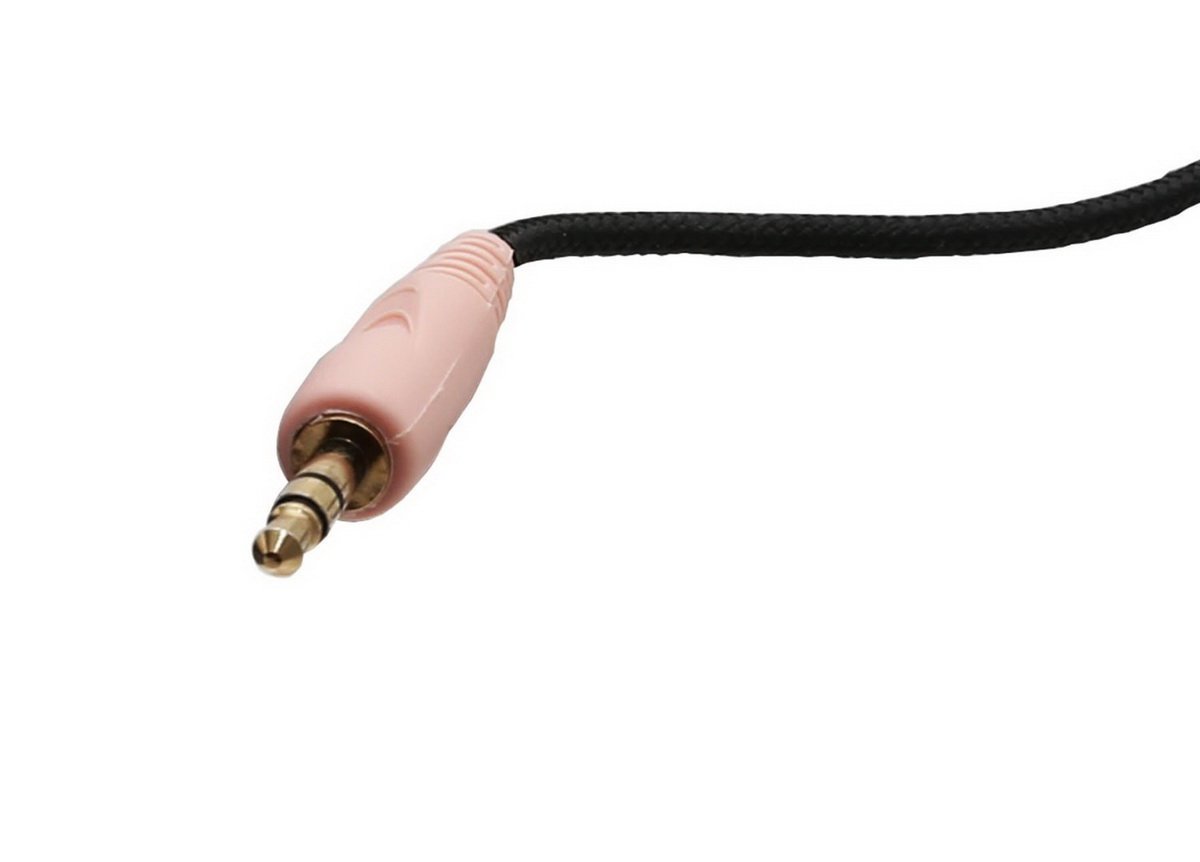
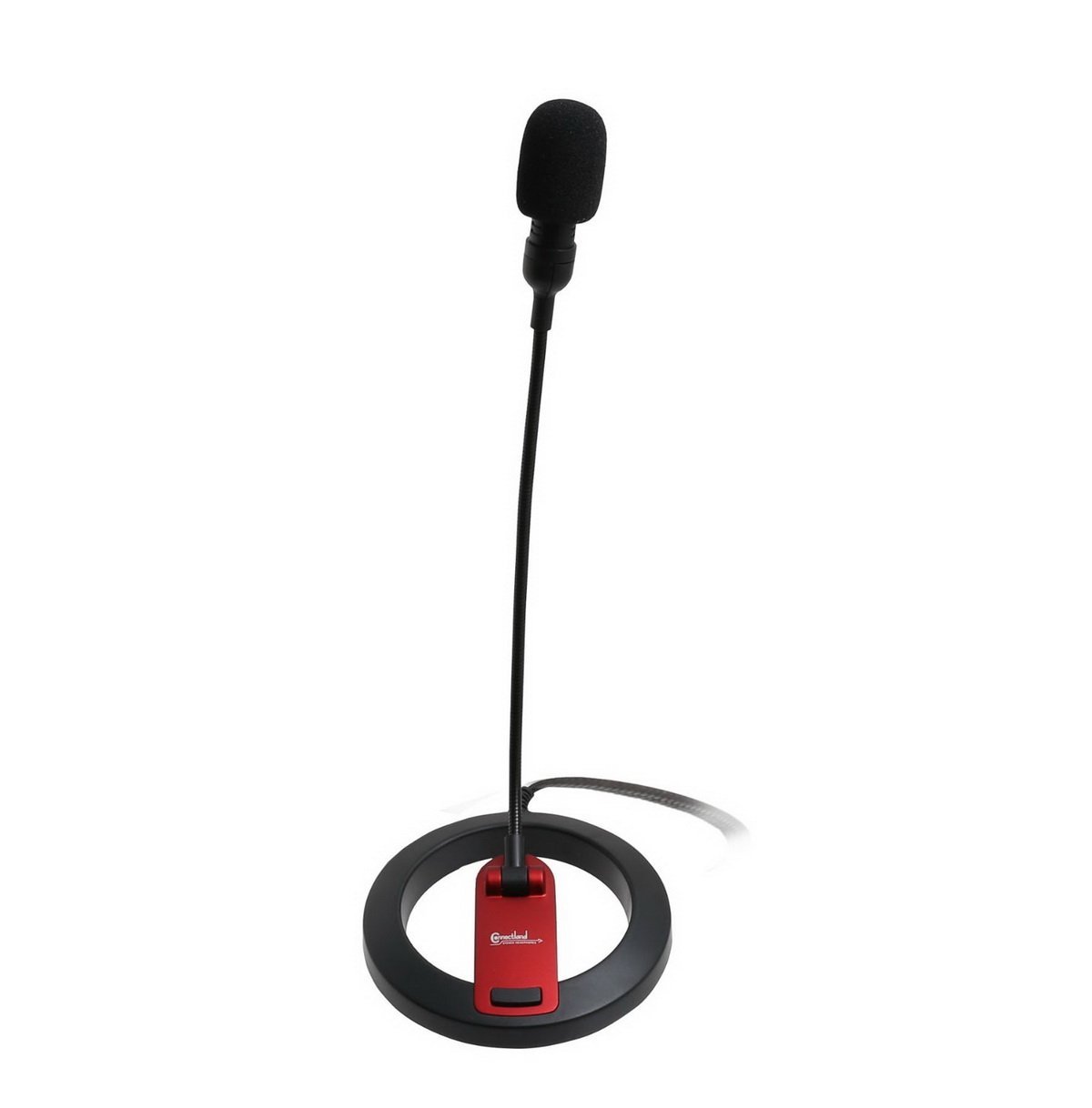
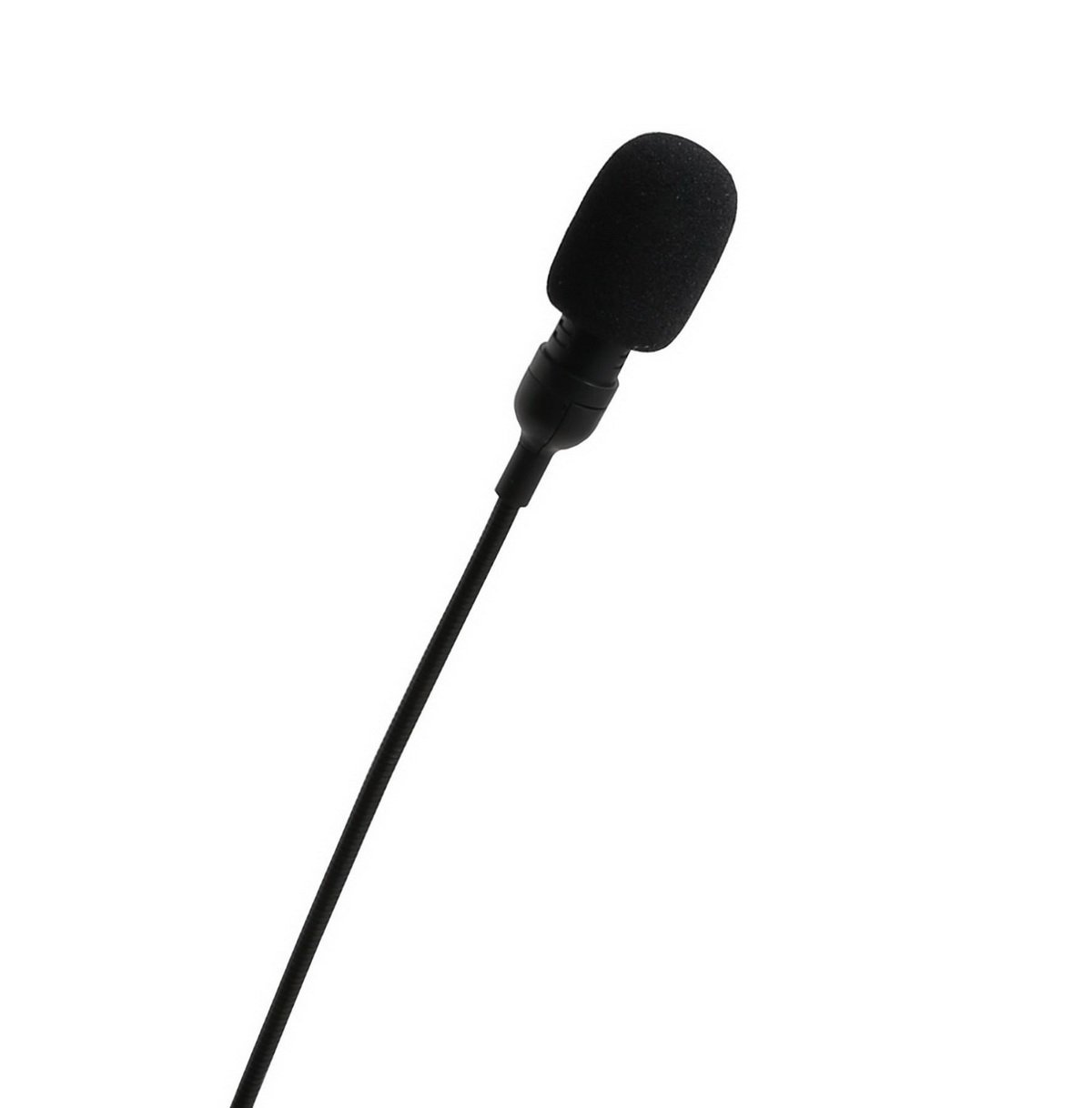
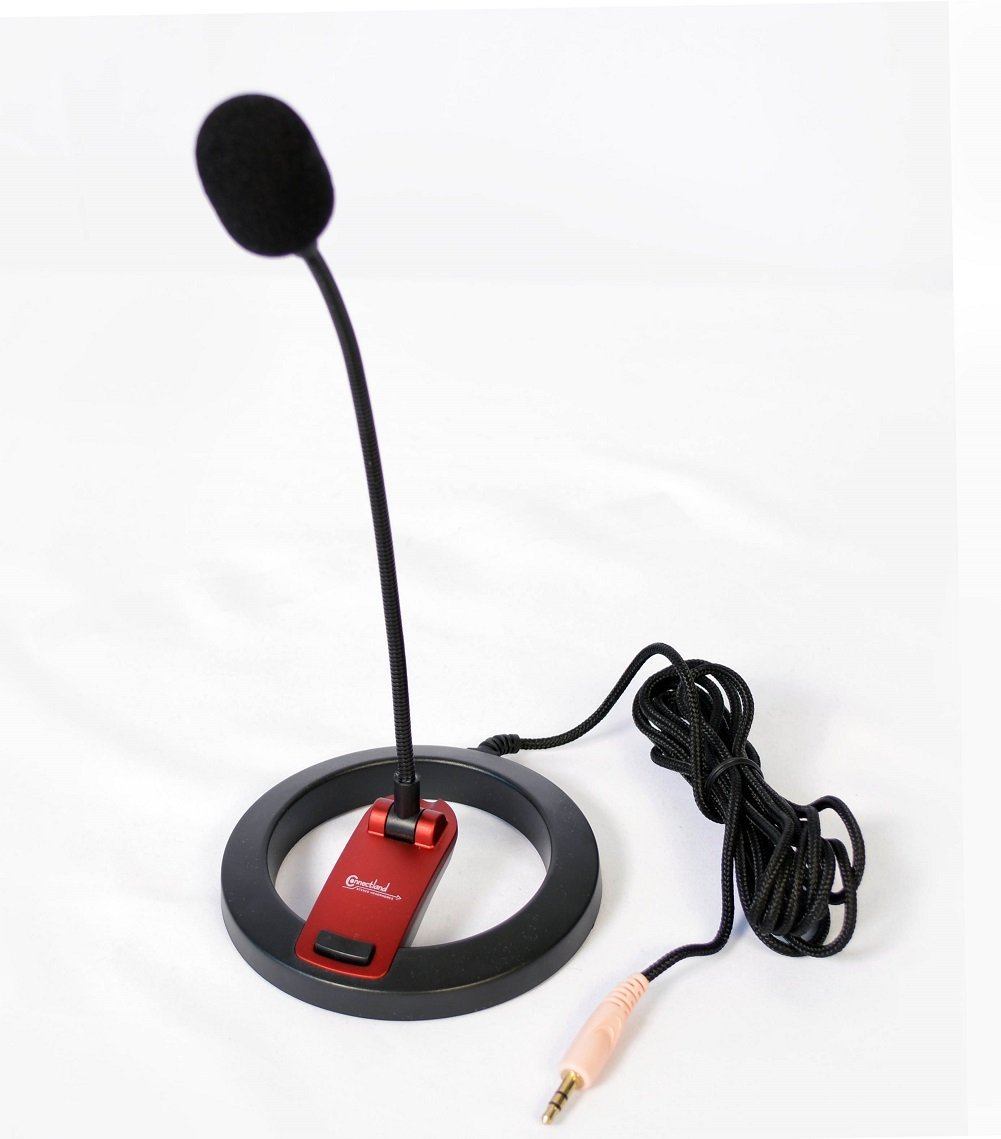
The PC Goose Neck Microphone combines professional-grade omnidirectional condenser technology with a flexible, durable goose neck stand and a user-friendly mute switch. Featuring plug-and-play compatibility via a universal 3.5mm stereo jack, it delivers clear, true-to-life audio across desktops, laptops, and tablets. Lightweight and portable with an 8-foot cable, this microphone is designed for seamless integration into any workspace, perfect for calls, streaming, and recordings.


| ASIN | B0028Y4DCC |
| Audio Sensitivity | 60 Decibels |
| Best Sellers Rank | #631 in Computer Microphones |
| Customer Reviews | 3.7 3.7 out of 5 stars (1,915) |
| Date First Available | April 28, 2009 |
| Frequency Response | 16000 Hz |
| Global Trade Identification Number | 00172302810264 |
| Hardware Platform | PC |
| Is Discontinued By Manufacturer | No |
| Item Dimensions LxWxH | 6 x 1.5 x 14 inches |
| Item Weight | 4.2 ounces |
| Item dimensions L x W x H | 6 x 1.5 x 14 inches |
| Item model number | CL-ME-606 |
| Manufacturer | Syba |
| Material | Metal Alloy or Heavy-Duty Plastic |
| Microphone Form Factor | microphone only |
| Number of Channels | 1 |
| Power Source | Corded Electric |
| Product Dimensions | 6 x 1.5 x 14 inches |
| Signal-to-Noise Ratio | 60 dB |
| UPC | 807030504139 908249136859 809385674666 172302810264 818129744657 745950512622 804066785587 172304342770 172302928099 132018339145 320127548859 168141626197 809186279824 808112366010 |
D**B
Still working great many years after purchasing
I needed an inexpensive desk microphone to periodically speak on Zoom calls from my PC and to record sound snippets to be used as audio alerts. This microphone is very inexpensive and has stood the test of time for me. The microphone is very lightweight and the boom is very flexible and sounds fine. I was a little concerned with the audio cord since it has a cloth-like covering and is extremely flexible, but it has not deteriorated at all and the audio connection is still perfect. The mute button still works perfectly as well. Many products I have purchased on Amazon years ago have disappeared and are no longer available for sale. However, this microphone has been on sale on Amazon for almost 15 years now which is a good indicator it is a good product.
D**.
Works fine with Cortana
Very nice, inexpensive, good looking microphone. No issues under Win10, works fine with Cortana. Plugged in the mic, went to Control Panel / Dell Audio and turned on my sound cards mic setting to enable the microphone. Asked Cortana what 2+2 was and she responded with 4. Later went back and increased mic volume from 50% to 75%. The on/off button on this mic was one of the main features I was after. I did not want a continually open mic on my system that might be un-intentionally listing in without my knowledge. The switch IS AN ON/OFF SWITCH NOT A PRESS TO TALK SWITCH !!! Press the button all the way down once and it returns part way to the ON position, press it down again and it returns to the full up OFF position. ( It's called a Latching Switch, see: [...] ). ( It is NOT a Push Switch, see: [...] ). DonS. 07/15/16
P**)
Poor performance, noisy/sticky switch
I bought this microphone to use with language study applications. Unfortunately, it performs very poorly. It is physically well-made, with an attractive base, a generously long braided-jacket cable, and a foam wind screen for the microphone. Its stalk is both flexible, AND swivels at the base end, allowing lots of flexibility (ha!) in positioning it. There is a conveniently-placed on-off push-button switch on the base. That's the good news. The bad news is that it is deaf as a post. It is so insensitive that even with the microphone gain on my PC turned all the way up to 100, and holding the microphone so close that my lips almost brush the windscreen, recordings are still almost inaudible. At this gain level, switching the microphone on and off using the switch on the base produces a loud CLICK on speakers that is almost a bang, and feedback is an ever-present threat. When I recorded voice samples using the audio processing application Audacity, and then told Audacity to amplify the resulting sample to full-range, Audacity had to apply 30dB of gain to reach "normal" full signal level. That means it had to amplify the signal by ONE THOUSAND TIMES. (Each 10dB when talking about the loudness of sound is a 10x factor of volume. 30dB is the difference between the sound of an electric toothbrush and a subway train, or between your washing machine running and a helicopter hovering nearby.) What's more, the on-off switch has a bit of a tendency to stick in the ON position. This happened to me several times during the half-day or so I spent trying to get usable signal out of this microphone. NOPE. NOPE. NOPE. Two Technical Thug thumbs DOWN on this microphone. I bought it for language study, not so that I could practice my drill-instructor parade-ground voice. I'd have to shout at it at the top of my longs to get any useful recordings out of it.
J**K
Not fantastic, and not horrible
I purchased the Connectland CL-ME-606 for 2 specific reasons: 1. I wanted a non-USB (e.g. analog) microphone that plugged directly into my sound card's 3.5" mic-in jack. I didn't want to mess about with drivers (even though most USB microphones are driverless, using the USB audio class which is part of the USB standard), and I didn't want another Input Device showing up in my Device Manager / Sound Mixer. 2. I wanted something that sat on my desk, had an adjustable neck, and had a physical on/off button (preferably one I did not have to hold -- more on that later). The CL-ME-606 met all of these requirements, at least from what I could tell through Amazon. Below are my findings and opinions when using this microphone on Windows XP SP3, with Realtek's drivers (version 5.70, for an Azalia ALC889 chip), running on a Gigabyte GA-P67A-UD3-B3 motherboard. I was sitting with my mouth about 1 foot from the microphone, and the foam cover was used. By default the microphone is incredibly quiet. I'd literally have to yell into it for my voice to be heard. This is because it's an analog, non-powered microphone. I imagine this may be the reason a lot of reviewers say the product didn't work (or they got a bunk unit). This is understandable -- and this is why audio drivers offer "Mic Boost". That said, despite yelling required, the audio quality was pretty good. A bit tinny (meaning mostly mid-range and treble, no bass), but no interference (idle hissing, etc.) was heard. This was with the Microphone input level maxxed out. But let's face reality: I live in an apartment and my neighbours certainly would not tolerate me yelling at 4am when chatting with my friends in Sweden and Japan! I have respect for those I live around! Next I tried enabling Mic Boost. Finding it was the fun part -- on my system, you have to enable the "Rear Pink In" audio mixer device (in the OUTPUT section, not Input!), and also enable "Advanced Controls". The "Advanced" button will then let you toggle Microphone Boost. It's important to note that for this to work, the microphone had to be plugged into the pink 3.5" jack on the back of my case, NOT the Microphone In jack on the front panel. Realtek driver quality at its best... Anyway, with Mic Boost enabled, audio was significantly improved. You could head the mid-range and bass in my voice, and treble from background noise (music, etc). The volume was significantly amplified. The only problem was I sounded like I was sitting over 3 feet away, possibly in a very small room (try 30'x20'). A low-quality microphone is to blame. But then I noticed a slight hiss and electrical noise in my recordings. Thankfully no RF interference like another reviewer (that sounds much more sinister and indicates something more sinister); Mic Boost obviously was picking up too much noise. How to solve this? Hmm... Thankfully while using the Realtek HD Audio Manager application I found the answer to my problems: under the Microphone tab there was an option called "Noise Suppression". This worked wonderfully in every way shape and form. Idle spots between words now drop down to baseline levels and no longer have hiss or an electrical noise to them, but without cutting off my voice at low-volume points. Perfect! So aside from the low-quality microphone (what do you expect for US$11?), this microphone isn't that bad. In fact, I think a lot of webcam microphones are worse (they always sound tinny). And finally the other parts which matter just as much: * On/off button: despite what another reviewer said, the button does click when pressed (to enable). You can also hold it down half way (without engaging the spring) to talk temporarily if need be. The button could be a little larger (it's about 0.5mm); 1mm would be great. Thankfully I have thin dexterous fingers, but for others I imagine it might be a problem. * Gooseneck: about 10 inches long, and I wish it was longer (by maybe 5-6", possibly retractable?). I'd be able to get the microphone closer to my mouth without having to move the base of the unit. The neck itself is malleable and can be bent at any angle (360 degrees) or even rotated. Sheathing is some kind of plastic. * Microphone type: definitely omni-directional, rather than a well-designed directional. But I can't complain too much given its price. * Base: lightweight but not entirely plastic. The main weight source is very thin steel strips along its circlular underside. I haven't had a single problem with the product tipping over (even with the gooseneck learning all the way towards me), but the product does move around a bit. This could be solved by adding a couple weights to the rear of the base (which I do plan on adding myself; lead weights would work, but don't use magnets!). Another problem is that the metal is not flush/even/level, so the microphone does wobble side to side quite easily (definitely will happen during a heavy gaming session with lots of mouse movement). I plan on solving that by use of thin strips of Scotch tape, or possibly some foam or felt feet. * Audio cable: about 8 feet long, and is sheathed in a kind of mesh/fabric. Very sleek, and very malleable. I would have preferred something a slight bit thicker (meaning more shielding), while keeping the mesh/fabric sheath. Overall I give the product 3 stars, maybe 3.5. Pros: - Acceptable microphone quality assuming you're sitting 4-5 inches from the mic itself - Base which does not tip over, and also allows microphone tilt (vertically only) - Adjustable gooseneck for any angle / setup - Long audio cable should work with any sized desk - Very inexpensive Cons: - Base needs more weight to it (another 1-2 pounds) - Base needs to be level/flat - Gooseneck would be more useful if it was longer or extendible/retractable - Could benefit from a better-quality microphone, preferably one which is directional
B**Y
Used rarely but without any problem
R**K
It did not work. Horrible product.
C**R
I just configured the mic and it needs the amplification at max. I've set up the mic with 22.0dB and amplification 30dB so the listener can hear me properly on skype, for example. However, due to the very high amplification, it produces a lot of noise and it can be disturbing. The distance to the microphone is less than 50cm.
U**.
Just recieve this to with slightly damage which doesn't matter. The quality is good.nice product
B**R
El micrófono muy bueno, por el precio es lo mejor que obtendrás. Funciona excelente y el botón mute es un gran plus. Cable es largo. Muy contento con la compra. Lo que no me gusto fue Amazon con su envío que me hice Prime para tener envíos rápidos y gratis, y de un tiempo para acá los envíos son muy tardados, de una semana.