We remain fully operational. Our teams are working around the clock to ensure your deliveries continue safely.

下载应用程序


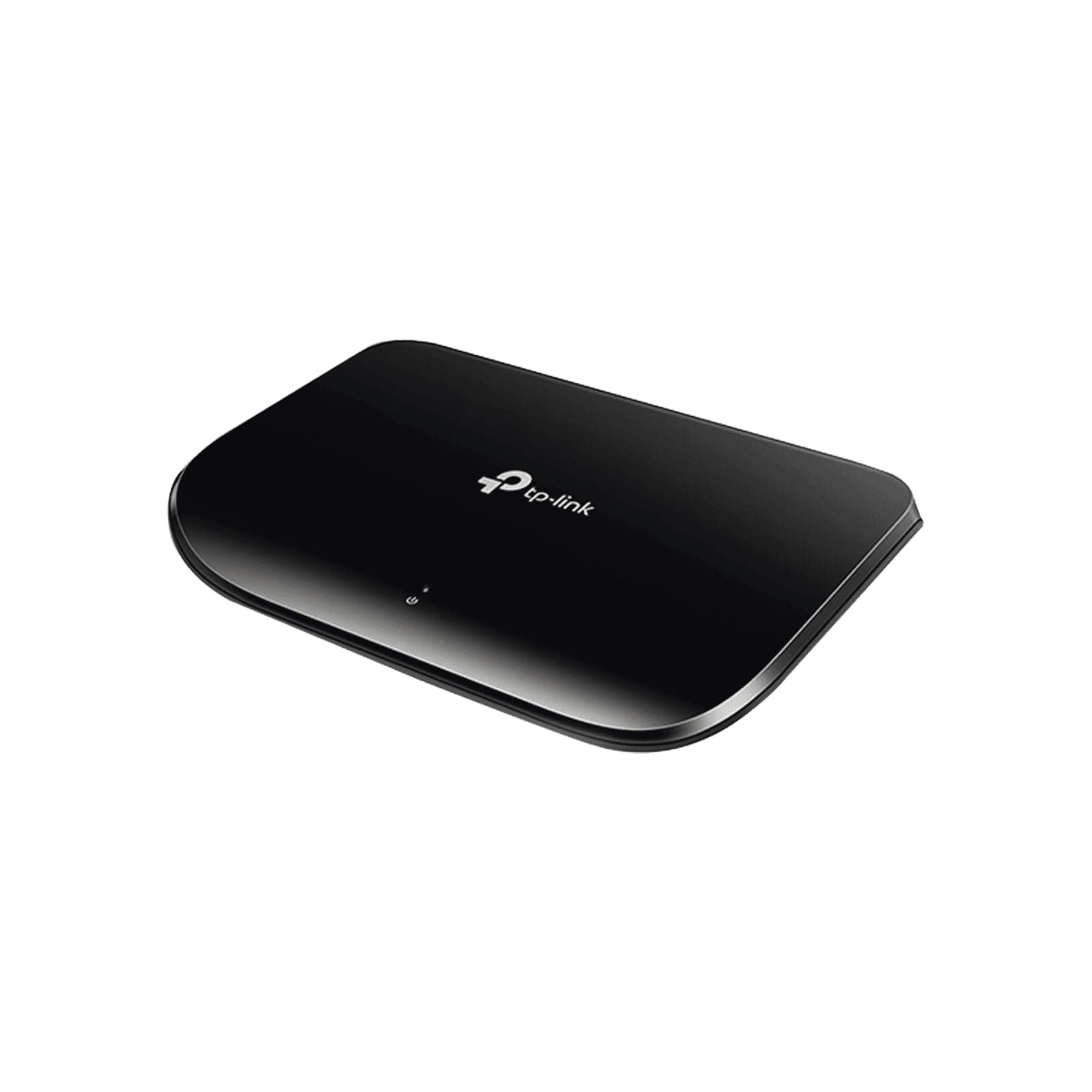

🚀 Elevate your network game with silent, speedy, and smart connectivity!
The TP-Link TL-SG1005D is a compact 5-port unmanaged Gigabit Ethernet switch designed for seamless plug-and-play use. It delivers reliable 1 Gbps speeds across all ports with auto-negotiation and MDI/MDIX support, while its fanless, energy-efficient design reduces power consumption by up to 80%. Ideal for professionals seeking a quiet, cost-effective way to expand wired network capacity at home or in the office.


| ASIN | B000N99BBC |
| Best Sellers Rank | #890 in Electronics ( See Top 100 in Electronics ) #1 in Computer Networking Hubs |
| Brand | TP-Link |
| Built-In Media | Switch^Power Cable |
| Color | Black |
| Compatible Devices | Desktop |
| Current Rating | 0.6 Amps |
| Customer Reviews | 4.7 4.7 out of 5 stars (13,547) |
| Data Transfer Rate | 1000 Megabits Per Second |
| Interface | 5 10/100/1000Mbps RJ45 PortsAUTO Negotiation/AUTO MDI/MDIX |
| Item Dimensions L x W x H | 6.5"L x 4.3"W x 1.1"H |
| Item Part Number | TL-SG1005D, TLSG1005D |
| Item Weight | 120 Grams |
| Manufacturer | TP-Link |
| Mfr Part Number | TL-SG1005D |
| Model Number | TL-SG1005D |
| Number of Ports | 5 |
| Platform | Windows |
| Switch Type | Ethernet Switch |
| UPC | 845973020255 172302747003 898029640266 168141531903 840460606684 132309812111 904707308356 |
| Unit Count | 1.0 Count |
| Upper Temperature Rating | 40 Degrees Celsius |
| Voltage | 110 Volts |
| Warranty Description | 2-year |
J**R
Fantastic little switch.
I wanted to hard-wire the network for my home theater setup. Most notably, an Xbox 360 (100Mbit), a PS3 (1000Mbit), an AppleTV 3rd gen (100Mbit), and the television itself (LN52B630, unsure about speed). Previous, I had the Xbox plugged in directly to my Airport Extreme over CAT5e, and used the wireless on the PS3/AppleTV. However, I wanted to hard-wire the AppleTV for airplay mirroring to speed things up a bit. And if I was going to split the one gigabit connection into more than one, I figure I might as well wire up everything, and a 5 port gigabit switch was exactly what I needed. Looking around Amazon, this guy had really top notch reviews. Online research showed NewEgg reviewers giving this little guy glowing reviews, with a few nags here and there. There are a few neat hacks people have done to make this switch even more useful, but I won't get into those. I figured for $20, this little guy should do the trick. Plus, Amazon has a great return policy for faulty products, so why not give it a try. I've been burned by high quality names dying out on me for no good reason, so I figured I'd give this little guy a go. So far, fantastic! I wasn't able to do a very good test to max out the line speed, but the speed did not change between no switch and the switch over the same wire. I checked all ports and they all worked at 1000BaseT just fine, and latency was consistent across all ports. Also, I confirmed that mixed modes caused no issues, as noted by my above devices. Of the 5 ports, 2 are gigabit (uplink to the Airport Extreme and the PS3), and the AppleTV/Xbox are 100Mbit - the TV is most likely 10BaseT, but it may be 100BaseT. Everything is working together flawlessly, though since it's for a home theater setup, it's not being taxed heavily. If it dies on me or if things end up not working out, I will be sure to come back and update this review. But I figured I'd toss my two cents for other people running into my situation.
M**2
Works well for inexpensive switch!
Put in two of these switches in my home network to replace two older Linksys 10/100 switches. I planned to buy Linksys switches in the Gigabit rating, but they are a weird shape now, and have no lights on the front! Found these switches priced much less than the Cisco/Linksys line, and they are nice and flat so they can be stacked. They also have power and data lights on the front where they can be seen. Two "T" holes in bottom allowed me to wall mount them using two small round head screws (you provide the screws). Moved large 2 gig movie files from a desktop to the server (Windows Home Server 2011). It takes just moments, and the speed was a steady 800 Mbps!!! This is on a network with about 150 feet of plain old Cat-5 cable and these switches inbetween the desk top PC and the server. Also like the fact that the switch save power by shutting off unused ports, and varies voltage on the line based on cable length. I have the Linksys EA2700 10/100/1000 router and it works just fine with the TP-Link switches. The switches also support 15K Jumbo Frame which is nice for large file transfers. And they are cool to the touch. I'm very happy with the TD-Link switches. Update: When traffic is light on the network, I am getting full 1Gbps transfer speeds between desktop and server. The desktop has two of these TP-Link switches, the router, and about 150 feet of cat-5 cable between it and the server it talks to. Not bad in my book. When the kids start streaming video off the internet, the non-internet data slows down, although this is probably more a function of the router slowing down under load than the switch because the streaming video is done wireless. Udate: Been 8 months and now have two of these switches working flawlessly. Also added the TP-link printer server to the network and it is working flawlessly also.
C**O
Easy to use (Inexpensive for the 5-port desktop model)
I am reviewing both the 24-port rackmountable switch, as well as the 5-port desktop switch. These are inherently very different products. TP-LINK TL-SG1024D 10/100/1000Mbps 24-Port Gigabit 13-inch Rackmountable Switch, 48Gbps Capacity The rackmount switch is very large for a desktop model, I highly recommend you use it in a rackmount configuration as it is intended. The power cord connector is thick and sticks out at the back of the unit. All of the Cat 5/6 cables connect at the front, making it cumbersome to mount on a desktop configuration. It also produces quite a bit of heat and was registering much more power draw than the 5-port switch. The rackmounted switch uses 10W of battery just standing by with no network activity. There are no amber LEDs. Instead, there's an extra LED that indicates a 1000 Mbps connection. So for the 10/100 connections, that LED simply won't light up. I found the indicators to be a tad confusing at first, but they present all the pertinent info you need. Again, this is overkill for most desktop/home applications. Overall: 5/5 stars. TP Link TLSG1005D 5 port Gigabit switch This is an inexpensive unmanaged switch with 5 Gigabit ports. I see a lot of complaints about the use of single color LEDs for all of the ports. Honestly, I get freaked out if I see amber instead of green because I am used to the amber signifying a 10 Mbps connection instead of 100 Mbps. So on my Netgear JNR3210 and D-Link gigabit switch, 10 Mbps and 100 Mbps connections all show up as amber. I only have a handful of systems with Gigabit NICs, so the amber lights throw me off. The TP Link shows green regardless of the connection, and that is fine. I also tucked the TP Link inside my entertainment cabinet with my media center PC and Xbox 360, so I don't really look at the LEDs. Overall: 5/5 stars, efficient, inexpensive, and excellent performance. It's an unmanaged switch so it isn't rocket science. It doesn't come with a Cat 5E cable though, but at least the AC adapter is fairly compact.
E**A
Me ha funcionado muy bien, no altera velocidad de Inter
S**8
Plug and play , utilisation immédiate , dispatching sans coupure , discret ,voyant de contrôle. Ma connexion : Sortie Freebox révolution avec RJ45 sur le switch et dispatching sur TV et sur Point wifi Airport Apple. 15 j d'utilisation sans aucun problème. J'aime l'informatique hardware quand elle est de ce niveau de qualité.
A**W
I bought this to set up a wired network for my smart TV, Blu Ray Player & games console. My cable router is on other corner of the living room so got this & a 10m Cat6 cable to hook up & works great. Switch is just that, no frills, no fuss, no unecessary buttons of anything actually on it, just plug in & play set up. LED lights on front shows power on, & any live connections , & blinking indicates data transfer. I think if your gonna get one of these Gigabit switches, go for a decent Cat6 ethernet cable for the router connection & also for the connections to your equipment. Smart TV apps like bbc Iplayer, 4OD etc load up much quicker & no loss of signal like when using wireless, great! All in all a very good buy & recommended.
A**R
ممتاز ويعمل بكفاءة عالية والتوصيل كان في الموعد والسعر جداً مميز شكراً لك
S**R
The TP-Link 5 Port Gigabit Ethernet Network Switch has been a fantastic addition to my home network setup. I’ve been using it for over a year, and it has functioned flawlessly throughout. Its compact size is a major plus—it fits just about anywhere, making it perfect for tight spaces or discreet setups. Installation was extremely easy—just plug and play with no configuration needed. I’ve connected all 5 ports simultaneously without any issues, and the network speed has remained consistently fast and stable. The device handles multiple connections smoothly and efficiently. Overall, this is a very reliable and well-designed switch that delivers excellent performance at a great price. Highly recommended for anyone needing a simple and effective way to expand their wired network.
TrustPilot
1天前
5天前