We remain fully operational. Our teams are working around the clock to ensure your deliveries continue safely.

下载应用程序


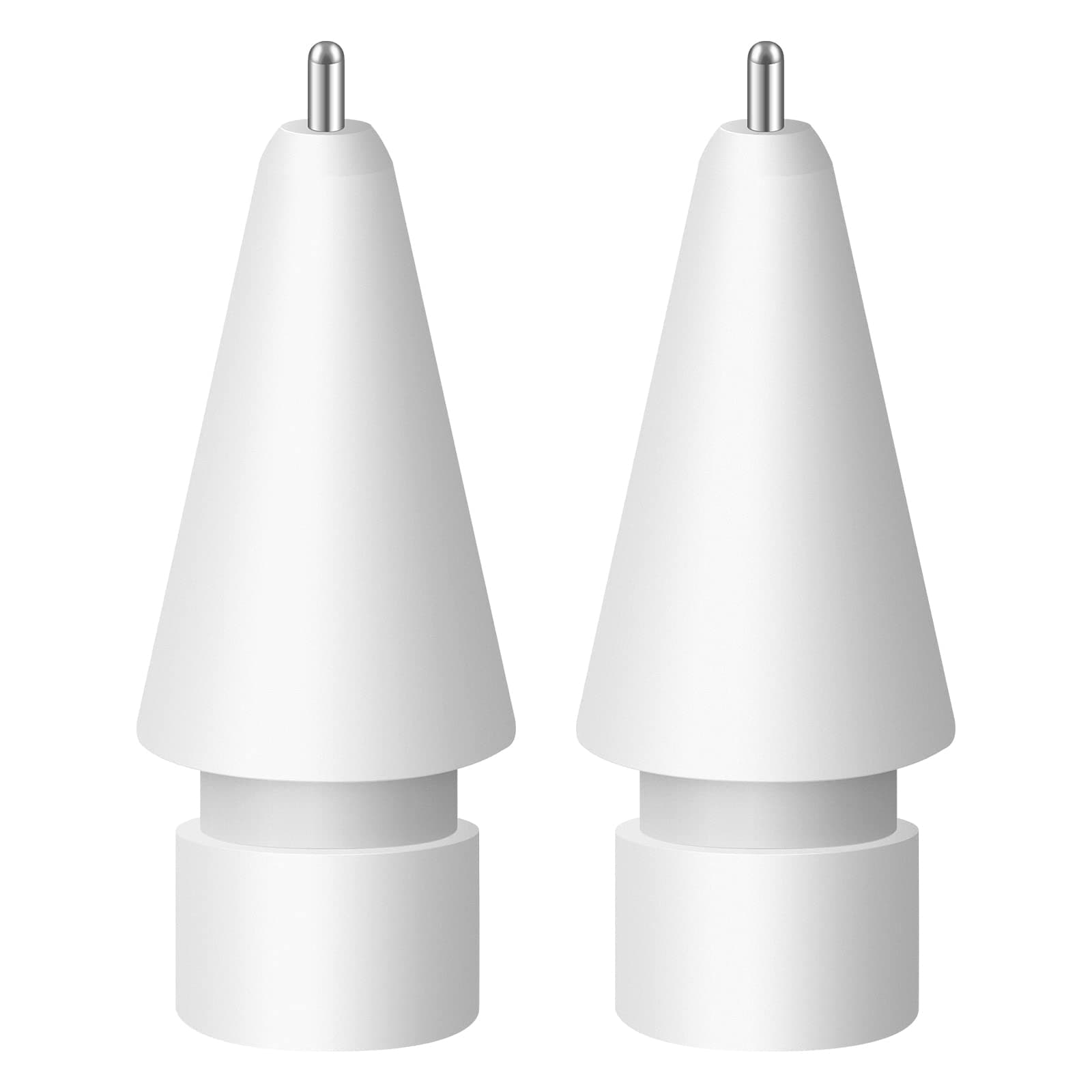


✍️ Upgrade your digital canvas with precision that professionals swear by!
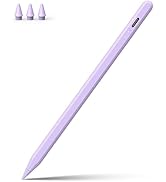
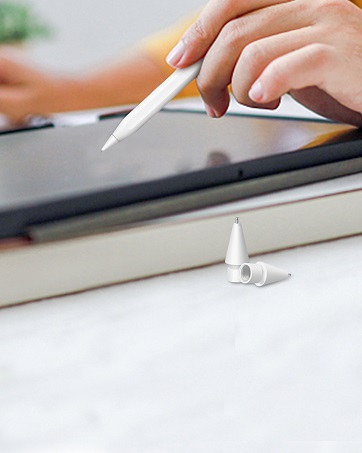
The Digiroot Upgraded Replacement Tip offers a 0.72mm ultra-fine copper nib designed for precise, durable, and smooth control on Apple Pencil (1st/2nd Gen), USB-C, and Logitech Crayon. Engineered for artists, students, and professionals, it delivers lag-free, tilt-sensitive performance while protecting your iPad screen. Each pack includes two tips backed by a lifetime satisfaction guarantee.









| ASIN | B09SLTQMSG |
| Are Batteries Included | No |
| Are Batteries Required | No |
| Battery Description | Not Required |
| Best Sellers Rank | #77,354 in Mobile Phones & Communication Products ( See Top 100 in Mobile Phones & Communication Products ) #697 in Stylus Parts & Accessories |
| Brand | DIGIROOT |
| Color | White |
| Compatible Devices | Apple Pencil 1st Gen, 2nd iPad Pro 11-inch, 10.5 12.9 9.7 and Logitech Crayon |
| Customer Reviews | 4.5 4.5 out of 5 stars (1,337) |
| Enclosure Material | Copper |
| Item Dimensions | 12.7 x 0.5 x 0.7 centimeters |
| Item Weight | 0.07 Kilograms |
| Manufacturer | DIGIROOT |
| Unit Count | 2 Count |
C**D
I purchased the Digiroot Upgraded Replacement Tips for my Apple Pencil, and they work perfectly. The tips fit securely and are fully compatible with Apple Pencil Pro, 1st & 2nd Gen, USB-C models, and Logitech Crayon, which is very convenient. The writing and drawing experience feels smooth and accurate, just like the original tip. There’s no lag or scratching on the screen, and they’re easy to install and replace. Overall, these are high-quality replacement tips at a great value. Perfect if you need backups or replacements without paying for brand-name tips. Highly recommend!
K**A
Was nervous about purchasing apple tips with a metal tip and one that wasn't from apple, but they're great! they don't scratch the screen, still recognise pressure and they're much cheaper. Would buy again & recommend.
S**C
This is a great little accessory for iPad note takers! I’ve tried it out and so far it hasn’t scratched my screen protector which is great (I use the “Paperfeel” Amazon screen protector). However, when I used the eraser in the notes app, moving the tip of the pencil quickly over a larger area of space made a really “scratchy” sound. It sounds like you are breaking the screen of your iPad. Although it didn’t scratch, I think if you aren’t careful, you can most definitely scratch it. Always use with a screen protector and don’t push too hard when writing/drawing.
K**S
Feels great while writing and pairs perfectly with a paper like screen cover.
M**A
Works well! iPad responds to it, fits perfectly, no compatibility issues, very easy to use! Worth the $$$ if you'd like to have smaller/thinner lines!