Some deliveries may take a little longer than usual due to regional shipping conditions.

下载应用程序




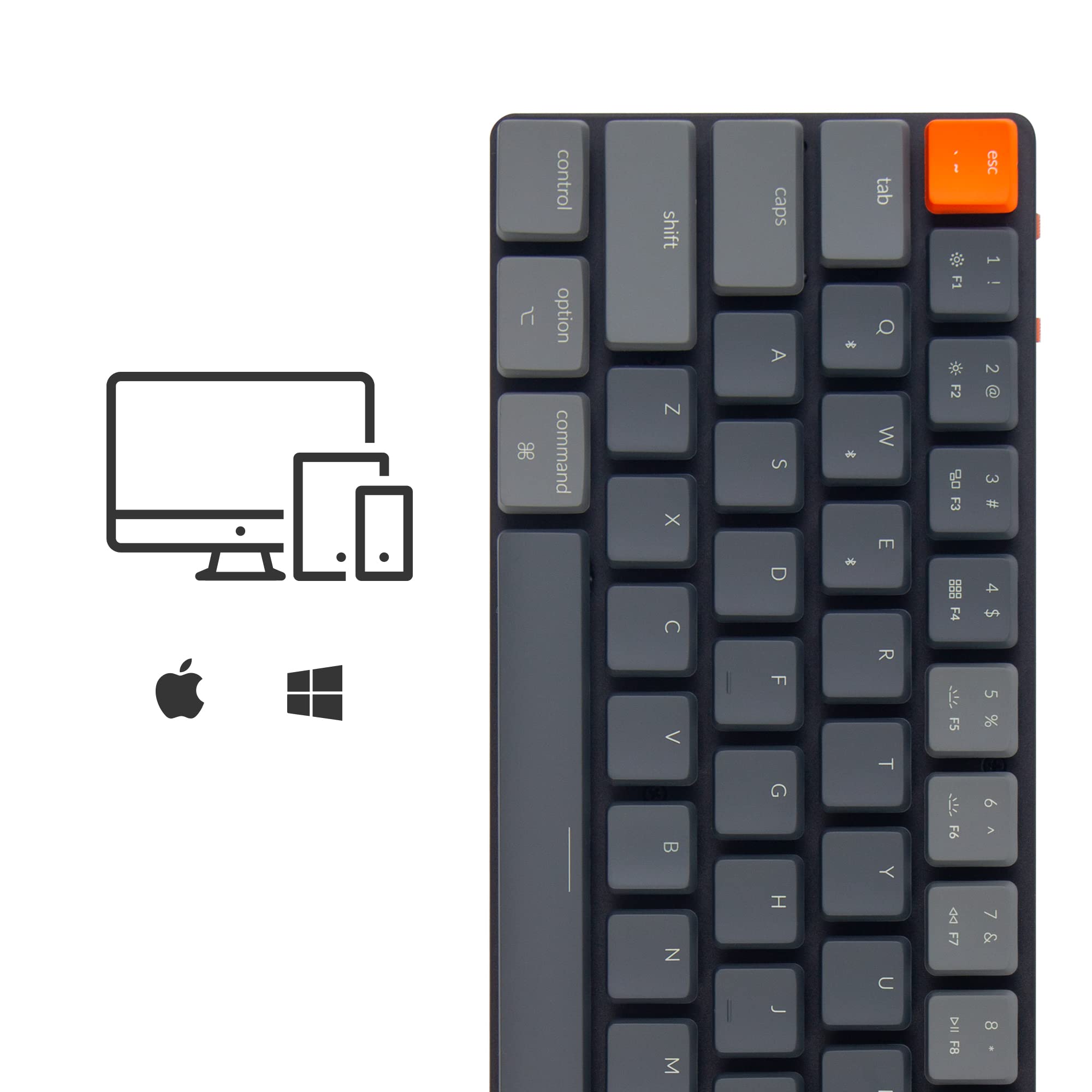


⌨️ Elevate your workspace with the ultra-slim, clicky, and customizable Keychron K7 — because your desk deserves the best.
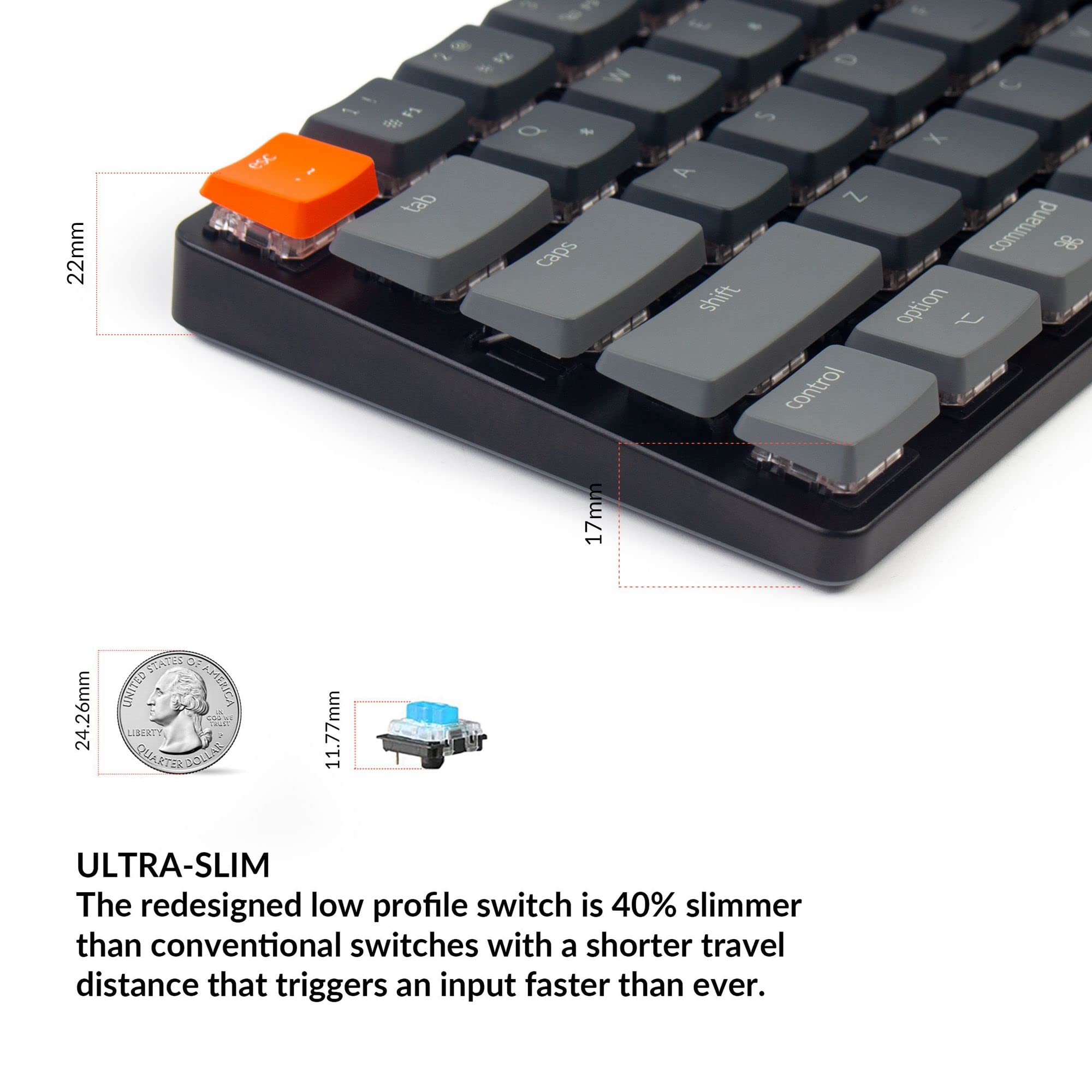
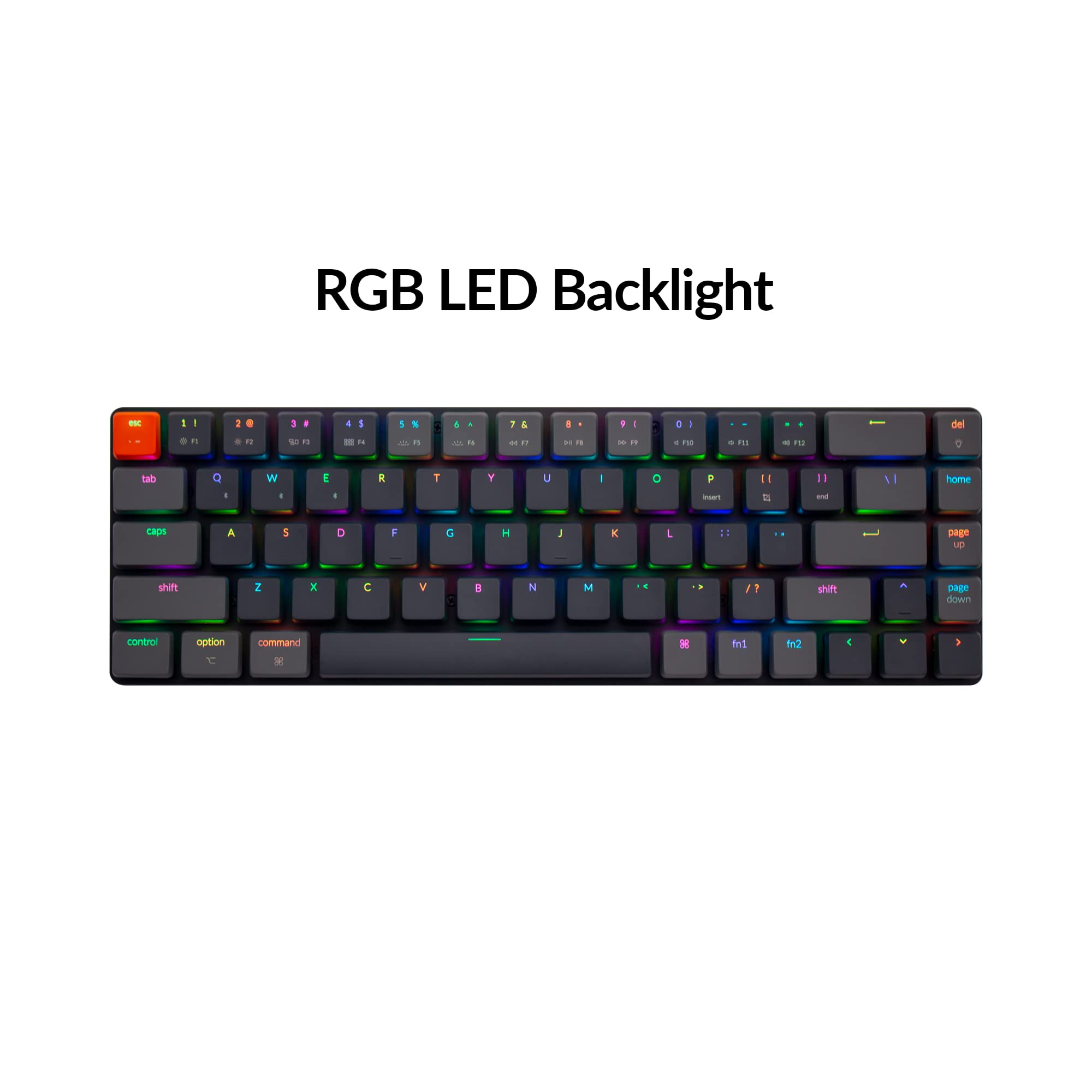
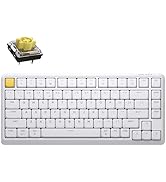
The Keychron K7 is a cutting-edge ultra-slim 65% mechanical keyboard featuring hot-swappable low-profile Gateron Blue switches, RGB backlighting, and Bluetooth 5.1 connectivity for up to three devices. Designed for Mac and Windows compatibility, it combines a durable aluminum frame with a compact layout that includes dedicated arrow keys, delivering a premium typing experience tailored for professionals who demand style, speed, and versatility.

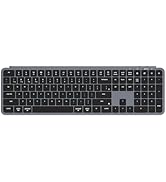


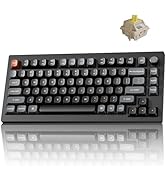
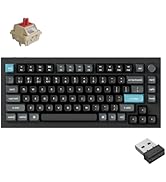
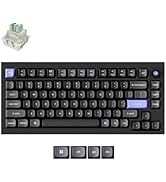

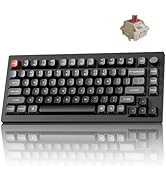
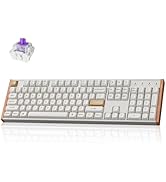
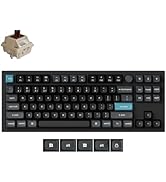


| ASIN | B08X1FX42S |
| Batteries | 1 Lithium Ion batteries required. (included) |
| Best Sellers Rank | #66,885 in Video Games ( See Top 100 in Video Games ) #378 in Mac Gaming Keyboards #3,036 in PC Gaming Keyboards |
| Customer Reviews | 4.1 4.1 out of 5 stars (85) |
| Date First Available | February 20, 2021 |
| Item Weight | 1.52 pounds |
| Item model number | K7-H2 |
| Language | English |
| Manufacturer | Keychron |
| Product Dimensions | 12 x 3.8 x 0.8 inches |
B**L
Awesome companion to the Boox Note Air3
I've been on the hunt for a perfect, distraction-free, portable, e-ink writing tool. Something that is focused and text-oriented, but not so limited that I have to jump through hoops to get my text on and off the machine. I tried a reMarkable 2 with a Typefolio first. It was great - compact, nice high-contrast screen, folds up neatly. The keyboard was actually pretty great, too. Very shallow, but responsive and I found I could actually pound out text quickly on it, surprisingly. But the RM2 is just a glorified notepad. All you can write with it are "notes". And the only way to get the content of those notes into, say Word documents, is to cut and paste from the desktop app. Not good enough for $500 (plus a pen). Enter the Boox Note Air3 (not the 3C, which is color and has around 10% the battery life). It's Android-based and you have your choice of any text editor on Google Play. (I strongly recommend TextMaker). But the Note does not have a keyboard folio available - there are no pogo pins. (The Tab Ultra does, but it's pricey and the Note itself is cheaper too). However, the Note works with any Bluetooth keyboard. I tried a few I already owned, and they worked fine, but I wanted something nicer. This is absolutely perfect. Even the aesthetic and the colors match. It really is like they were made for each other. And the typing experience with the Gateron Blues is just sublime. I may even prefer it to my Razer Huntsman with Optical Purples on my desktop. It's as compact as can be and there is no wasted space. But the key spacing and size seem normal, and you still get arrow and editing keys, which was important to me. The price was very reasonable (with Prime discount taking almost 40% off) and it just oozes gadget coolness. I'm not one for RGB, but you can set the backlight to static white, which is actually helpful. Battery life seems like it should be fine. My only concern is durability. In swapping the Mac keycaps for Windows (both are included), the switches pulled out before the keycaps did. In theory, it's nice that they are both swappable. But since I have no intention of changing the switches, I sort of wish they were soldered in. Unlike a typical tablet keyboard, it probably needs its own case to be safely transported. But that is well worth the tradeoff. I think I have finally found my writing tool setup!
L**Z
Blue switches are tactile, easy to press, and healthy click sounds
This keyboard feels great to type on, has a nice healthy click, and keypresses aren't too firm like most mechanical keyboards. I like the 65% size and could type as fast as an Apple Magic keyboard from the start. Keyboard has a solid feel, everything seems like high quality parts. There are a few nuances that are annoying, like the Escape key merging with the tilde and backtick. I need all 3 of those keys without a modifier for terminal use. Other than that I don't miss the top row at all.
Q**A
This keyboard is soooo perfect
I just set up my keyboard a few minutes ago. It is so sleek. I love how small it is. I love the RGB light. The soft clicky sounds of the brown keys is so perfect (if you want clicky keys that are quiet enough for zoom calls). My other keyboard is an Azio (red keys for when I want something with louder clicky keys). This is going to take some getting used to (the small size) but I love it. It's really comfortable. I'm so happy I bought this. For some reason, non-apple products do not connect well with my laptop via bluetooth. Apple doesn't play well with others though. So, the bluetooth feature isn't working for me yet. Plugging it in is easy enough.
J**H
Unreliable
The keyboard seems well made. It's super small, light and sturdy, but I found the Bluetooth connection was flaky and at some point keys randomly stopped working (like ctrl) until I reset. Coupled with the fact that if you have an encrypted boot drive, every time you restart you need to plug it back in. This is something I didn't realise I missed from Logitech keyboards - the unifying connection works very well even when the machine is in BIOS or similar. Ultimately I just switched back to a wired keyboard for the reliability and I may keep this for travel.
J**E
Sturdy, well-constructed keyboard.
I was in the market for a new keyboard, and I knew I wanted to go with mechanical keys, eliminate the 10 key (that I rarely use), and go with a slim model so I did not require a resting pad for my wrists. After doing some research, I settled on the Keychron K7. First impression: It is definitely smaller than the 104-key that I was moving away from... in a good way. This takes up much less room on my desk and provides a minimalistic feel that I am enjoying. Pros: - Great keys and the brown switches give it just enough click without going overboard. - Easy bluetooth setup. I connected to my phone and two PCs, and I can easily switch between them. - Backlight control is easy to adjust and disable when not wanted/needed. - Conserves battery by "sleeping" when not used for 10 minutes. I find this a plus, but some people do complain that you have to press a key and wait a few seconds before it reconnects and allows you to type again. (Tip: There's a keyboard shortcut command you can use to disable that feature). Cons: - Key combos to manage the keyboard will take some time to remember. Keep the quick access card! - Two function keys are required to make use of the consolidated top row that is used for numbers/symbols as well as keyboard functions and the F keys. Overall, I would highly recommend this keyboard for someone who wants to free up some space on their desk and is looking for a sturdy, multi-device bluetooth capable keyboard.
1**D
Disappointed
The Logitech MX Mechanical for Mac in pale grey has a much better typing feel, sound, and aesthetic IMO. Even better still is the LoFree Flow keyboard which has the best typing feel, sound, aesthetic. Typing on Keychron made me doubt my typing abilities. With the two keyboards I mentioned previously my confidence in my typing abilities is restored. I didn’t think a keyboard could really be bad but the keychron proves it. Hopefully their other products are better or they improve this one.
A**O
Es un hermoso teclado no solo por el tamaño, la distribución de las teclas y el diseño industrial; también por la iluminación y los patrones de colores. PROS: - Tamaño compacto y teclas de debajo perfil. - Ligero. - Construcción solida. - Pakaging agradable. - Conexión bluethoot estable. - Cambio rápido entre dispositivos (admite hasta 3). - Cable USB C de alta calidad (incluido en la caja). - Sensación agradable de tipeo (depende del tipo de swithc). - Sonido agradable (depende del tipo de switch). - Permite el intercambio en caliente de switches. CONTRAS: - Batería de corta duración, aun con retro-iluminación desactivada (Uso diario: 4 hrs a intervalos discontinuos, requiere carga cada 4 o 5 días). - Tiempo de carga elevado para la duración de la batería (aprox. 2.5-3 hrs). La oportunidad de mejora en este teclado está principalmente en aumentar la capacidad de la batería así como la velocidad de carga. Un software de configuración que permita mayor personalización en la iluminación, crear atajos de teclado o capas de teclas, seria muy buen complemento. EN CONCLUSIÓN es un teclado muy recomendable. Su precio esta justificado. Adelante con tu compra si estas dispuesto a tolerar el punto de la batería.