
下载应用程序


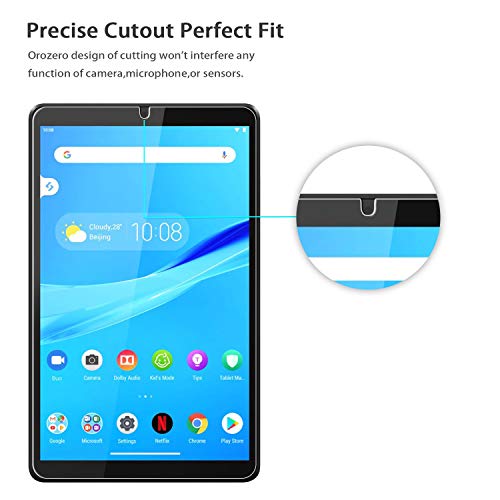

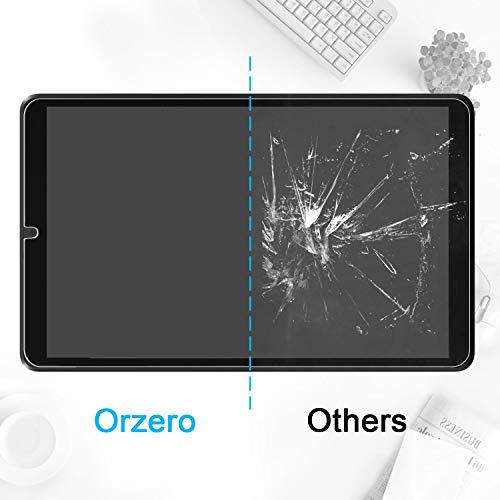
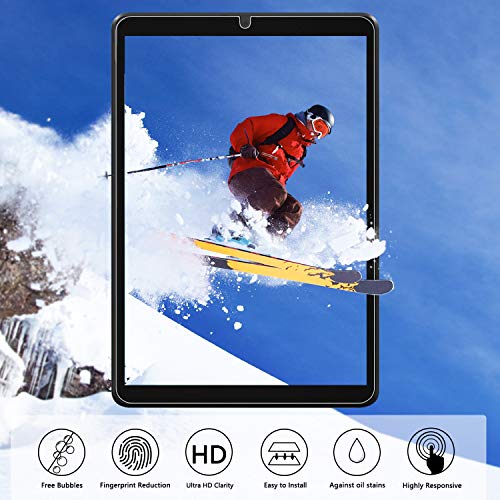
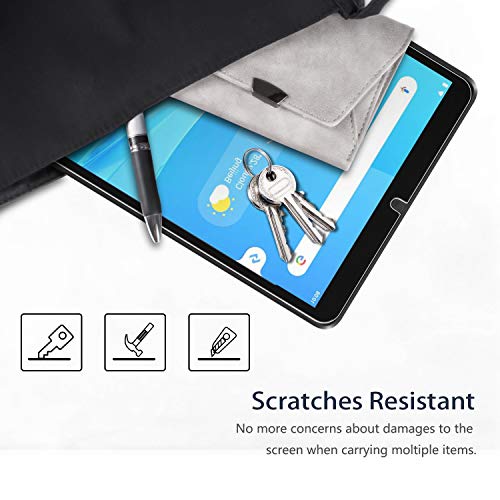


🛡️ Elevate your Lenovo Tab M8’s defense with Orzero’s lifetime tough glass!
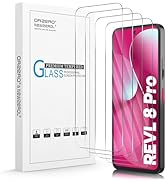
Orzero’s 2-pack tempered glass screen protectors deliver 9H surface hardness, ultra-clear HD display quality, and a perfect fit for the Lenovo Tab M8 8-inch tablet. Lightweight and durable, these protectors come with a lifetime replacement promise, ensuring your device stays pristine and protected against everyday wear and tear.





| Product Dimensions | 21.49 x 13.49 x 1.27 cm; 50 g |
| Item model number | Lenovo Tab M8* |
| Special features | 9 H Surface Hardness |
| Item Weight | 50 g |
A**C
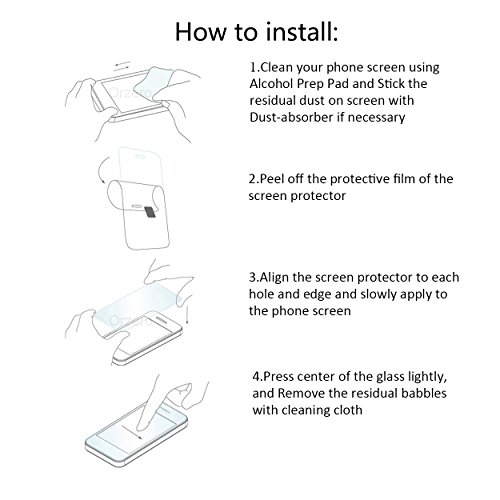
Small tutorial in video! Read before attempting!!! I install these all the time! •Be sure to work in an area with the least particles flying around (as in an area without a fan on, or pet running around, or such). •clean your tablet (front & back) with a soft cloth beforehand to take off oily prints and such (I like using a alcohol wipe or electronic wipe) •place 2 guide stickers on the back of your tablet preferably on the left back side with the tablet front facing you. Leave them with a little space to curve to the front. •place the tempered glass (without removing the RED STICKER) face down on your tablet with the red tab on the upper right bottom side! •align it with the camera hole and stick the little piece of the guide stickers on it •the last guide sticker needs to be placed on the right side of the tempered glass, now it should open like a book when you lift it •Make sure it aligns correctly and open it and place it to the left, open like a book •Clean the screen with the screen wet cloth provided, use the dust absorber sticker around the screen, and then wipe with the microfiber cloth (Make sure no little dust particles or prints or trash is on the screen) •Then carefully remove the #1 BACK labeled sticker off the glass, DO NOT TOUCH THE GLASS!!! Carefully use the guide sticker and flip the tempered glass over the screen • Use the cloth and press down on the middle and work your way around the screen pushing out the air •And finished! Review))) The tempered glass is great! It's inexpensive and and easy way to protect your tablet from any scratches on the screen. If anything happens it's as easy as peeling it off & replacing it. The screen protector is very responsive and doesn't look hazy. I can barely tell it's there. One thing!: The one I installed had a little of like adhesive residue on the inner top part. I can barely tell it's there, and it's not a problem for me, but I just wanted to point that out. The other protector doesn't seem to have that. Also, I regularly install these on my family and friends phones and devices. I always get compliments and thanks for it. They drop their device and are afraid the screen shattered only to find when I lift the tempered glass that it's fine. Then I install another one. Much easier than having to buy a new device or replace the screen. 👍
R**.
Fit perfectly and easily applied
C**U
Just purchased a Lenovo Tablet M8 (3rd Generation) and was looking for a tempered glass screen protector. There is usually little difference from one brand to another (they're all made in China anyways). However, the one from Orzero were had good reviews and were priced lower than other brands. The Orzero screen protector fit the Lenovo tablet perfectly with very little uncovered screen surface at the edges. Included in the package were three pieces of alignment tape to help hold the protector in the correct position before applying to the screen. However, I found that using the tape was more cumbersome than just carefully aligning the protector freehand. With a little care, it is possible to install without any bubbles, and once installed is barely noticeable. Time will tell how durable it is. If need be, there is a second screen protector in the package.
E**H
I have a Lenovo m11 tablet. These fit perfect. Easily to apply. Great price and delivered in 1 day.
C**E
👍
TrustPilot
1 个月前
1 个月前