We remain fully operational. Our teams are working around the clock to ensure your deliveries continue safely.

下载应用程序


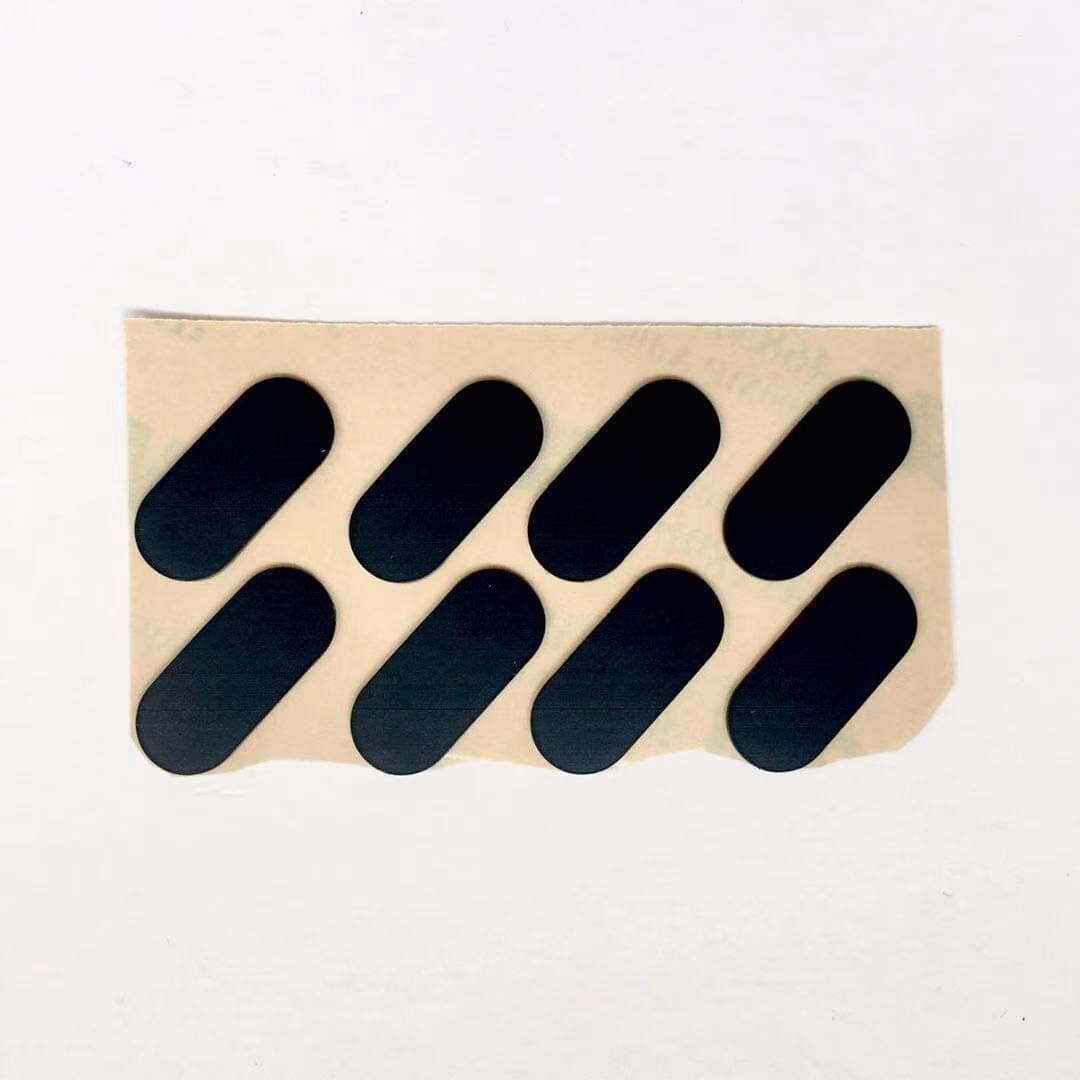


🖱️ Upgrade your glide, own every move.
These PTFE-coated replacement mouse skates for the Logitech MX Anywhere 3 come in a pack of two sets, designed to restore and enhance your mouse’s smooth gliding and tracking precision. Easy to install after removing the protective film, they extend the lifespan of your mouse while delivering a frictionless, professional-grade experience.
| ASIN | B08T1CNH5P |
| Antenna Location | Replacing and enhancing the gliding experience and tracking of Logitech MX Anywhere 3 mouse feet |
| Are Batteries Included? | No |
| Are Batteries Required | No |
| Best Sellers Rank | 110,530 in Computers & Accessories ( See Top 100 in Computers & Accessories ) 2,216 in Mice |
| Box Contents | 2 sets of Mouse Skates/Mouse Feet |
| Brand | LZYDD |
| Brand Name | LZYDD |
| Button Quantity | 2 |
| Colour | Mouse Feet |
| Compatible Devices | Logitech MX Anywhere 3 |
| Connectivity technology | USB |
| Customer Reviews | 4.4 out of 5 stars 29 Reviews |
| Enclosure Material | PTFE" // or "Teflon |
| Hand Orientation | Ambidextrous |
| Hardware Platform | Laptop |
| Item Weight | 0.02 Kilograms |
| Manufacturer | LEASUN |
| Model Name | Logitech MX Anywhere 3 |
| Movement Detection | Optical or Laser |
| Movement detection technology | Optical or Laser |
| Network Connectivity Technology | USB |
| Number of buttons | 2 |
| Operating System | Linux, Windows 7, Windows XP |
| Power Source | Corded Electric |
| Product Features | Improved Gliding Experience |
| Product Finish Type | Glossy |
| Range | 10.0 meters |
| Special feature | Improved Gliding Experience |
| Style Name | Modern |
| Theme | Computer Accessory |
| Unit Count | 2.0 count |
A**E
Great skates - but be sure to remove thin transparent protective film before use
These mouse skates for Logitech MX Anywhere 3 are a great replacement for the existing ones - if (for example) you need to open the mouse up to clean / replace the microswitches or swap out the battery. It's worth noting that in order to get them to skate friction free as per a new mouse, you'll need to remove a layer of transparent film from the skate side of the feet in order to allow the PTFE coated feet to do their job. A rub over the feet with isopropyl alcohol will do the trick.
I**T
Superb - once you have removed the thin plastic film on the outside
Superb - once you have removed the thin plastic film on the outside
M**A
Very good OEM replacement, but very expensive for what they are.
The left click on my MX Anywhere 3S became temperamental. I disassembled the mouse and placed some electrical tape on the click contact points (to add material), which solved the problem. However, I was too impatient to heat up the mouse feet to cleanly remove the OEM ones. So of course, I required replacements! These are great. As others have mentioned, after applying you have to remove the thin film (which is making them glossy black). Once that is removed and the feet take on a matte appearance, they become silky smooth and both look and perform like OEM. The pack also includes 2 Iso Alcohol wipes to help you prep the surface and remove old adhesive. Only knocked off 2 stars because the price is way too high for what the item is. These are good, OEM quality replacements but they know they have us over a barrell so pull prices out of the air. £1 for each sticky pad is probably 4x what they should be charging and these are some of the cheaper ones for sale!