We remain fully operational. Our teams are working around the clock to ensure your deliveries continue safely.

下载应用程序


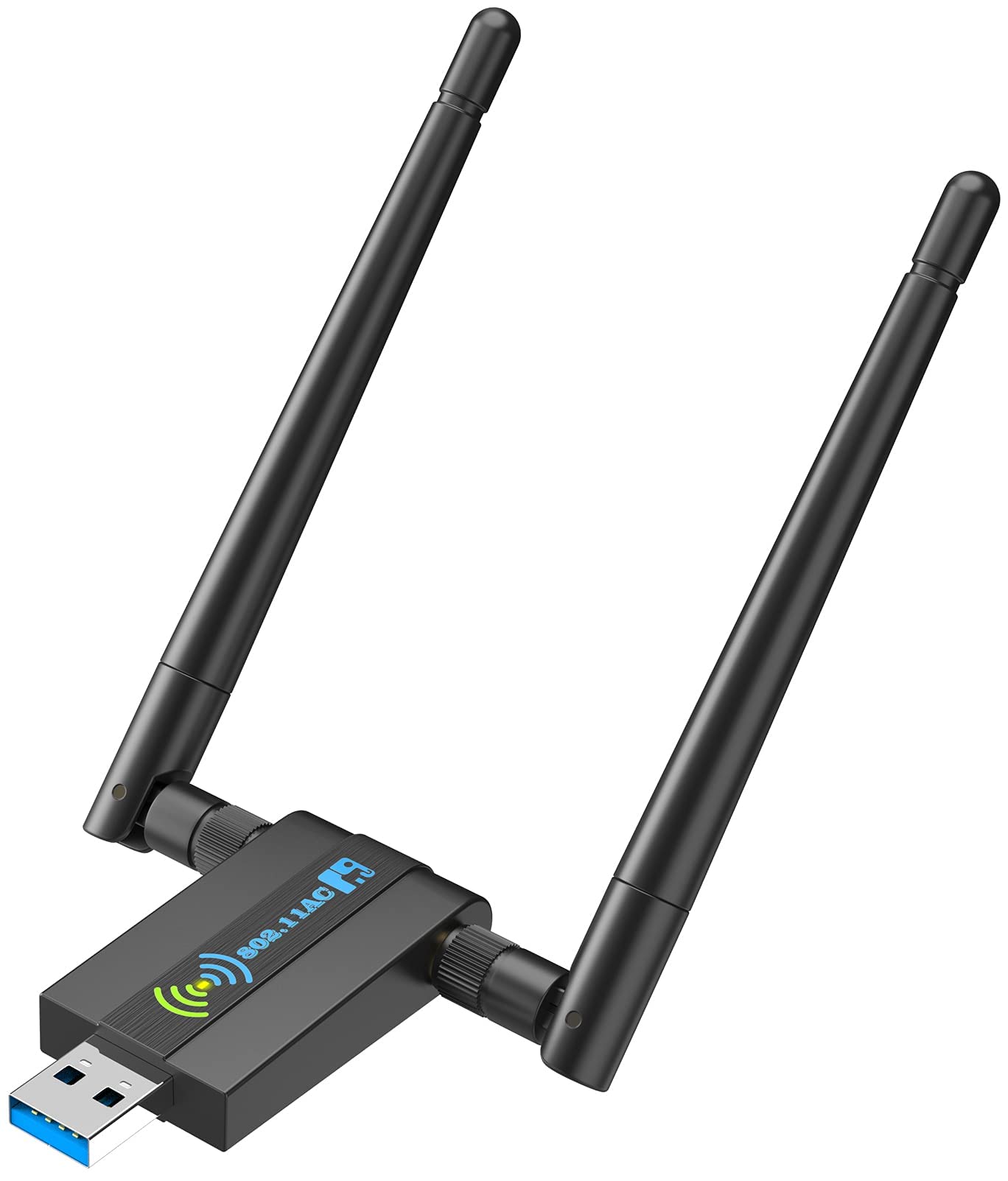
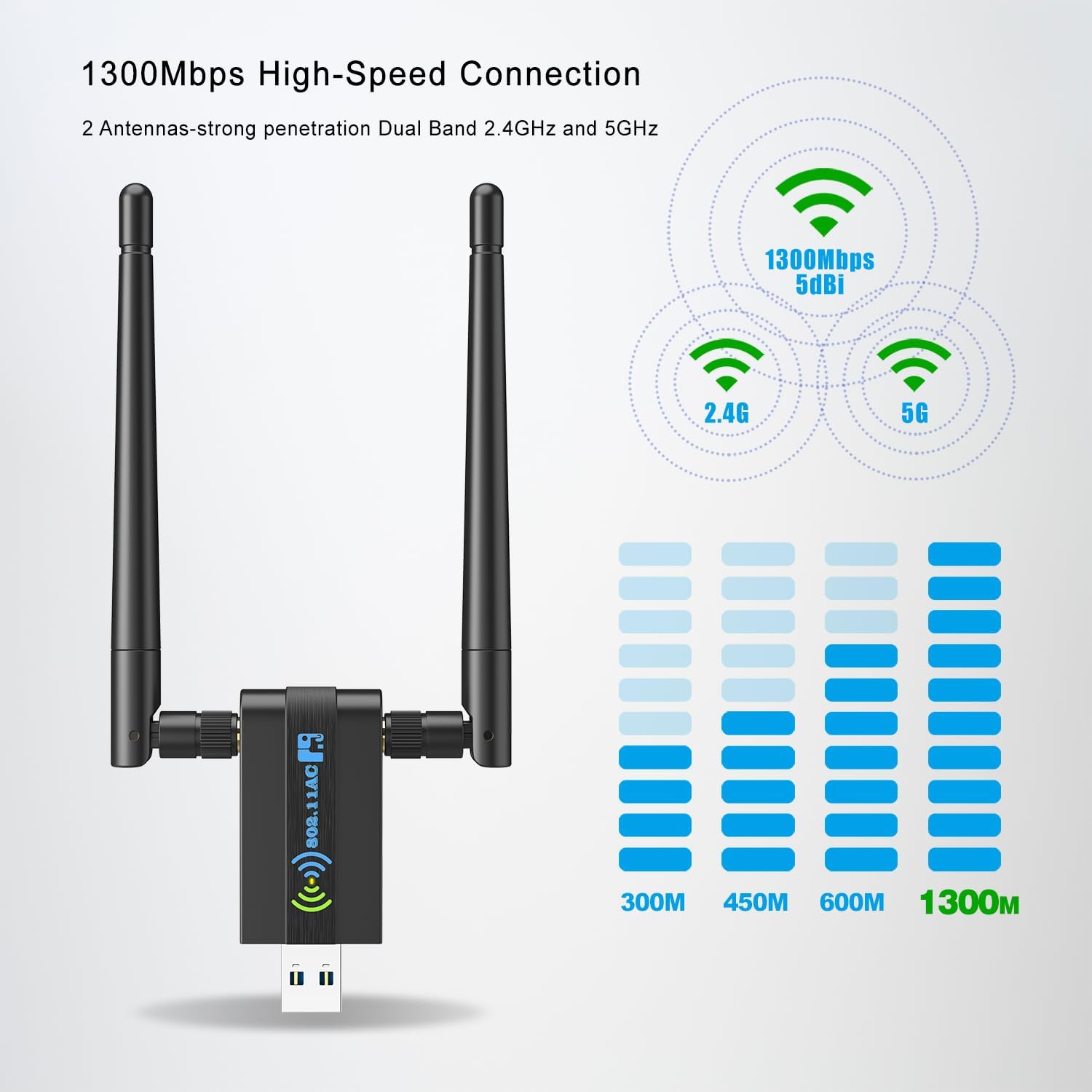
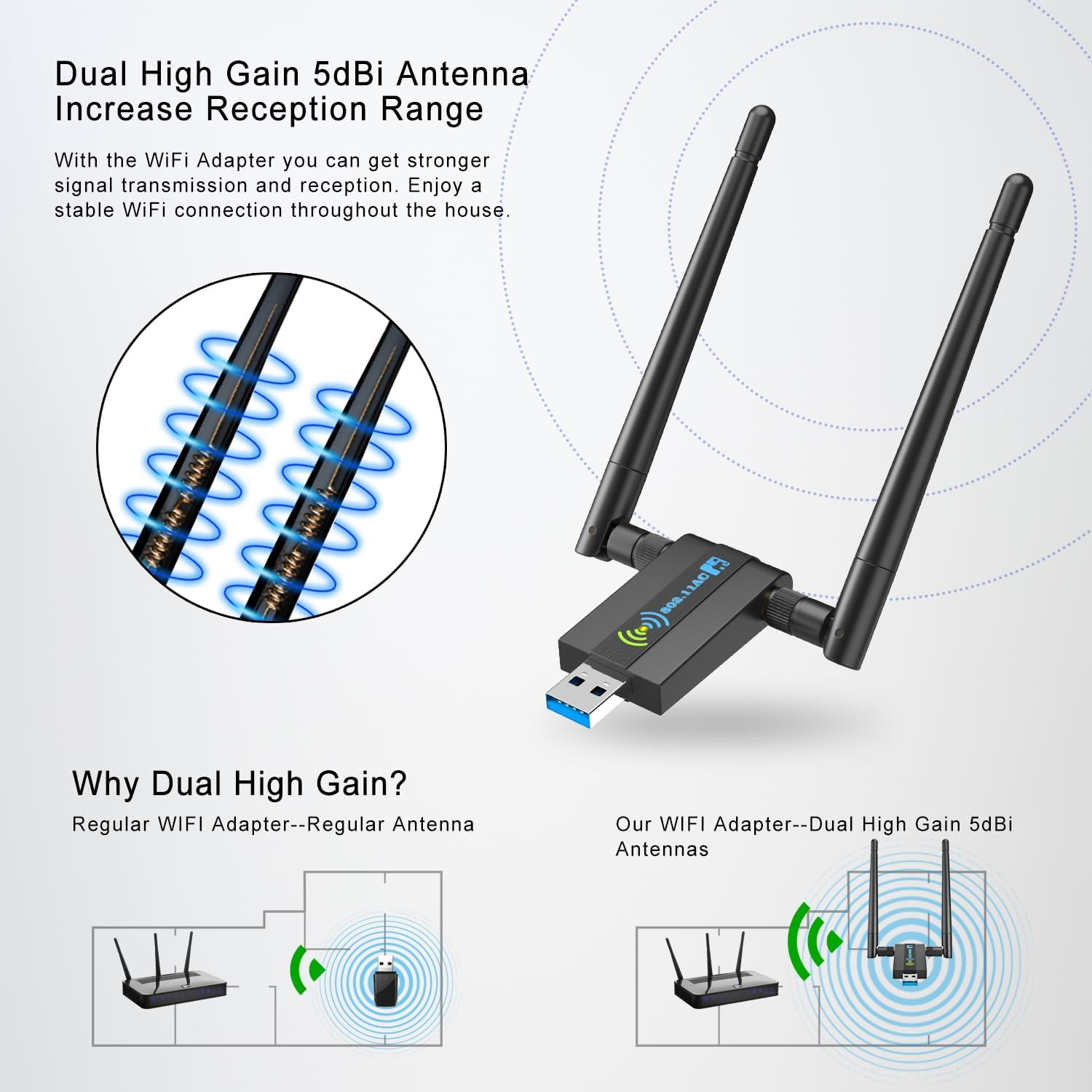
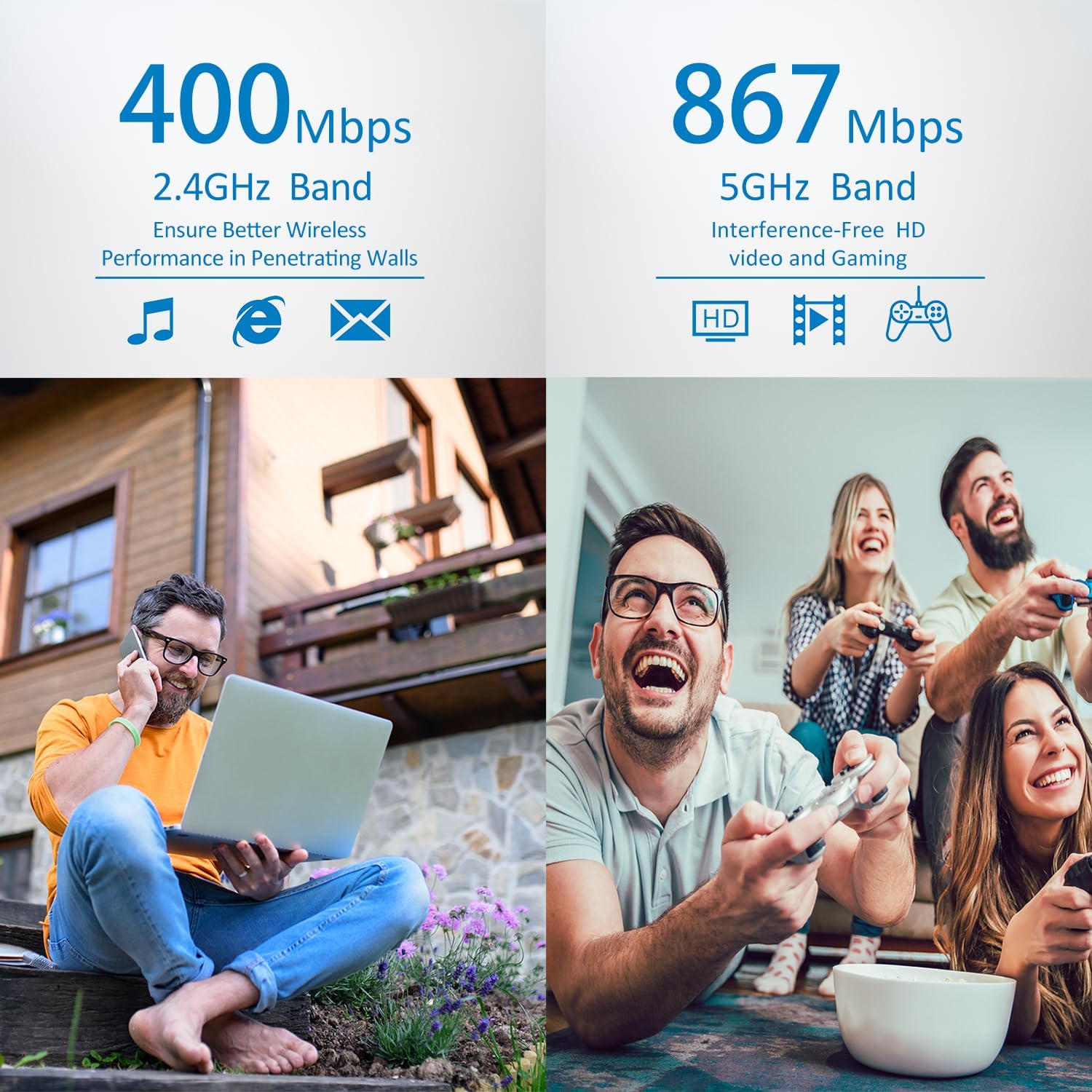
📶 Upgrade your desktop WiFi game—fast, fierce, and future-ready!
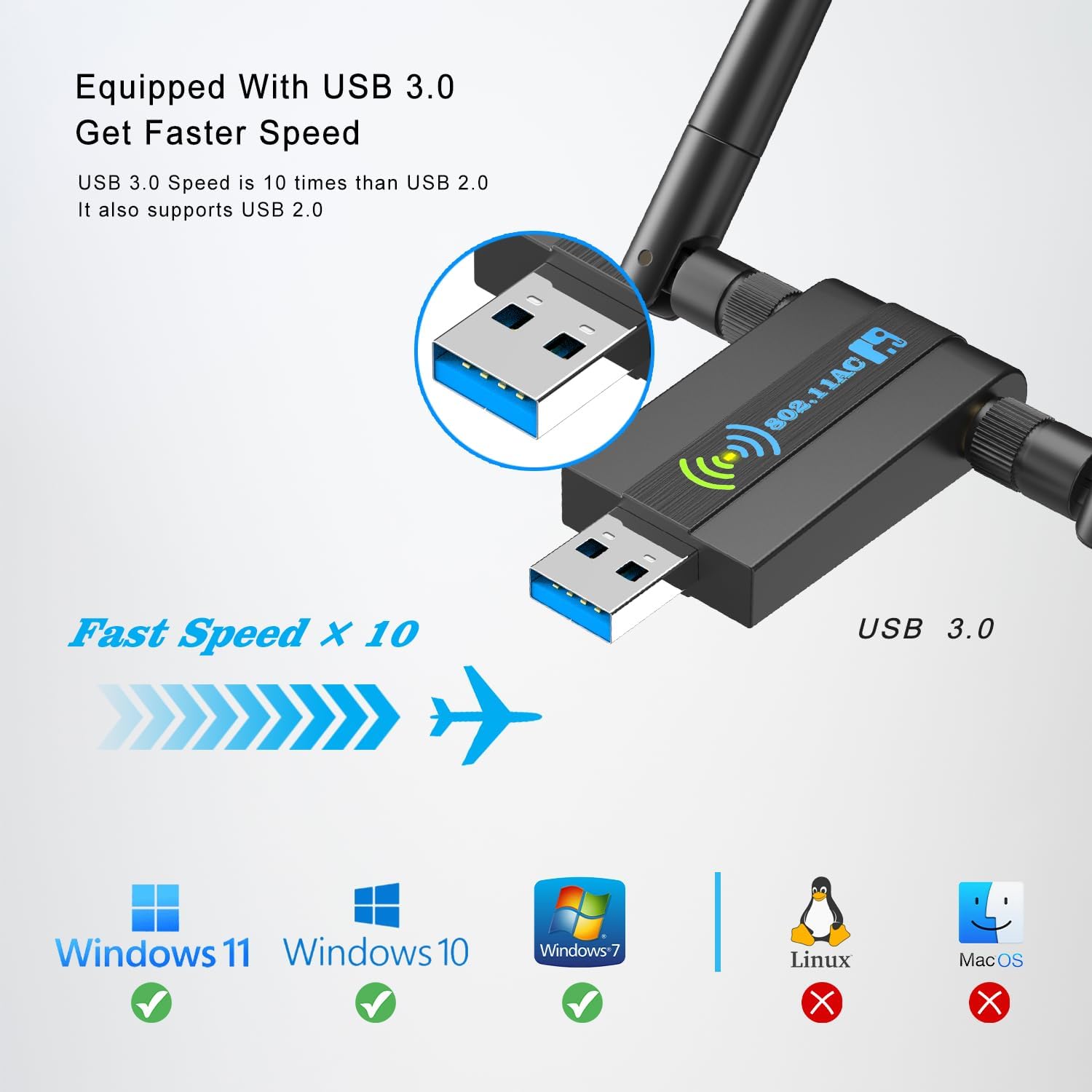
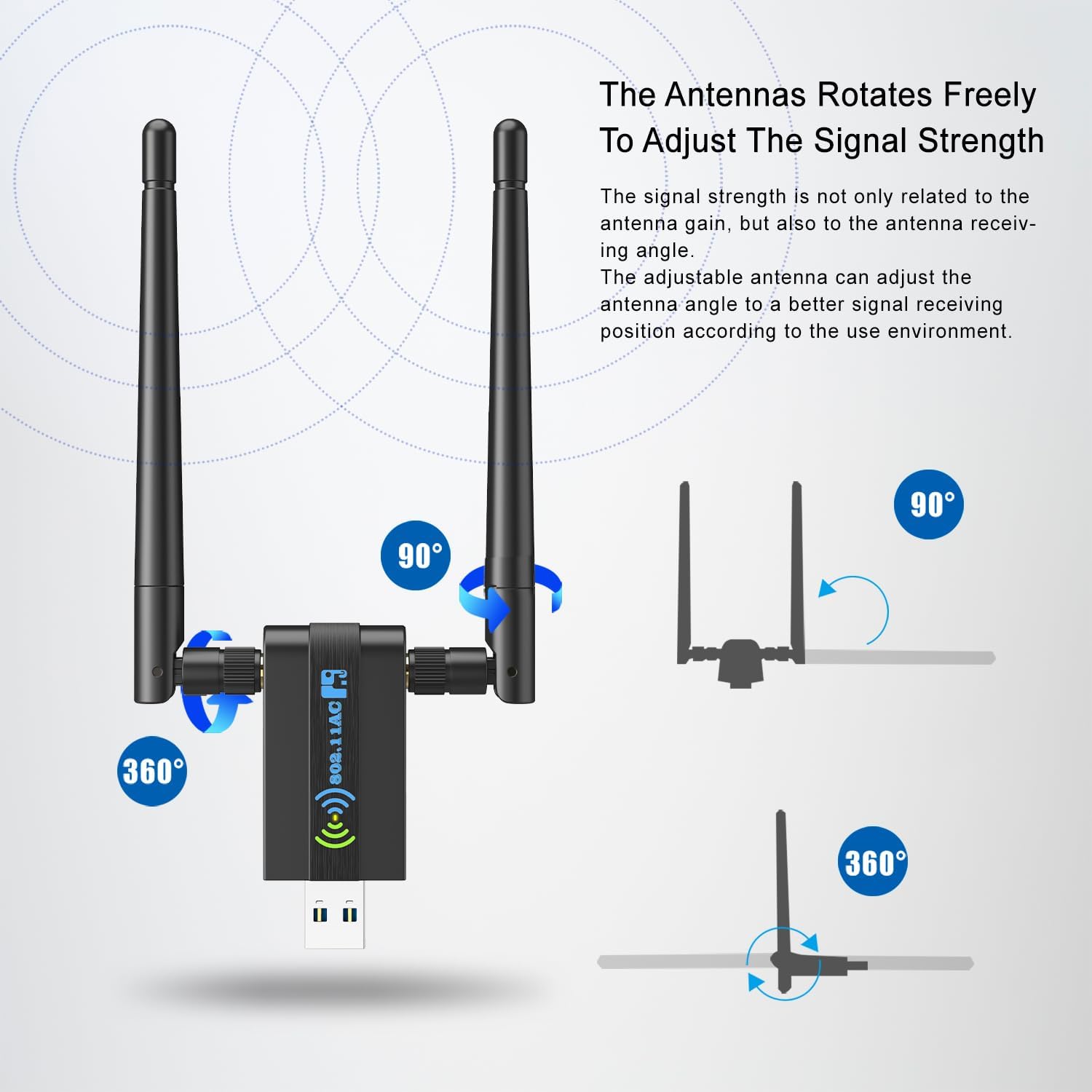
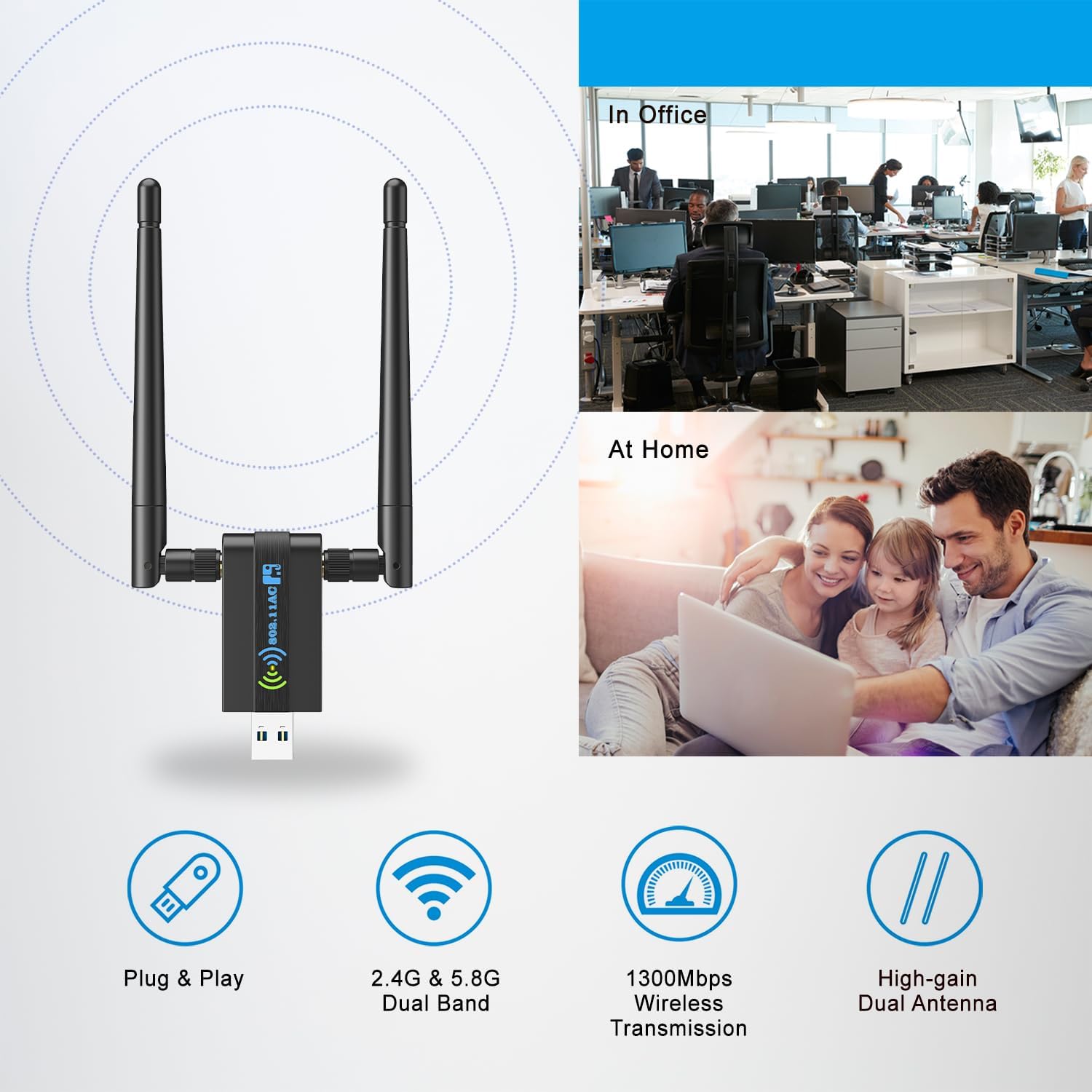
This Wireless USB WiFi Adapter delivers ultra-fast AC1300Mbps dual-band connectivity with 5dBi high-gain antennas and USB 3.0 speed. Designed for Windows PCs, it offers easy plug-and-play setup, MU-MIMO technology for multiple device support, and WPA3 security for robust network protection—ideal for professionals demanding reliable, high-performance wireless networking.

| ASIN | B093FT3H7L |
| Customer Reviews | 4.3 4.3 out of 5 stars (5,418) |
| Date First Available | May 10, 2021 |
| Item Weight | 1.76 ounces |
| Item model number | H108 |
| Manufacturer | Proudstar |
| Product Dimensions | 2.6 x 0.82 x 0.39 inches |
J**.
Simple and fast
In my day job, I'm an IT Guy, network admin, user support, the whole deal. I've been doing it for decades. So like the painter who's house always needs a fresh coat, or the carpenter who needs a new roof, the thing I want to do least in life when I'm home from work is to deal with my own PC/wireless network setup. I tend to run some older desktop units for my own and family use, which work just fine for our needs. But they don't have built in wireless cards. The CPU's run Win-10, but are over 10 years old. I needed a new USB wireless adapter and surfed on Amazon for the best, most economical unit for our own limited needs. I settled on this one... but I messed up and ordered two by mistake. Oops. Rather then cancel and start over, I decided to ride it out and see how they worked first. They arrived quickly. I plugged one in to my USB slot, entered the SSID for me wireless network, and it worked instantly. Plug and Play! Perfect! No driver downloads, no configs to wrestle with, no swearing.... Sweet. And it's fast. Much faster than my previously wireless adapter. So I think I'll keep the 2nd one as a spare. It'll be a simple, fast, efficient replacement/install if I ever need it. And it's not all that expensive to boot.
A**.
Simple and effective way to add WiFi to desktop
Other reviewers provided the very useful information that thin device does not actually have to have the drivers that come with it downloaded from the mini-CD shipped with the product. Windows 10 and 11 already have those drivers installed. This is great news for those just setting up a new PC. You should have Internet connectivity right from the start. I went ahead and installed the drivers anyway, thinking they might provide more setup features. Anyway, Microsoft did offer updates automatically, or you can go to Control Panel, Device Manager, Network Adapters, and see if there are updates available. The device works great, reliably. I use a USB extension cable to get the antenna in a more favorable location. In my setup, different floor from the WiFi router, I'm obtaining something from 220 Mb/s down and 320 Mb/s up, to as high as 340 Mb/s down and 400 Mb/s up, with 400/400 Mb/s FiOS. Good strong signal. Simple installation, fast, stable performance, never needed tech support, so I could not rate that aspect.
M**N
So far, so good.
I got this because the TV app I use kept buffering and losing the signal from my internet. My desktop is barely 6 months old and the speed on it is shameful too. This little gadget seems to be working rather well so far. I am definitely NOT techhy by any means, but got it set up pretty quickly. It is pretty much plug and play, but the directions are a little confusing. There are two little booklets that come with it and they seem to contradict one another, but follow the instructions in the one marked fast install guide first, it looks like the others are in case your computer doesn't pick up the drivers and you have to manually install them. And you have to install it on the USB port on the backside of the desktop, NOT the front ports. I didn't see this until after I'd been working on it a bit. My speeds on my desktop are again back to the level that I am paying for, and the TV app is running normally, no buffering or loss of signal. I wasn't sure about getting this, but after my experience, so far, I'm glad I did. I've only ad this about a week or so, if anything changes, I will update the review.
P**D
Savior
Easily connected to computer. I used it to set up a new computer as the integrated wi-fi and Lan connectors had to have drivers installed before it would be recognized. keeps running into errors as I had to bypass internet connection during setup. Plug this baby in, inserted my operating system drive, recognized instantly. I was able to sign into my Microsoft account and installation and updates were installed without hitch. I definitely recommend this product for setting up these new motherboards.
M**M
Worked on Ubuntu Linux for me without any driver installation!
Great adapter. It DOES work on Linux. I've used it plug-and-play on a Jetson Nano with Ubuntu 18.04 and one with Ubuntu 20.04 specially installed. Didn't have install any drivers for it to work. Not sure why it says it doesn't work on Linux
R**S
That was easy
Wanted wifi connection to my pc. Plugged into usb port, 5 seconds later had a good connection. No special setup or app, just plug in and it works. Works best with the blue USB 3.0 plugs on back of pc. Highly recommend, simplest solution.