We remain fully operational. Our teams are working around the clock to ensure your deliveries continue safely.

下载应用程序


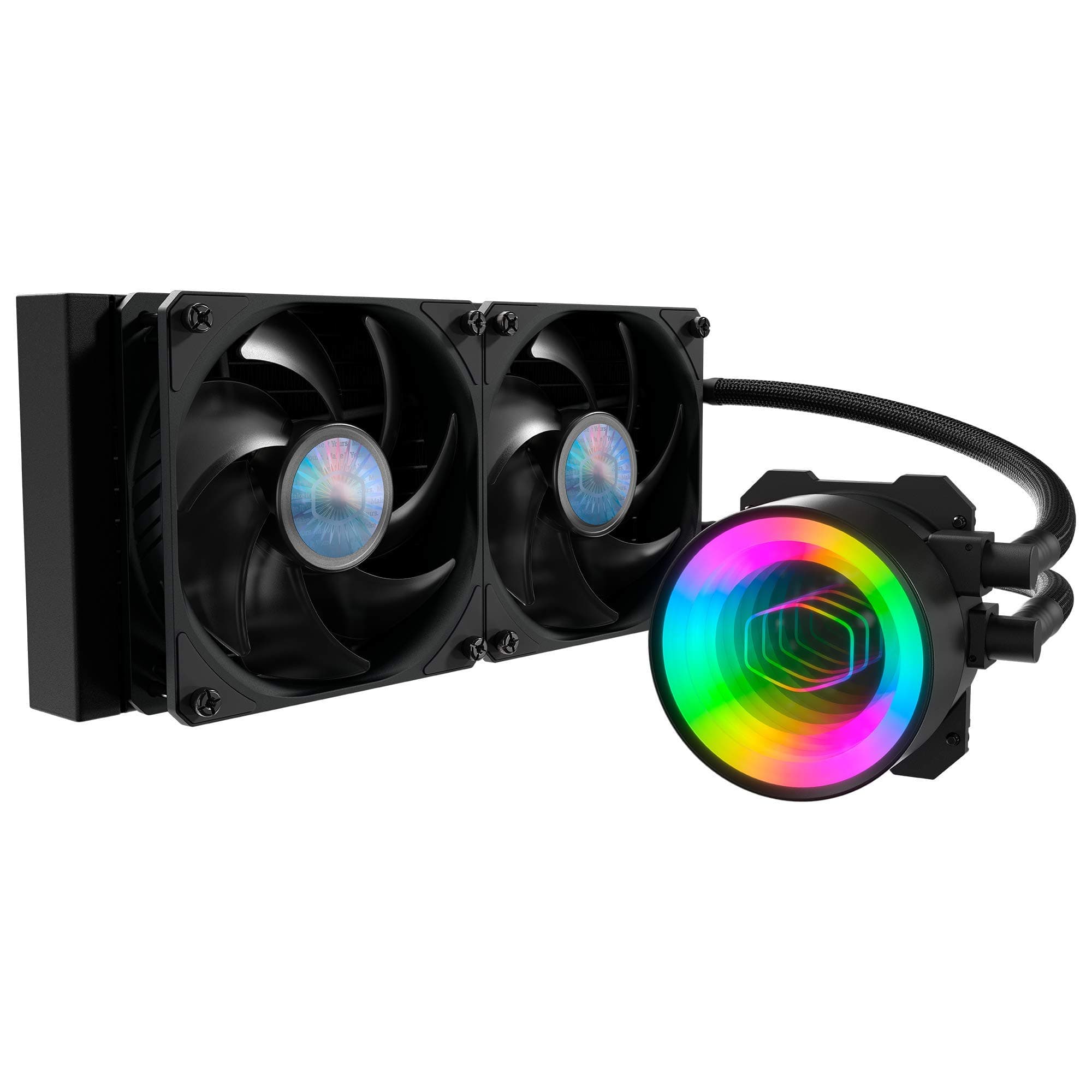





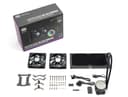

💻 Chill in Style: Elevate your gaming rig with the ultimate cooling companion!
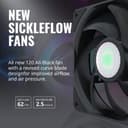
The Cooler Master MasterLiquid ML240 Mirror is a cutting-edge AIO CPU liquid cooler featuring a 3rd generation dual chamber pump for enhanced cooling efficiency, customizable ARGB lighting, and whisper-quiet SickleFlow 140 fans. Designed for compatibility with both AMD and Intel platforms, it boasts an industrial-grade seal for durability and leak prevention.


| ASIN | B08BVV2TKT |
| Brand Name | Cooler Master |
| Compatible Devices | Radiator |
| Customer Reviews | 4.4 4.4 out of 5 stars (341) |
| Item Dimensions L x W x H | 10.9"L x 4.7"W x 1.1"H |
| Item Weight | 1.36 Kilograms |
| Manufacturer | Cooler Master |
| Material Type | Aluminum |
| Maximum Rotational Speed | 1200 RPM |
| Noise Level | 27 Decibels |
| UPC | 884102079108 |
| Unit Count | 1.0 Count |
| Voltage | 12 Volts |
H**N
A great AIO!
Why does it feel like this particular line of AIOs from Cooler Master is being hidden? It's hard to find out they even exist, from PC PartPicker not listing them anywhere, to CM's own website not having them in an easily discoverable way. This is by far my favorite styling on any of the CoolerMaster AIO pumps; I really hope that they're phasing this design in rather than out. It might actually be my favorite aesthetic on any AIO pump period. minimal branding, a decently implemented infinity mirror, and very well diffused ARGB lighting without any weird pin-outs (for the record, 5v ARGB, 4-slot with 3 pins). I can confirm that it at least plays well with MSI's Mystic Light and ASUS's Aura Sync. The mounting is fine, I might even call it easy (very strong adhesive on the motherboard backplate, helps with getting the mounting standoffs). The thing is, the instructions are suuuuper confusing. Like, I know how to put these on, but I started out installing this by following the instructions and I got confused pretty quick. It's doable, but not the most beginner-friendly. Sidebar: I find that most of CoolerMaster's products suffer from confusing instructions and sometimes poorly thought-out and overengineered assemblies. This stands in contrast to, say, Noctua. Don't get me wrong, I love CoolerMaster's stuff in general. They generally have great features and quality for the price on almost everything they sell. But, IDK, better instructions please? Anyway, nothing much more to say. The stock fans are well built with dampened mounts. The motor noise is fine, but they do have a bit of resonance noise at certain RPMs (true of most fans other than high-end ones). The Pump Runs very quietly at a nice 1400 RPM, but at its max speed of 2500-ish, it has a fairly noticeable drone (again, nothing unusual). I never found it to make any high-pitched noises at any RPM, so that's good. The high-RPM noise was a mid-upper bass hum, and at low RPM the only noise is a light ticking sound that you'd have to one the case with all fans off to hear. Great cooler. Make more of this style please.
T**I
Excellent Cooling System
My computer ran too hot between 65 C and 70 C and when it would reach 70 C it would shut down. It would get to 56 moments after turning it on. I changed the paste added fan and made sure bottom wasn't on floor but up on a stand that allowed free flow of air through but nothing worked so I bought this cooling system. It was easy to install and there are videos to help with installation. Make sure you have a grounding bracelet as well. Also be sure the tubing flows DOWN to the pump if the radiator is below pump and tubing goes up it will not work well and the bubbles inside will cause a lot of noise and also wont cool down your CPU as much. If the radiator needs to be installed vertically, make sure tubing is on top flowing downward. If you follow those tips and watch the video that shows step by step how to install it you should have NO trouble. This is the first time i ever did any work on the hardware for my computer with no help and I did it no problem. My computer now runs between 34 to 50 MAX usage, and it is very quiet. Much more quiet than when the original CPU fan was on it. Anyone complaining about it being noisy has to have installed it incorrectly. This was the best investment I have made for my computer yet. I Highly recommend this.
L**D
Works Great and Looks Cool.
I have to front mount this cooler, as there isn't enough space on the top for 240 mm exhaust. Having said that, when front mounting I'd recommend putting the tank on the bottom. This prevents the pump from drying out and making those gurgling noises that sometimes accompany AIO coolers. Also, if front mounting, have the fans in a direction that pulls air into the case and have the fans in back push air out of the case to increase airflow. In this formation I'd also recommend putting the fans in front of the radiator so that they can push more air through it. The mirror effect on the actual pump is pretty cool too. That picture isn't out of focus, it has this great infinite mirror effect. Honestly, I don't do enough overclocking or hard CPU work to need this, I just wanted something that works and looks cool. I had some extra money to spend so I figured why not. It's always fun to add to a build. Using temperature monitoring software, the CPU never got above 59 degrees Celsius when running Cinebench. From what I've read that is in the safe zone, but I also am a novice at this whole thing.
A**R
Optimal AIO Cooler
The Cooler design interested me from the rest of the aio coolers just because of the mirror. I wanted to put the fans behind the radiator but figured it would work best in the front of the case. There was enough tube length to mount in an optimal way according gamers nexus. Also pretty darn quiet compared to the AMD stock cooler. Love it but I damaged the radiator threads so be very aware when screwing in the fans to the radiator. Maybe it was the case however the threads on the radiator are also extremely minimalistic. Also used 1 of the 2 included fans at the back. The box comes with and and Intel installation kits with thermal paste. As well as an rgb controller hat plugs in into your power supply.
A**Z
Muy buen aio, fácil de instalar, gran desempeño, silencioso, luce excelente y es bastante económico.
M**Z
Very quiet ! Work good with rgb fusion. Easy to set up in bios (pump speed)
R**O
Easy to install and works well. Shaved about 9 degs off my previous hsf. Instructions were clear too.
A**Z
Tiene muy buen estilo, es bonito visualmente y además es compatible con controladores de aRGB de otras marcas (en mi caso aerocool), además de que mantiene la temperatura de mi core i7 9700k siempre por debajo de los 30 grados, no es difícil de instalar aunque nunca es del todo fácil instalar este tipo de componentes.
K**K
Radiator came dented but overall still usable I suppose. The cooler works as expected bringing my R5 3600 using stock cooler from idle 60ºC to 40ºC and gaming from 85-90ºC down to 55-60ºC.