We remain fully operational. Our teams are working around the clock to ensure your deliveries continue safely.

下载应用程序


Buy anything from 5,000+ international stores. One checkout price. No surprise fees. Join 2M+ shoppers on Desertcart.
Desertcart purchases this item on your behalf and handles shipping, customs, and support to SINGAPORE.
✍️ Elevate your creativity on the go — where precision meets portability!
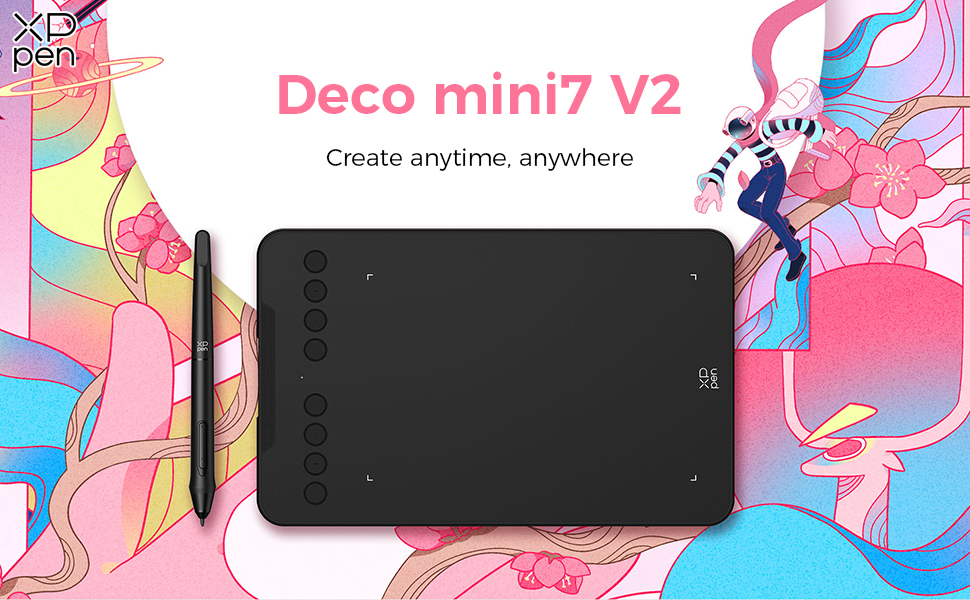
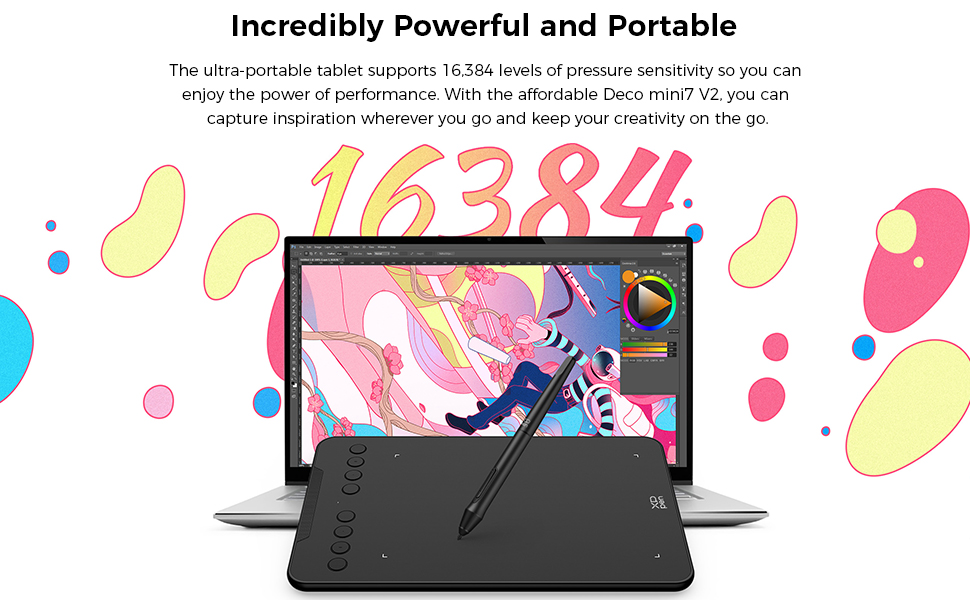
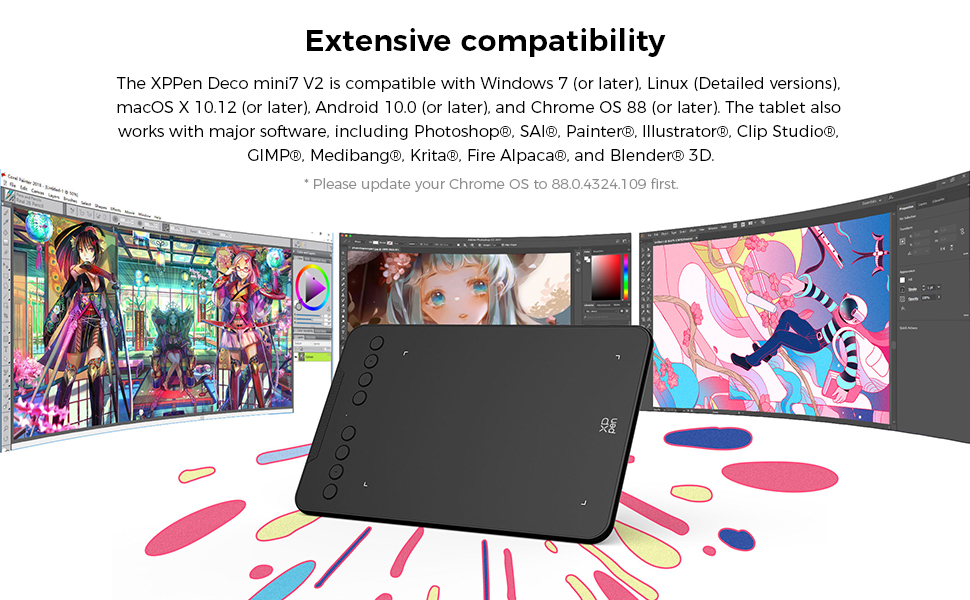
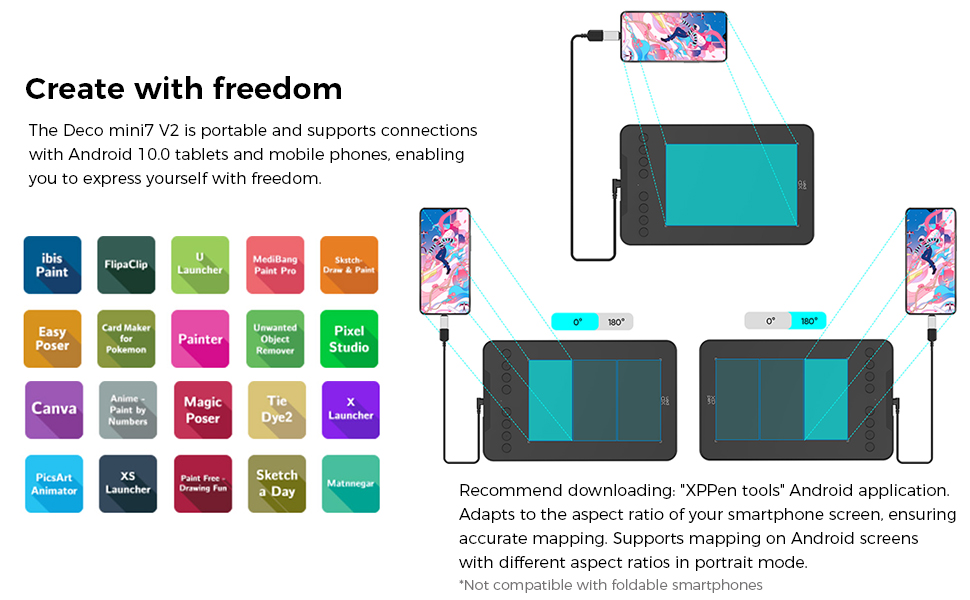
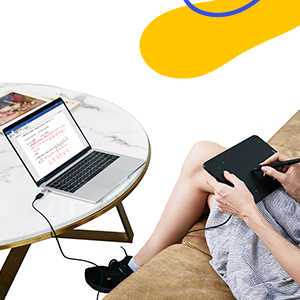
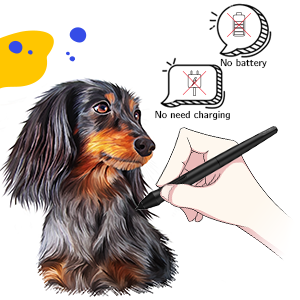
The XPPen Deco mini7 V2 is a portable 7-inch graphics tablet featuring 16,384 levels of pen pressure sensitivity and 60° tilt support. It includes 8 customizable shortcut keys and a battery-free stylus, compatible with Windows, Mac, Android, and popular creative software, making it an ideal tool for designers and digital artists seeking professional performance in a compact form.
| ASIN | B08CD4JSSP |
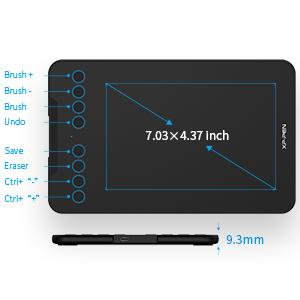
| Active Surface Area | 7 inches |
| Best Sellers Rank | 6,427 in Computers & Accessories ( See Top 100 in Computers & Accessories ) 20 in Graphic Tablets |
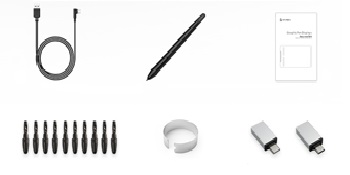
| Box Contents | Battery-Free Stylus, Pen-Clipper, 10x Pen Nibs, USB to USB-C Cable, USB to USB-C Adapter, USB to Micro USB Adapter, Quick Guide |
| Brand | XPPen |
| Brand Name | XPPen |
| Colour | Black |
| Compatible Devices | Desktop, Laptop, Smartphone, Tablet |
| Connectivity technology | USB |
| Country of Origin | China |
| Customer Reviews | 4.4 out of 5 stars 94 Reviews |
| Display Type | LCD |
| Item Dimensions L x W | 26L x 16.2W centimetres |
| Item Weight | 420 Grams |
| Manufacturer | XP-PEN |
| Model Name | Deco mini7 V2 |
| Model Number | XP_Deco mini7 |
| Model name | Deco mini7 V2 |
| Native Resolution | 5080 LPI |
| Network Connectivity Technology | USB |
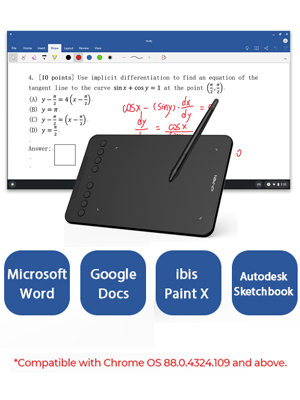
| Operating System | Android 10.0 (or later), Chrome OS 88 (or later), Linux (Detailed versions), Windows 7 (or later), macOS 10.12 (or later) |
| Operating system | Android 10.0 (or later), Chrome OS 88 (or later), Linux (Detailed versions), Windows 7 (or later), macOS 10.12 (or later) Operating system Android 10.0 (or later), Chrome OS 88 (or later), Linux (Detailed versions), Windows 7 (or later), macOS 10.12 (or later) See more |
| Pressure Sensitivity | 8192 Levels |
| Pressure sensitivity | 8192 Levels |
| Product Features | 16384 Levels Pressure Sensitivity, 60° Tilt Support, Shortcut Key |
| Product Warranty | 2 year manufacturer |
| Screen Size | 7 Inches |
| Special feature | 16384 Levels Pressure Sensitivity, 60° Tilt Support, Shortcut Key |
| Specific Uses For Product | Animation, Designing, Drawing |
| Target Audience | Creative Enthusiasts, Educators, Fresh Designers |
| UPC | 796391004306 |
| Unit Count | 1.0 Count |
S**T
Works well and it's a good size for small work spaces.
Great tablet, perfect for what I need when editing photos, using Photoshop and doing artwork, this is the second one I've had. I added the surface protector available from XPPen directly which helps keep the surface scratch free.
C**N
This product is unbelievable for the price
Tbh I never leave reviews on things but it would be criminal if I didn't say anything about this. It detects the pen before it even touches the screen which for this price I didn't expect and it is so smooth. Bare in mind I'm no professional yet (but look out) so idk the ins and outs, but for someone like me who loves drawing physical drawings, this has become my new obsession and I look forward to creating more drawings in the future. I suppose one negative is the fact that it's a bit small but I personally don't mind it as my desk has more room surrounding the tablet for my phone or a keyboard but I'd understand if it annoys others. My first drawing is seen in the picture, I know it's nothing crazy but for my first drawing it's been described as "very good" by my friends which was probably sarcasm but whatever. (I used the Krita drawing application with this drawing tablet)
A**U
Good for beginners
Good responsiveness. Customisation is a bit tricky.
D**N
Ideal if you're limited for space or going mobile
This is the 3rd XP-Pen tablet I've bought, along with a Deco 2 and Artist 15.6" Pro, and I've been impressed with all of them. I was a long time user of Wacom tablets but they're massively overpriced (a replacement pen cost me more than my Deco 2!) and the drivers have been unreliable and often needed restarting, so I gave XP-Pen a try and have never looked back. The Mini 7 is absolutely ideal if you're limited for desk space, as I am, or want to use it on the move. The active area is perfectly large enough to allow accurate drawing, the tilt function (which I wasn't expecting at this price) works well in software supporting it, and the buttons are easily customised on a per program basis. The tablet surface has a nice feel to it when drawing and the pen is pleasant to hold and use. XP-Pen also seem to have unified their drivers, meaning you can switch between tablets without having to uninstall one driver and install another, which is only really an issue if you're wanting to use more than one but it's nice to know it's possible. Build quality is good, it feels solid. The only criticism I would have is the lack of a case for the pen with this model. The others come with a very solid screw top case for the pen, which would have made more sense with the Mini 7 as it's arguably more suitable for portable use than the much larger tablets. Aside from that, a great little graphic tablet.
A**R
Art pc drawing pad
Good
Y**H
Very good
This works really good, I am very happy with my purchase it will take time to get used to it.
M**S
Very Happy With the Quality
I was tented to go with Wacom. More than happy with XP-Pen, great quality it does the job. No software, but I'm more than happy with what I can do for the price that I payed.
A**R
Bought to learn drawing
Bought this to learn drawing on the computer. It basically works like a mouse however the shortcut buttons make working in drawing apps super fast and easy. For a beginner this is perfect. You can use the software to adjust where it points to on the screen e.g to a canvas or the whole screen. Quality was good and the pen is easy to hold.
TrustPilot
1天前
2 个月前