Desert Online General Trading LLC
Dubai, United Arab Emirates
Desert Online General Trading LLC
Dubai, United Arab Emirates
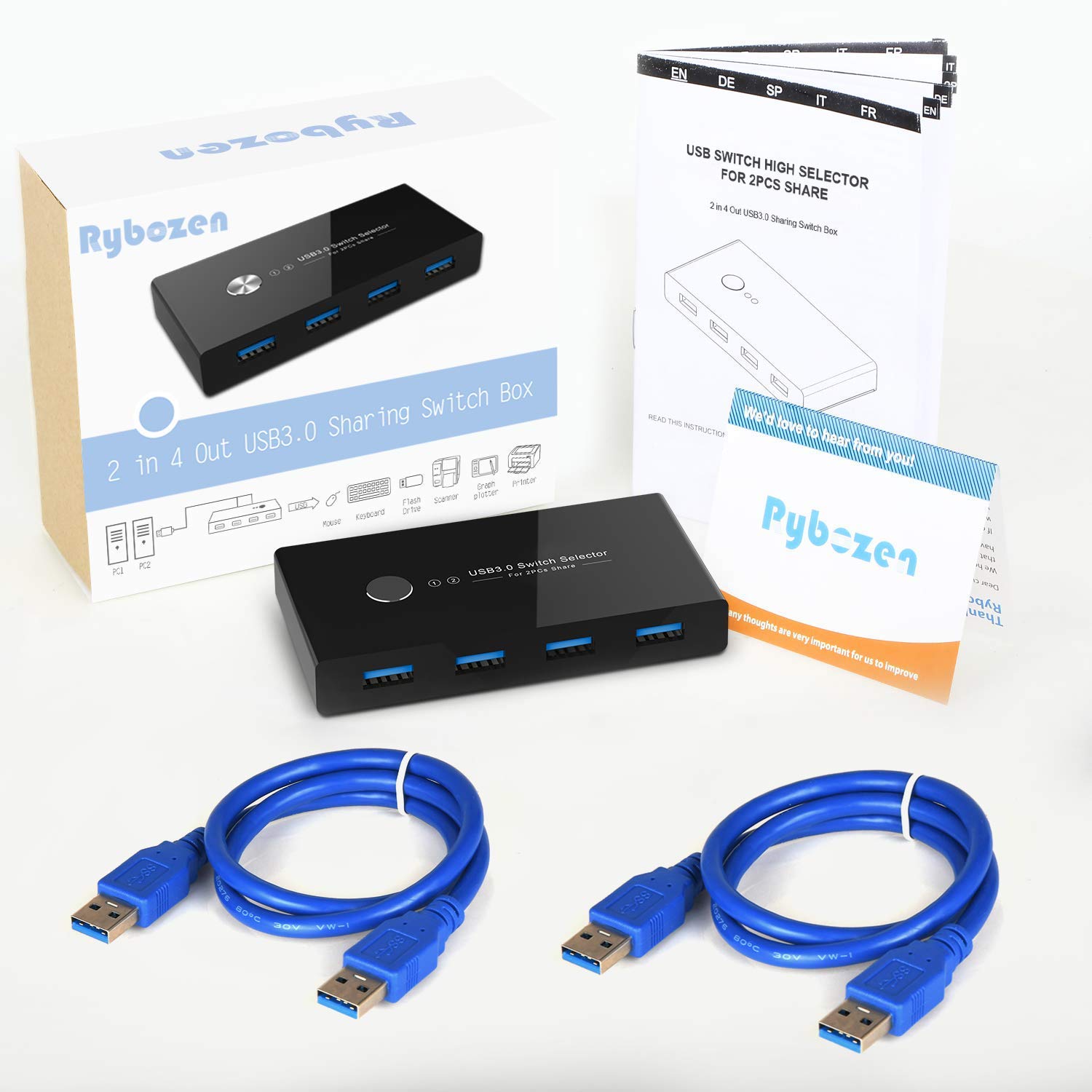
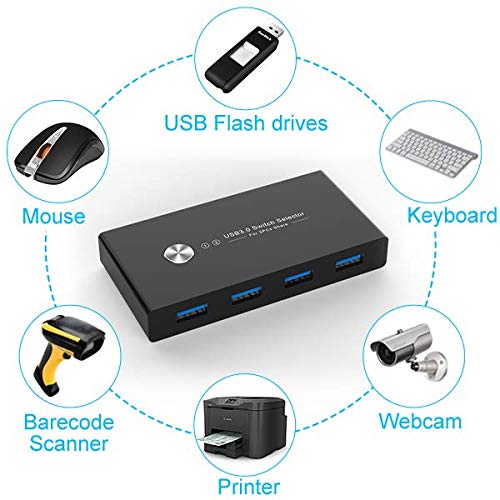
🔀 Share smarter, switch faster — your USB command center awaits!
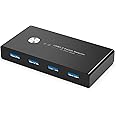
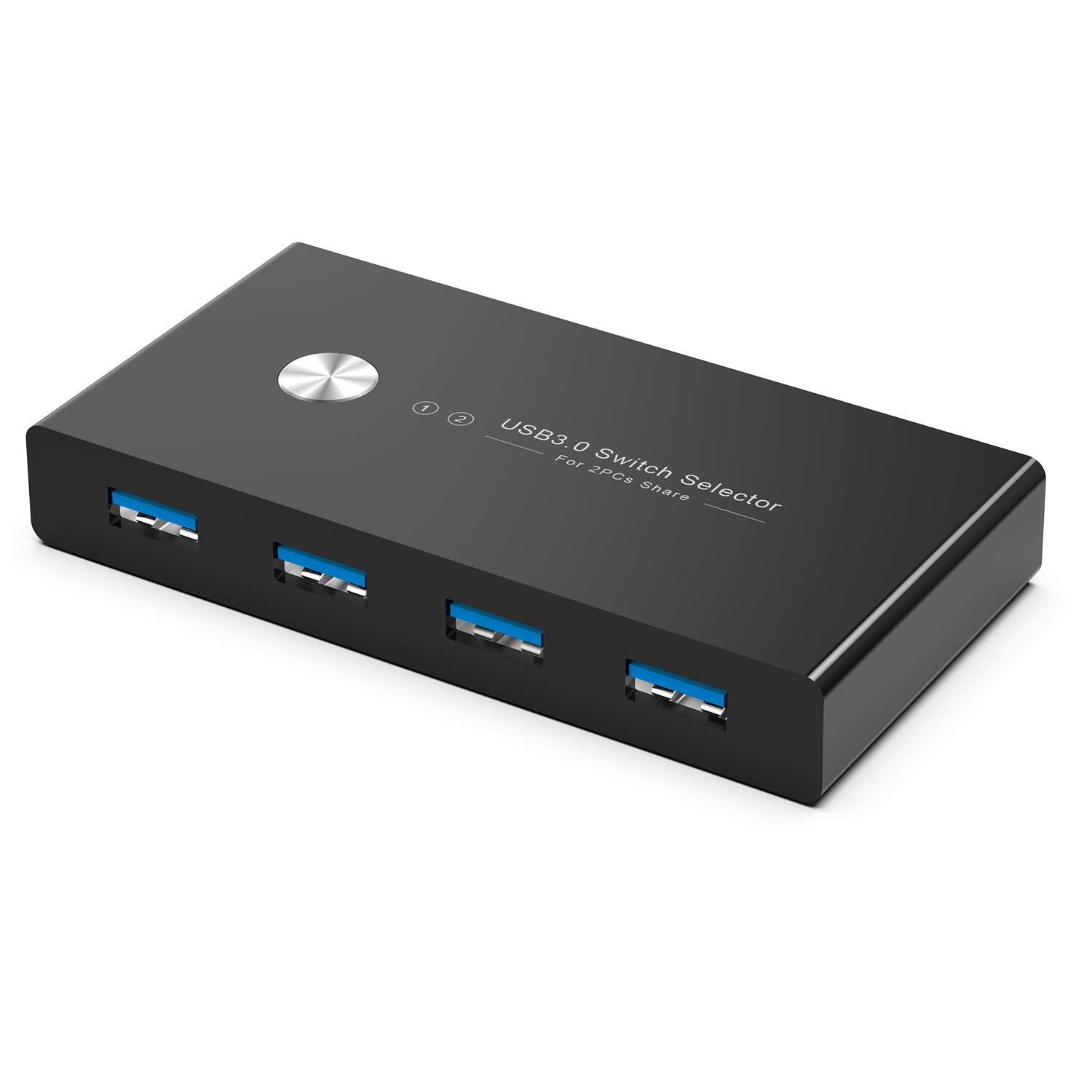
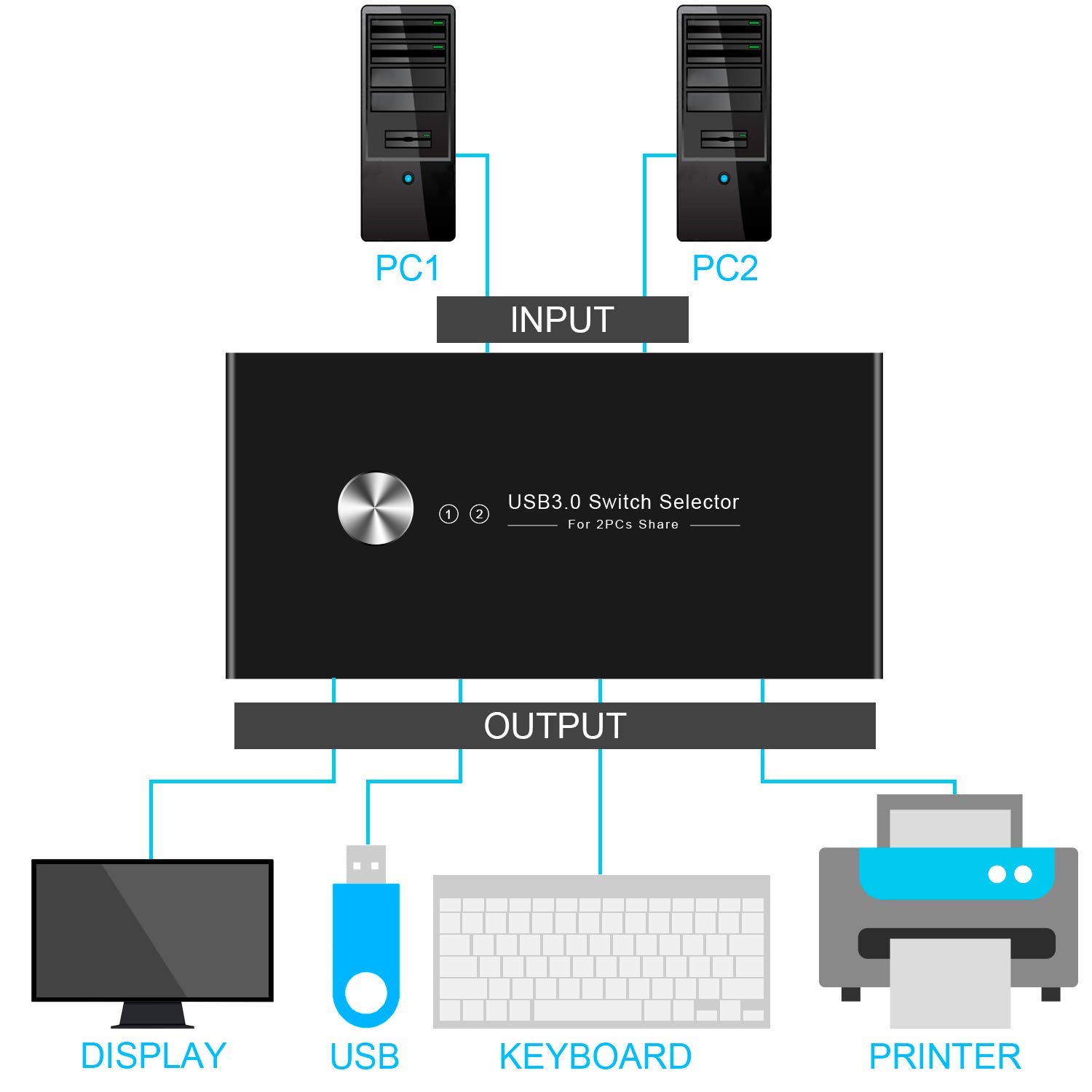
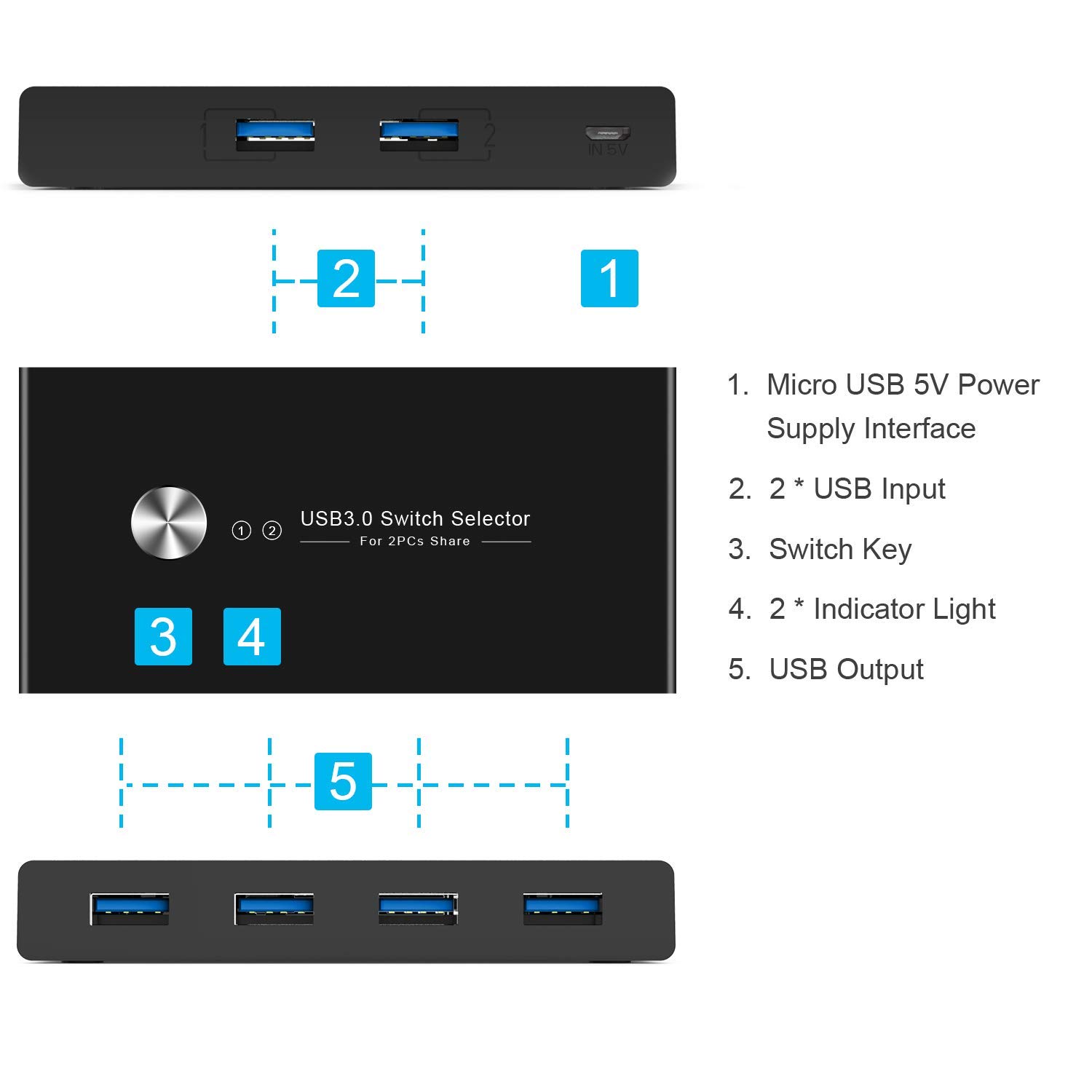
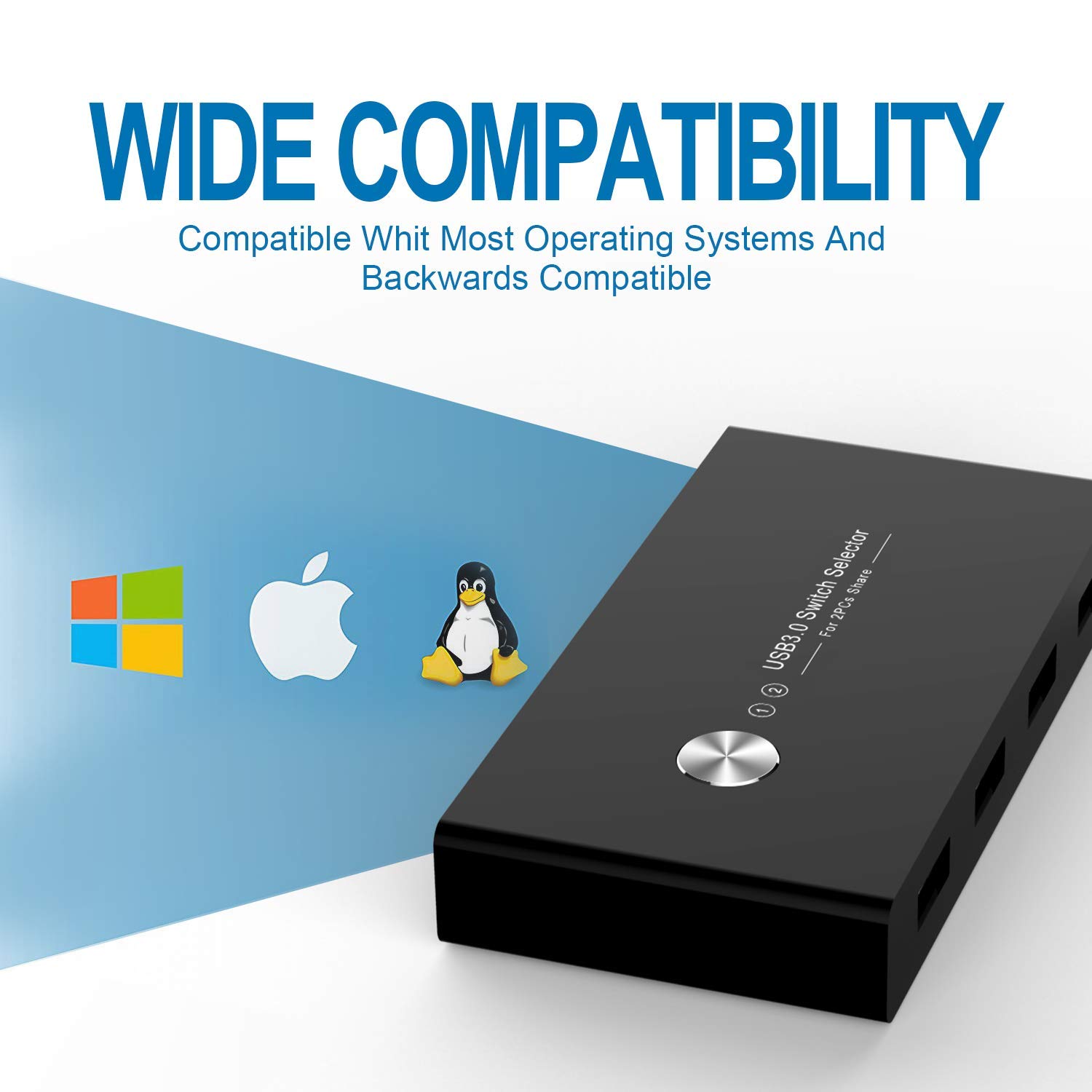
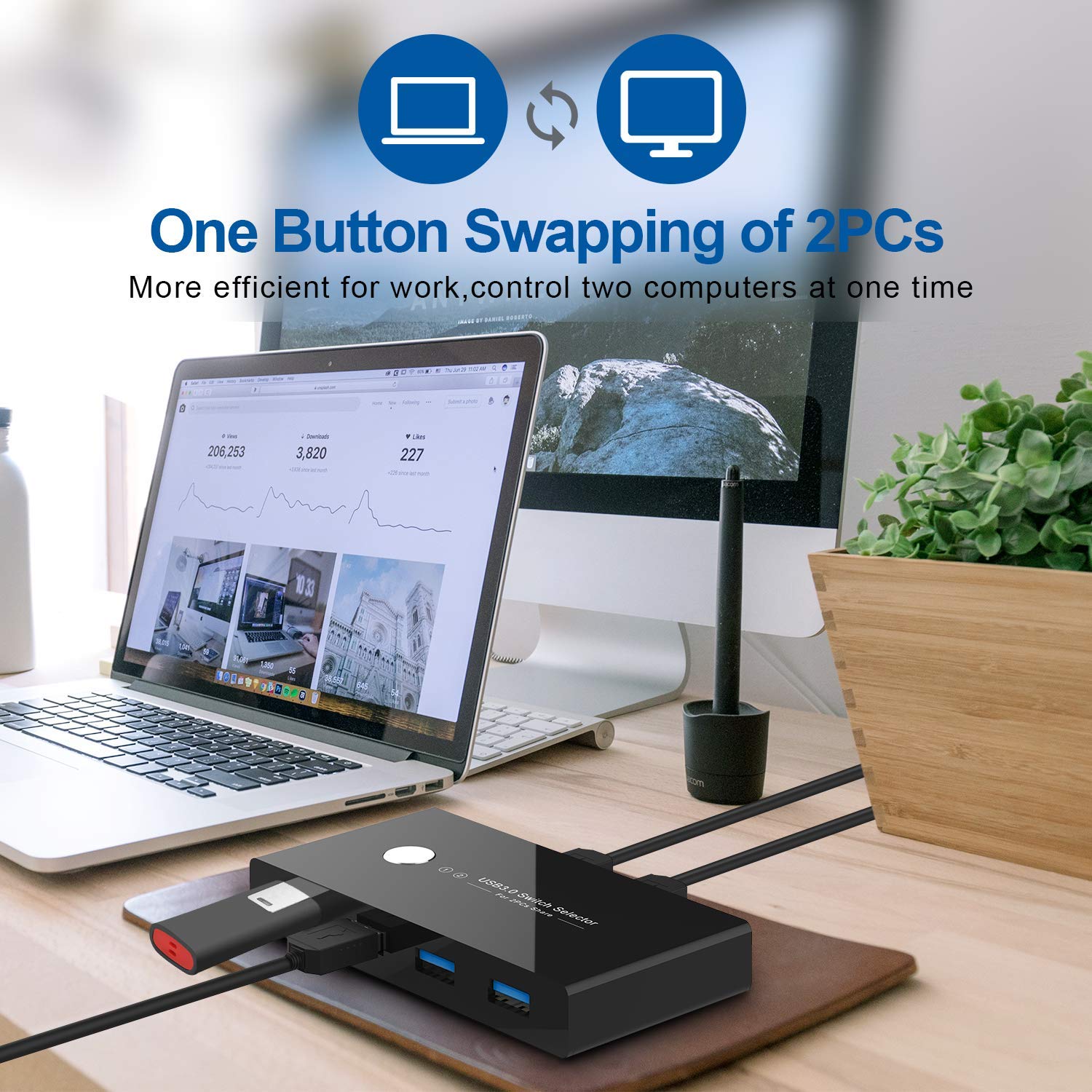
The Rybozen USB 3.0 Switch Selector lets professionals effortlessly share up to 4 USB devices between two computers with blazing 5 Gbps transfer speeds. Featuring one-button switching and LED indicators, it supports broad OS compatibility without drivers, optimizing workflow and eliminating cable clutter.


| Manufacturer | Rybozen |
| Part number | U309 |
| Item Weight | 60.3 g |
| Product Dimensions | 10.4 x 5.4 x 1.7 cm; 60.3 g |
| Item model number | U309 |
| Size | USB KVM |
| Colour | Black |
| Style | USB3.0 Switch |
| Shape | Rectangle |
| Wattage | 5 watts |
| Item Package Quantity | 1 |
| Light source | LED |
| Switch Type | 4-way |
| Included components | USB switch *1, USB 3.0 cables *2, Micro USB cable *1, Manual *1 |
| Batteries included? | No |
| Batteries Required? | No |
D**F
Cheap, cheerful, does the job.
Fantastic gadget. Since lockdown I've been working from home and needed a way to swap between two Microsoft Surfaces. One mine, one my work's. This does it effortlessly. A doddle to set up and control. 4 USB ports so I have keyboard, wireless mouse dongle, USB stick and external hard drive. One silver button swaps between 1 and 2 (discretely lit by a red LED, not glaring blue like my HDMI switch) and within a few seconds I have control of the other device. Then I press my HDMI switch and the monitor pops over too. Insanely happy for £20. Saves so much time swapping cables. The box is slightly rattly and on occasion if you move it, the USB connection does reacquire itself so maybe there's a dry joint but I've blu takked it to my monitor stand so it stays put. It'll do for me.
I**N
KVM for home working
I've been using the KVM for a week or two now. I've had no issues whatsoever with its operation. I have my screens, keyboard, mouse and camera connected, with no issues to report.The setup does take a bit of thought, especially getting the correct cables for screens, but once drawn on paper, it was quite easy in the end.The little cabled remote switch for the KVM itself means the actual device can reside out of sight, once connections have been made.All in all, good value.
M**N
Works like a charm but doesn't have the juice for my backlit keyvoard
Works like a charm allowing my to use my main desktop keyboard and mouse with my works laptop but doesn't have the juice to activate my backlit keyboard. RGB mouse works like a charm though. I've tried connecting a USB power connector to it but the backlight still doesn't come on. :( That's only why 4 stars, otherwise it's great!
S**Y
total junk don't buy
The media could not be loaded. This box is a useless piece of junk. It's tacky and plastic and cannot connect well between mac mini and my hp screen. I used their proprietary cables, my own high quality cables, 9 times out of 10 it jsut flickers and then disconnects. As the video shows it's useless. Wish I'd checked it before the return window closed because now I'm out 40 quid for two units.
J**1
Instant switching! Fantastic and just work.
If you're like me and you work from home from a work laptop but want to switch over to your PC in the evenings, then this is the device you want. I am sure theres loads of them on the martket but this specific device works exactly how I wanted it to. There is no software, nothing, you plug it all up and boom, you're done.The only gripe I would say is that when you have a lot of devices plugged in, the device can lift off the ground. This happened to me due to the thick cable of my keyboard but it's mitigated by shifting it around.If you want a device that INSTANTLY swaps the USB from one device to another, this is it.
A**H
It has some issues
Got this because working from home I needed a way to switch my mouse and keyboard between my personal desktop and my work laptop. For the most part it functions. It's simple enough to set up. One USB between one device and the hub, and the other between the other.In practice though, I've found this to be finicky. The USB cables supplied are either of bad quality or were faulty, but the slightest touch of the cable would cause the devices to momentarily disconnect, or keep disconnecting. Sometimes at random. Which is a shame because I'd prefer that to a conventional KVM since it allows the monitors and the devices to stay independent, but eventually this got to be such a pain that I swapped out for the inbuilt KVM in my display. I think part of this might be due to it also using a USB-A to USB-A cable, one that isn't exactly USB spec conforming since it allows you to plug two hosts directly into each other and cause power issues. Proper switches use a USB-A to a USB-B, not sure why it wasn't done here. Cheapness I'm assuming.The USB uses micro-B as an additional power source, not strictly needed if the thing got constant power from devices.So while it fulfilled a need for a time, not perfectly, it today now sits disconnected and replaced by a more reliable solution.
I**R
Malfunctioning after 9 months
The product worked well for some time but lately has become unstable. It is constantly disconnecting and I am getting error messages that the device is malfunctioning. If I try different usb cables or usb ports, it does not change the issues I am experiencing.I have noticed that the product description stated a 3 year warranty is in place for this product, and so I have contacted the company and requested for a replacement.Hopefully this can be resolved - I will change my review when this issue is fixed.
G**5
Works perfectly and now my work area is much neater. Good product. Recommended.
Perfect. Exactly what I was looking for my setup as I only use either laptop or PC. A Single monitor with 2 ports, vga and digital, are connected to PC and laptop. Connect supplied usb cables from the switch (2 port ends) to computers. Connect keyboard and mouse usb cables to any of the 4 ports on the switch. Switch one of your computer on, that's it. You may need to press the switch button if keyboard is not recognised. On success I replaced the wired keyboard and mouse with wireless one - by connecting the wireless transmitter to the switch. That worked perfectly too and now my work area is much neater. Good product. Recommended.