We remain fully operational. Our teams are working around the clock to ensure your deliveries continue safely.

下载应用程序


Buy anything from 5,000+ international stores. One checkout price. No surprise fees. Join 2M+ shoppers on Desertcart.
Desertcart purchases this item on your behalf and handles shipping, customs, and support to SINGAPORE.
💾 Power your productivity with storage that keeps up!
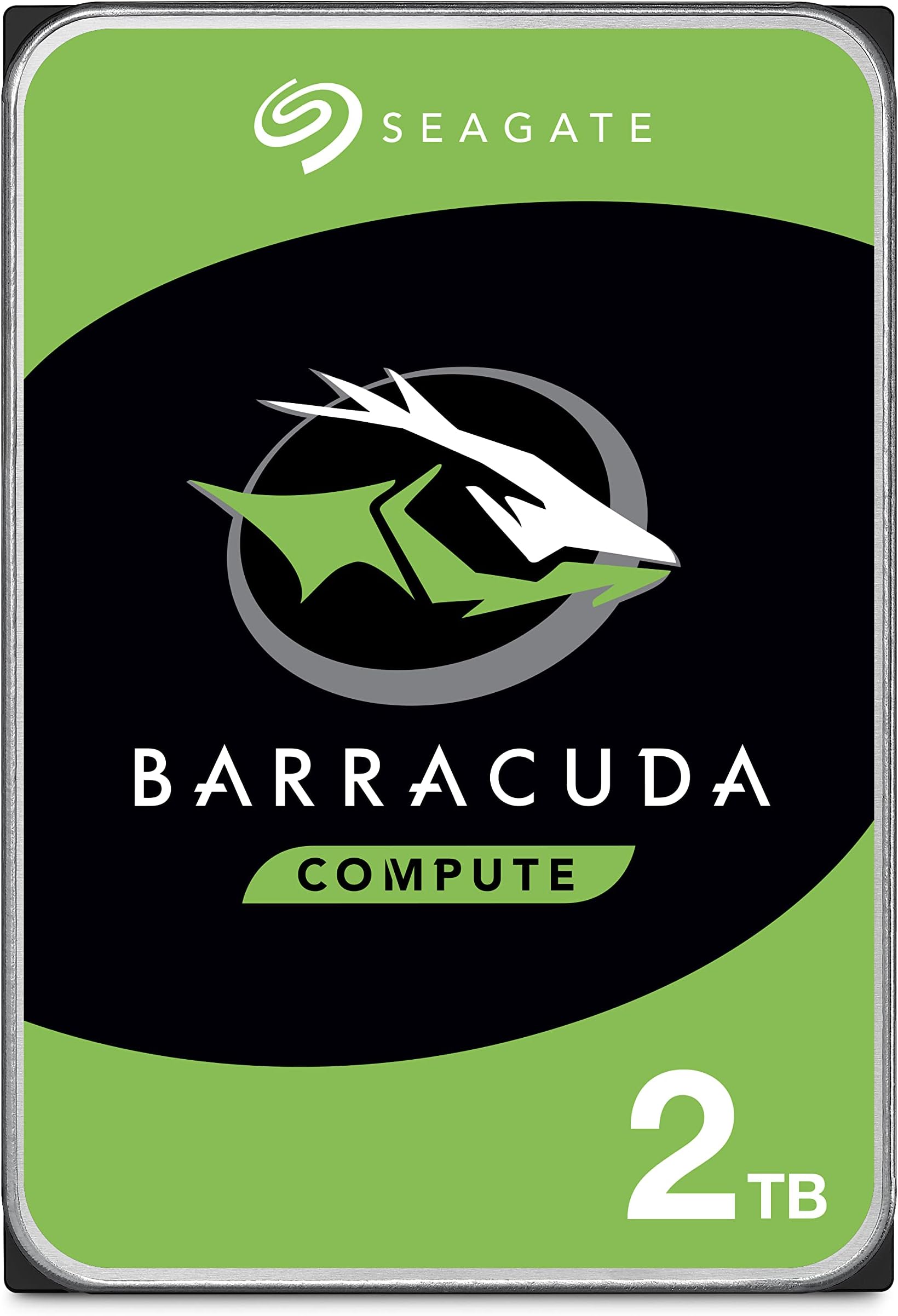
The Seagate BarraCuda 2TB Internal Hard Drive is a high-performance 3.5-inch SATA HDD featuring a 7200 RPM spindle speed and a 256MB cache, delivering fast and reliable storage ideal for professionals handling large files. With SATA 6Gb/s connectivity and two decades of Seagate innovation, it offers dependable capacity and speed for gaming, content creation, and everyday computing needs.


| ASIN | B07H2RR55Q |
| Additional Features | Portable |
| Best Sellers Rank | #2 in Internal Hard Drives #19 in Computer Internal Components |
| Brand | Seagate |
| Built-In Media | BarraCuda® 2TB SATA |
| Cache Memory Installed Size | 256 |
| Color | PC |
| Compatible Devices | PC |
| Connectivity Technology | SATA |
| Customer Package Type | Standard Packaging |
| Customer Reviews | 4.7 out of 5 stars 104,242 Reviews |
| Data Transfer Rate | 220 Megabits Per Second |
| Digital Storage Capacity | 2 TB |
| Enclosure Material | Aluminum, Glass, Or Ceramic |
| Form Factor | 3.5-inch |
| Global Trade Identification Number | 00763649129081 |
| Hard Disk Description | Mechanical Hard Disk |
| Hard Disk Form Factor | 3.5 Inches |
| Hard Disk Interface | Serial ATA |
| Hard Disk Rotational Speed | 7200 RPM |
| Hard-Drive Size | 2 TB |
| Hardware Connectivity | SATA 6.0 Gb/s |
| Installation Type | Internal Hard Drive |
| Item Dimensions L x W x Thickness | 3.95"L x 2.75"W x 0.28"Th |
| Item Type Name | Seagate BarraCuda Internal Hard Drive 2TB SATA 6Gb/s 256MB Cache 3.5-Inch - Frustration Free Packaging (ST2000DMZ08) |
| Item Weight | 15.84 ounces |
| Manufacturer | Seagate Bare Drives |
| Media Speed | 1 |
| Model Name | BarraCuda |
| Model Number | ST2000DMZ08 |
| Number of Items | 1 |
| Read Speed | 220 Megabytes Per Second |
| Special Feature | Portable |
| Specific Uses For Product | Personal |
| UPC | 763649129081 |
| Unit Count | 1.0 Count |
| Warranty Description | 2-year limited |
I**S
Perfect for combining multiple hard drives of data.
The Seagate ST8000DM008 BarraCuda 8TB is a standard 3.5-inch internal hard drive designed for mass storage needs in desktop computers. In this unbiased review, we will assess its various aspects to provide a comprehensive overview. **Storage Capacity (4/5):** With a whopping 8TB of storage space, the BarraCuda offers an abundance of room to store your files, games, and media. It's an excellent choice for users who require extensive storage for large media libraries, backups, or extensive data. **Performance (3/5):** The BarraCuda 8TB is primarily designed for storage purposes, so it's not as fast as SSDs or high-performance hard drives. It operates at 5400 RPM, which is a bit slower compared to 7200 RPM drives. While it provides decent performance for sequential data transfers, it may not be the best choice for tasks that demand quick access times or frequent data retrieval. **Reliability (4/5):** Seagate, as a well-established manufacturer, has a history of producing reliable storage devices. The BarraCuda series is known for its durability and dependability. However, like all mechanical hard drives, it is subject to wear and tear over time, and there is always a risk of failure. It's advisable to have proper backups in place when using any mechanical drive for important data. **Noise Levels (3.5/5):** The BarraCuda 8TB is relatively quiet during regular operation but can produce some noise, especially when accessing data. This may not be an issue in a desktop setup but could be noticeable in a quiet environment. **Installation (4/5):** Installing the BarraCuda is a straightforward process. It utilizes the standard 3.5-inch form factor, making it compatible with most desktop systems. Users with basic knowledge of PC hardware should have no trouble fitting it into their setup. **Value (3.5/5):** In terms of cost per gigabyte, the BarraCuda 8TB offers a reasonably good value, especially for users who require a large amount of storage space. However, it's important to remember that the price of SSDs has been steadily decreasing, and if you value performance and responsiveness, you might consider investing in a smaller SSD for your primary storage and supplementing it with a secondary HDD like the BarraCuda for mass storage. **Conclusion:** The Seagate ST8000DM008 BarraCuda 8TB is a capacious internal hard drive, well-suited for users with substantial storage needs, such as media enthusiasts, content creators, or those who require extensive backups. It offers reliability, straightforward installation, and decent value in terms of storage capacity. However, it is not the fastest drive on the market, and its performance may not meet the expectations of users who prioritize speed and responsiveness. Consider your specific storage requirements and performance expectations before deciding if the BarraCuda 8TB is the right choice for your computing needs.
M**C
great bulk storage drive no complaints
Needed a big drive for a media server and this was the obvious pick at this price point, 8 terabytes for that cost is honestly kind of wild. It's been quiet and totally reliable, shows up fine in the OS, and transfers at the speeds you'd expect from a 5400 RPM drive. If you're not looking for SSD performance and just want a ton of space that works this is exactly what you want.
S**N
Unleash Massive Storage and Reliable Performance!
The Seagate BarraCuda ST8000DM008 is an exceptional 8TB internal hard drive that combines massive storage capacity with reliable performance, making it an ideal solution for all my data storage needs. With its 3.5-inch form factor, SATA 6Gb/s interface, and impressive RPM and cache size, this hard drive has far exceeded my expectations, providing ample space for my files and ensuring fast and consistent data access. The standout feature of the Seagate BarraCuda ST8000DM008 is its generous 8TB storage capacity. This colossal amount of space allows me to store a vast collection of data, including games, multimedia, photos, and important documents, without worrying about running out of storage. The SATA 6Gb/s interface ensures rapid data transfer rates, providing quick access to my files and minimizing load times for applications and games. With a 5400 RPM rotational speed and a spacious 256MB cache, the BarraCuda ST8000DM008 delivers reliable performance and smooth data access. This makes it a dependable choice for everyday computing tasks, media streaming, and storing large files. The 3.5-inch form factor makes it compatible with most desktop computer configurations, ensuring easy installation and integration into my existing system. Seagate's BarraCuda series is well-known for its durability and performance, and the ST8000DM008 upholds that reputation. This hard drive is built with high-quality components, ensuring reliability and longevity. The BarraCuda ST8000DM008 also benefits from Seagate's advanced management features, such as AcuTrac technology and SeaTools diagnostic software, which further enhance its performance and ensure data integrity. In conclusion, the Seagate BarraCuda ST8000DM008 8TB internal hard drive is a stellar choice for massive data storage and reliable performance. Its 8TB capacity, SATA 6Gb/s interface, and 5400 RPM speed make it an outstanding option for storing a vast amount of data and ensuring quick data access. If you're looking for a dependable and high-capacity storage solution for your desktop, the Seagate BarraCuda ST8000DM008 is the perfect choice. I highly recommend this hard drive for its outstanding performance and the peace of mind it brings to my data storage needs!
M**E
Great brand, great storage.
4tb storage at a decent price (when i got it at least). Nice and quiet. Not much to say about mechanical drives, they just work. I'm pleased with it.
E**S
Good Bulk Storage Drive, But Not for Speed-Demanding Tasks
Good Bulk Storage Drive, But Not for Speed-Demanding Tasks The Seagate BarraCuda 4TB is a solid, budget-friendly option if you need a lot of space in a desktop PC. I’ve used several of these drives over the years, mainly for mass storage of media files, backups, and general data. At this price point, you get reliable capacity without breaking the bank. Installation is straightforward—it’s a standard 3.5" SATA drive, so as long as your case has a bay and your PSU has a SATA power connector, you’re set. Seagate’s DiscWizard software also makes cloning an old drive onto this one relatively painless if you’re upgrading. Performance is what you’d expect from a 5400 RPM HDD: perfectly fine for general storage, but not ideal for heavy workloads like video editing, running games directly, or OS installs. You’ll notice slower load times compared to SSDs or even 7200 RPM drives. Still, with a large 256MB cache, it handles streaming media and bulk file transfers decently. Reliability has been good in my experience. I’ve had these run 24/7 in desktops and home servers for years without failure, though like any mechanical drive, they can be hit-or-miss—so pairing them with a backup strategy is important. Bottom line: A dependable, high-capacity storage drive at a fair price. Best suited for bulk storage, backups, and media libraries—not as a primary drive for speed-intensive tasks.
C**G
Second Purchase
NEWS FLASH! Any drive you buy from any manufacture will never be the full advertised size! This is normal! 2TB drive will be 1.81TB in reality. I see so many reviews complaining their drive isn't the full amount advertised. ITS BEEN LIKE THIS FOR YEARS!! They round up. So set your expectations that you will never get the full advertised amount! This is the second 2TB Seagate drive I bought. First one years ago and its still working fine. I mostly use for storage + media server (I know I should use NAS). Previous price was $54.99 and now its $71.99 so I bought before the price goes up even more since tech companies in 2025/2026 has the new motto of screw the consumer its all about AI companies. Windows 11 had a hard time finding this drive (using a USB dock) It refused to show up in Disk Manager and Device Manager but it was viewable using DISKPART in command prompt (google or chatGPT if you have this issue chances are its not DOA or anything wrong, blame Microsoft). I was able to give it a volume label and format it there then it shows up (makes me wonder how many bad reviews have been posted stating it was DOA when it wasn't) Ive done a 45gb transfer test as well as CrystalDiskMark tests (screenshots attached). I for some reason was expecting the write speeds to be half of what they were so pleasant surprise. Guess its good to set expectations low haha. So both old and new drive seem to be good to go, if something changes I will update my review.
S**E
Large capacity in a good price. Should last for another 7-10 years.
In short: I’m an IT guy and I find this drive highly recommended for local storage at home. I have many Barracuda Seagate disks of an old models and very happy with their performance and durability and they serve me for years… If you don’t like the idea of storing your precious data in the cloud (safe and sound as it may seem) then managing a local storage is the way to go. And these Barracuda Segate 4TB drives are great for that purpose as they have enough capacity for most users while their price tag is affordable. Keep in mind that having local disks require maintenance, and that hard drives do fail when they wear out – it’s not IF they fail but more of WHEN, as they all die eventually; even the enterprise level ones. So if you consider the route of a local storage \ backup server then you’d better make a backup plan in advanced for redundancy – if you only need 1 drive for your data then buy 2 drives. If you need 2 drives then go with 4. And so on… The rule is to always have an exact copy of your data in 2 separate (physical) places, either by manual copying between disks, or for the advanced users between us to setting up a RAID 1 array for automatic clone (mirror) of one disk to the other; even if it costs somewhat more (if not doubled) at first, in the long run when one of your precious disks fail you’d be very happy that you had a backup. So besides of the loss of the actual disk, your data is safe and sound since it is stored on the second disk you aimed in advanced for this very scenario. And in such scenario it’s a good time to go shopping right away for a new drive to replace the one that failed, since you no longer have redundancy once one had failed. And when it arrives don’t challenge your fate and waste time - go ahead and copy all your data from the backup drive to it to have redundancy once again. My own story and experience: I have many Barracuda Seagate disks. About 10 actually. From my experience with mechanical drives and with Seagate brand in particular is that they *last for about 7-10 years. And when we speak on mechanical hard drives it's quite good. I had an old Seagate disk I stored data on, which was about 7-10 years old, and it failed about 2 weeks ago. I'm very glad that I spent some extra when I bought it and purchased a second one to serve me as a backup. So besides of the actual disk that died I didn't lose any data. This one came to replace it and I’m writing this review while it copies my data from the backup drive. I trust that it will give me another 7-10 years of quiet before it fails too. I'd recommend to check your disks health every now and then and to pay attention for any "clicking" sound from your computer case - even after my rich experience as an IT guy I fell for that very scenario because I was too busy to open my computer case and check where the clicking sound had come from, and thought that it's just from a dying fan... If I was paying more attention and take responsibility I'd probably replaced the disk before it finally died. There are many free tools out there that you can use to check your drives health and to let you know in advanced when a disk shows bad signs and needs a replacement. I'm using CrystalDiskInfo and I set it to launch at startup. So every time I restart my machine it pops-up and shows the actual disks health. *Hard drives will last depending on the user's usage. If you're only storing files on them for accessing later then they will more likely last longer. On the other hand if it's your "scratch disk" for video editing or you create and delete huge amount of data on it on a daily basis and the drive is under a heavy load then it may last less. It also depends on the environment the hard drive is located and the airflow in your computer case. Here are some tips as an IT guy: carefully clean your computer case interior from dust with air spray cans or oil-free dental compressor every 3-4 months. Make sure all fans in your case are working correctly – ventilated computer case will make your entire system and disks to last longer and to perform better; computers don’t like heat. Don’t keep computers in cabinets that have no airflow from the front and back. Don’t force shutdown your computer by holding the power switch unless it’s your last result (if let’s say it hanged or crashed). If you take these tips into consideration then your hard drives will last longer.
Z**A
Great 4TB HD fir price and performance as a storage drive!
Awesome deal, I have seen write speeds im real world transfer of large groups of files in the 170 range while transferring from internal small (like laptop) hard drives to this one. I expected to see the same from my SSD while transferring to this but most often I'm seeing around 75 max with 35 constantly. Although not the fastest it should last a while. I'm still using a 20 year old Samsung HD with a win7 64 os installed as storage and a back up is in case I have a snag with my win 10 on the SSD.
TrustPilot
2 周前
1 个月前